New article
Recently updated
Generating monitor tabulated data reports

Who is this article for?
User wanting to created a tabulated data report.
No special access or permissions are required.
This article walks you through generating and exporting tabulated data reports.
Generating a tabulated data report
To generate a report:
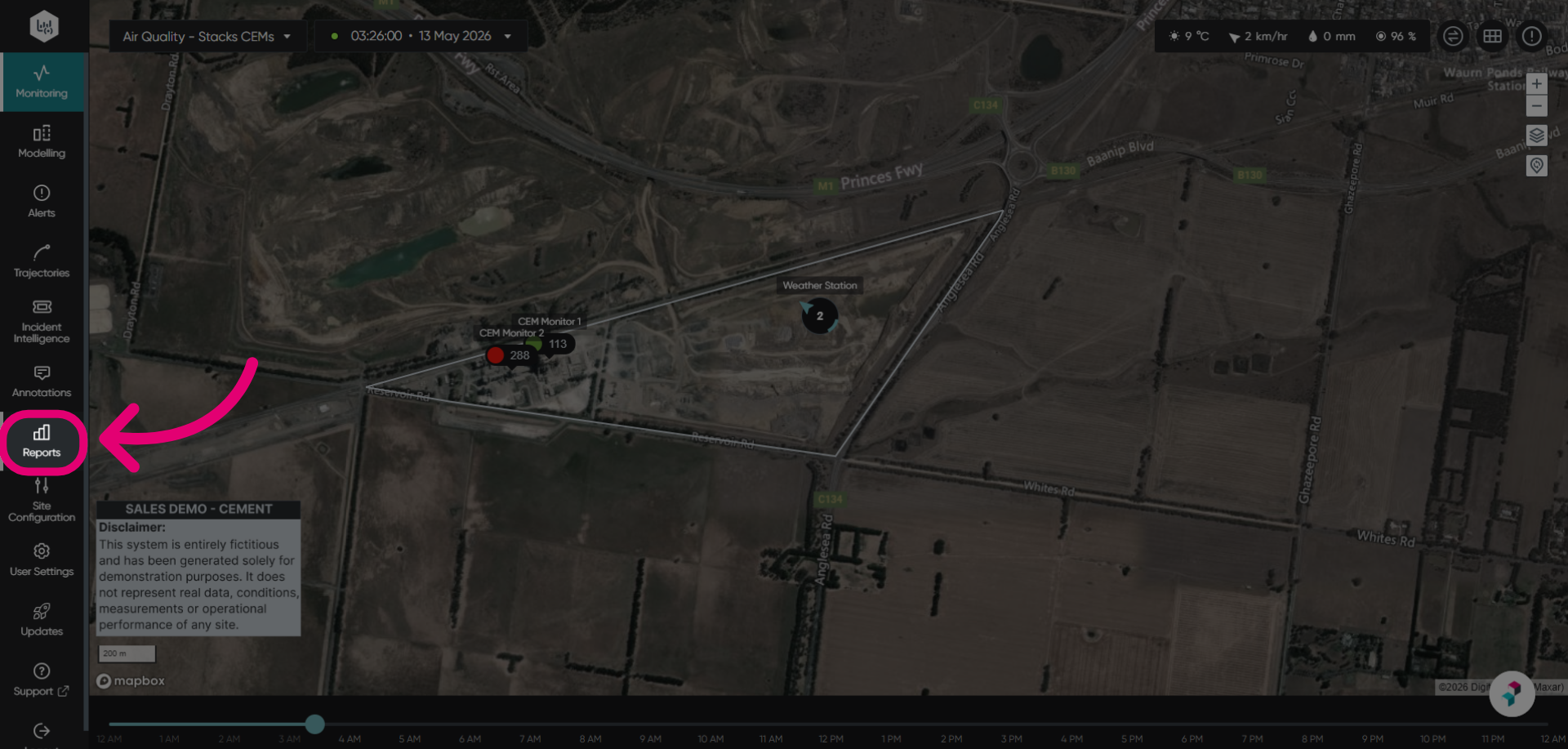
- Access the Reports module.
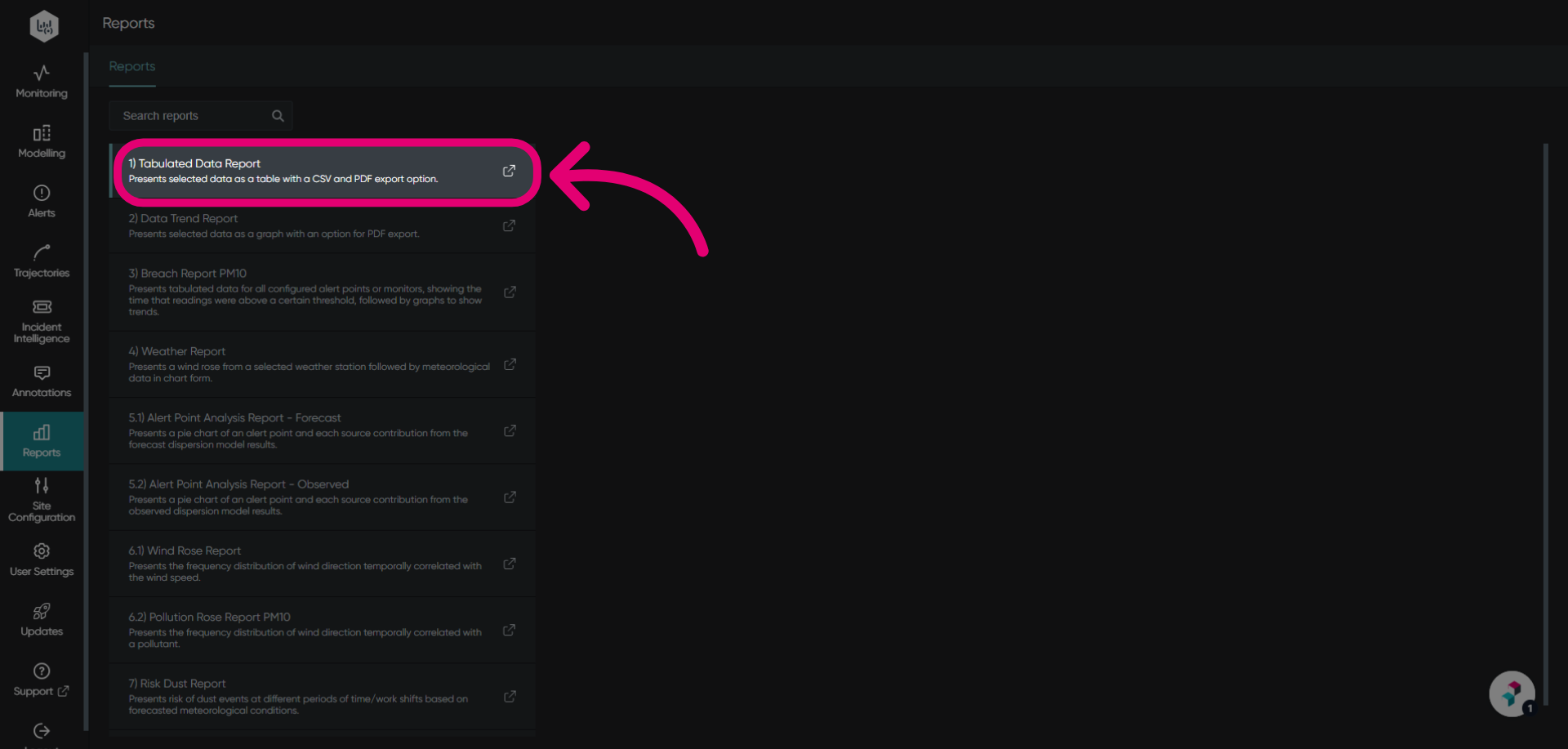
- Open the Tabulated Data Report.
You will be taken to the report page where you can customize the report parameters.
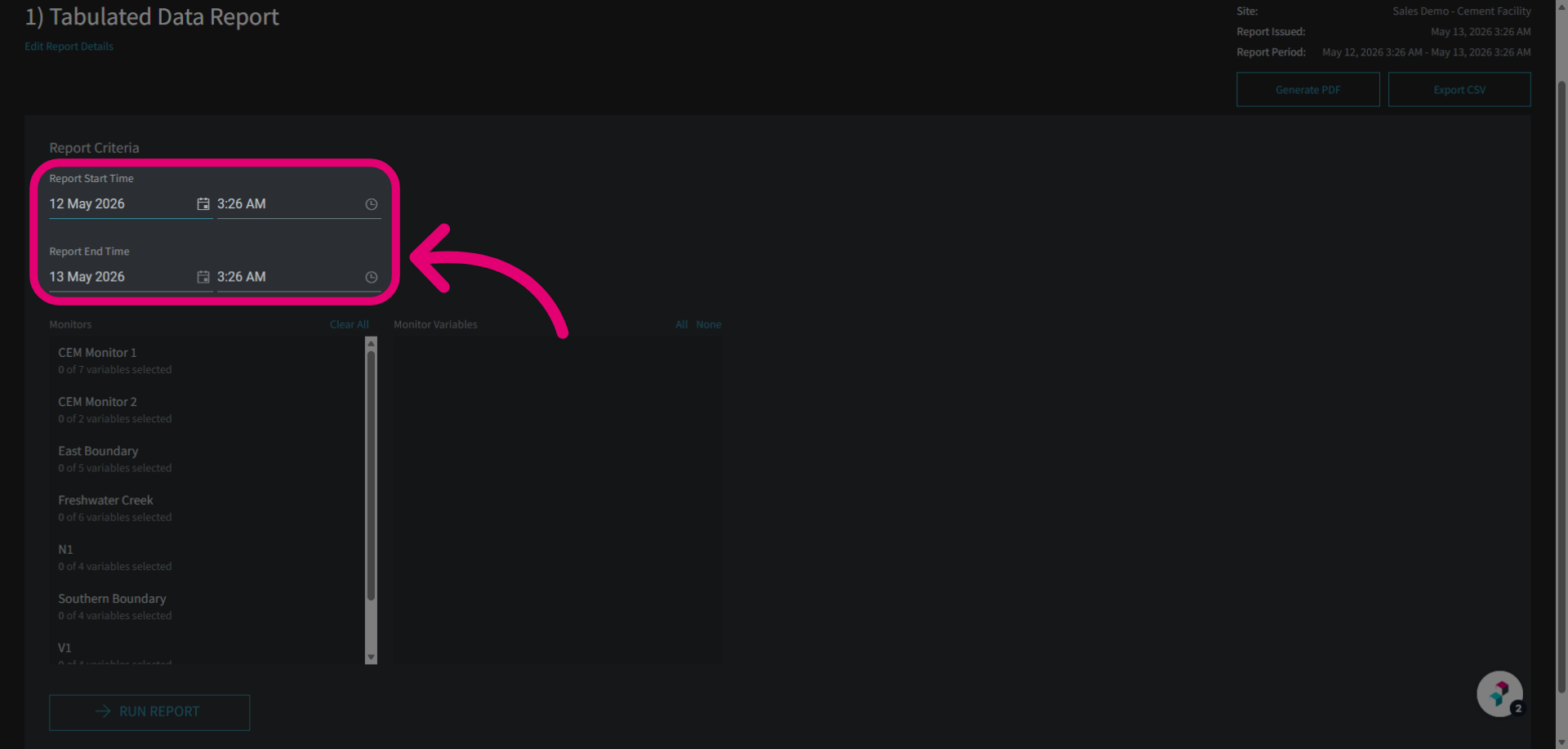
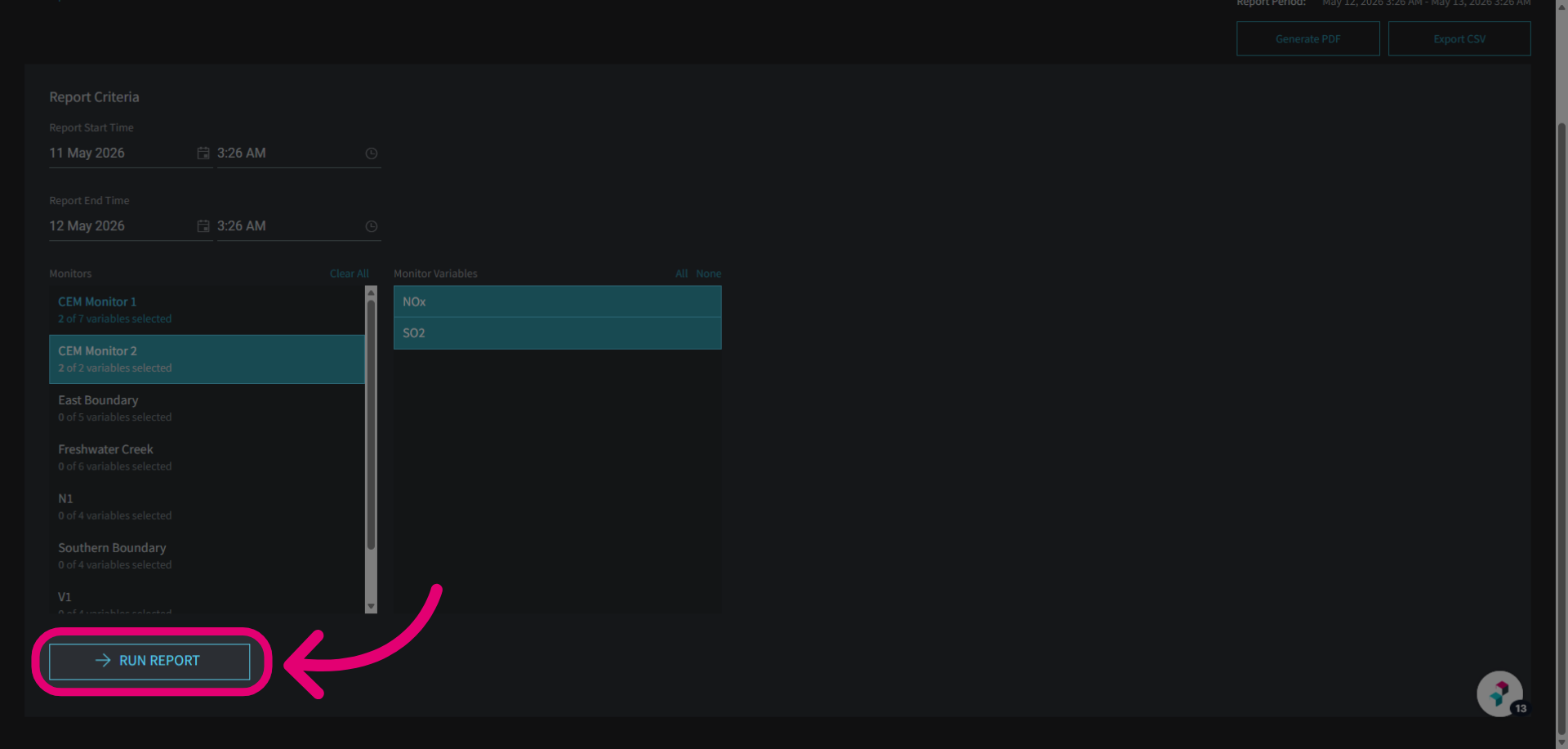
- Select the Report Period using the calendar.
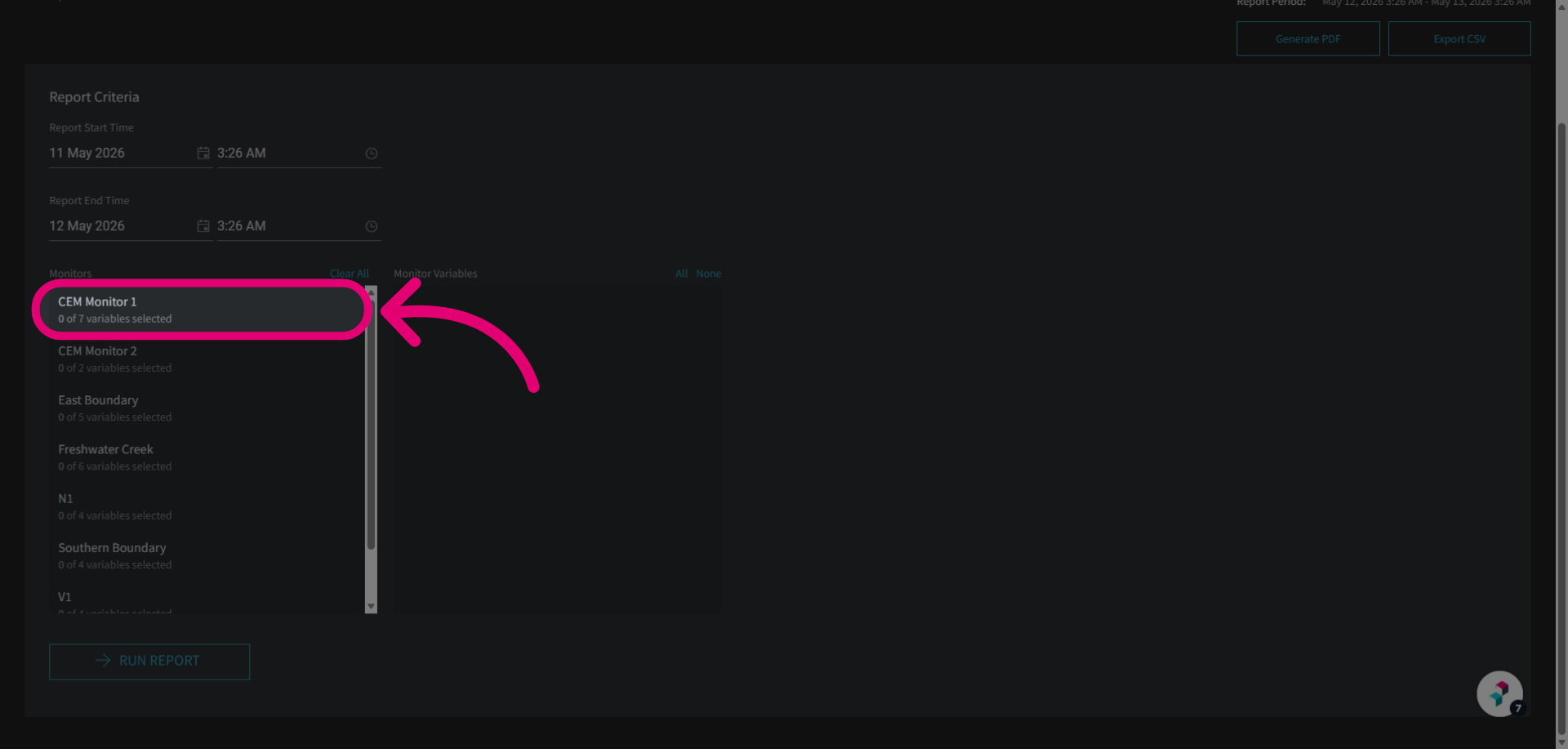
- Click the desired Monitor.
This will open the Variables selection panel.
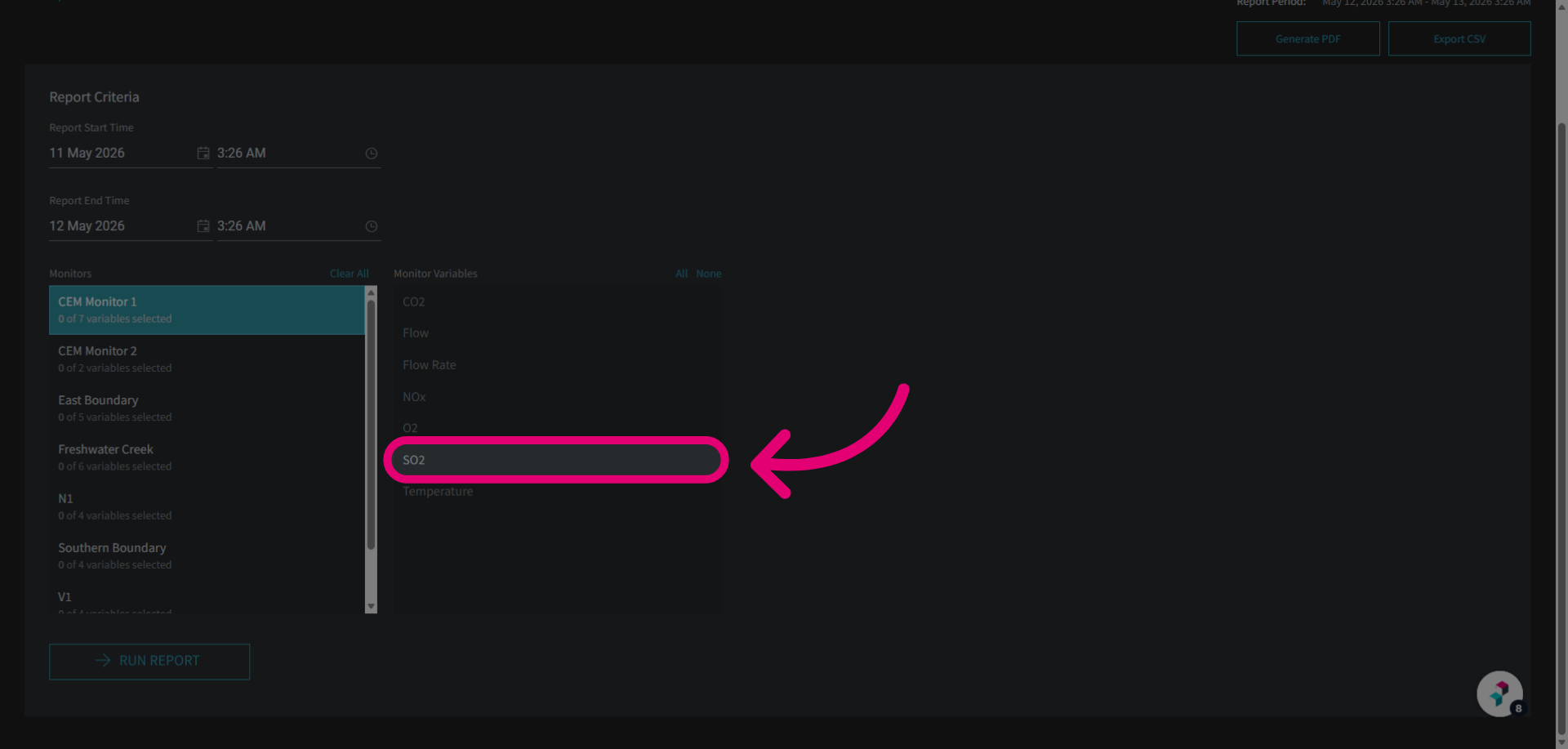
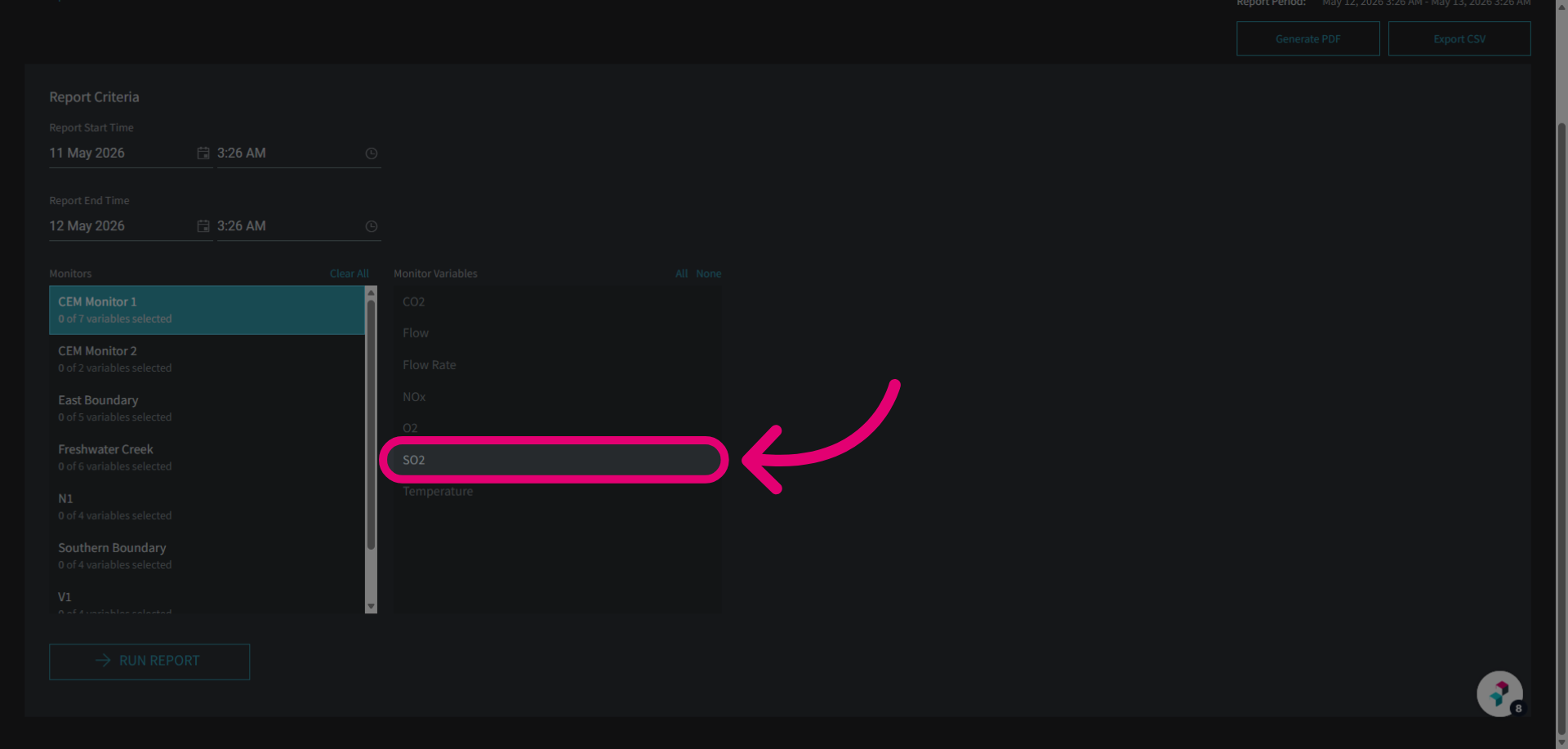
- Click the desired Variable(s) to include in the report.
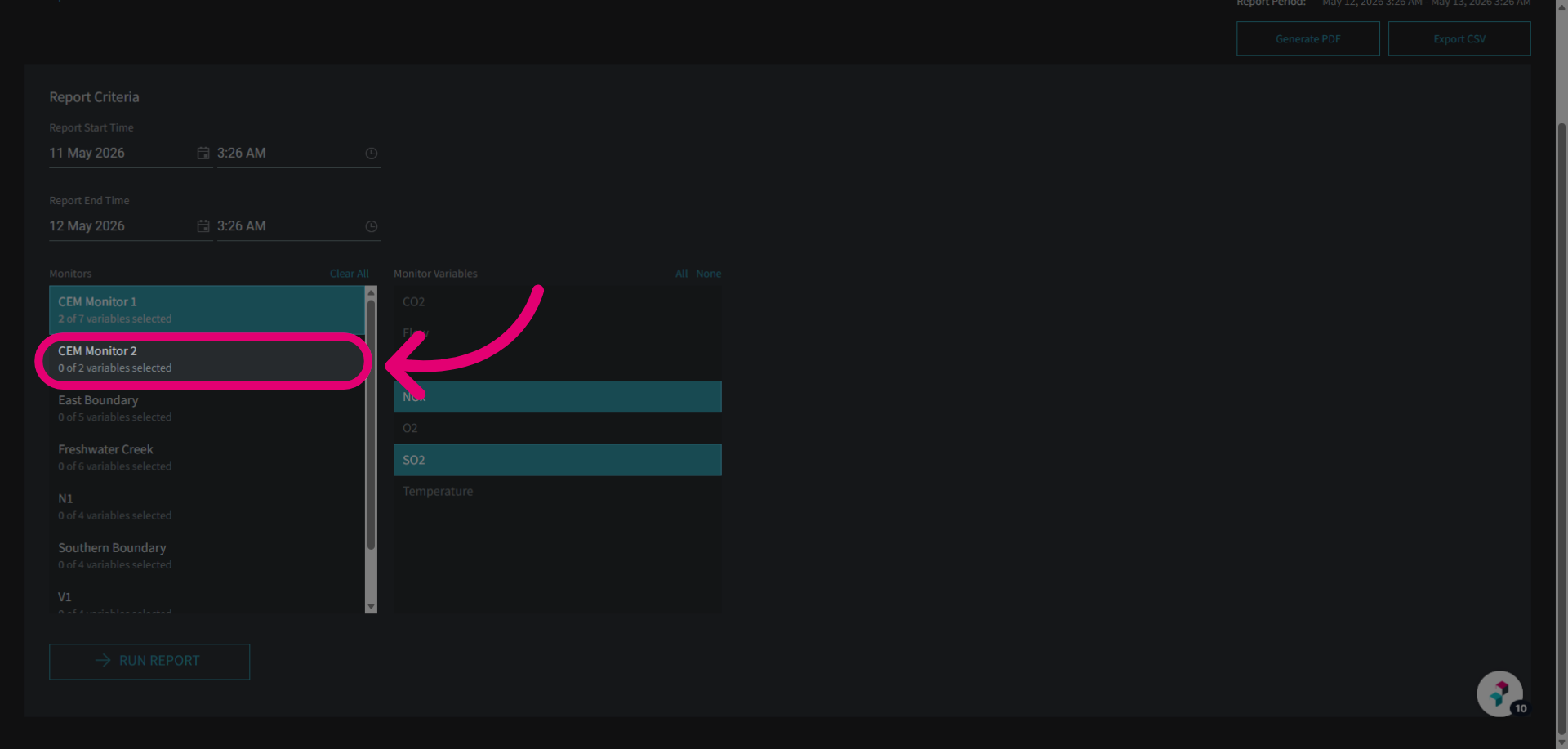
- Add more monitors as needed.
- Click the Run Report button.
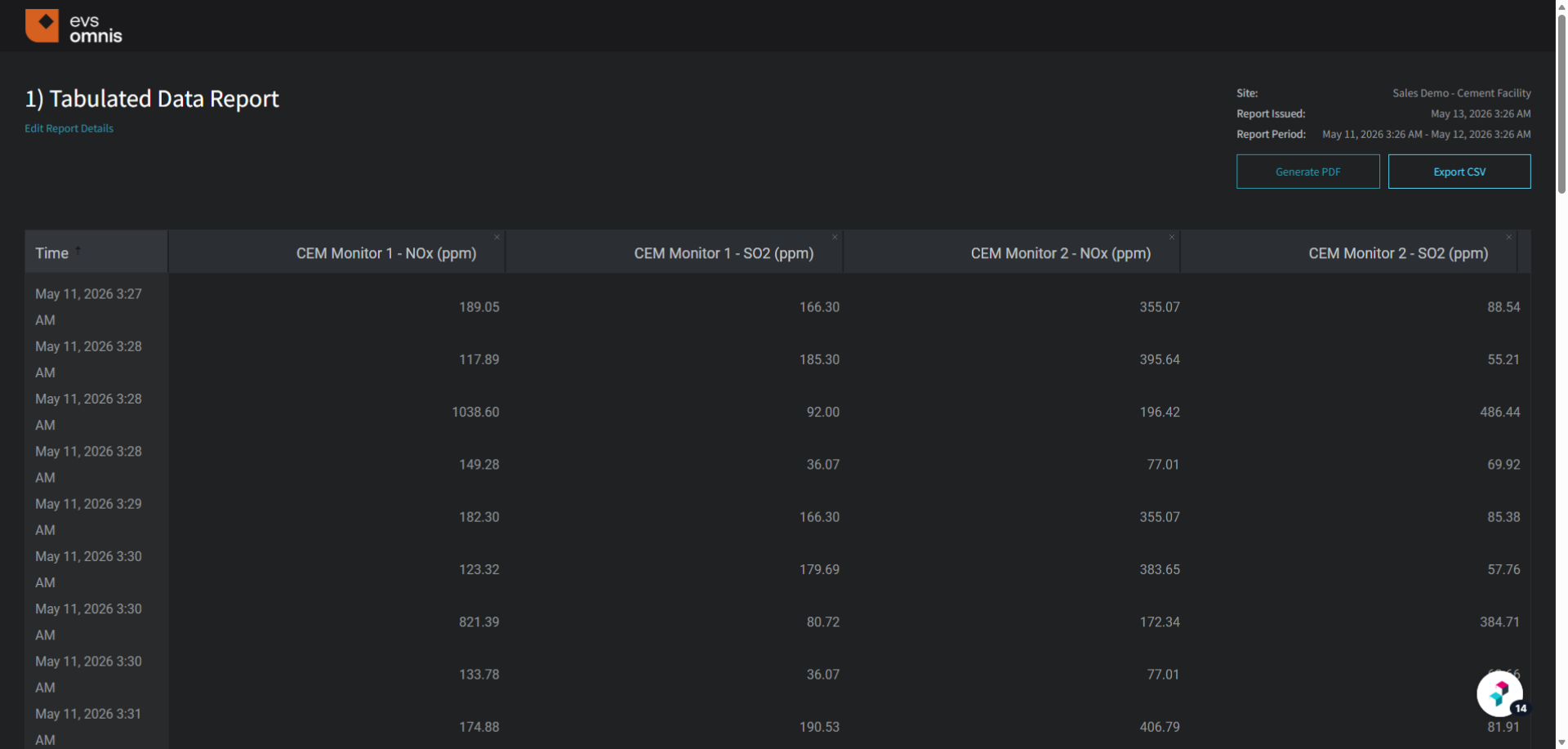
You will see your generated report displayed on a new page.
Exporting a tabulated data report
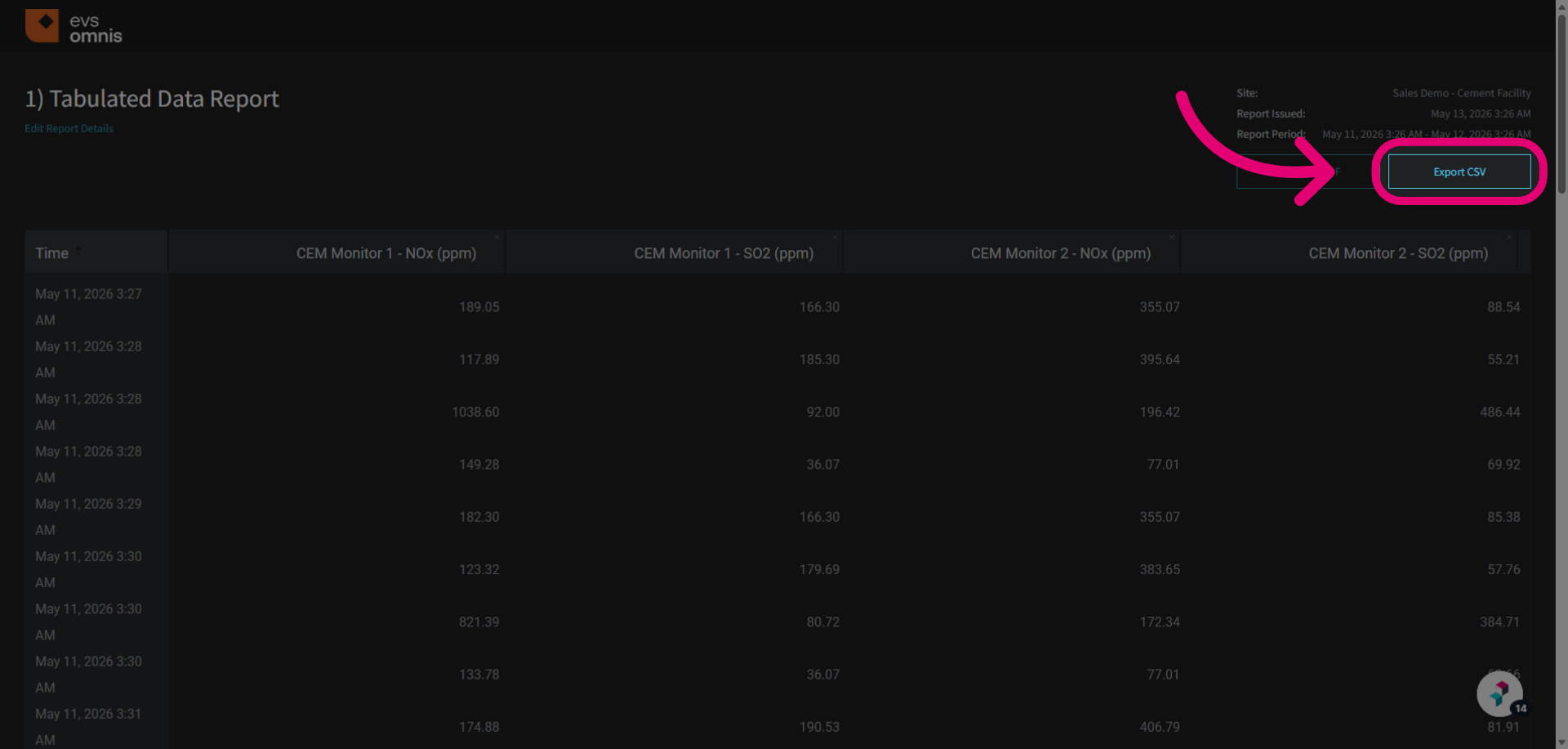
To export a report, click the Export CSV button. This will download a CSV file to your device that you can use for further analysis.