New article
Recently updated
Generating breach reports

Who is this article for?
Users wanting to create a Breach Report.
No special access or permissions are required.
This tutorial guides you through generating a breach report in Ideagen Envirosuite.
You will learn how to access, edit, and produce a PDF of the breach report.
Generating a breach report
To generate a breach report:
Log into the system.
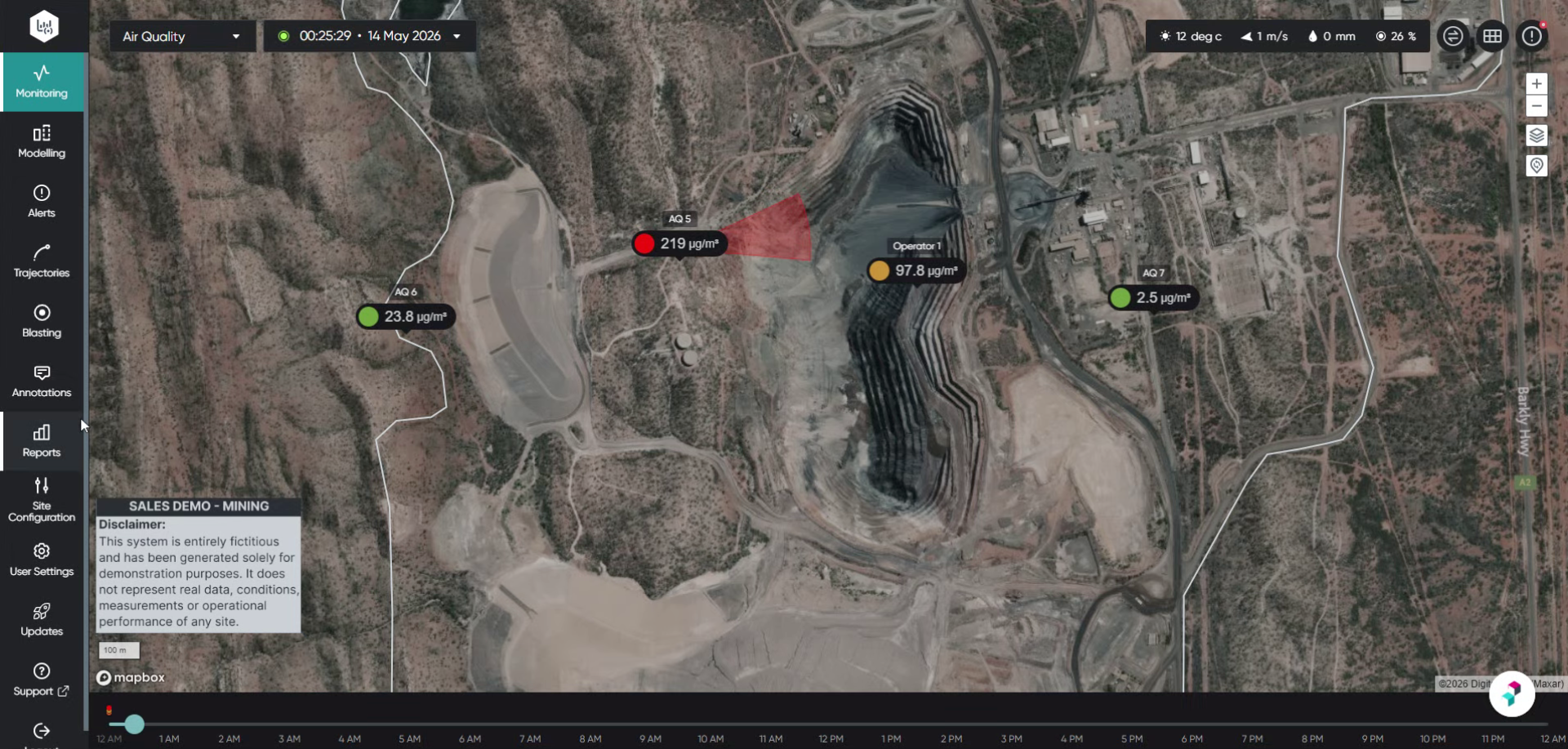
Click Reports to open the reports section within Ideagen Envirosuite.
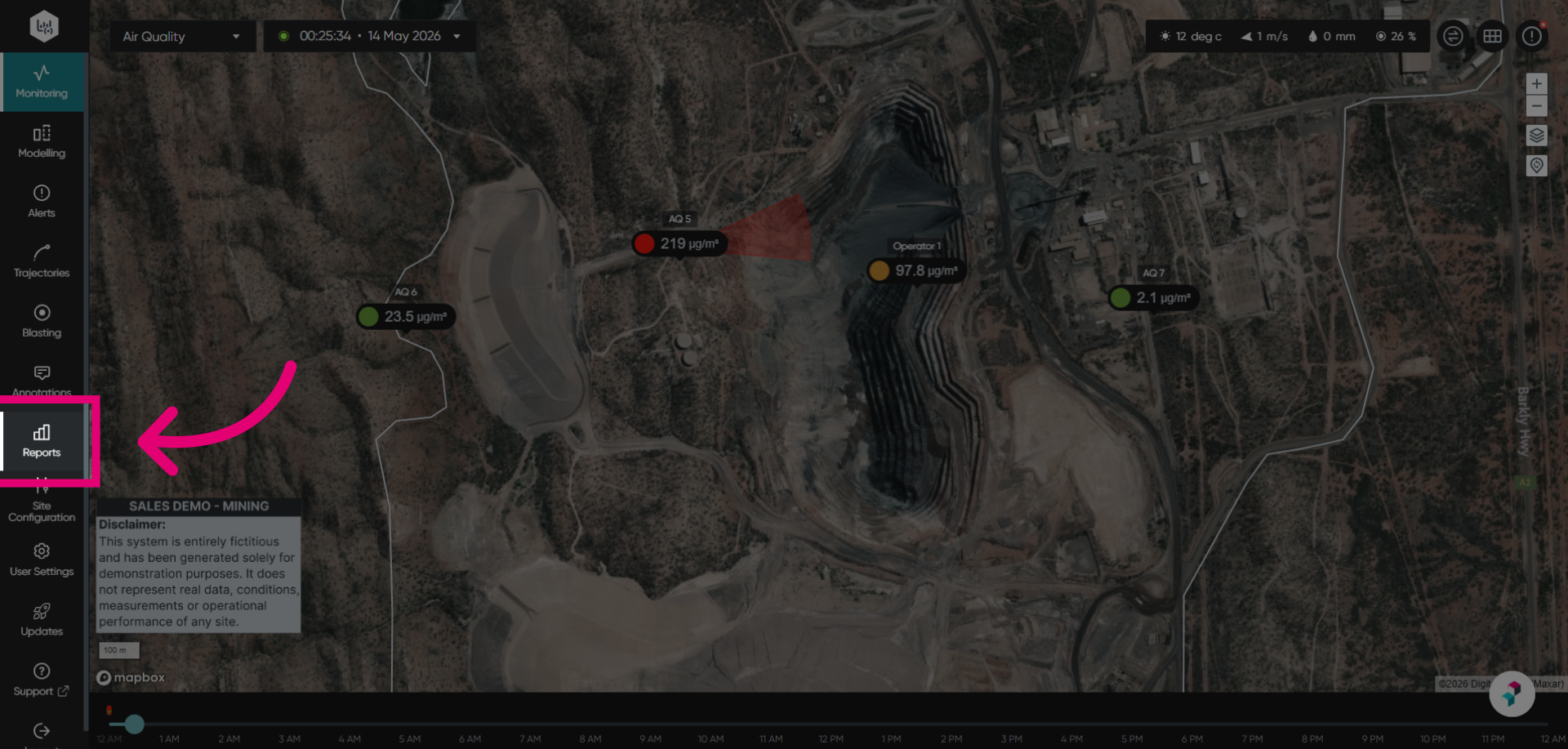
Open the Breach Report to view the report in a new tab. The Breach Report presents tabulated data for all configured alert points or monitors, showing the amount of time that readings were above a certain threshold, followed by graphs to show trends.
Switch to the Breach Report tab to view the data.
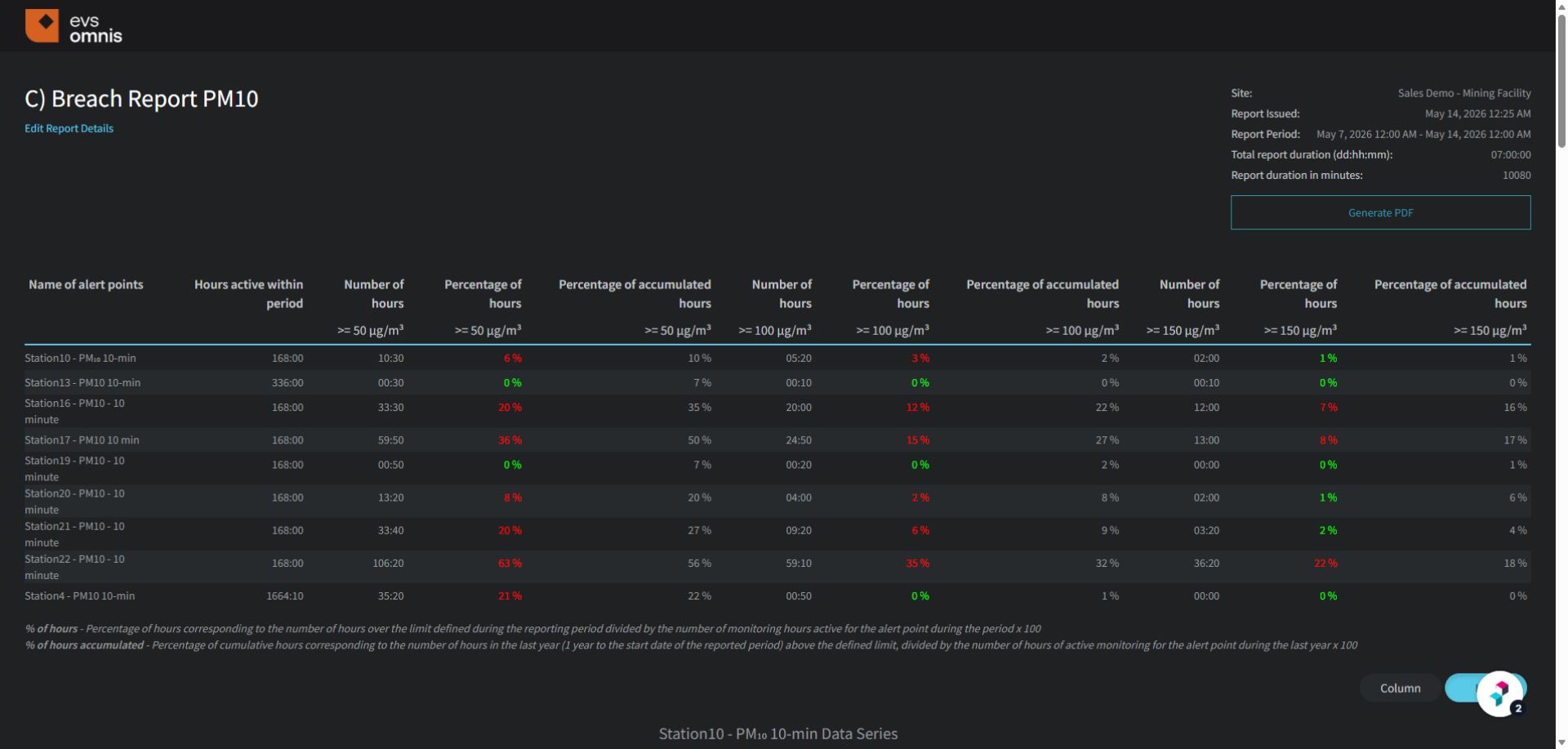
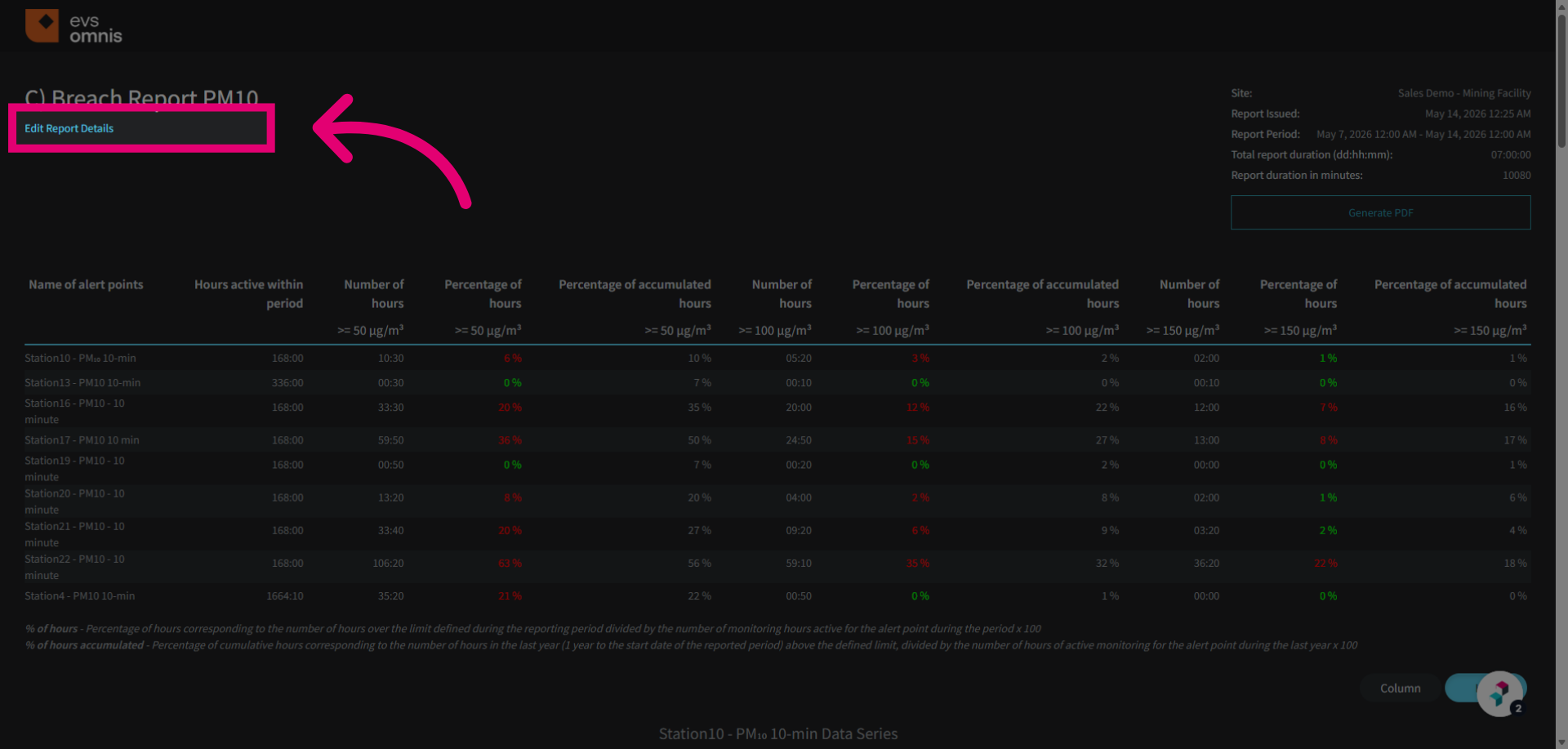
Click Edit Report Details to modify the settings and parameters of the breach report.
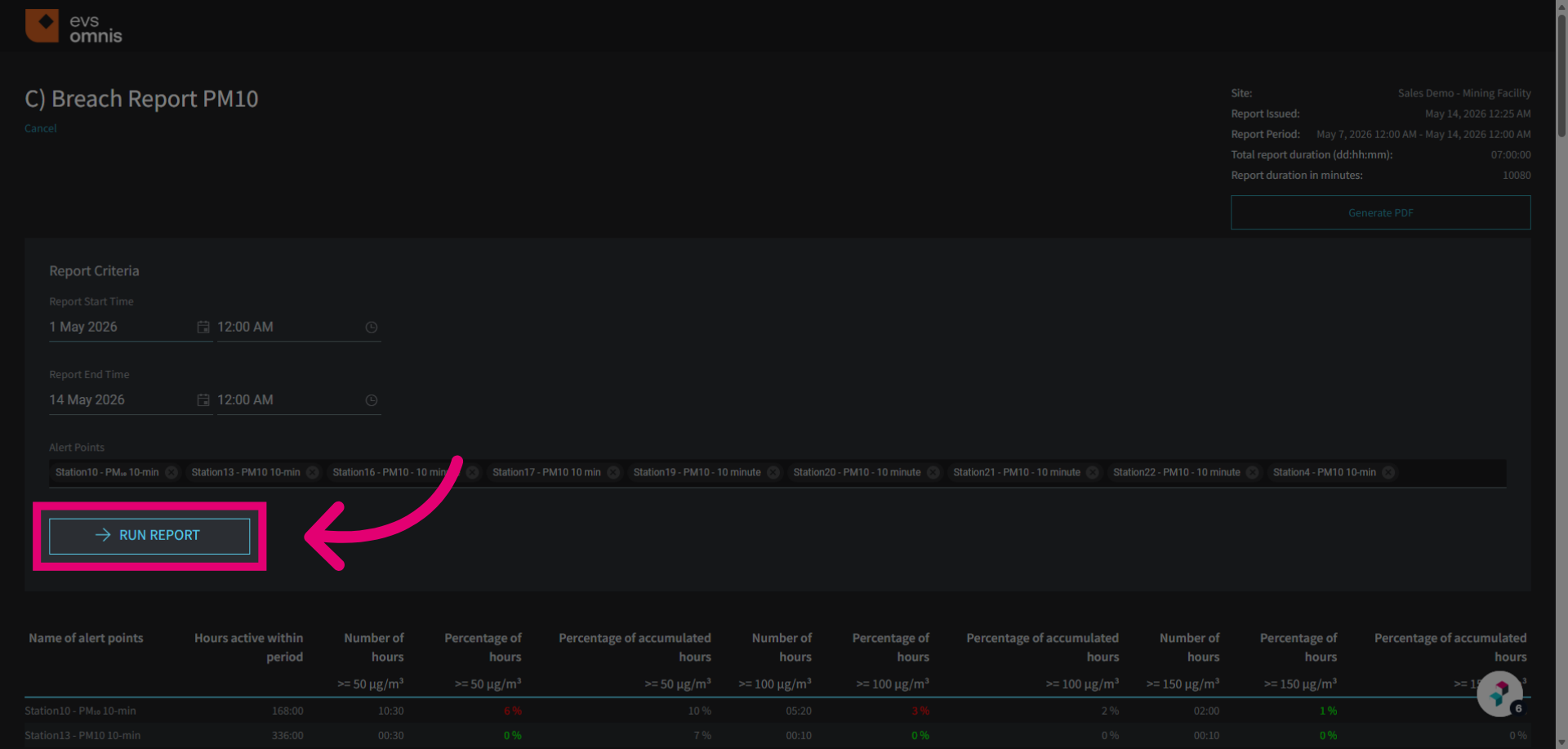
Once the custom period dates are set, click Run Report to execute the report generation process.
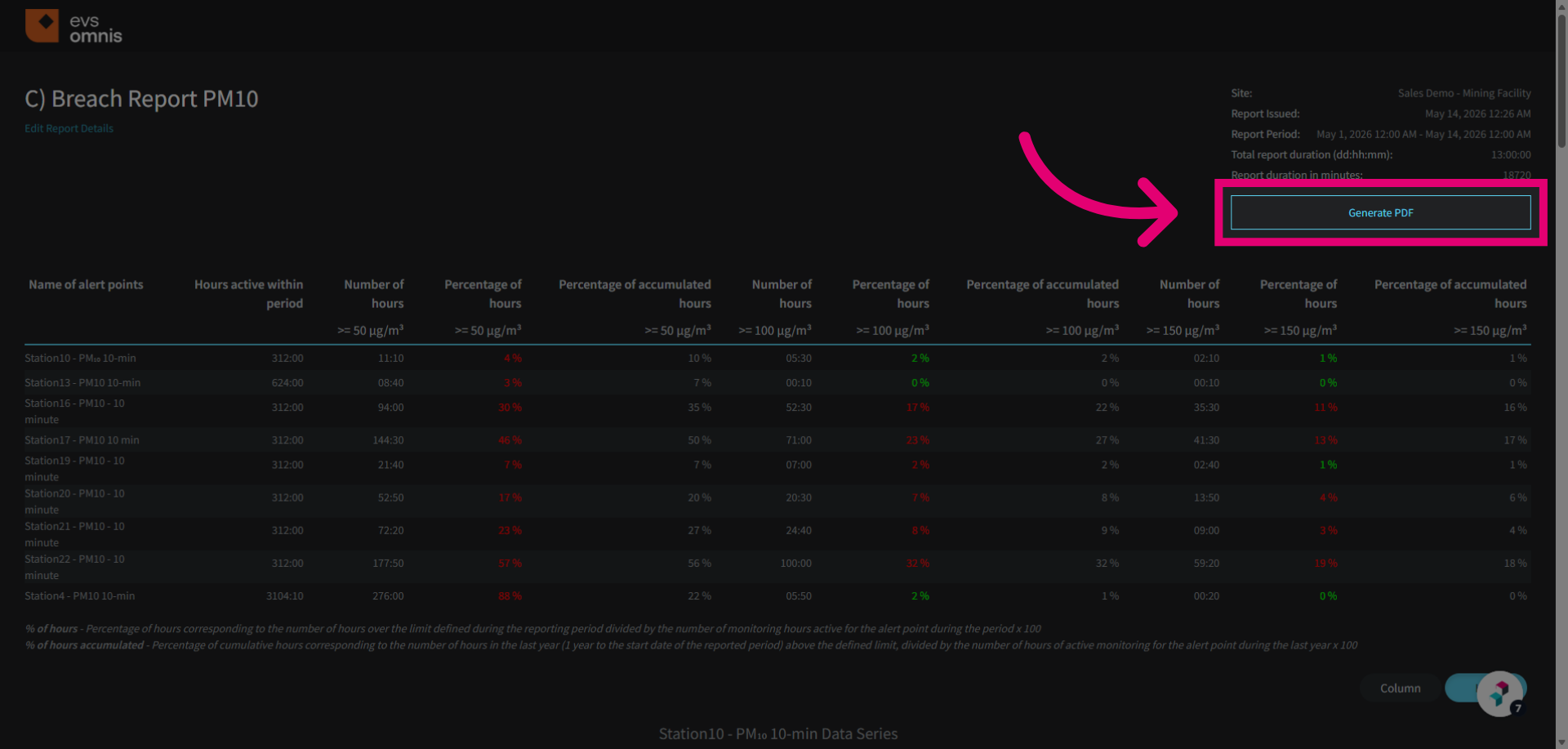
Click Generate PDF to create a downloadable PDF version of the customized breach report.