New article
Recently updated
Generating weather summary reports

Who is this article for?
Users that want to generate a weather summary report.
No special access or permissions are required.
This tutorial guides you through generating a weather summary report using Ideagen Envirosuite.
You will learn how to access, edit, run, and export the report as a PDF.
Generate a weather summary report
To generate a weather summary report:
Log into the system.
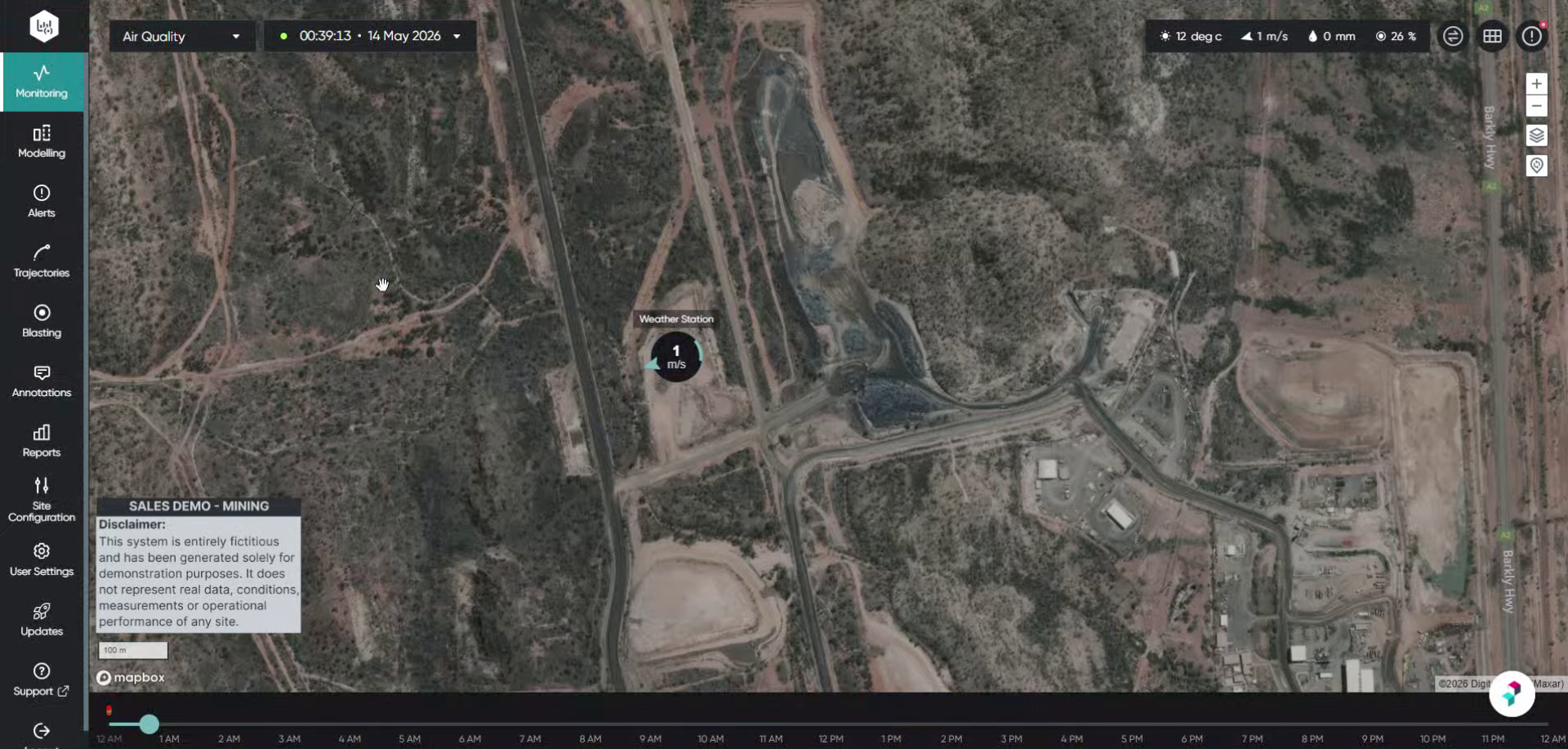
Click Reports to open the reports section within Ideagen Envirosuite.
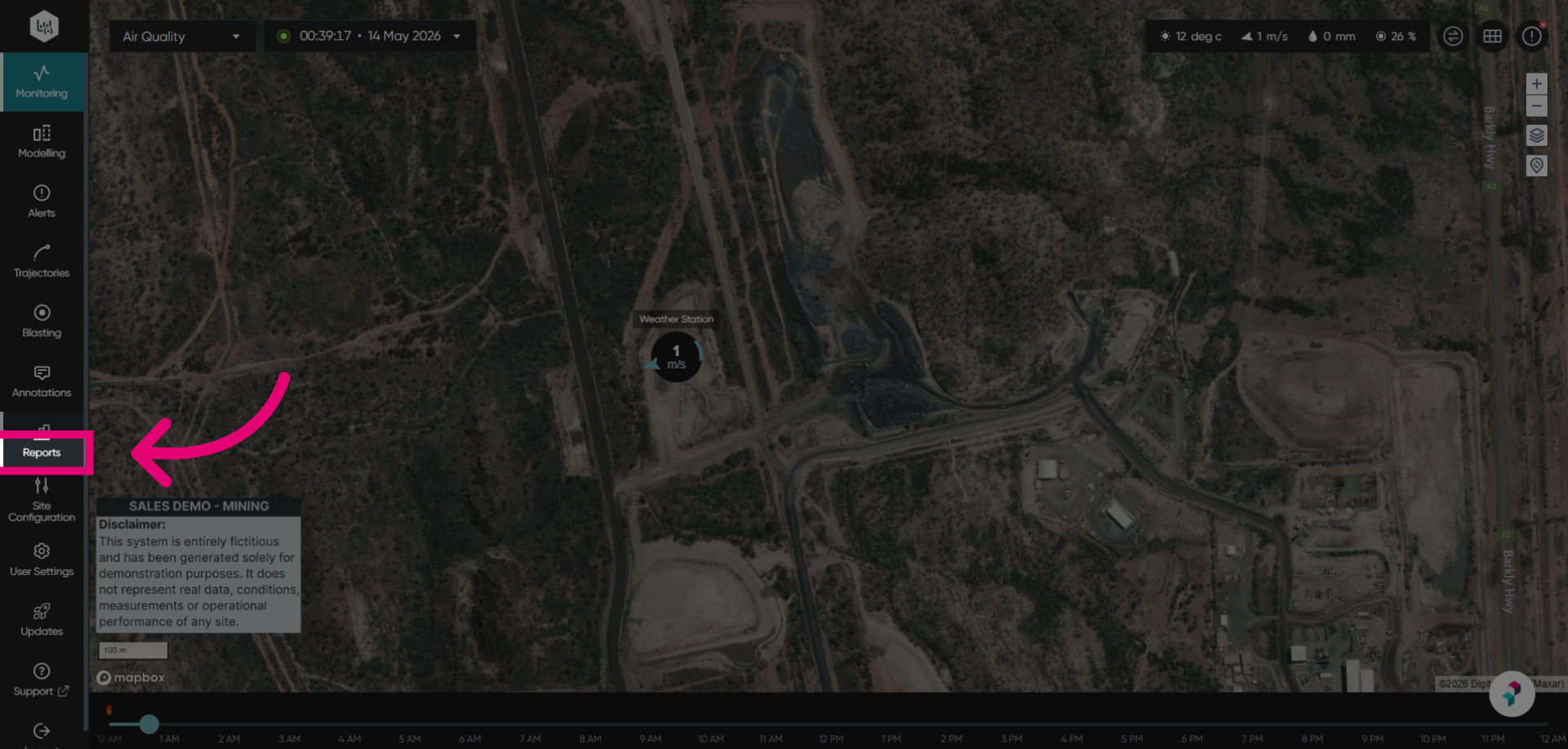
Select the Weather Report to view the meteorological data from a selected weather station.

Switch to the page to access the specific weather summary report. The Weather Summary Report is a report that displays a wind rose, followed by charts that depict the behavior of meteorological conditions: wind speed, wind direction, temperature and rainfall.
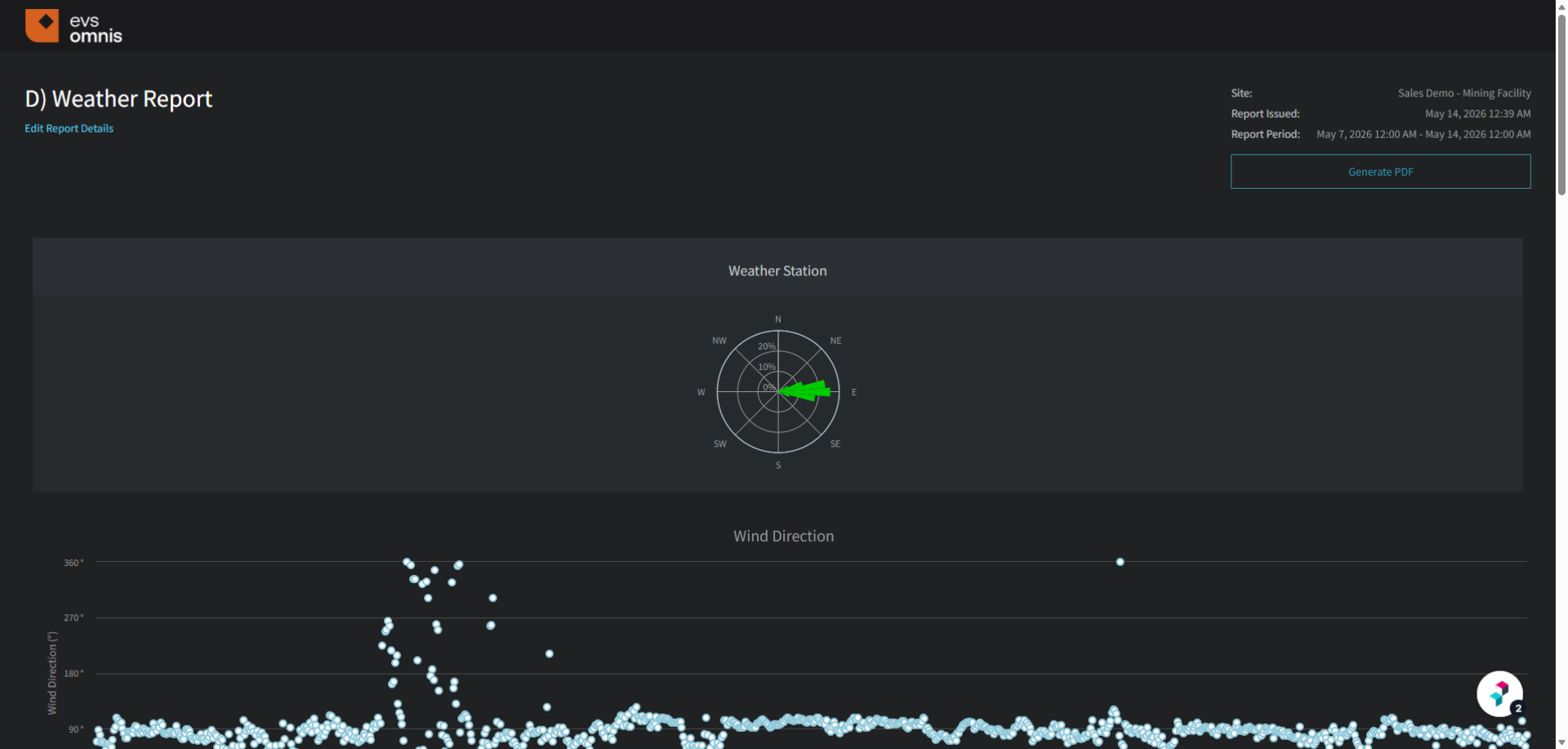
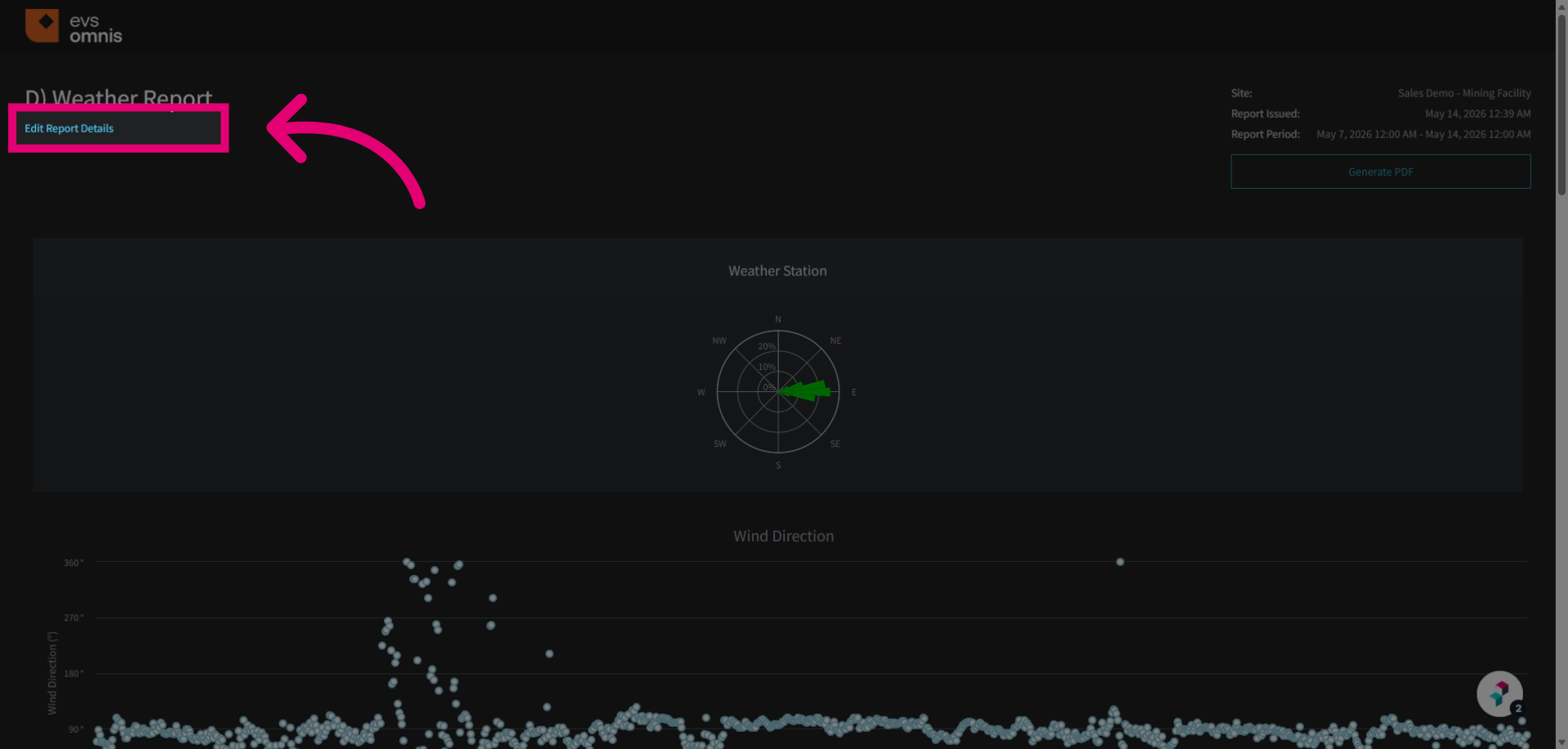
Click Edit Report Details to modify the settings of the weather summary report.
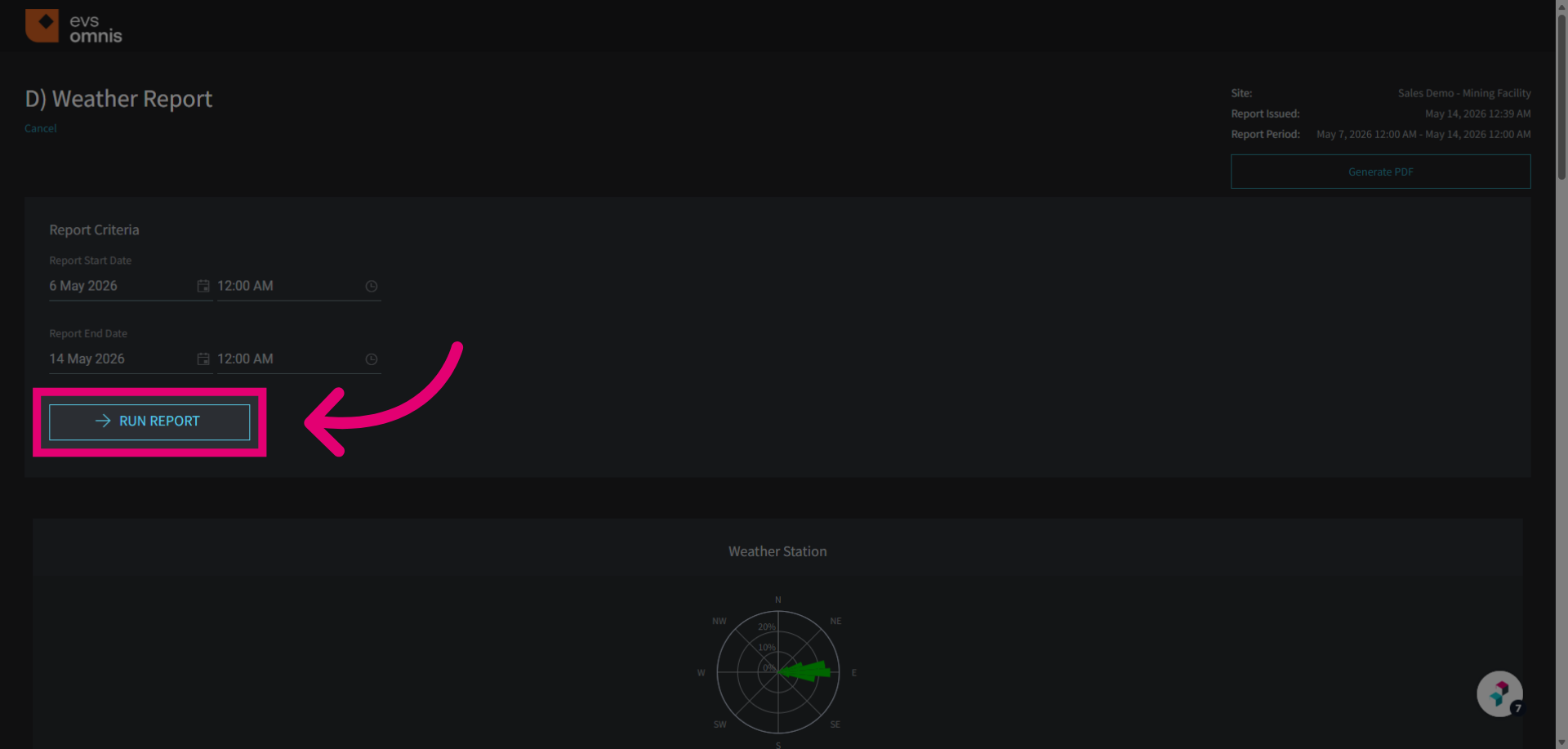
Click the Run Report button to generate the weather summary based on your selected settings.
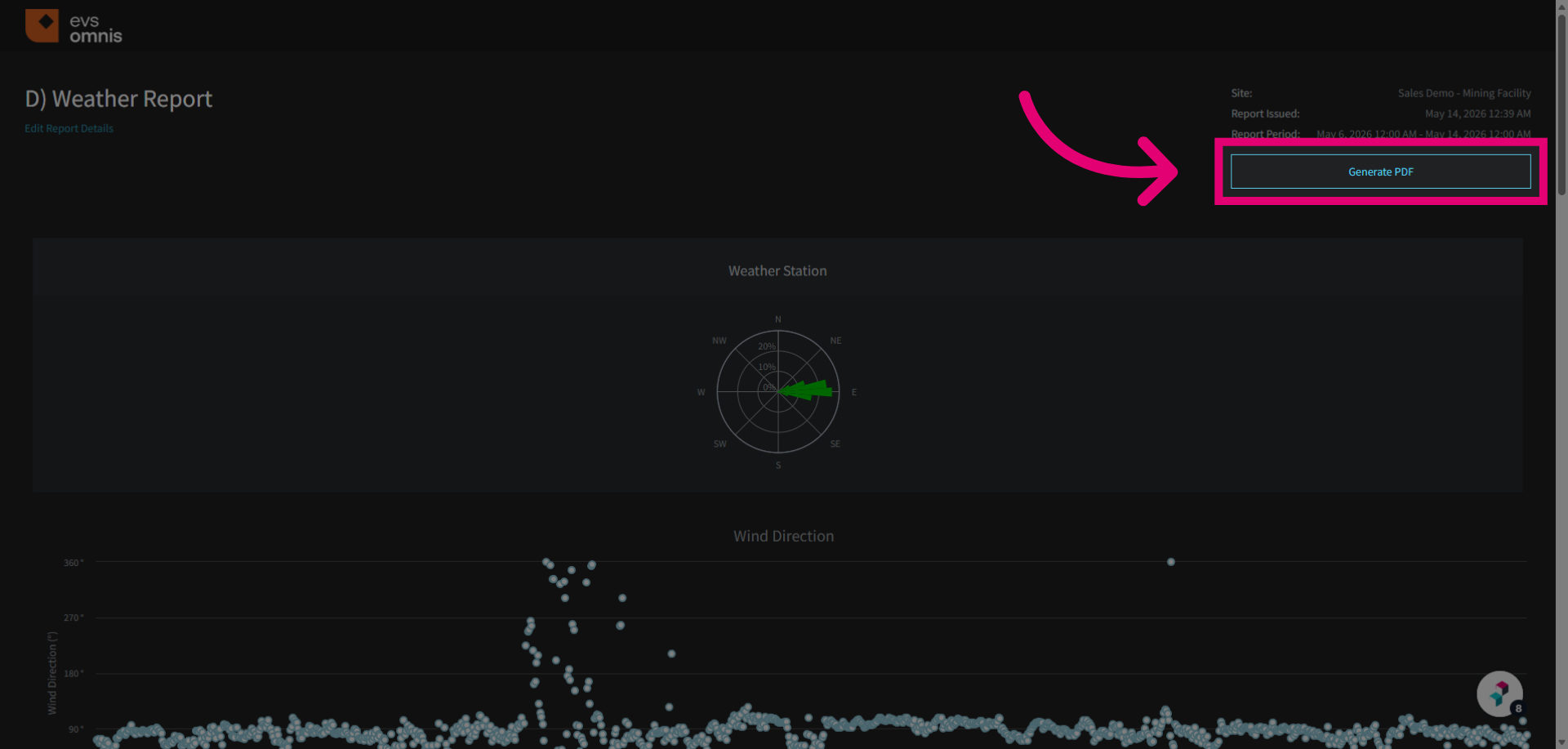
Click Generate PDF to export the weather summary report as a PDF document for sharing, printing or archiving.