New article
Recently updated
Accessing platform updates

Who is this article for?
Users interested in seeing what's new in the platform.
No special access or permissions are required.
This article explains where to find and browse platform updates based on category.
Accessing platform updates
To access platform updates:
- Go to Updates.
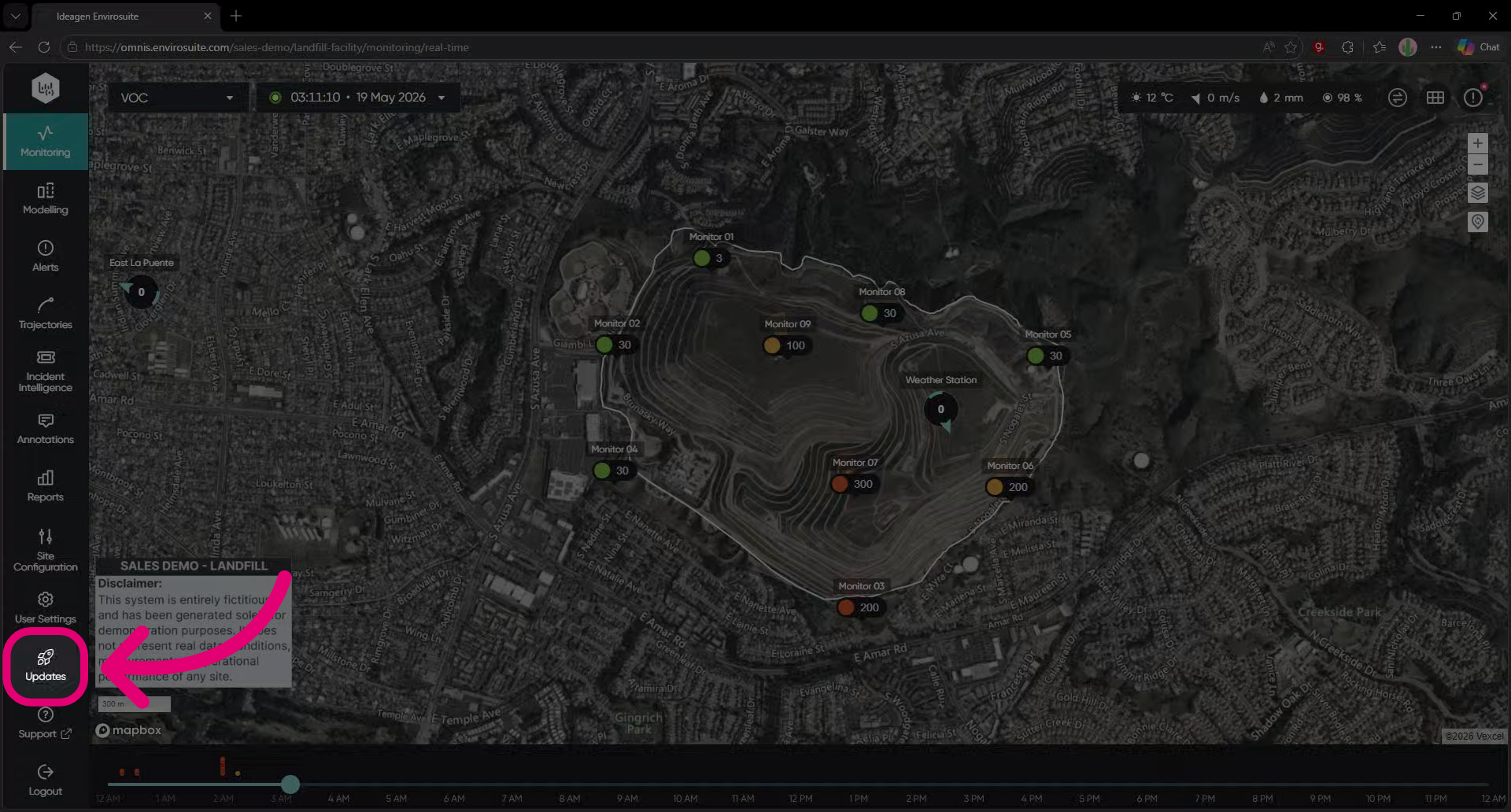
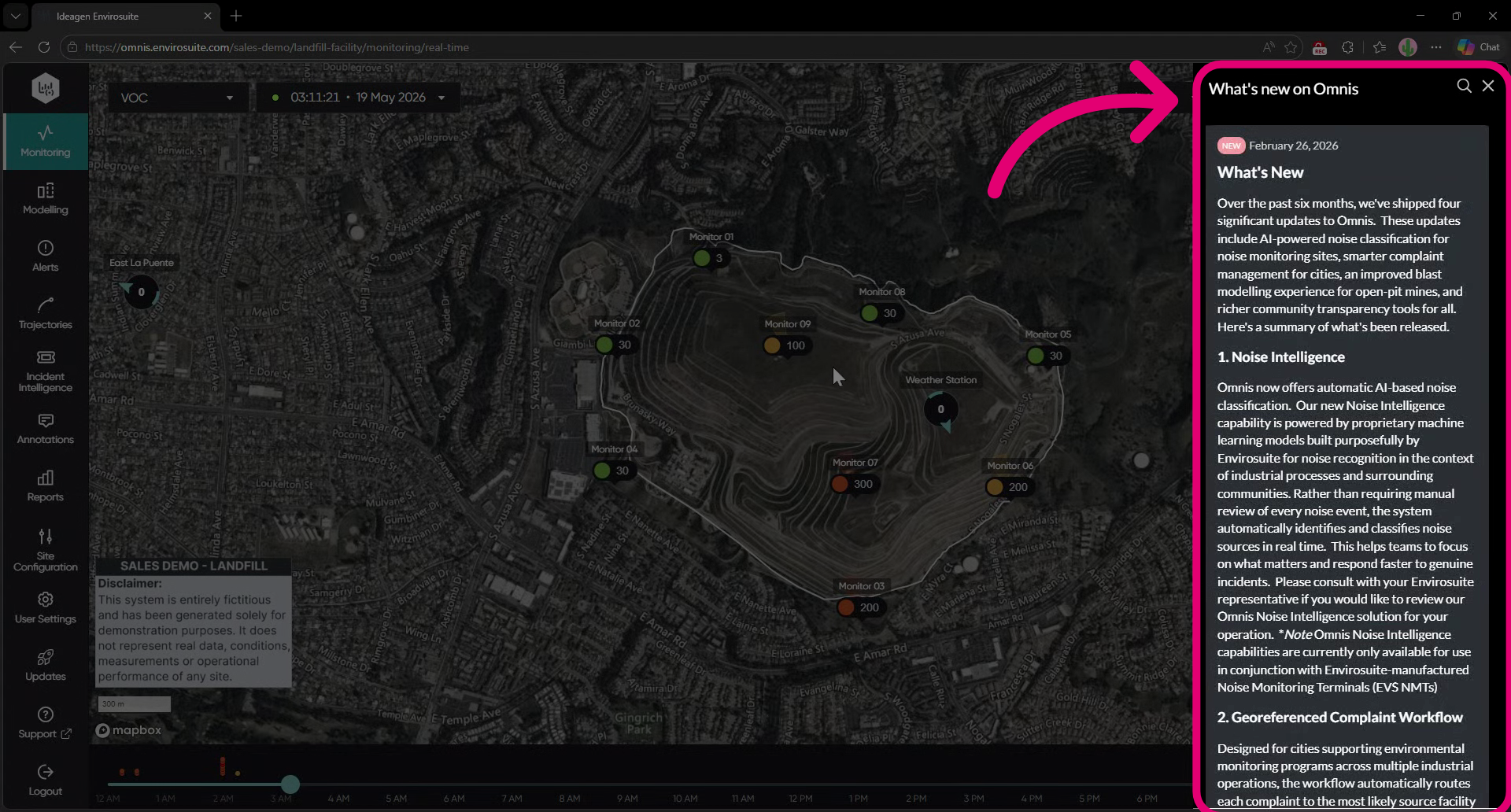
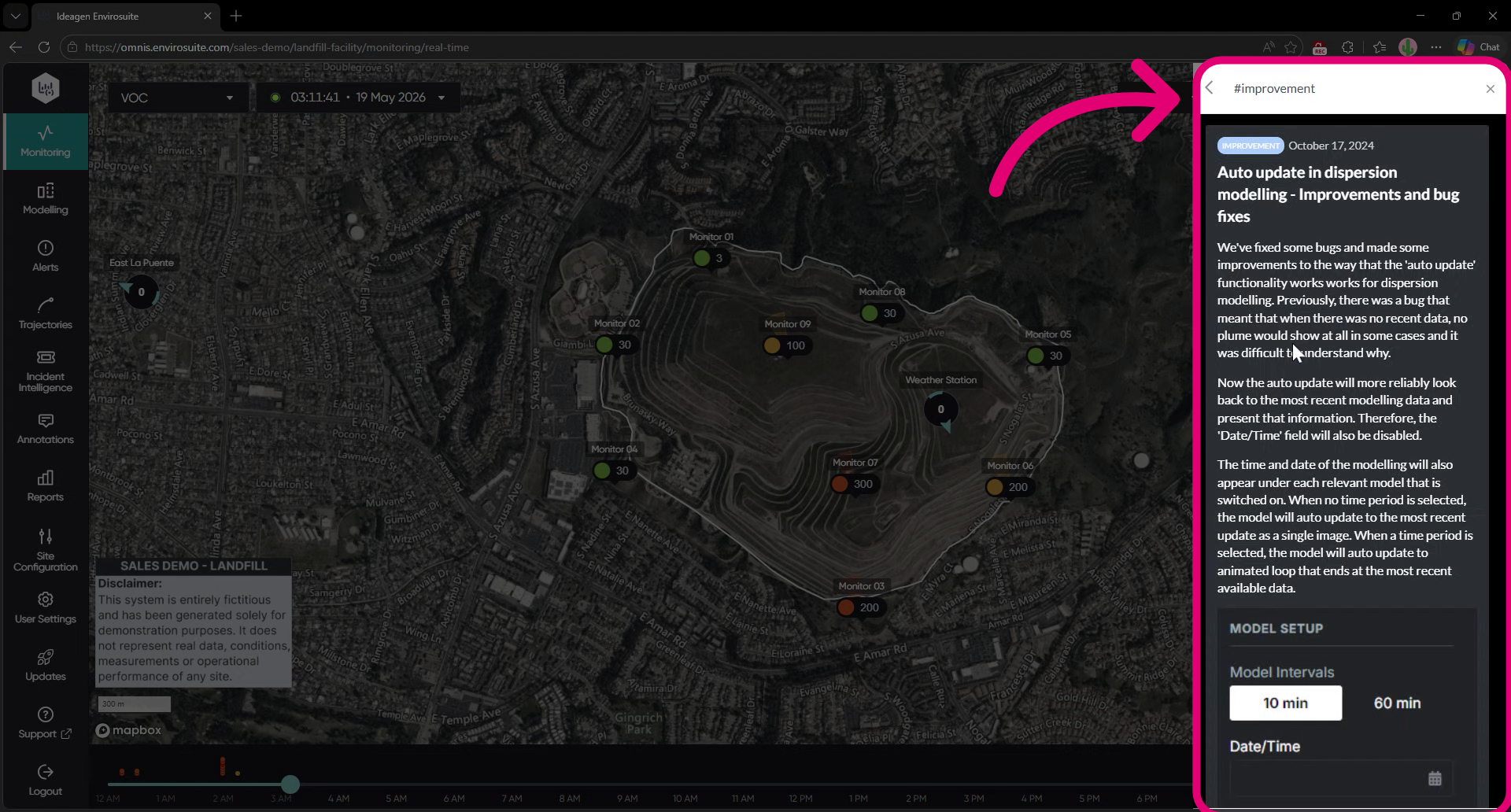
- View updates in the panel that appears on the right-hand side of the screen.
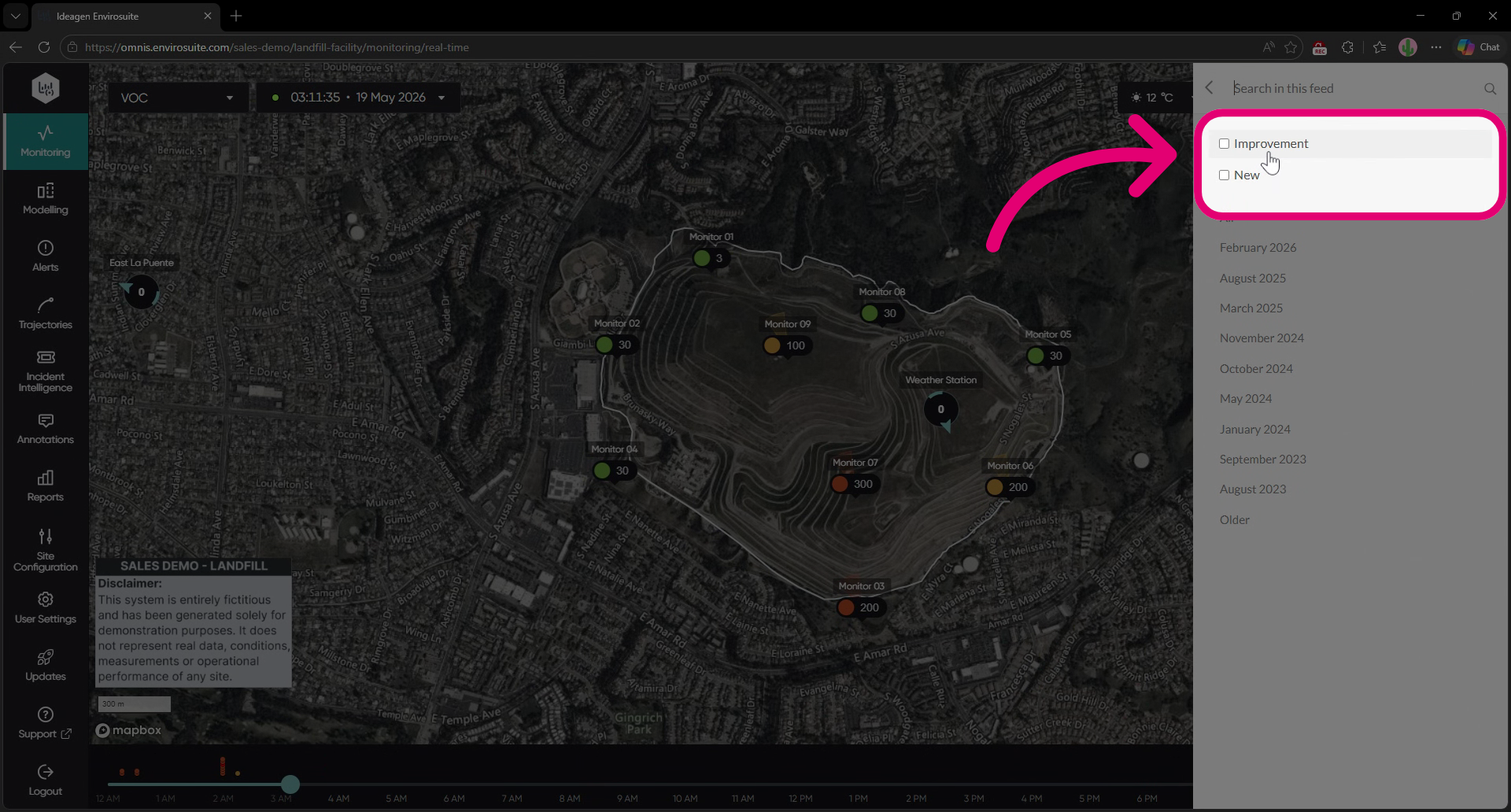
- Click search.
- Select a category to view specific updates.
- Scroll to view all updates for the selected category.
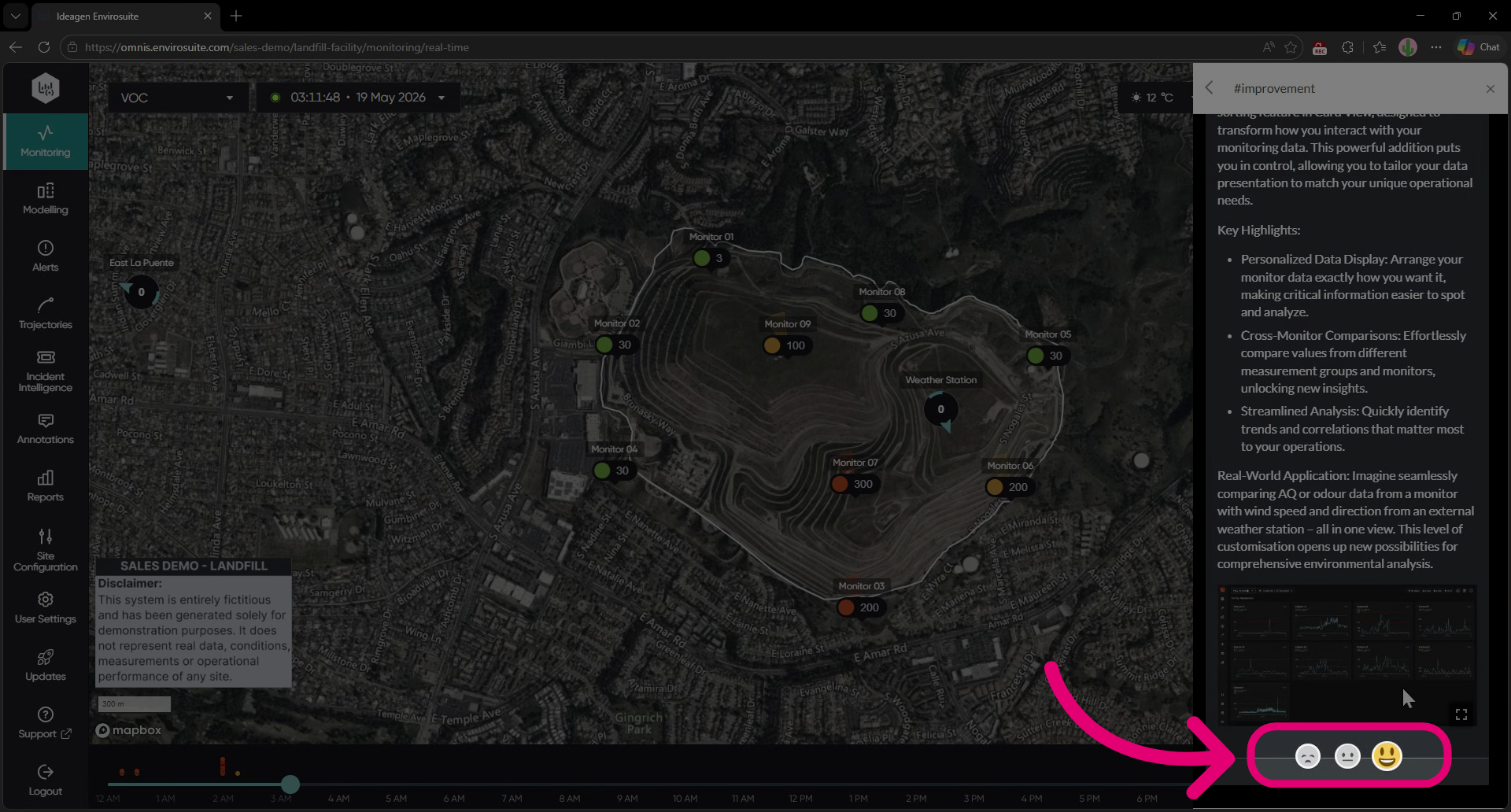
- Click one of the three feedback emojis to let us know what you think of the updates!