New article
Recently updated
Updating your profile information

Who is this article for?
Users looking to update their profile information.
No special access or permissions are required.
This article shows you where you can update your profile information, including name and phone number.
Updating profile information
To update your profile information:
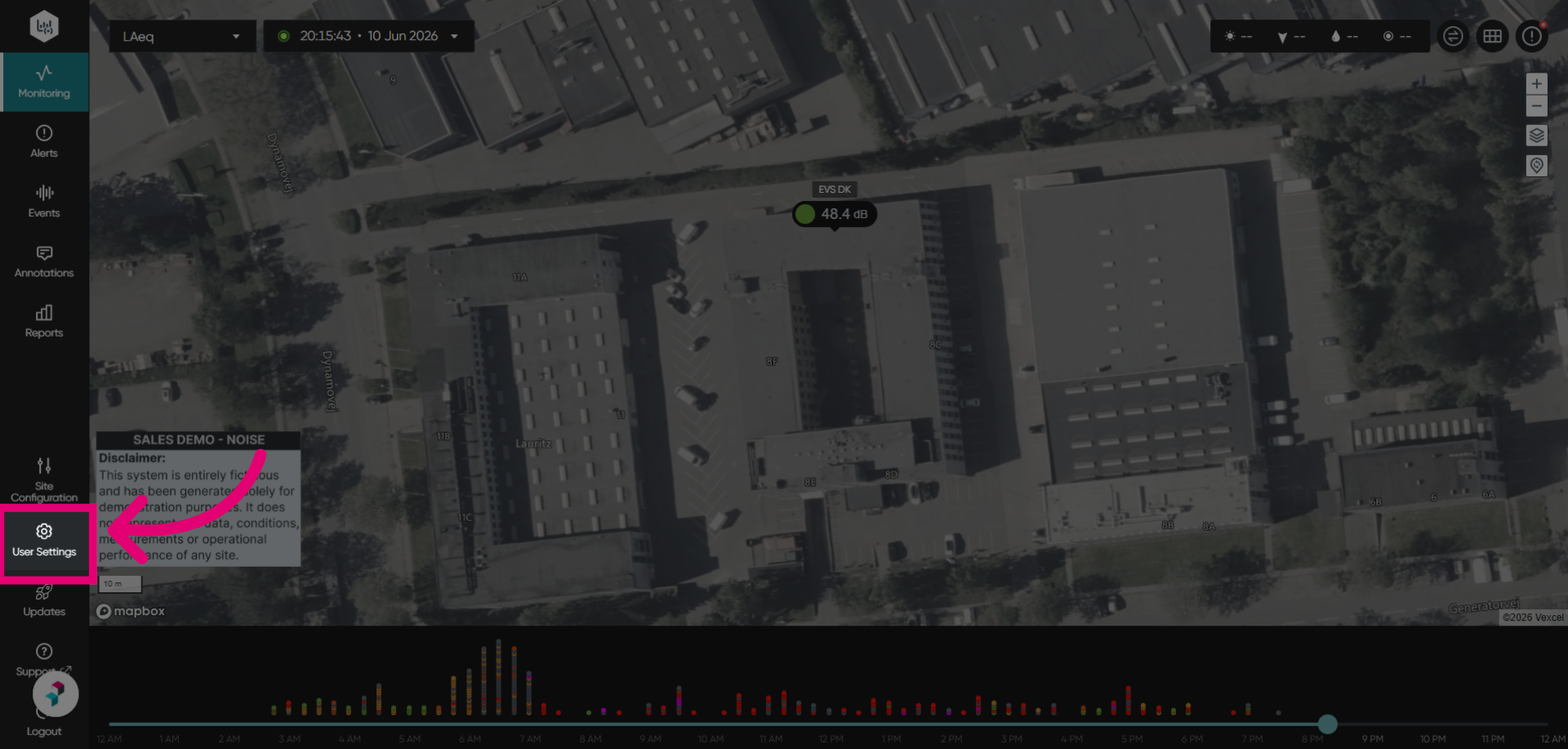
- Go to User Settings.
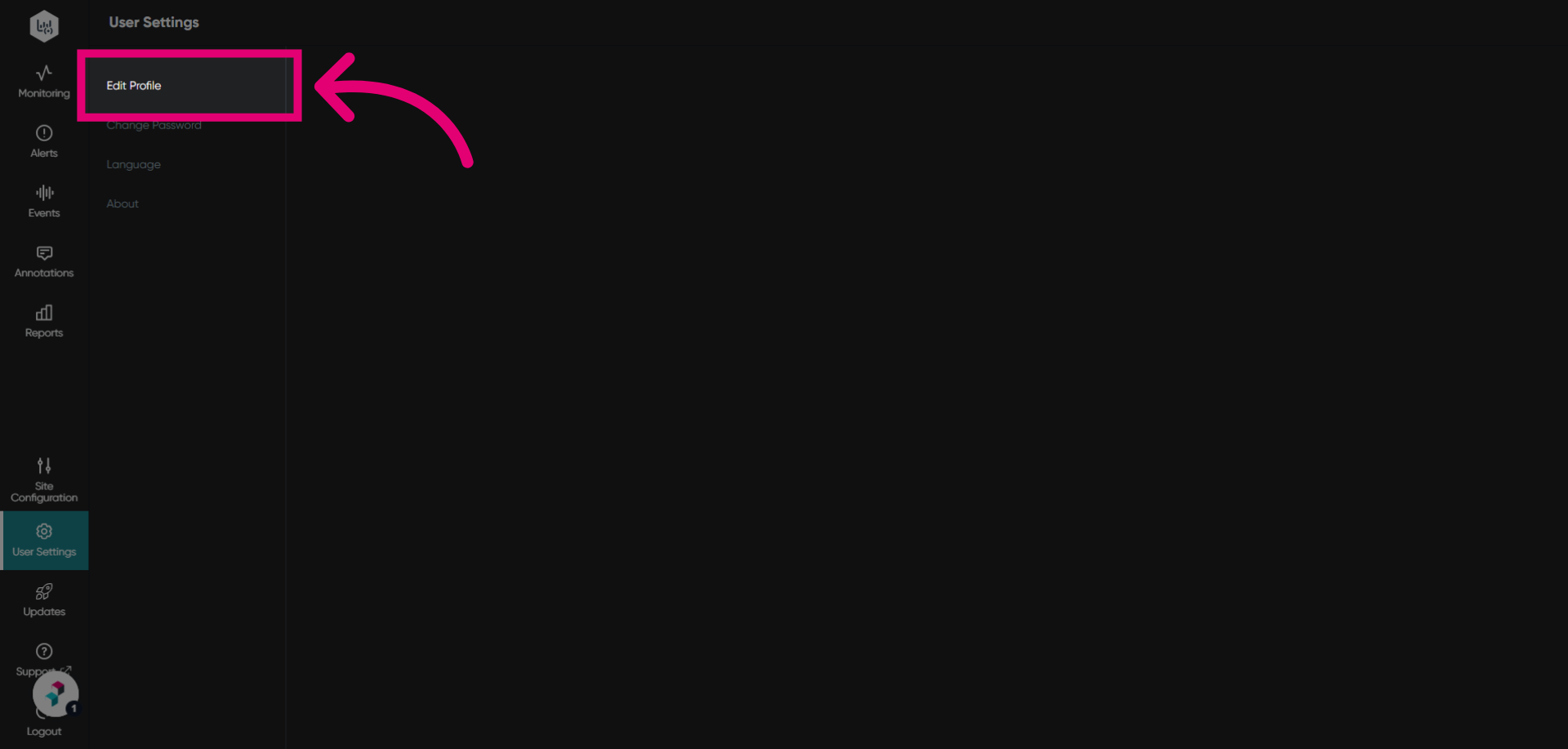
- Click Edit Profile to access your user profile.
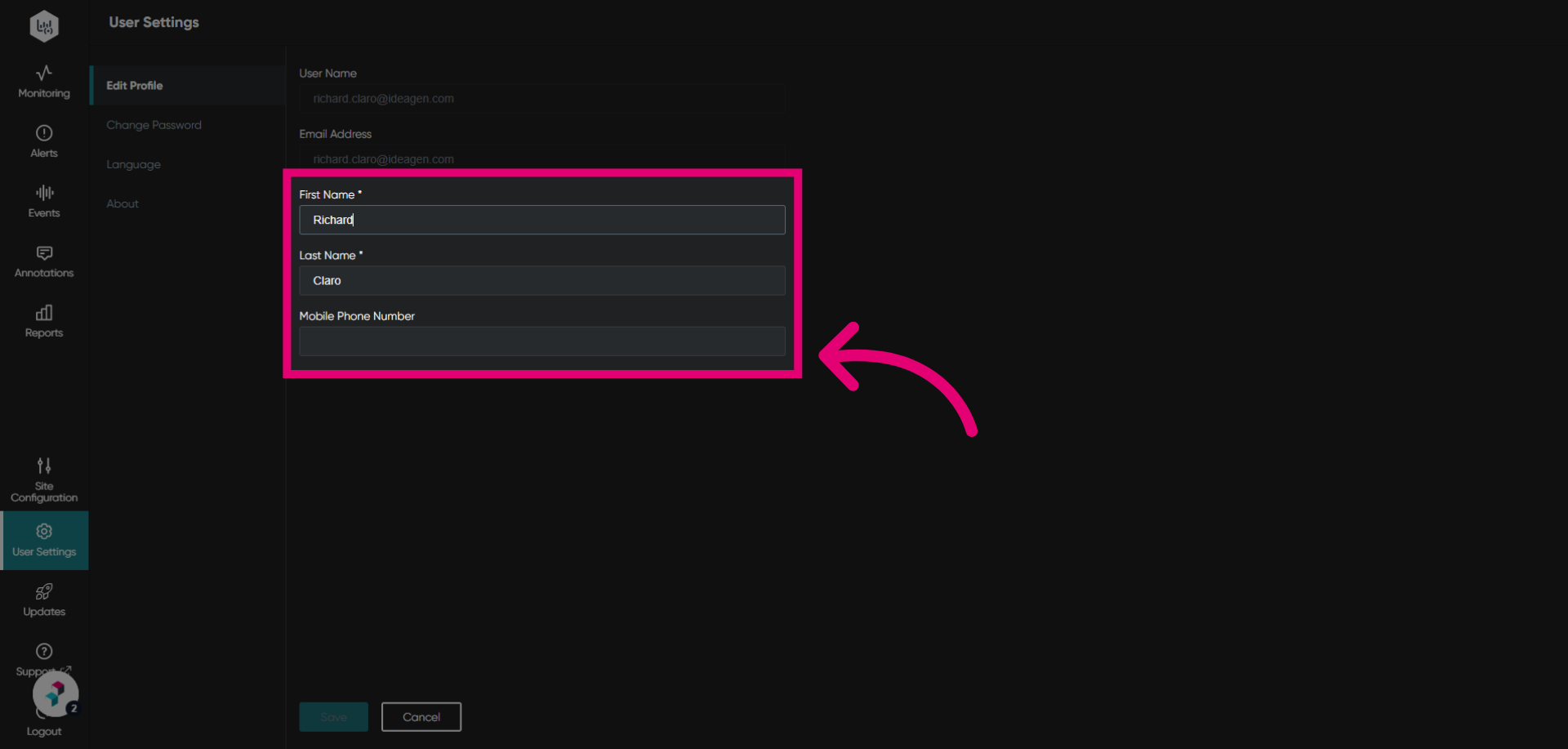
- Make changes as needed to the available fields.
To update your email address, please open a ticket with us.
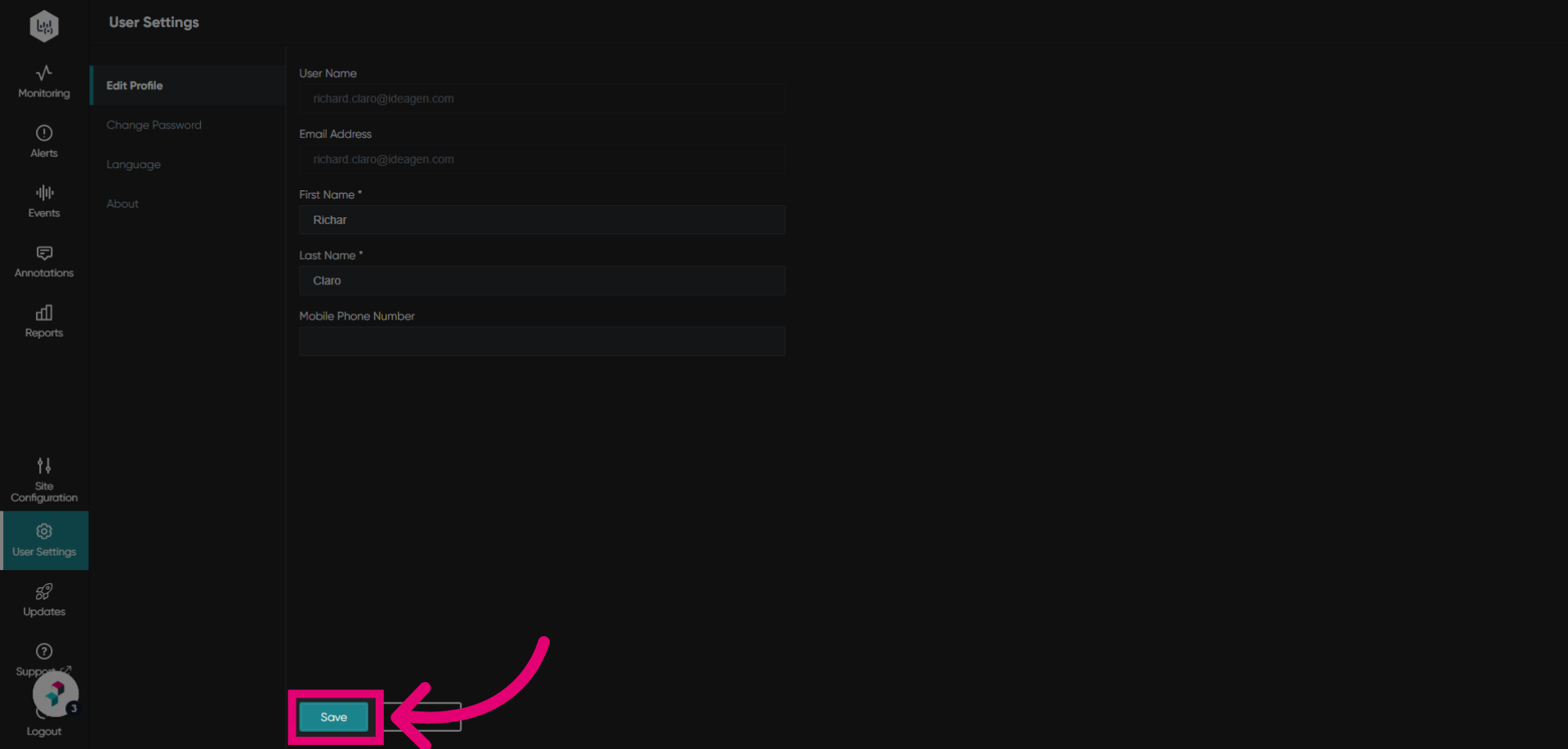
- Click Save to apply the changes.