New article
Recently updated
Responding to alerts

Who is this article for?
Users responsible for managing alerts.
No special access or permissions are required.
This article shows you where you can view and respond to alerts in the platform.
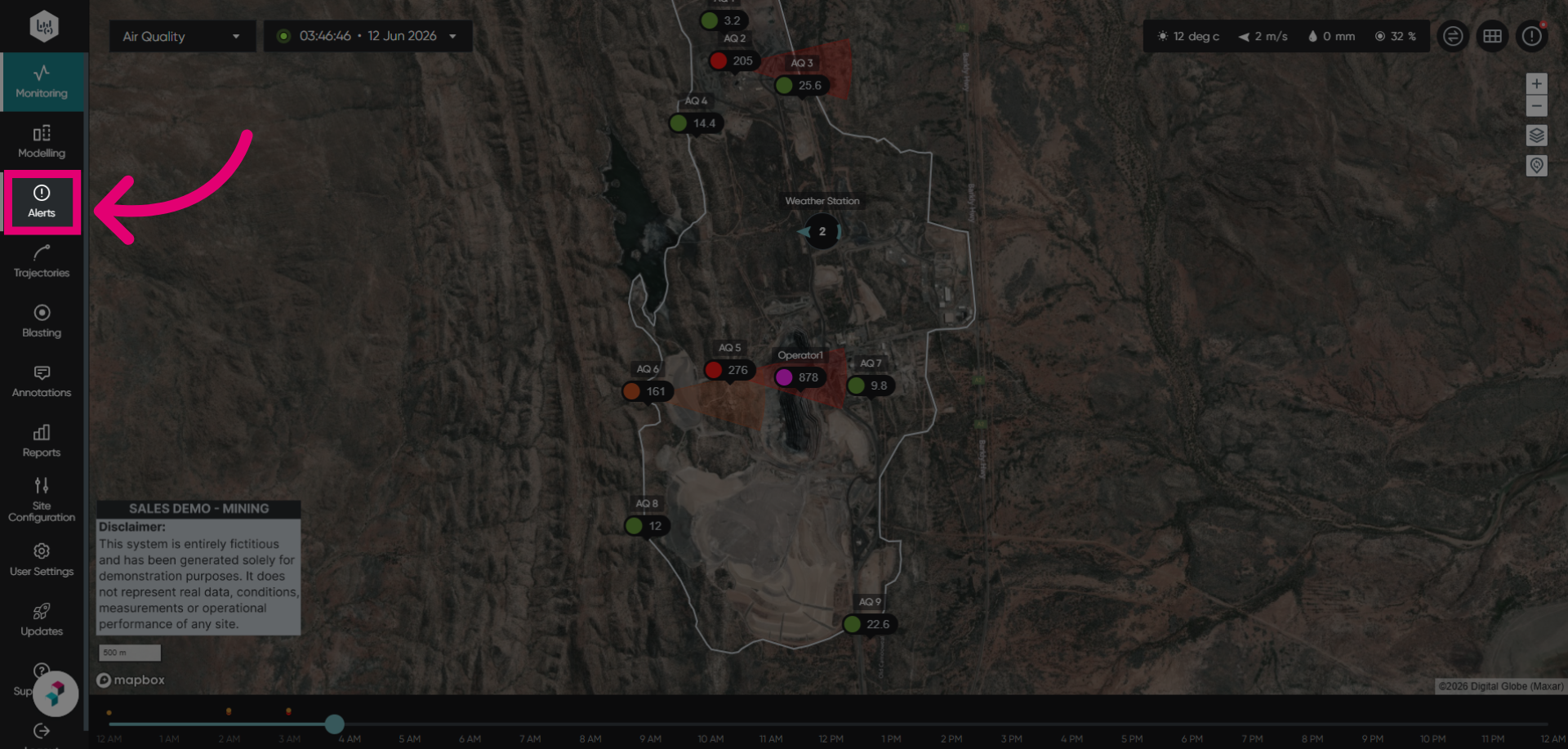
Viewing alerts
To view alerts:
- Go to Alerts.
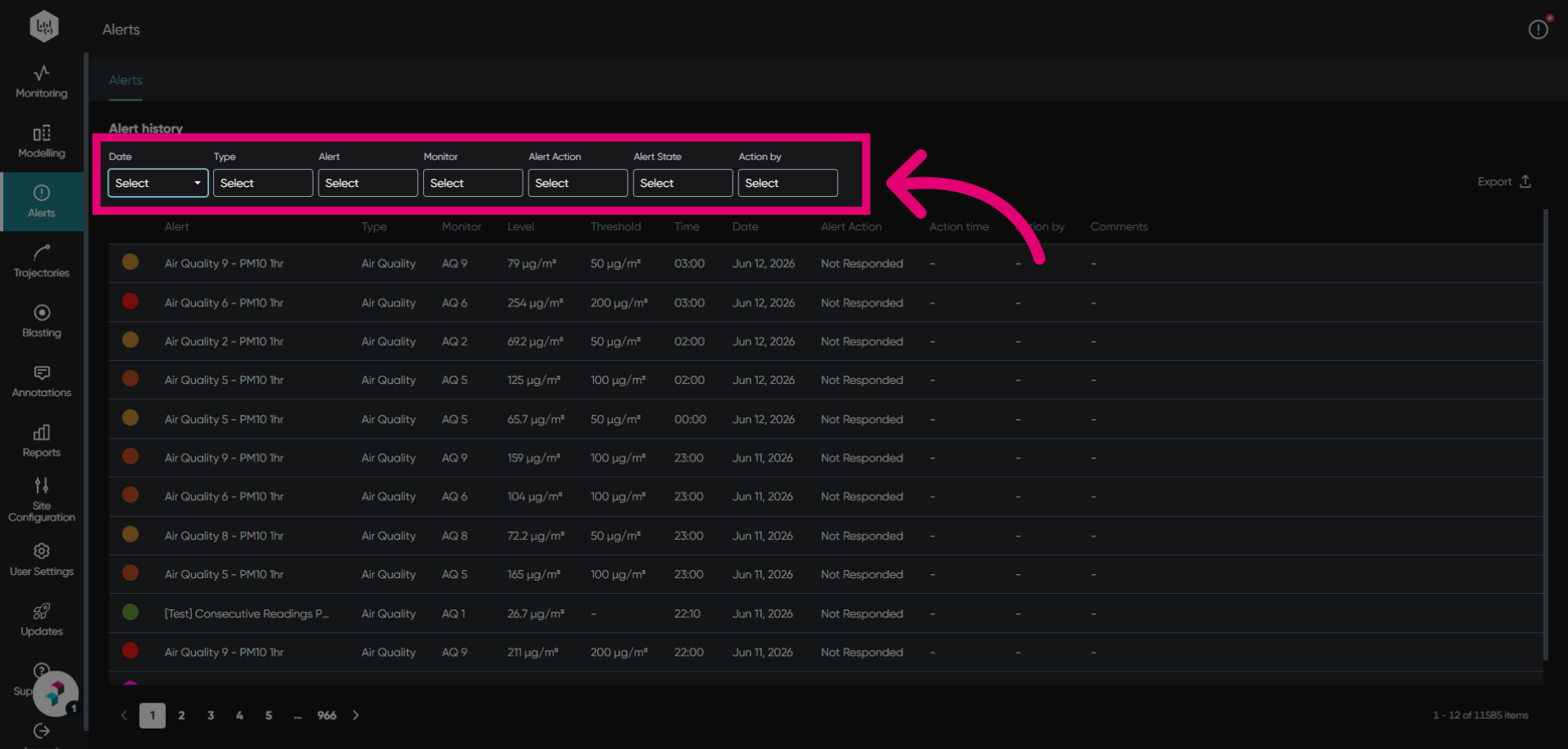
- Set Filters to navigate through the alert history.
Reviewing alerts
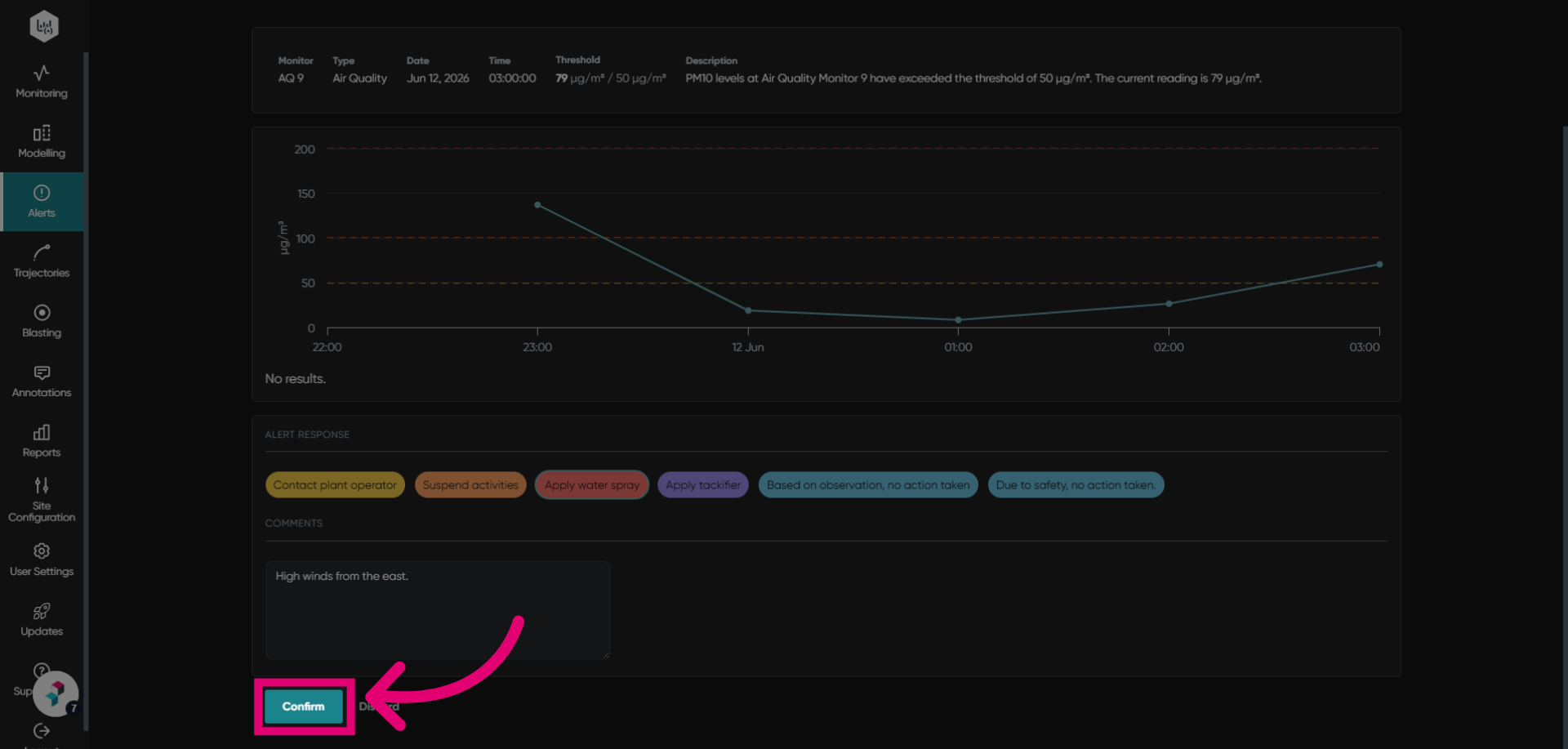
To review an alert:
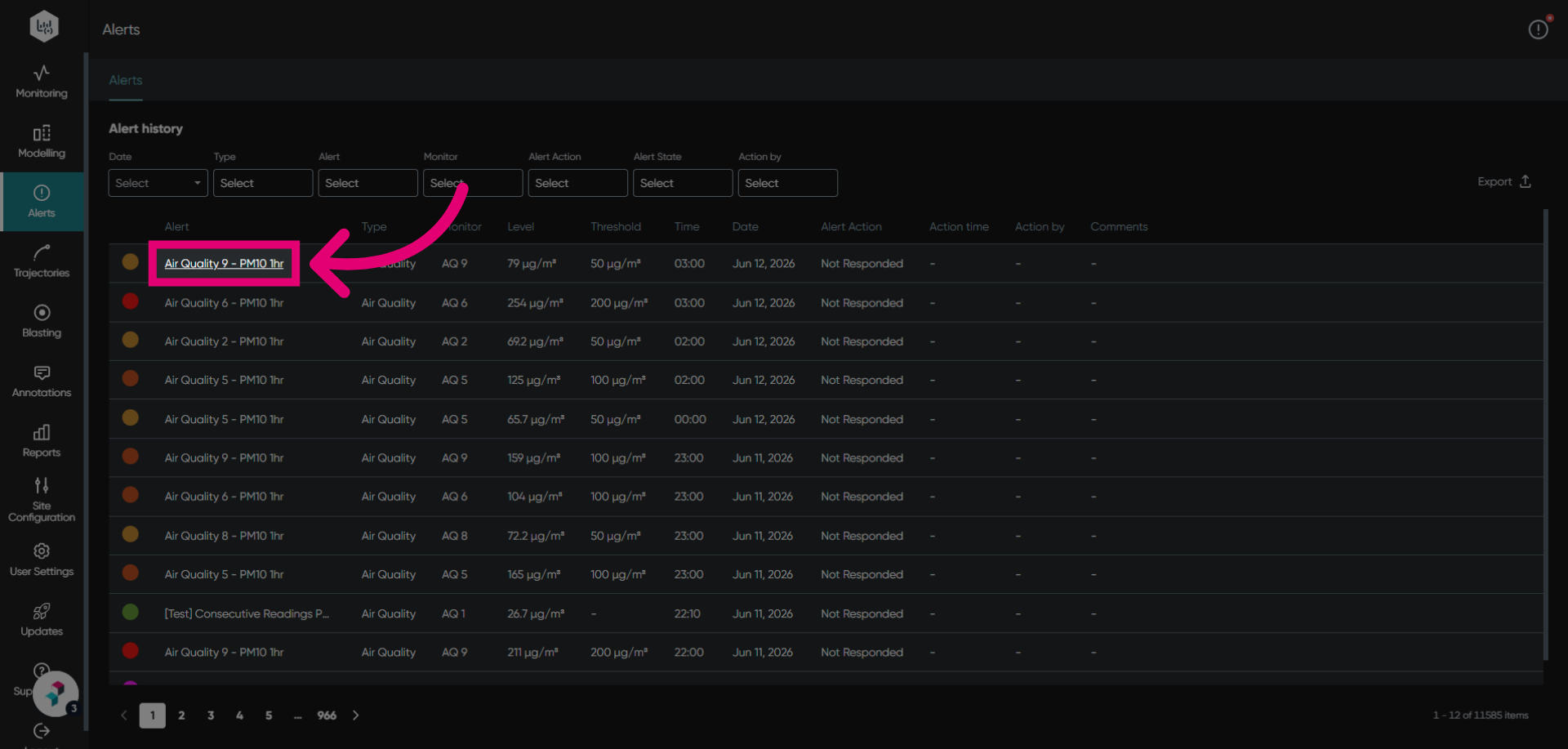
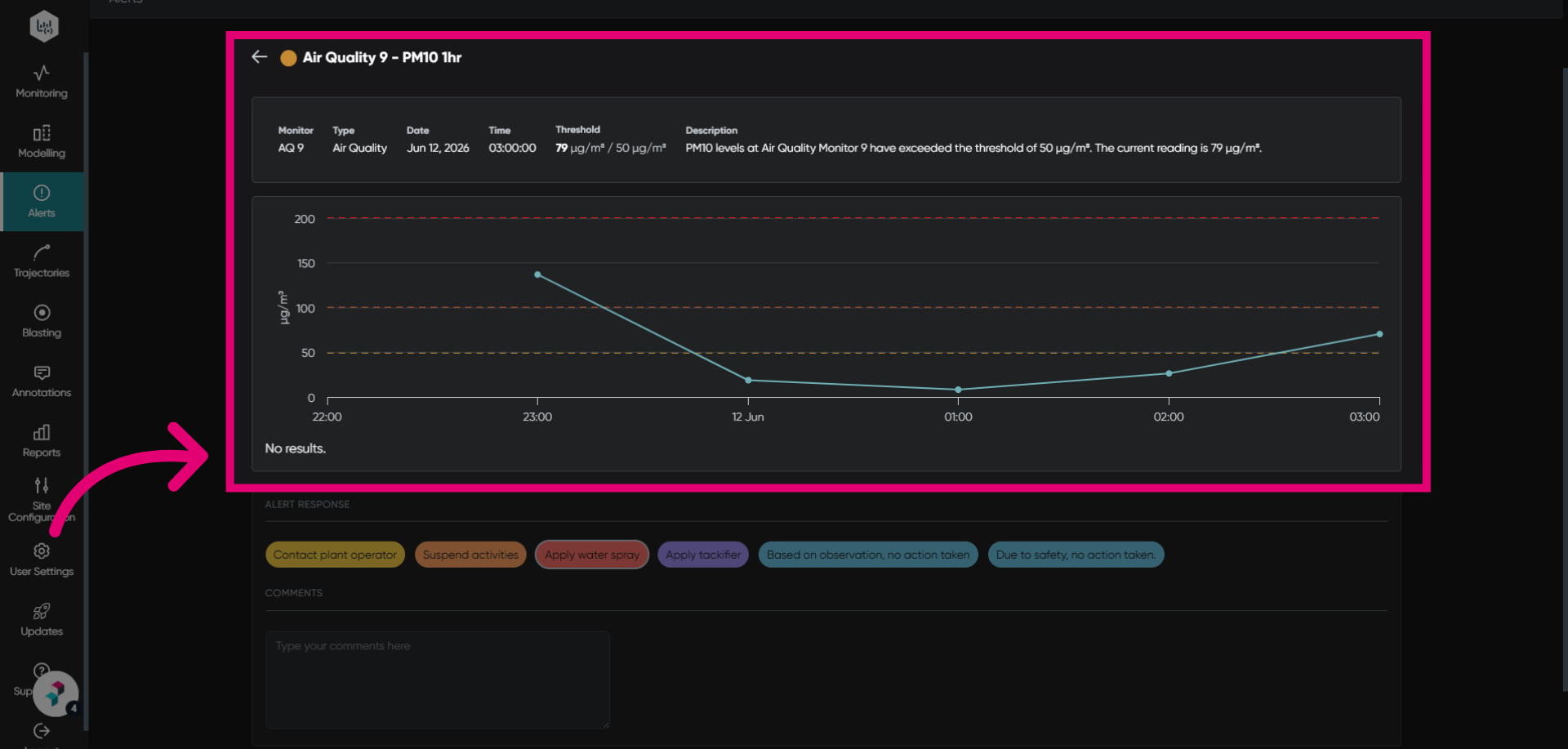
- Open an alert for review.
- Review the alert information.
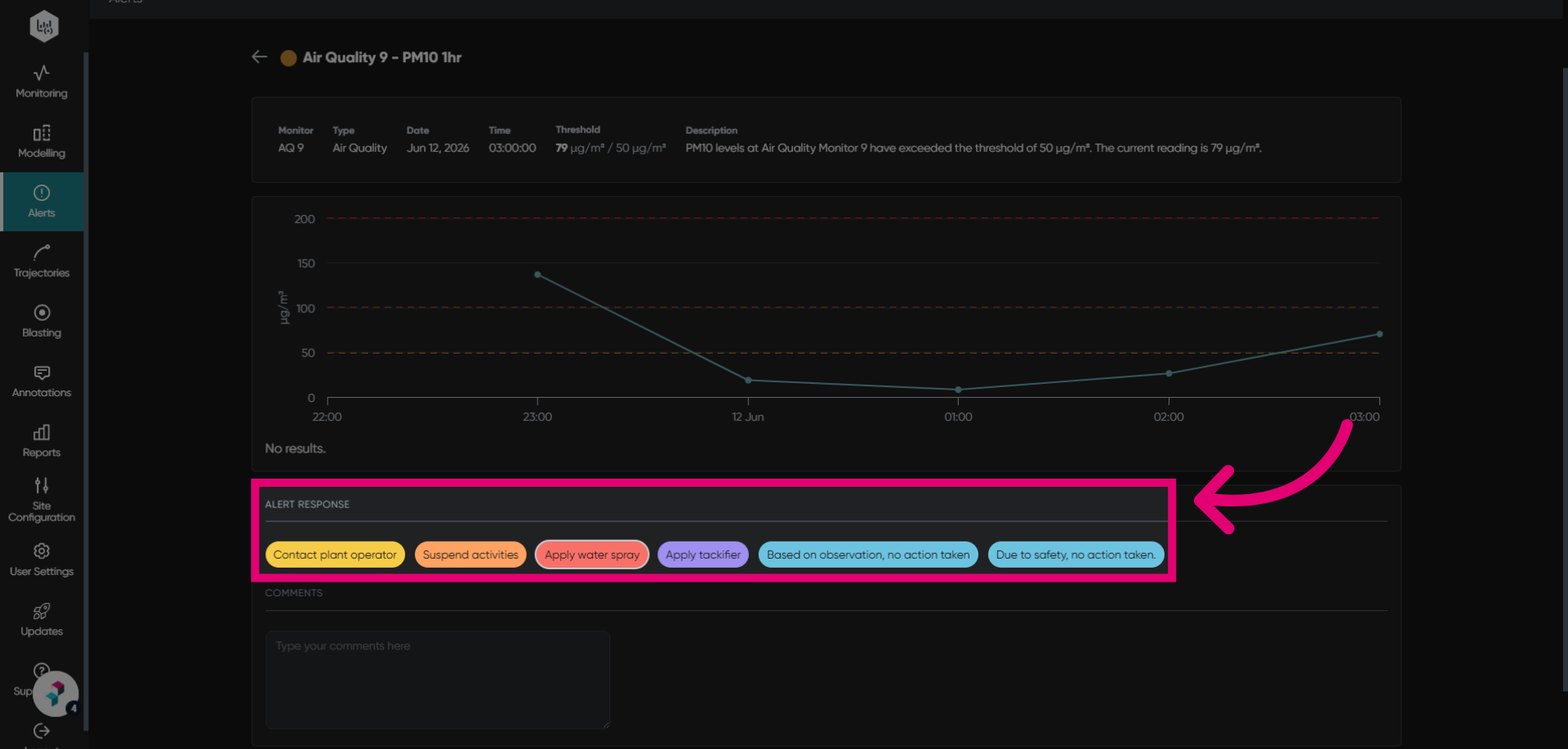
- Select an Alert Response.
These will only appear if the alert response feature is activated.
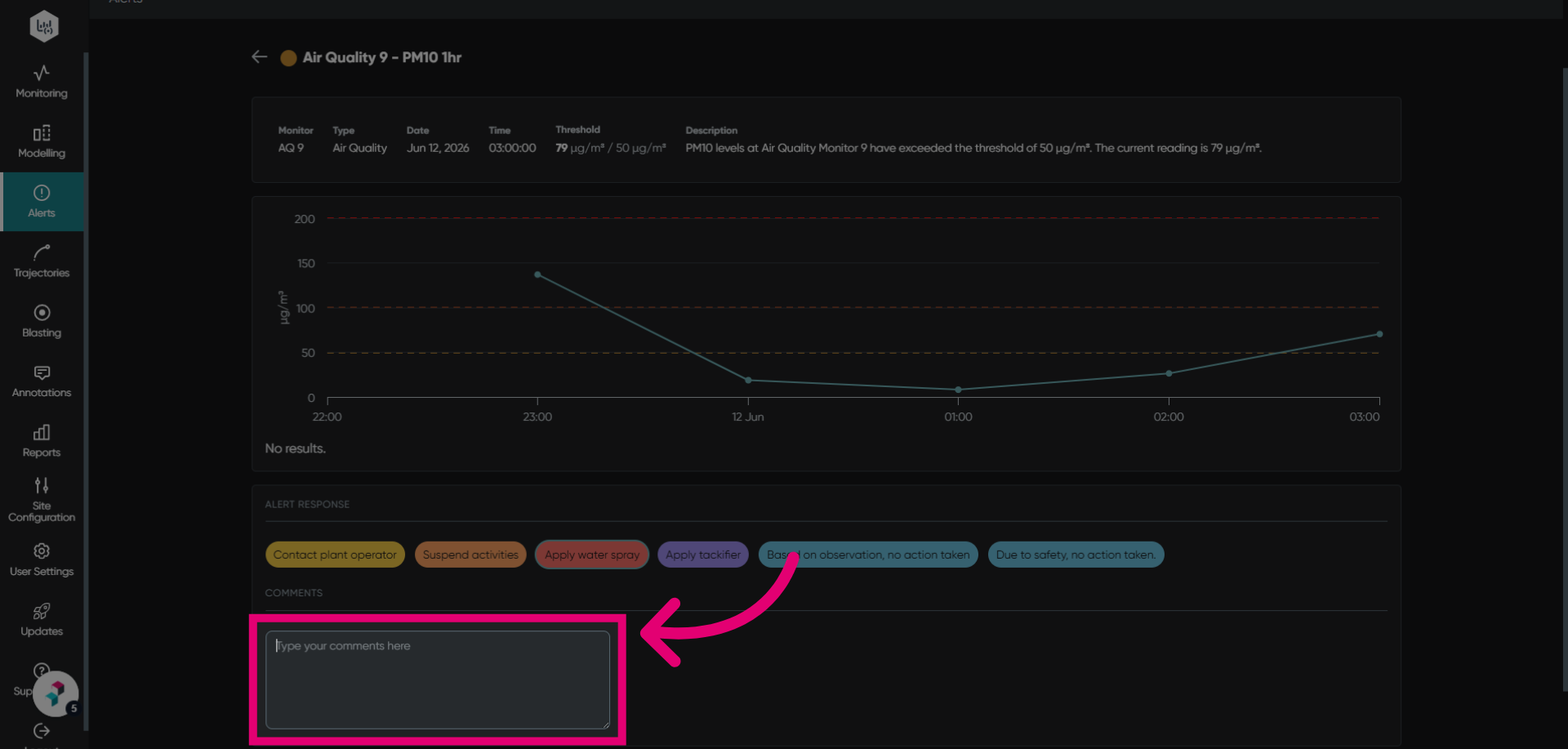
- Add Comments with any additional information or context.
- Click Confirm to save all responses.