New article
Recently updated
Changing a monitor name

Who is this article for?
Administrators managing monitor configuration.
Site Configuration access is required.
This article shows you where you can change the name of your monitors for easier identification.
Reviewing monitor names
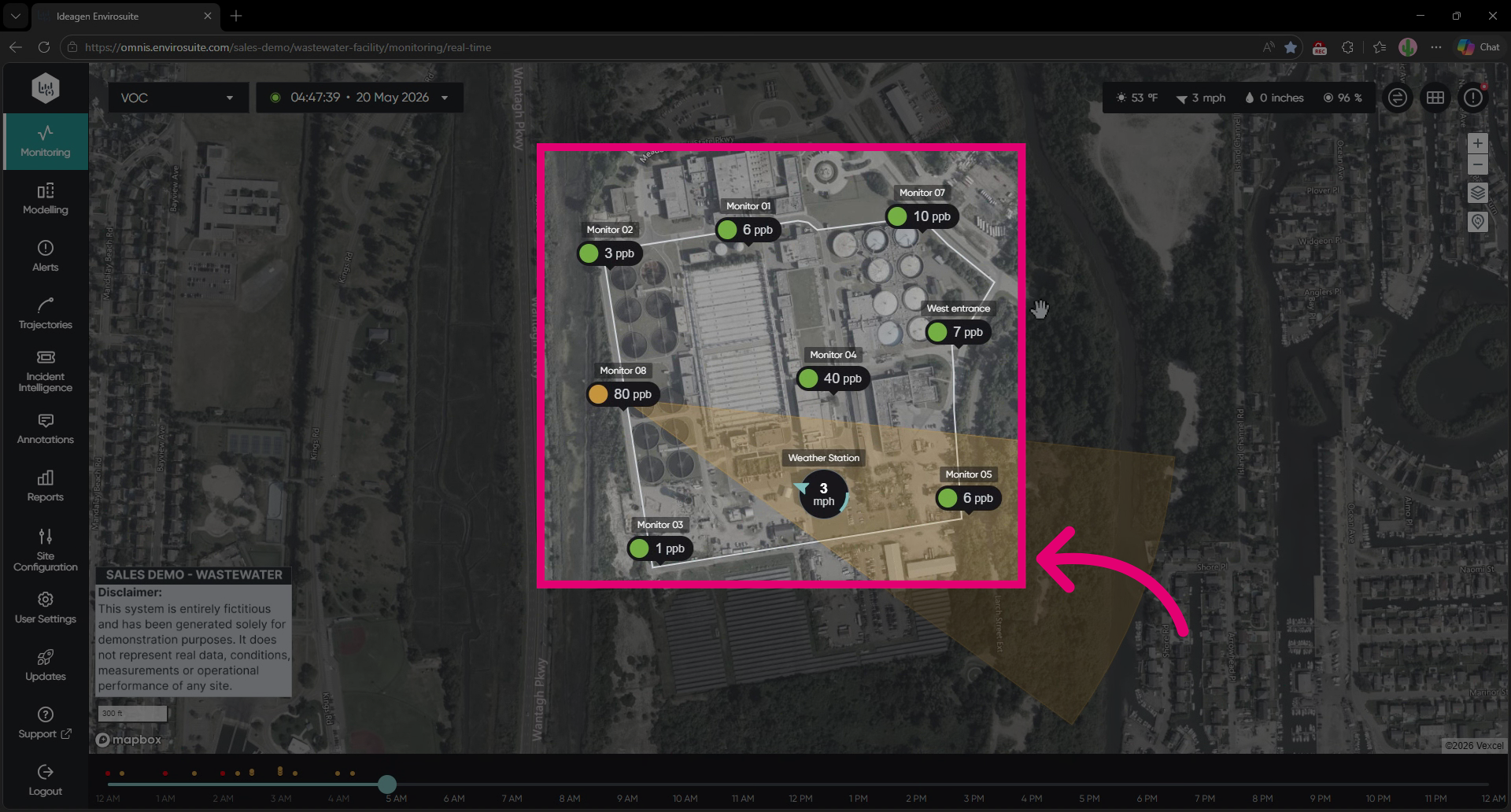
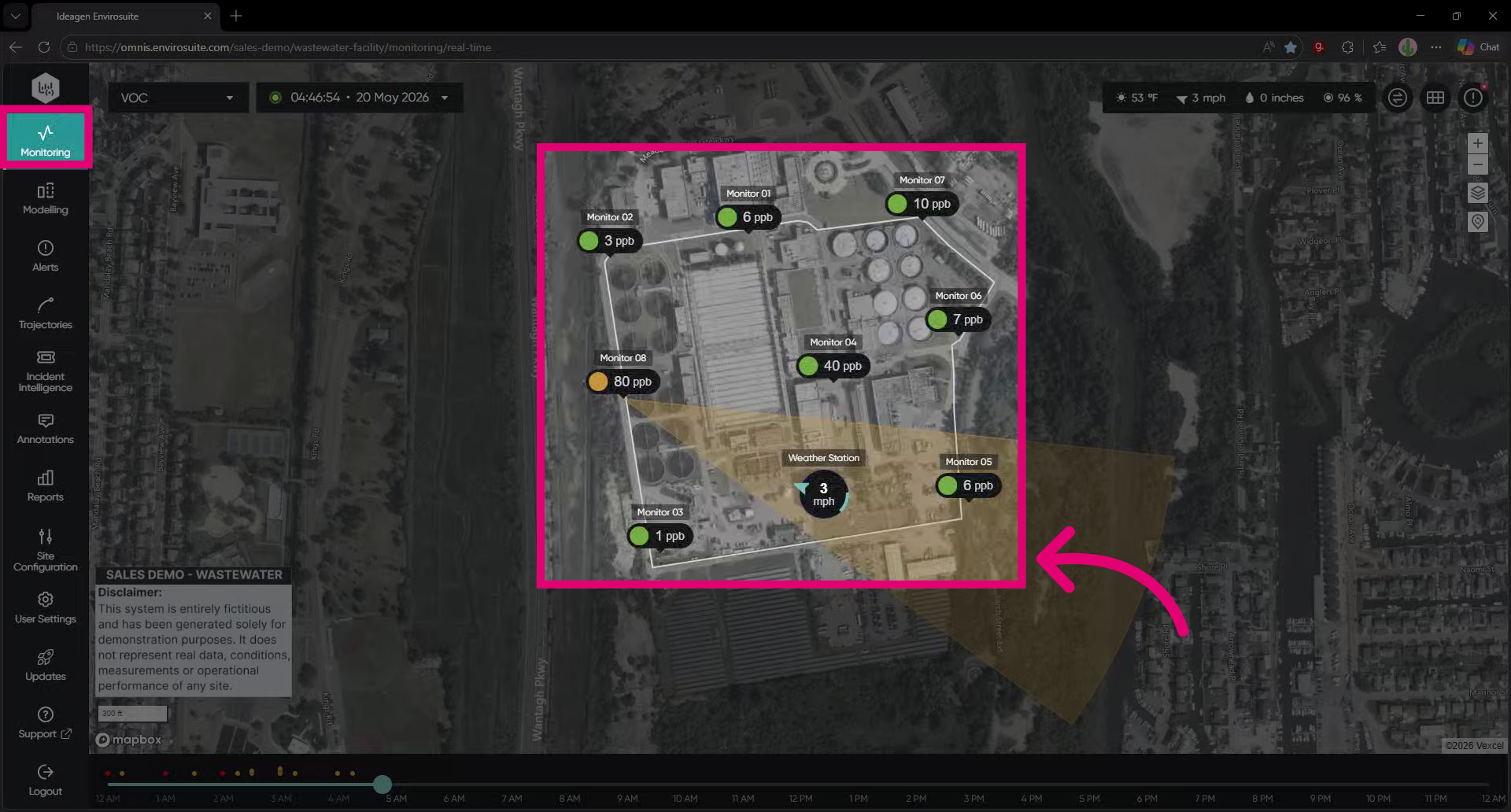
To review current monitor names, go to the Monitoring module.
Changing a monitor name
To change a monitor name:
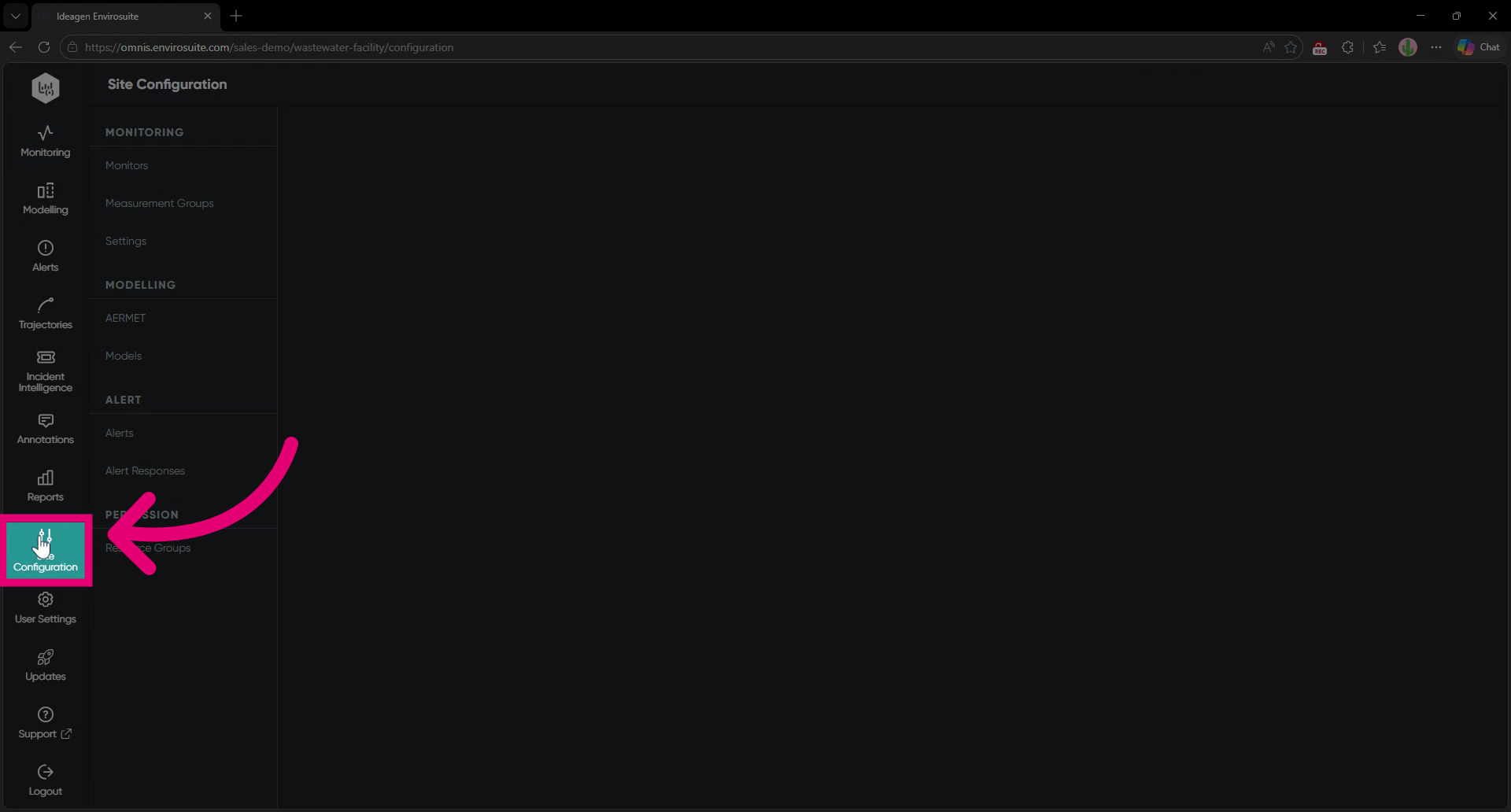
- Go to Site Configuration.
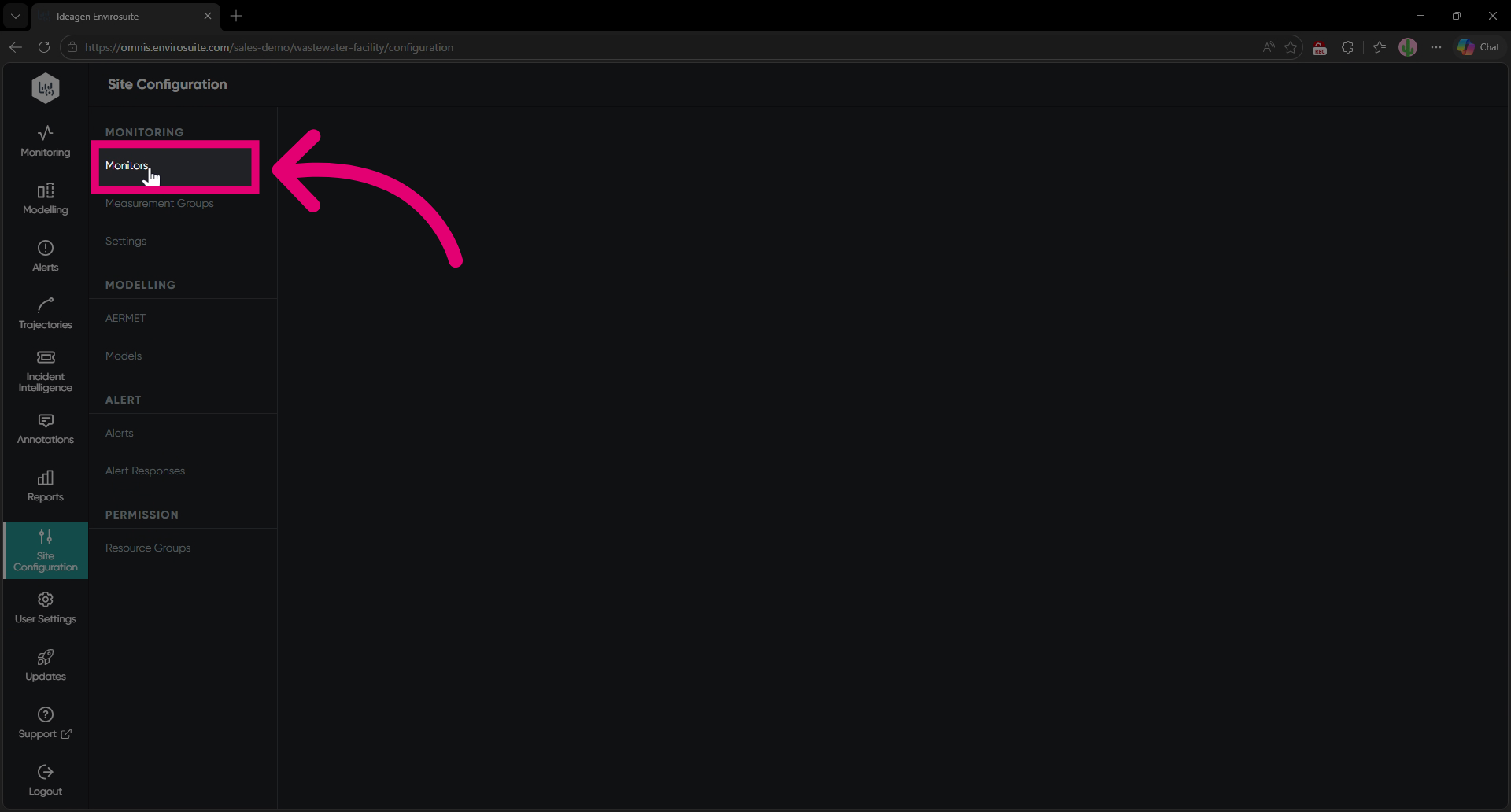
- Select Monitors from the list.
- Find the monitor you're looking to rename.
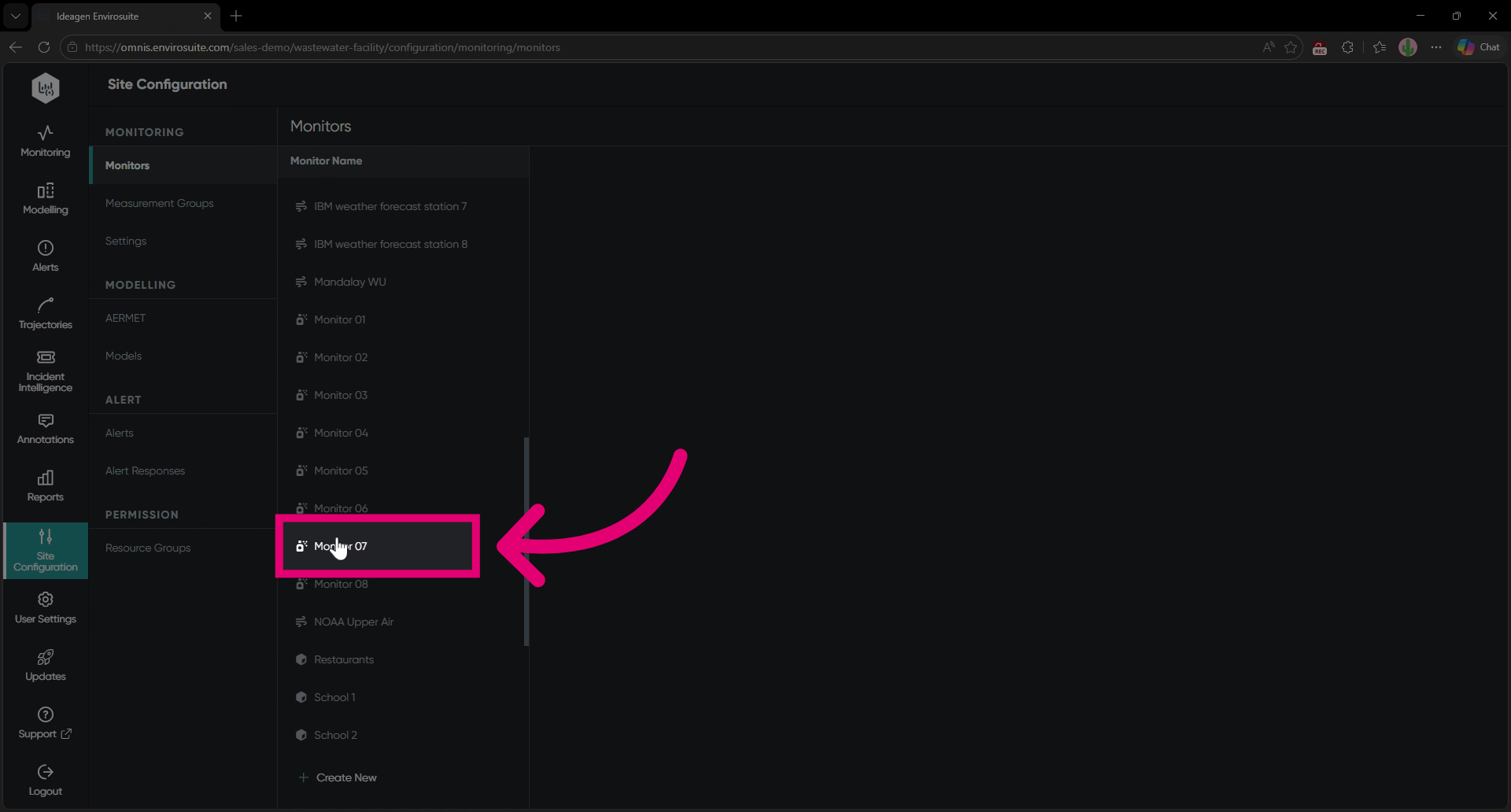
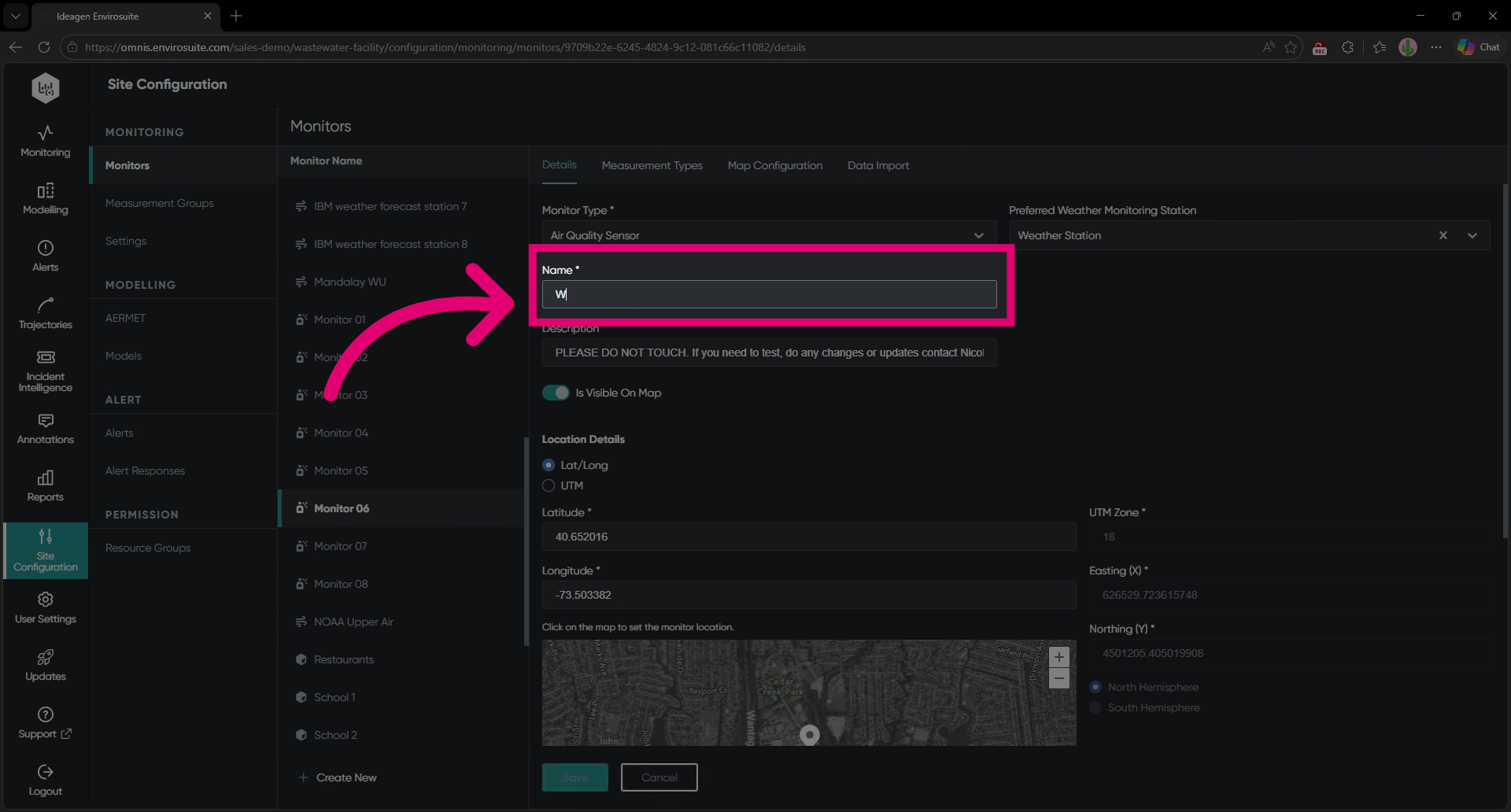
- Enter a new Name that is unique and easy to understand.
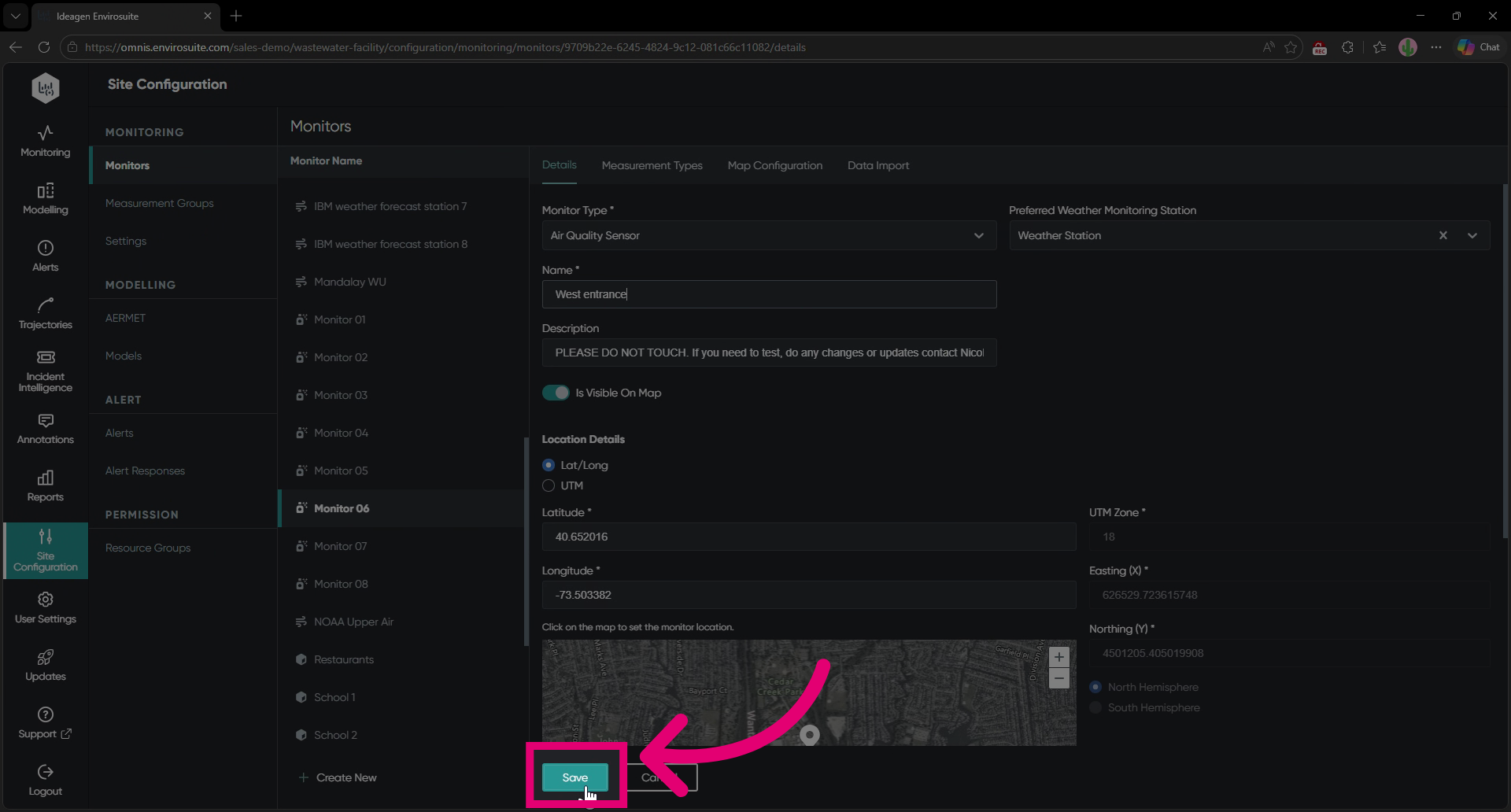
- Click Save.
You can verify the name change in the Monitoring module.