New article
Recently updated
Updating monitor location

Who is this article for?
Administrators managing monitor configuration.
Site Configuration access is required.
This article walks you through updating monitor location coordinates within the platform.
Updating monitor location
To update monitor location coordinates:
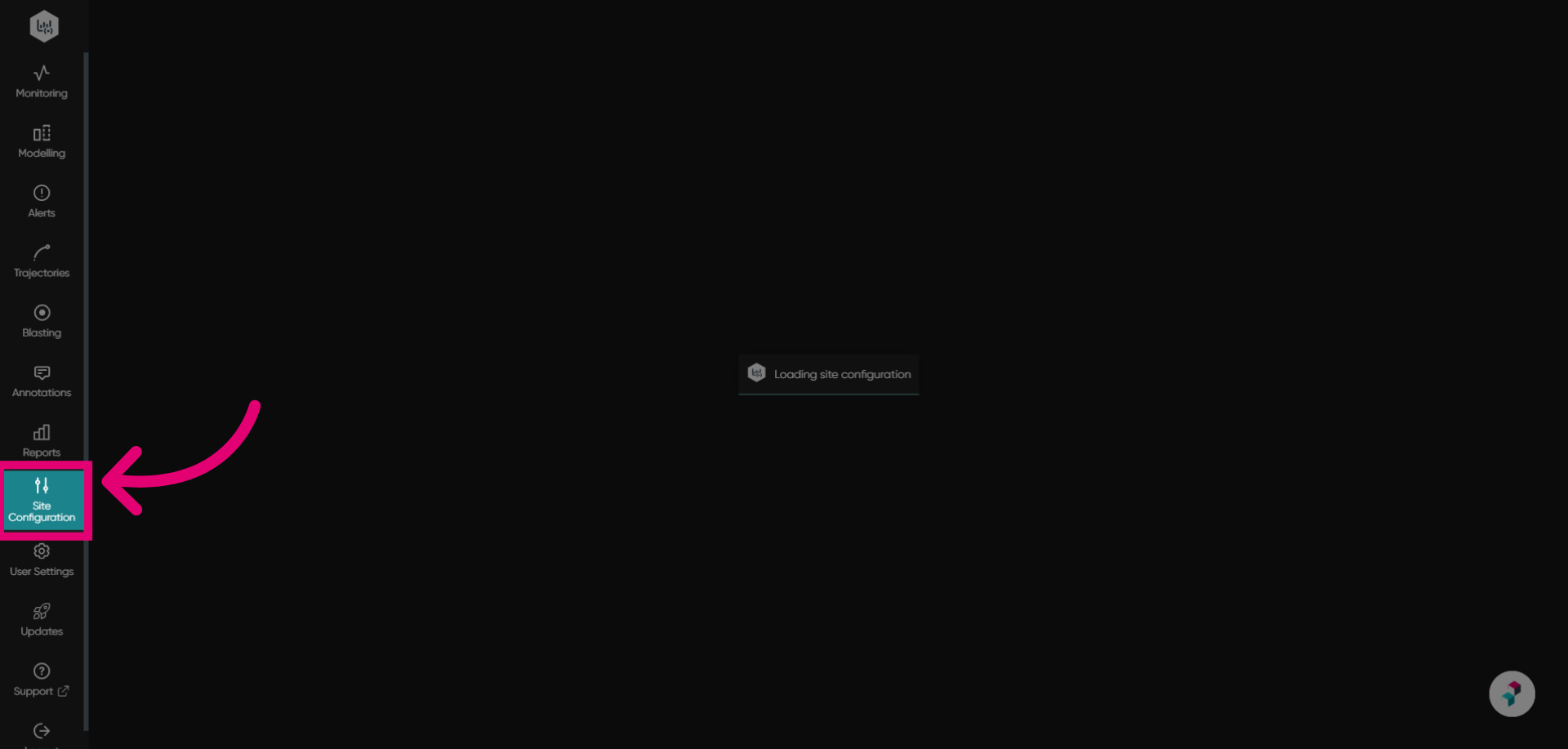
- Go to Site Configuration.
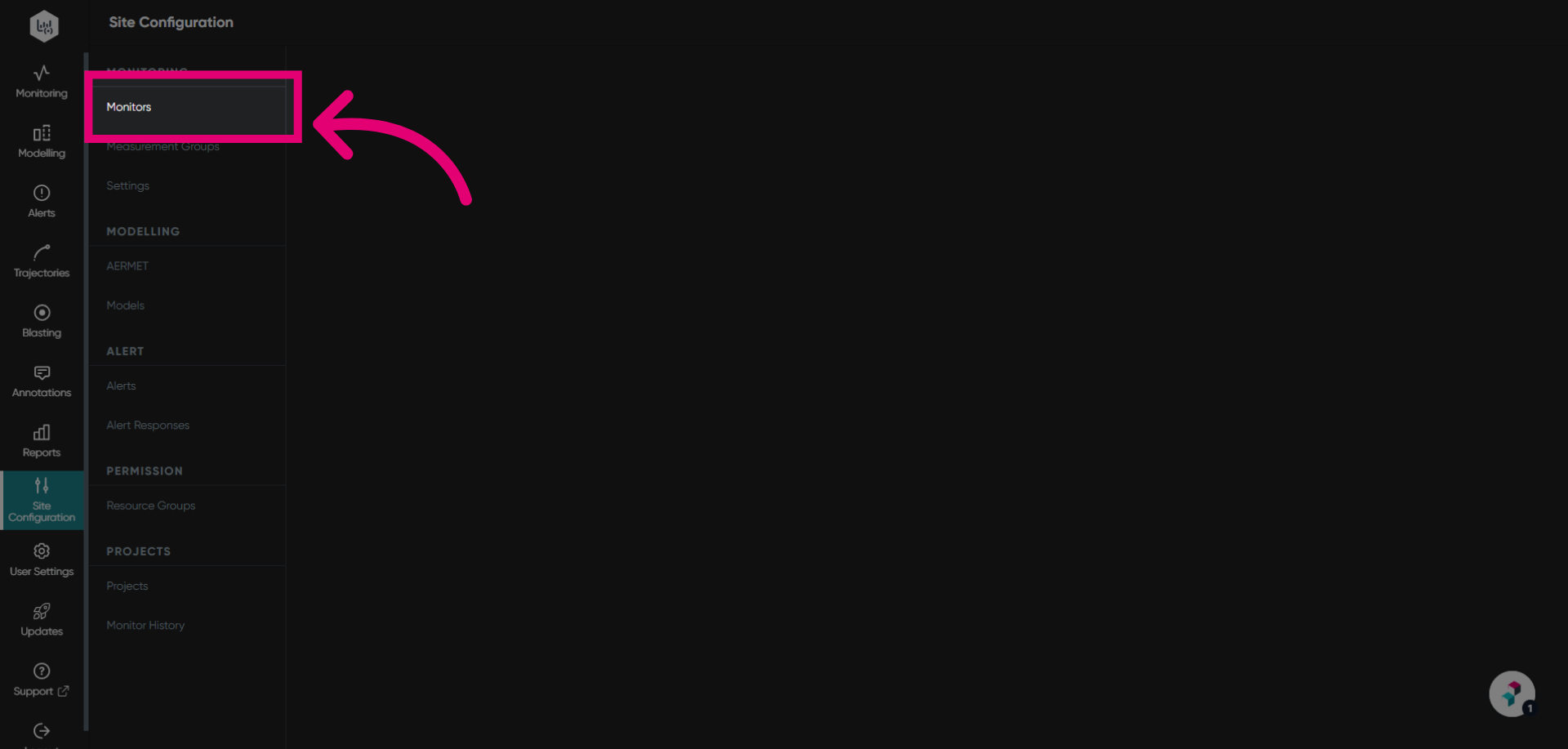
- Select Monitors from the list.
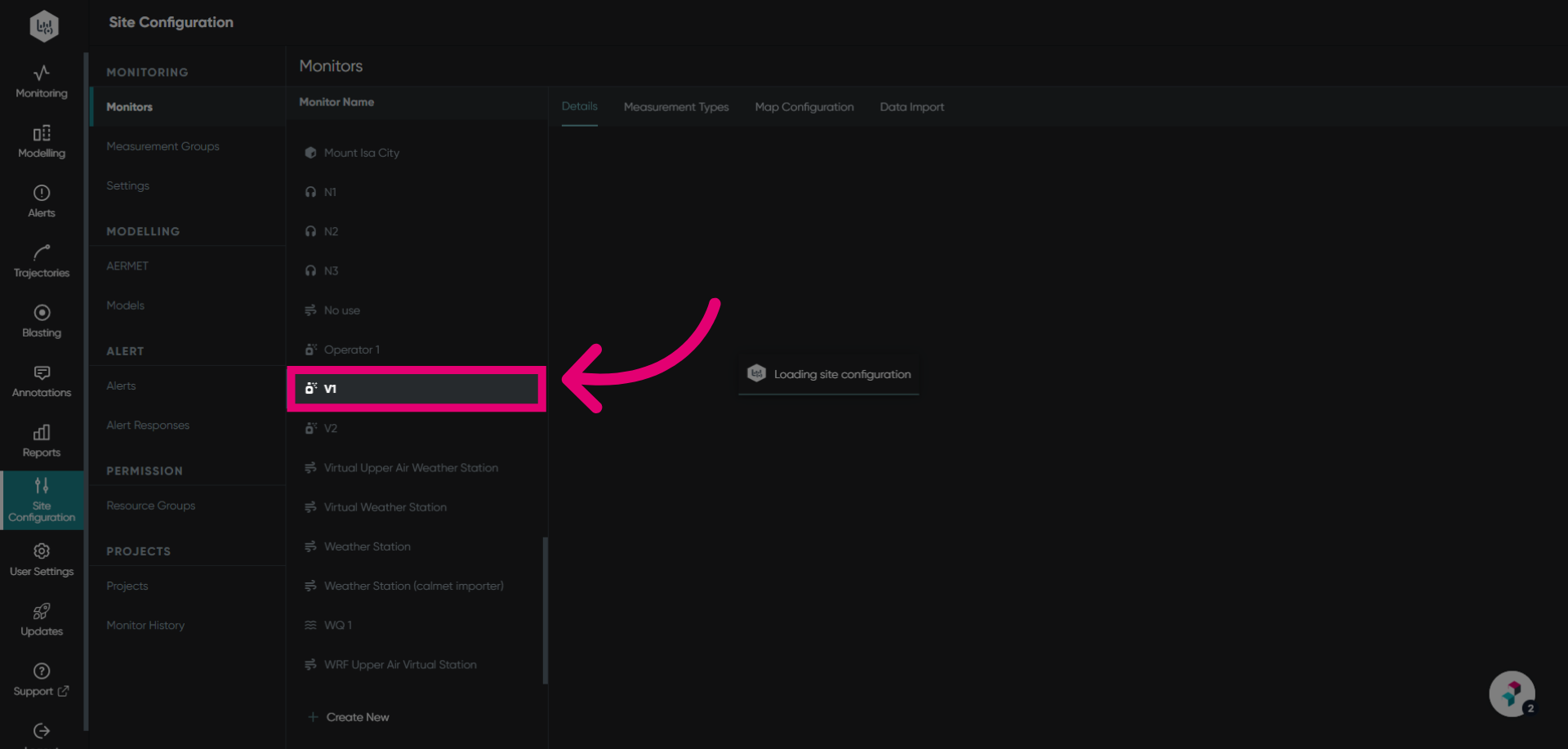
- Find and select the monitor to view its settings.
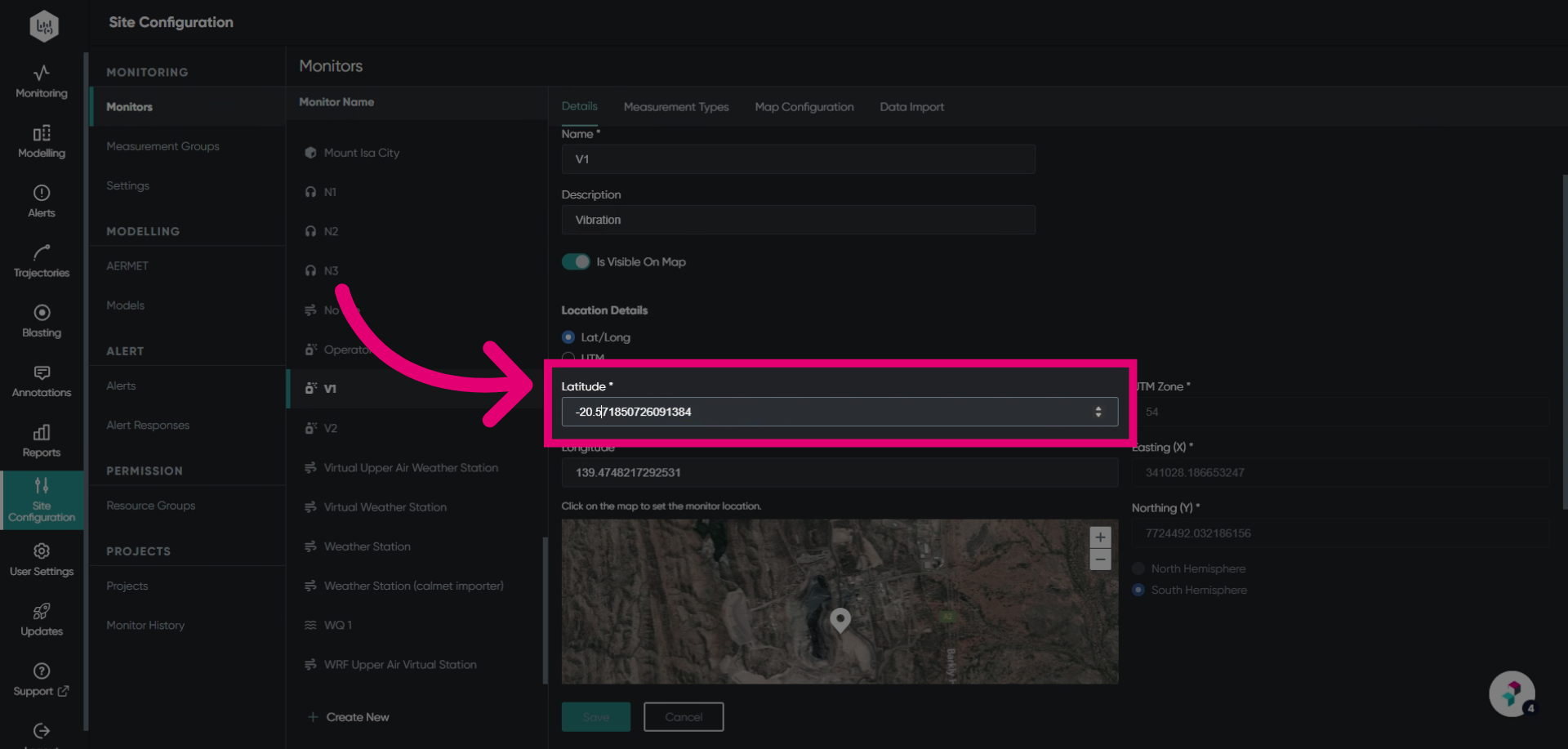
- Enter the Latitude coordinates.
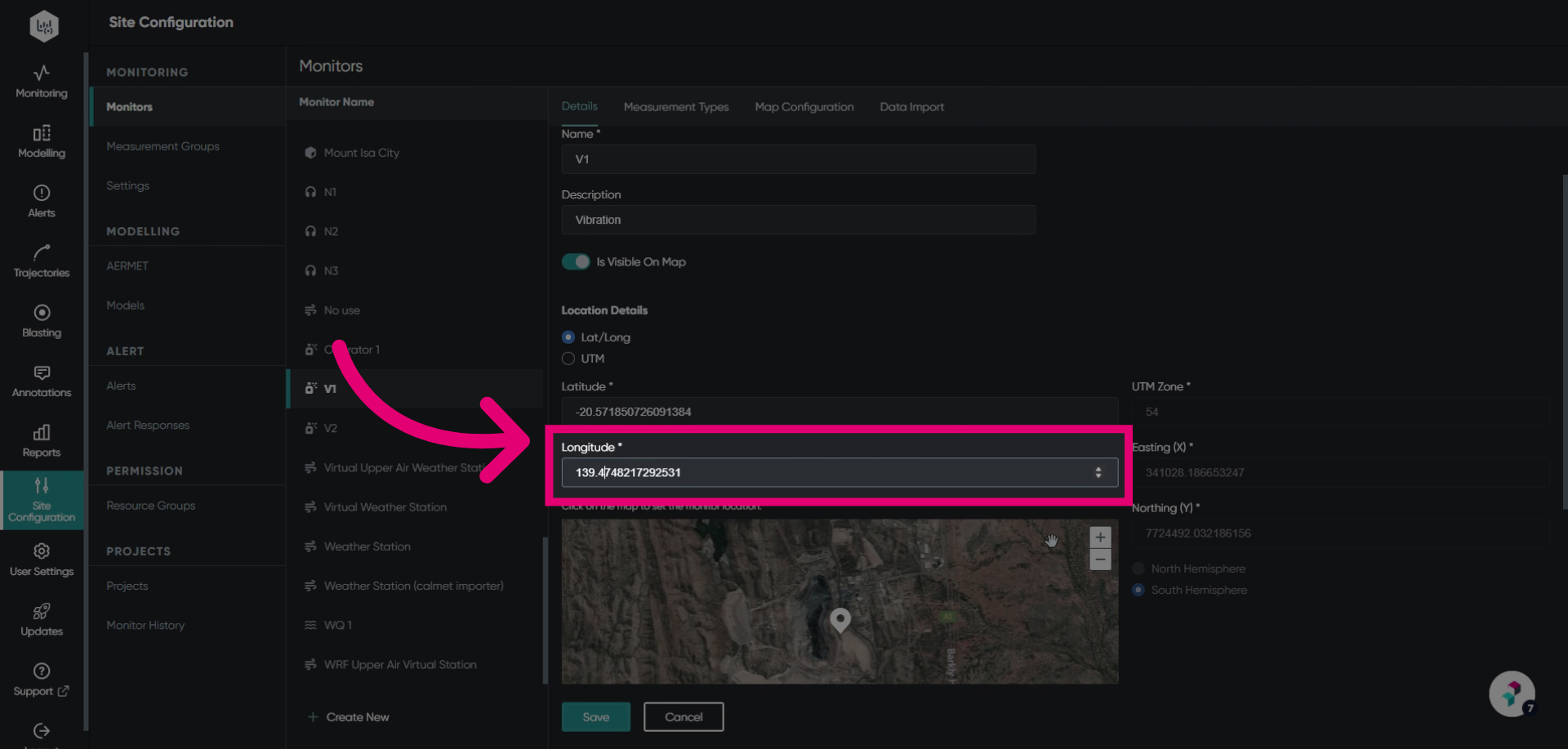
- Enter the Longitude coordinates.
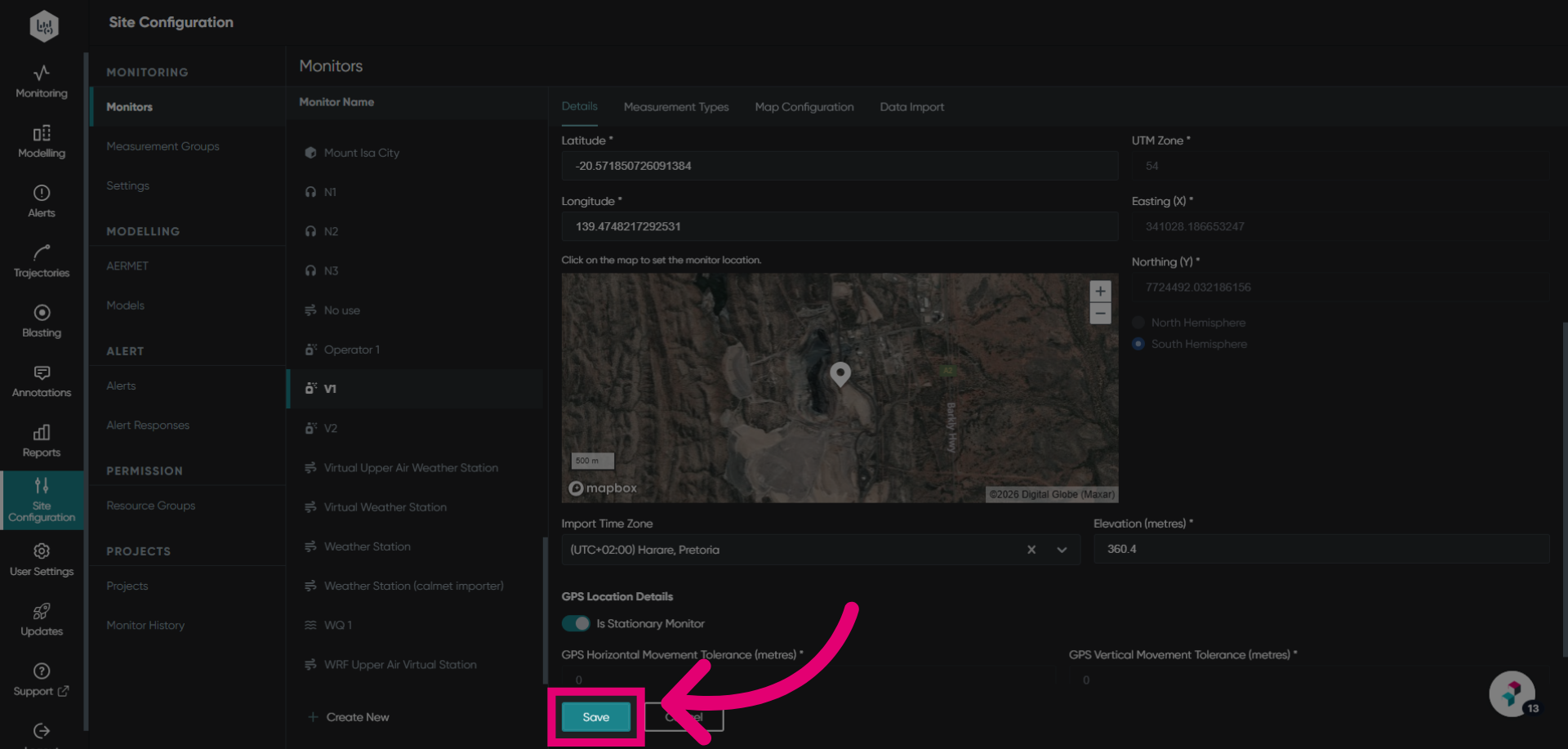
- Click Save to apply the changes.
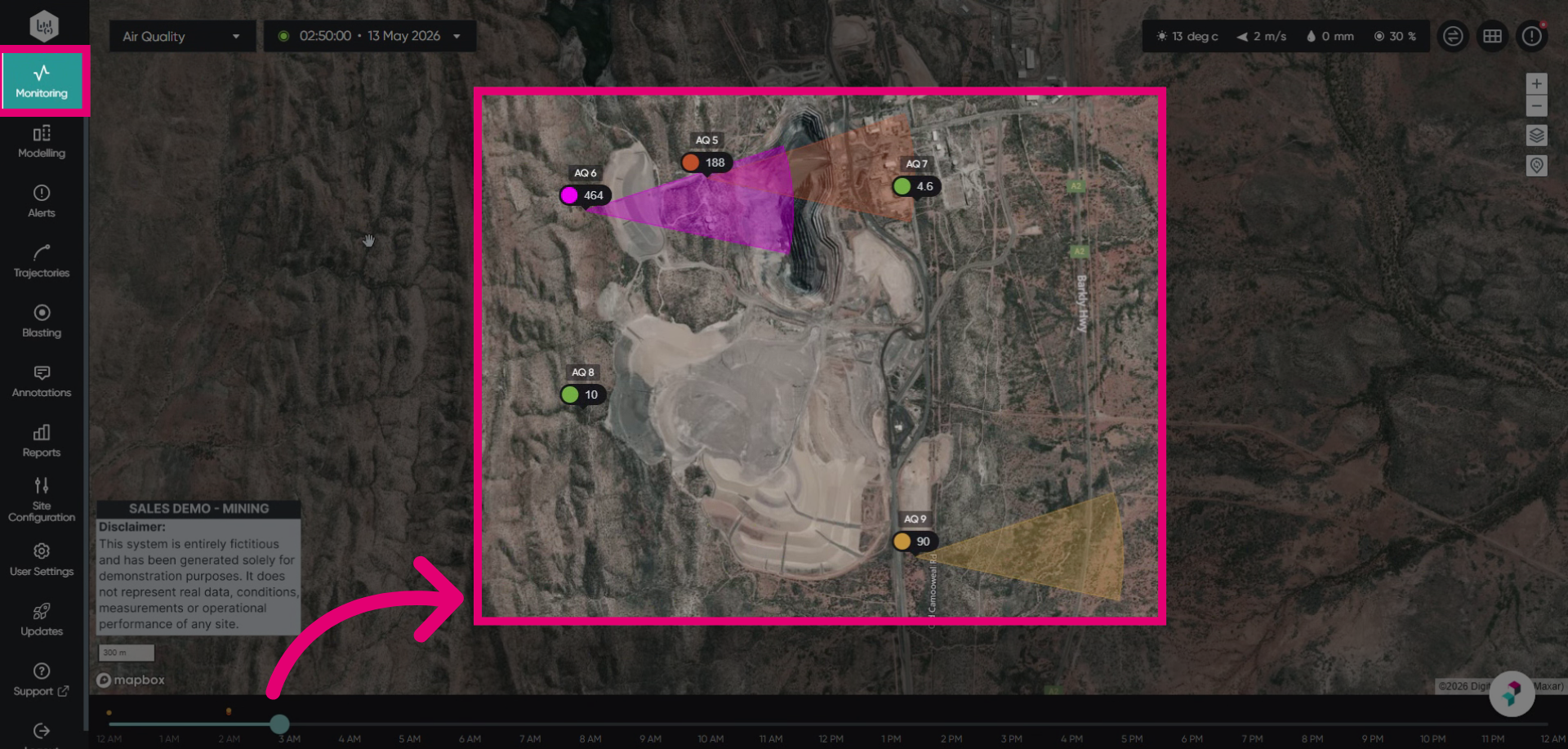
You can verify the location change in the Monitoring module.