New article
Recently updated
Launching a forecast model

Who is this article for?
Users who want to launch a forecast model.
Forecast model access is required.
This article walks you through the process of launching a custom forecast model in the platform.
Launching a forecast model
To launch a forecast model:
- Go to Modelling.
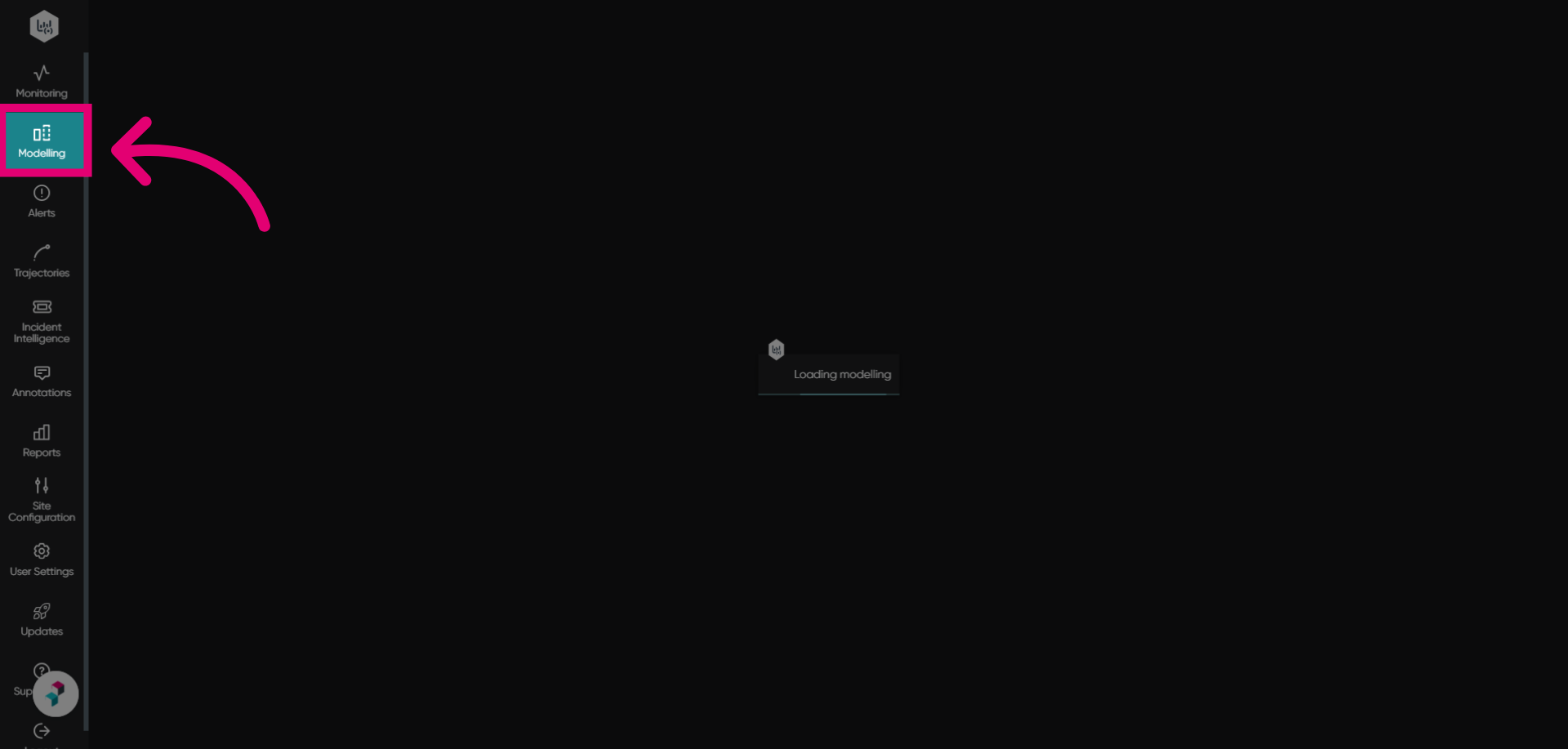
- Set Model Interval to 60 min.
This is the forecasted model section.
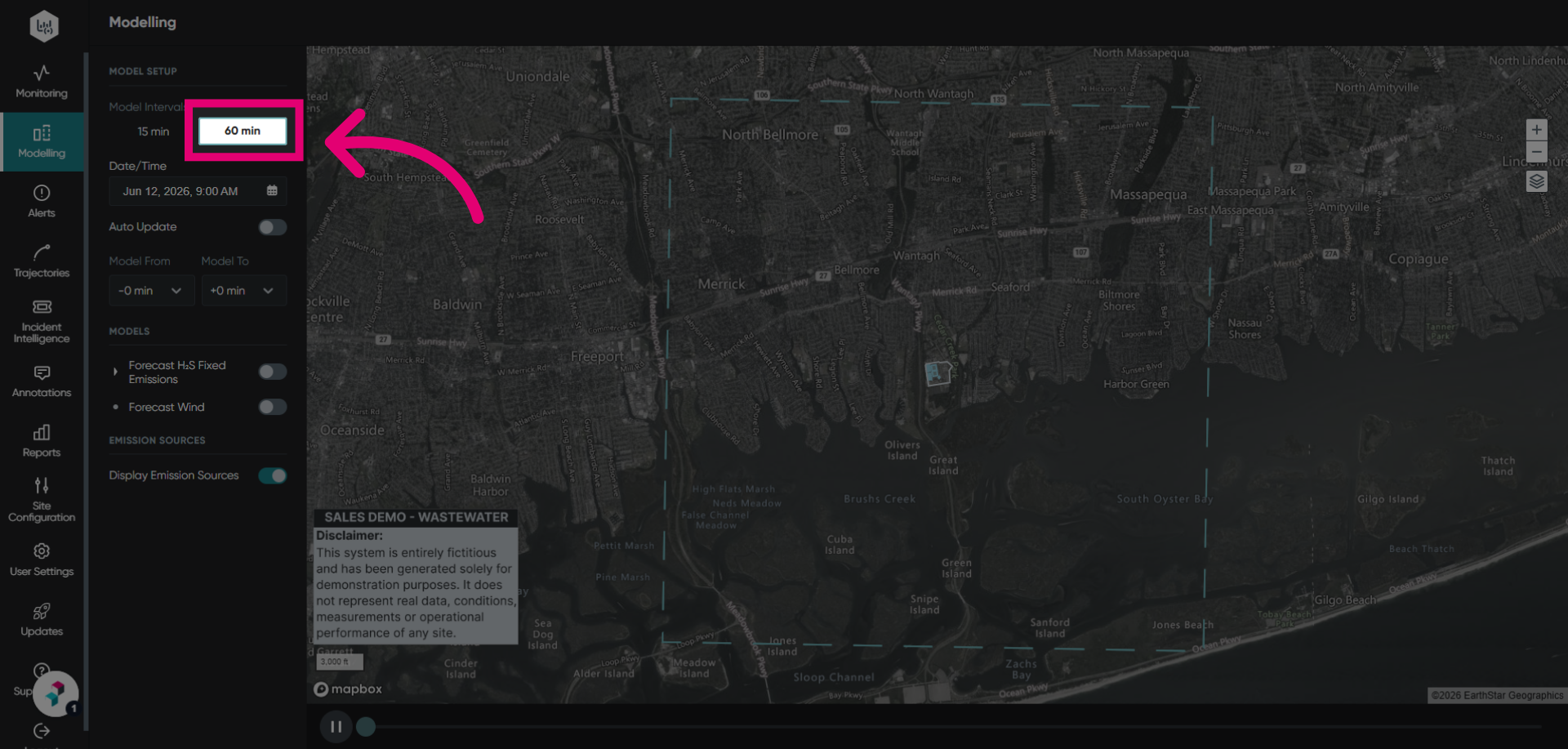
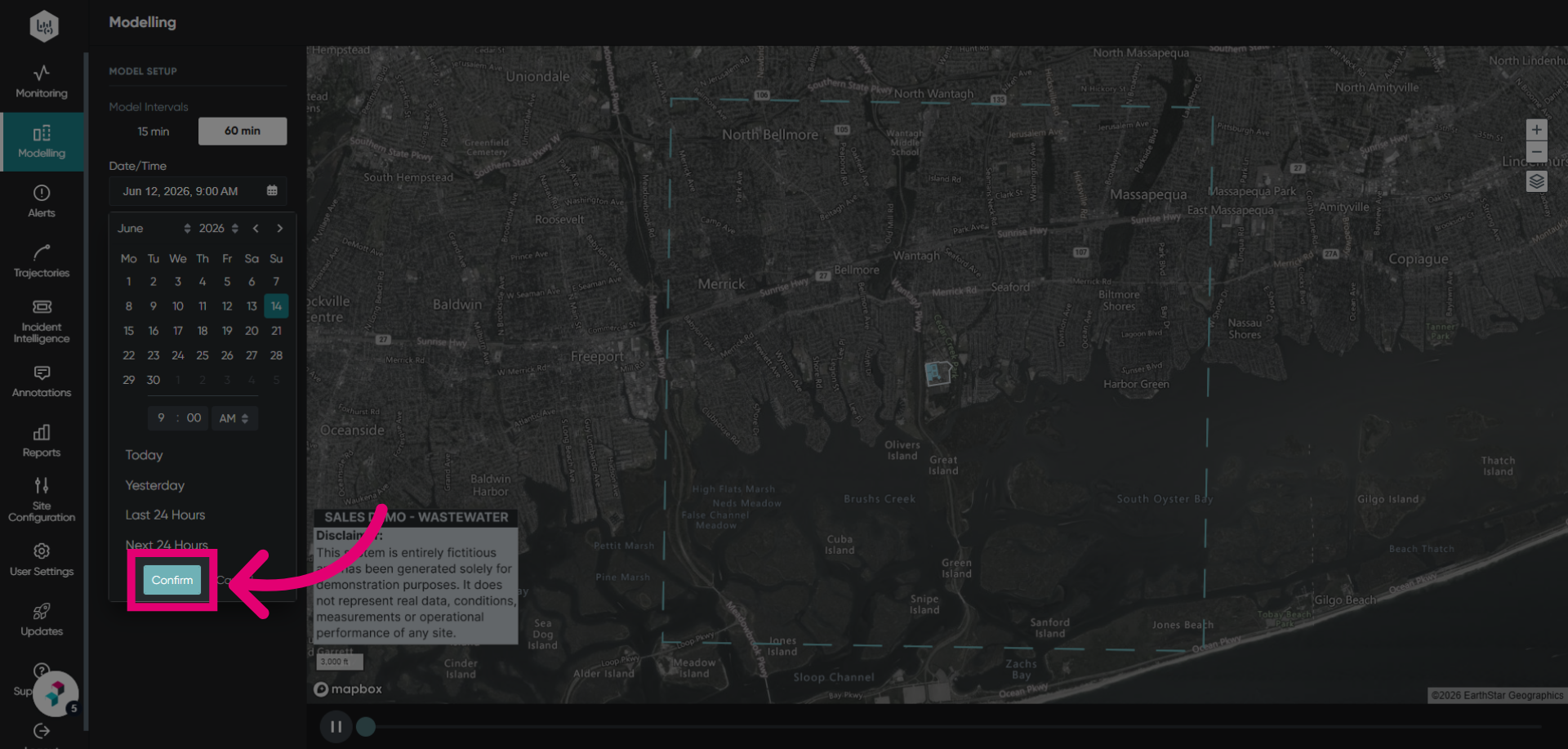
- Select the Date/Time of the event observation for your modelling configuration.
You can use quick period presets at the bottom of the calendar to quickly launch the model for that period.
Tip
For forecast models, the date selected can be in the future.
- Click Confirm.
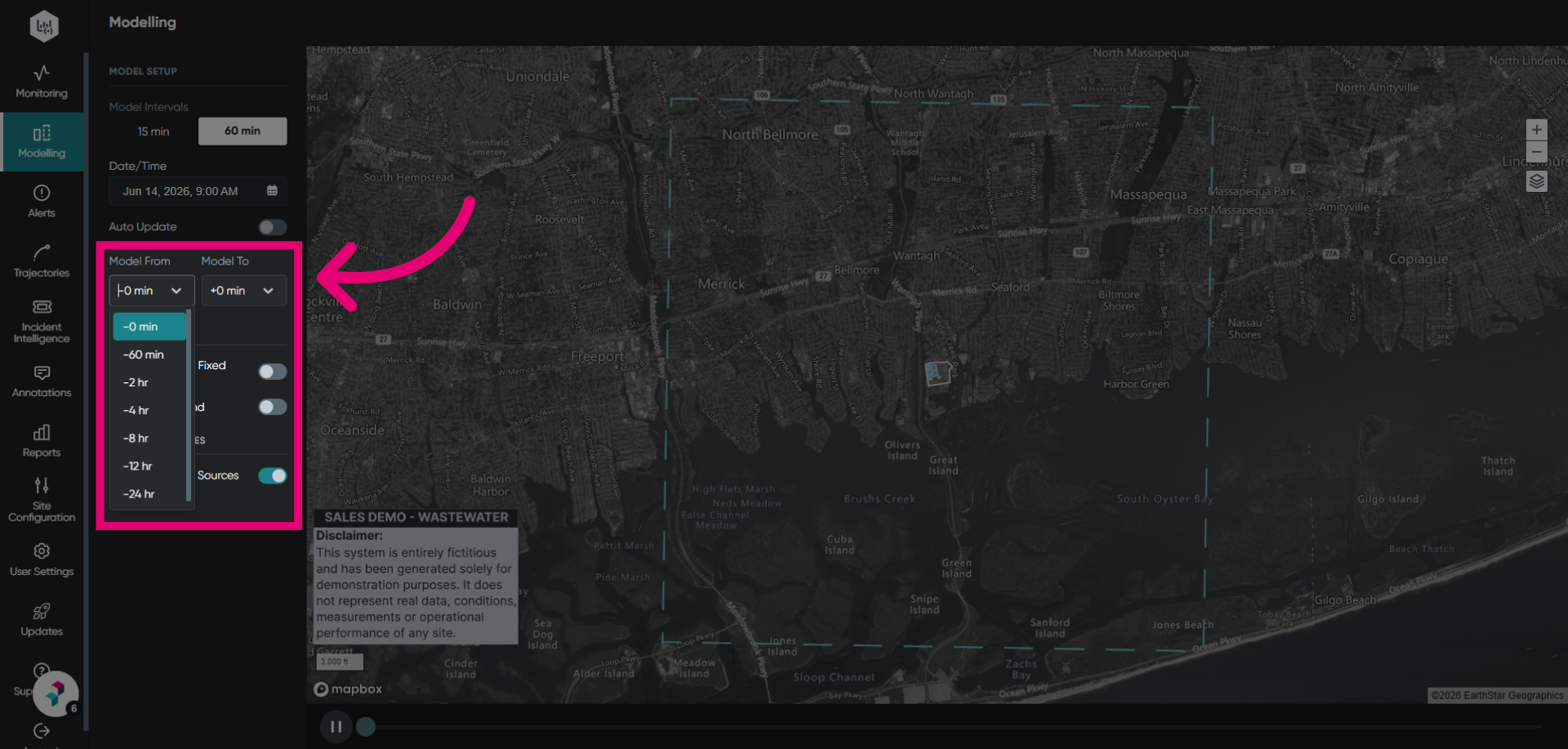
- Adjust model parameters.
This includes the model run range, number of hours before and after the selected observation event date and time.
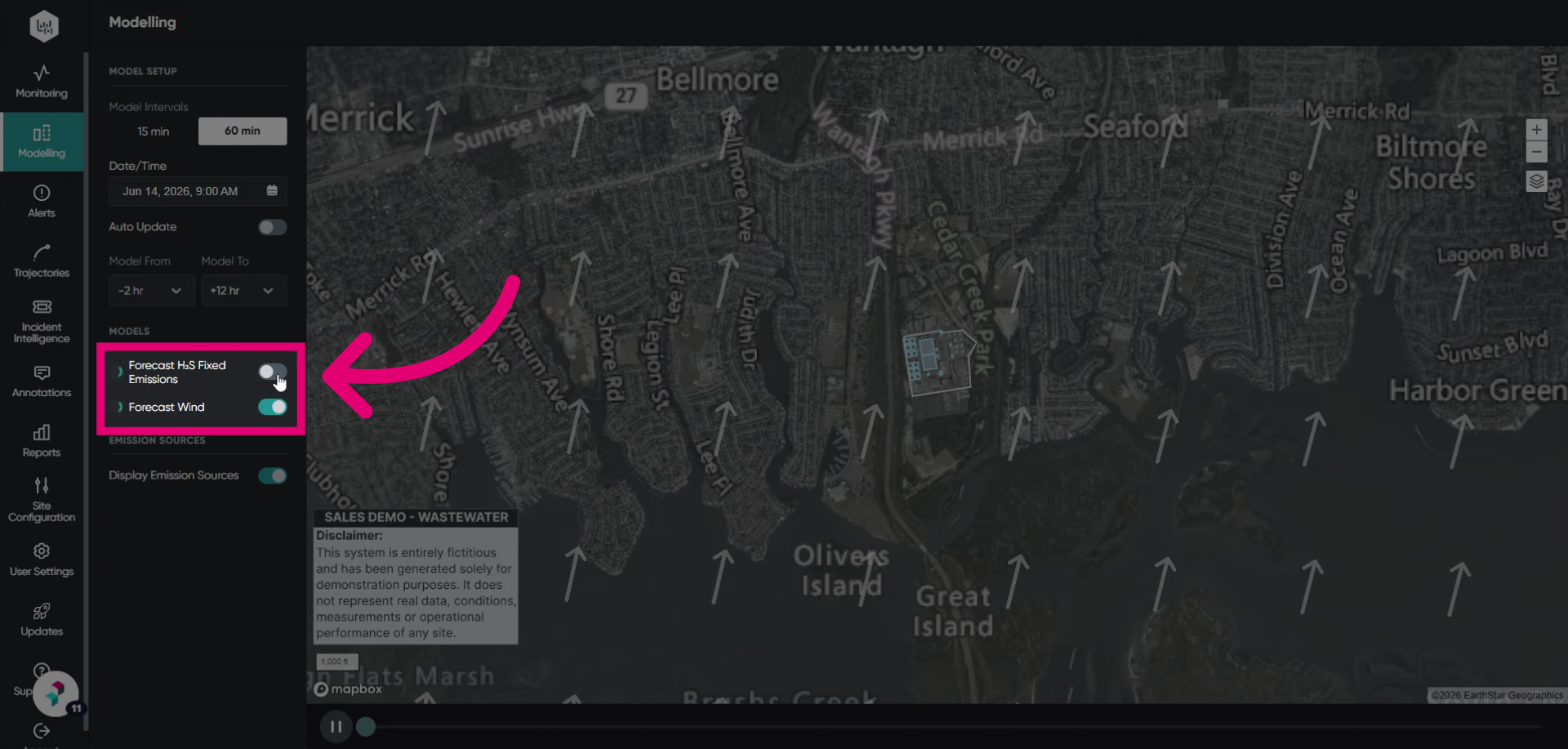
- Activate Models by toggling them on.
- Expand the model to view its concentration legend.
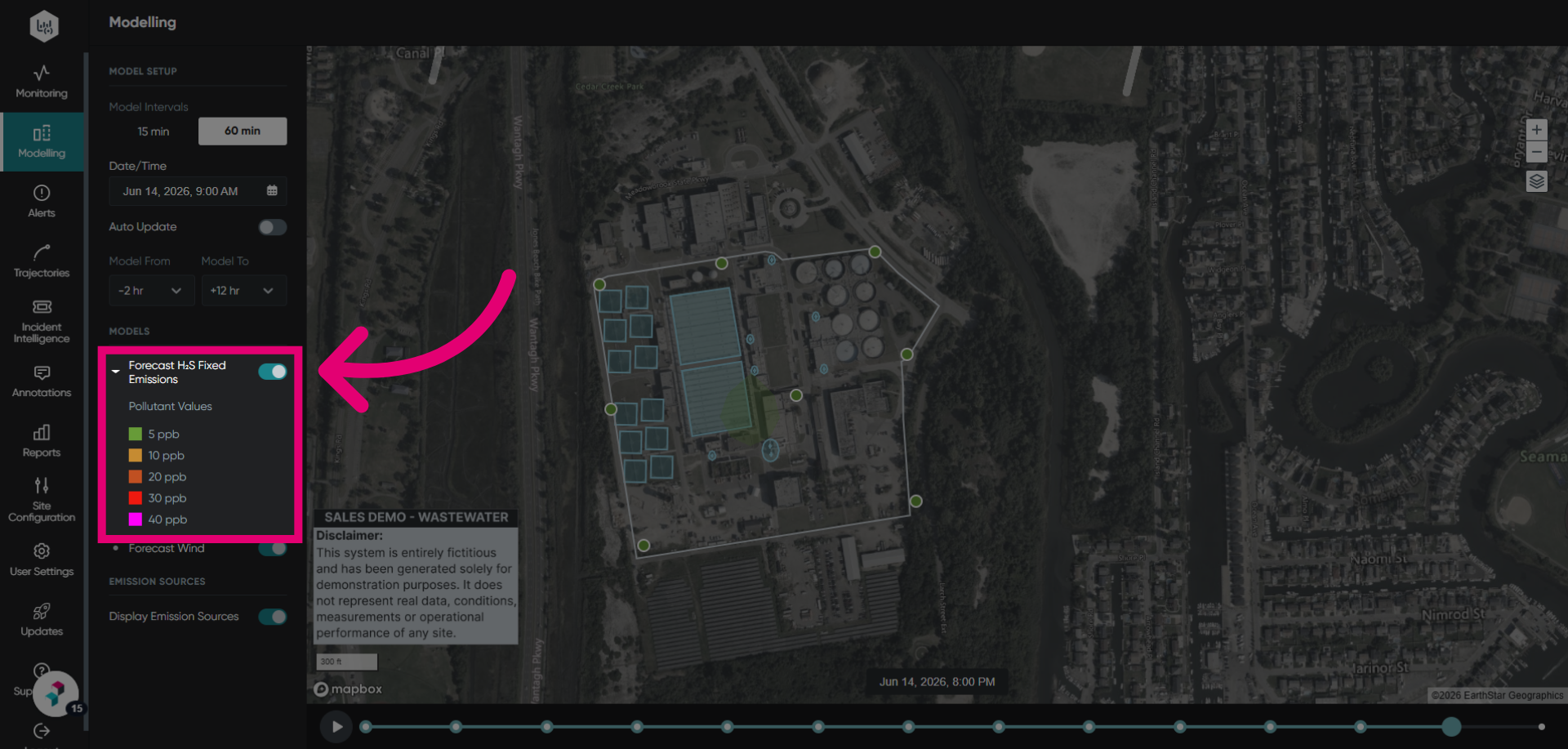
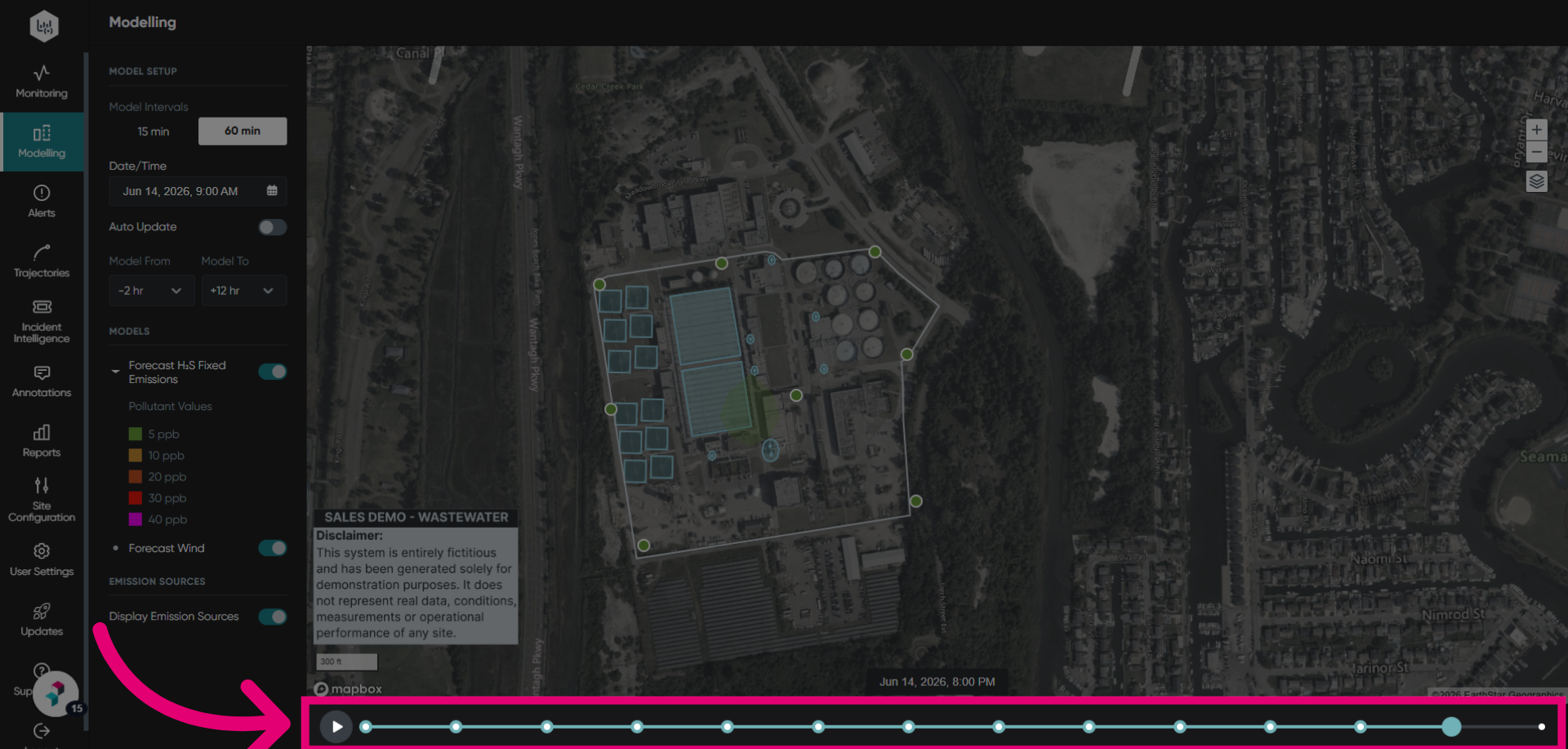
- Use timeline to see your model over time.