New article
Recently updated
Changing your password in Ideagen Envirosuite

Who is this article for?
Users wanting to change password while logged into Ideagen Envirosuite.
All users logged on.
This tutorial guides you through changing your password securely in Ideagen Envirosuite.
You will learn how to update your current password to a new password.
Changing your password
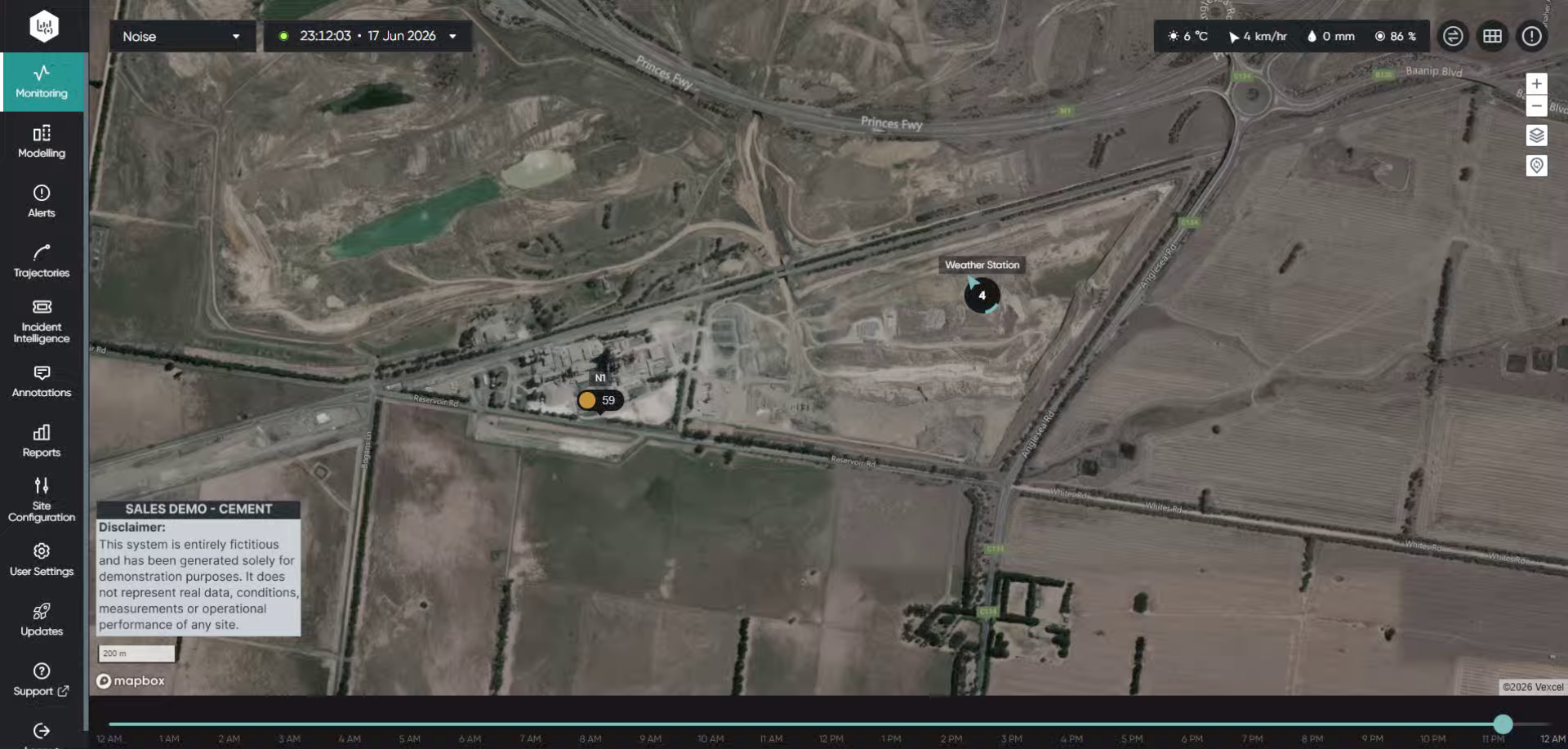
Log into the system.
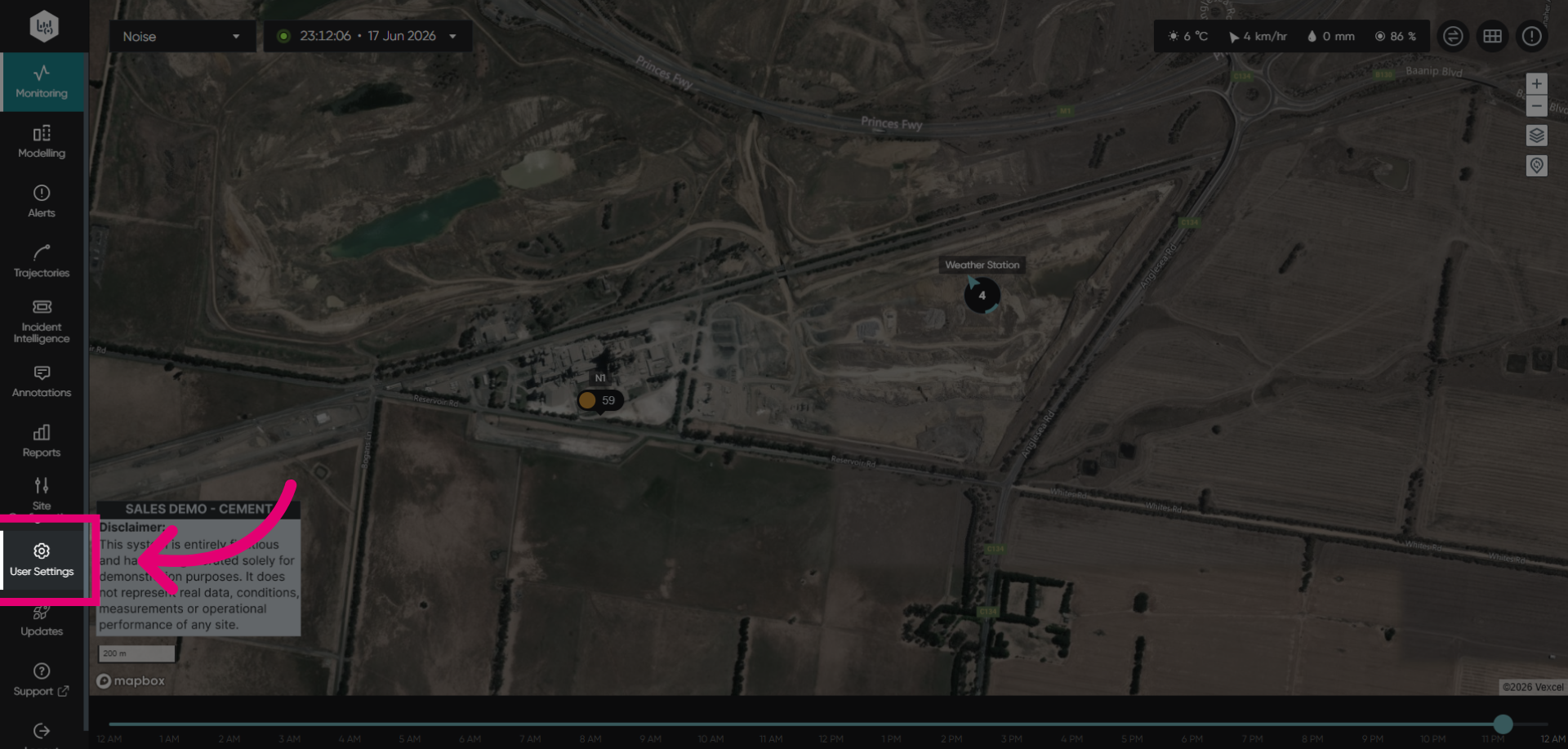
Click User Settings to open your account preferences and security options.
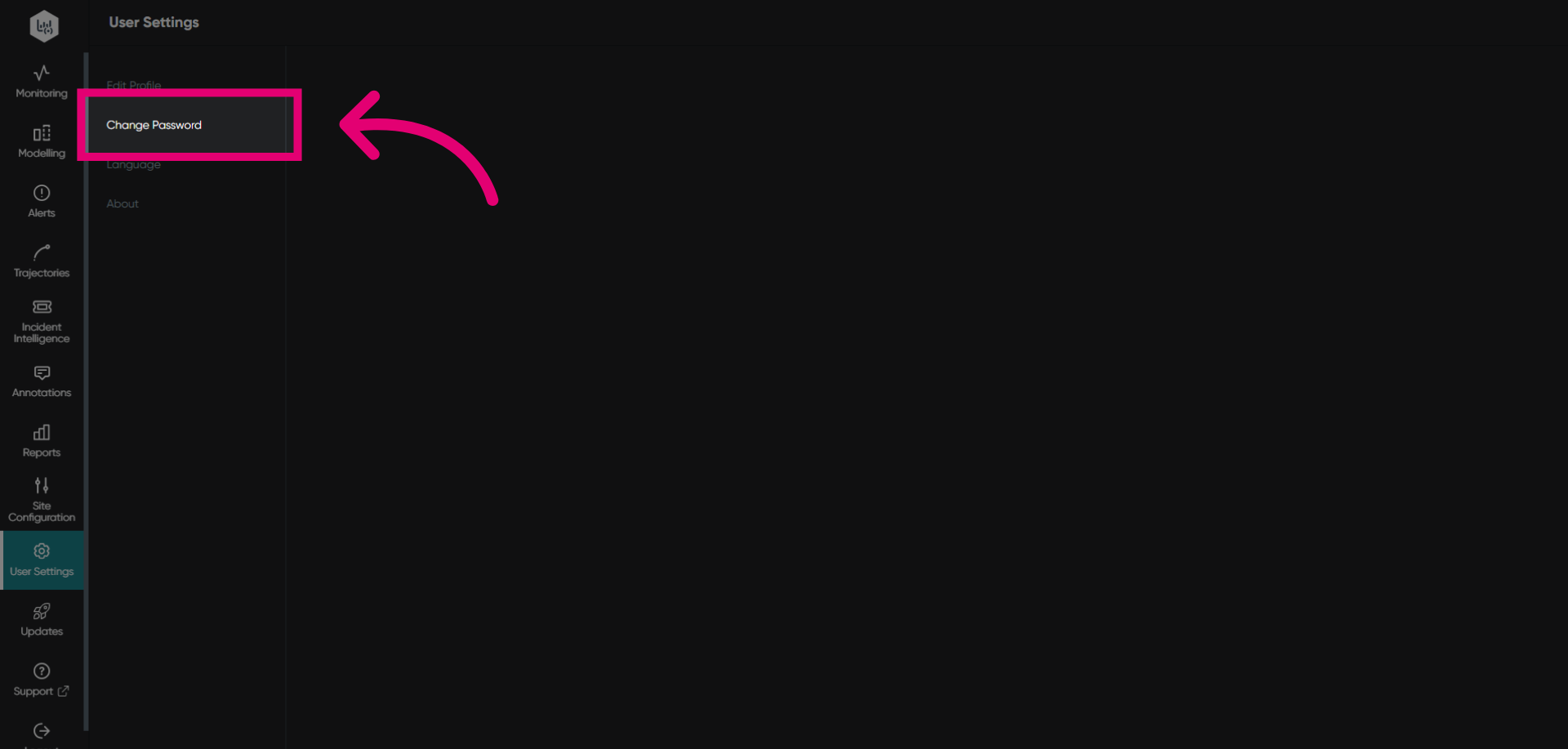
Click Change Password to begin updating your account password.
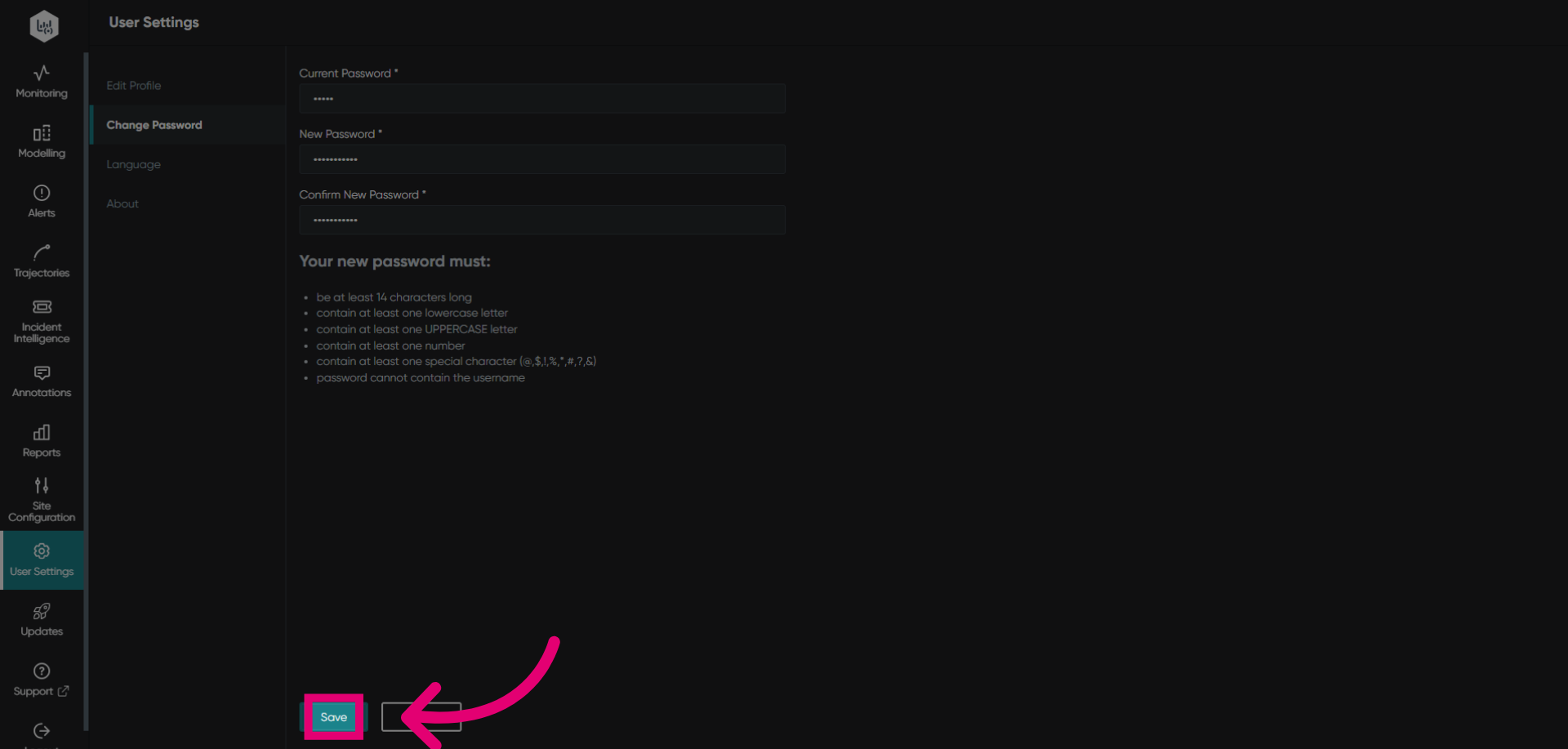
Click Current Password to enter your existing password for verification.
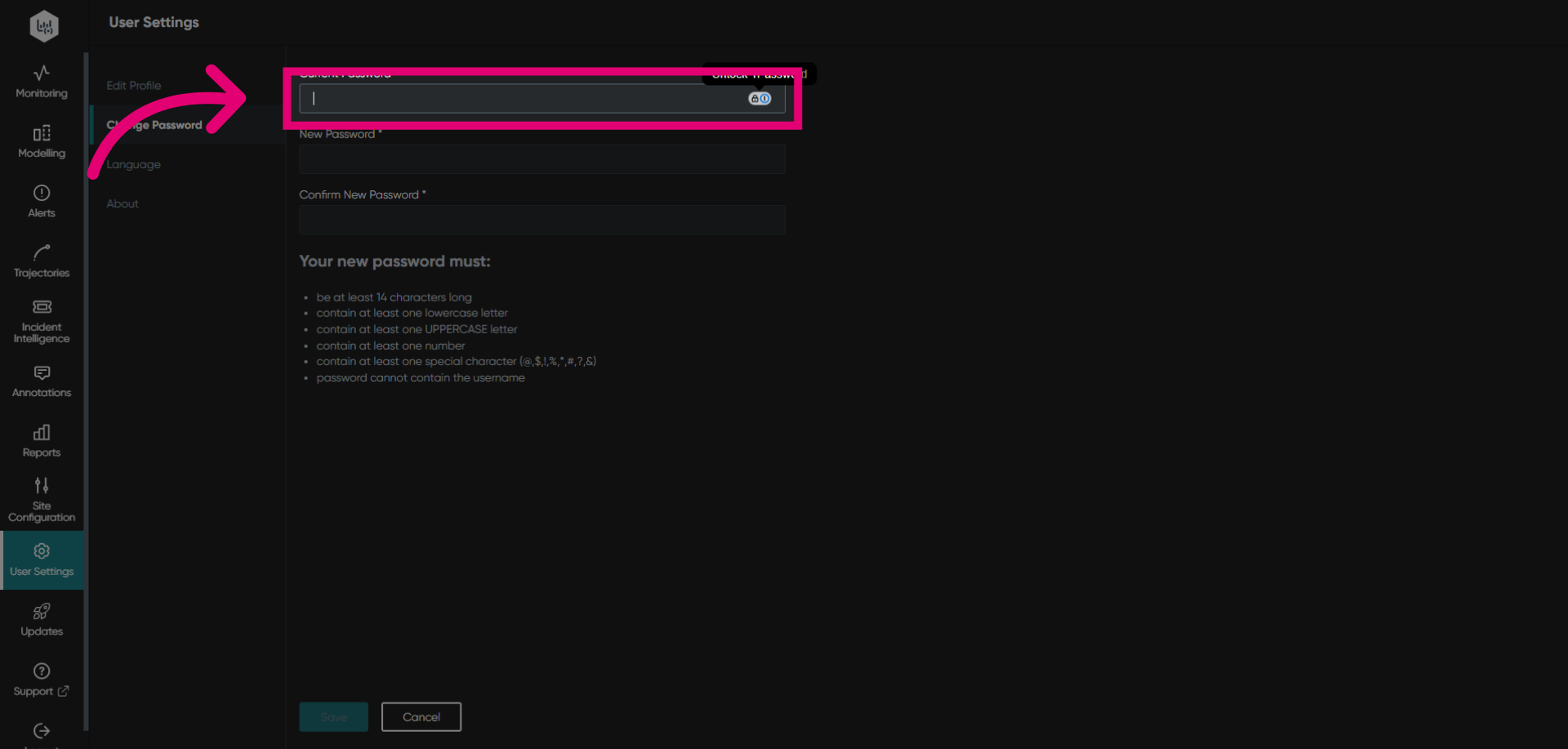
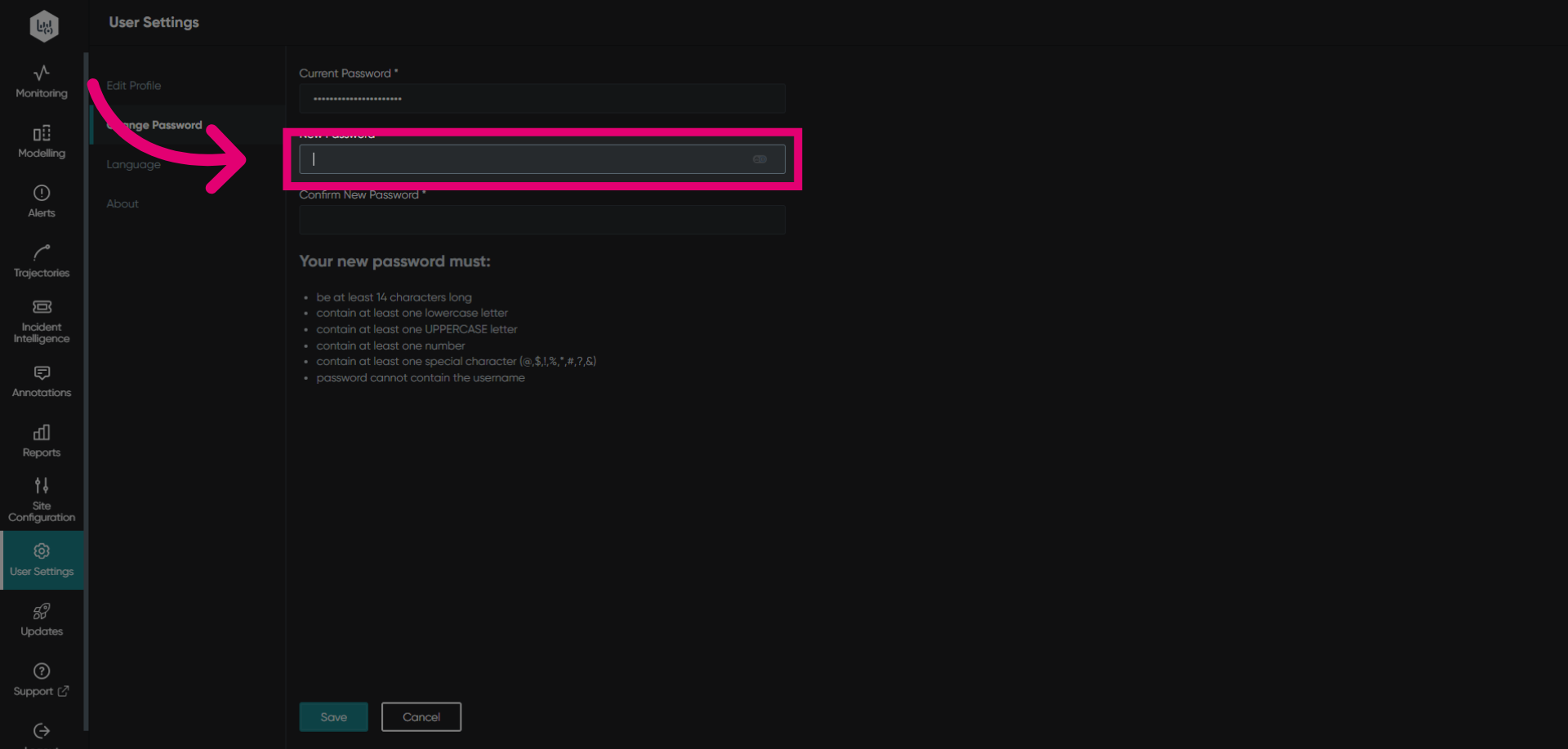
Click New Password to prepare for entering your new password. Passwords must be at least 14 characters long and contain at least one lowercase, UPPERCASE, number and special character.
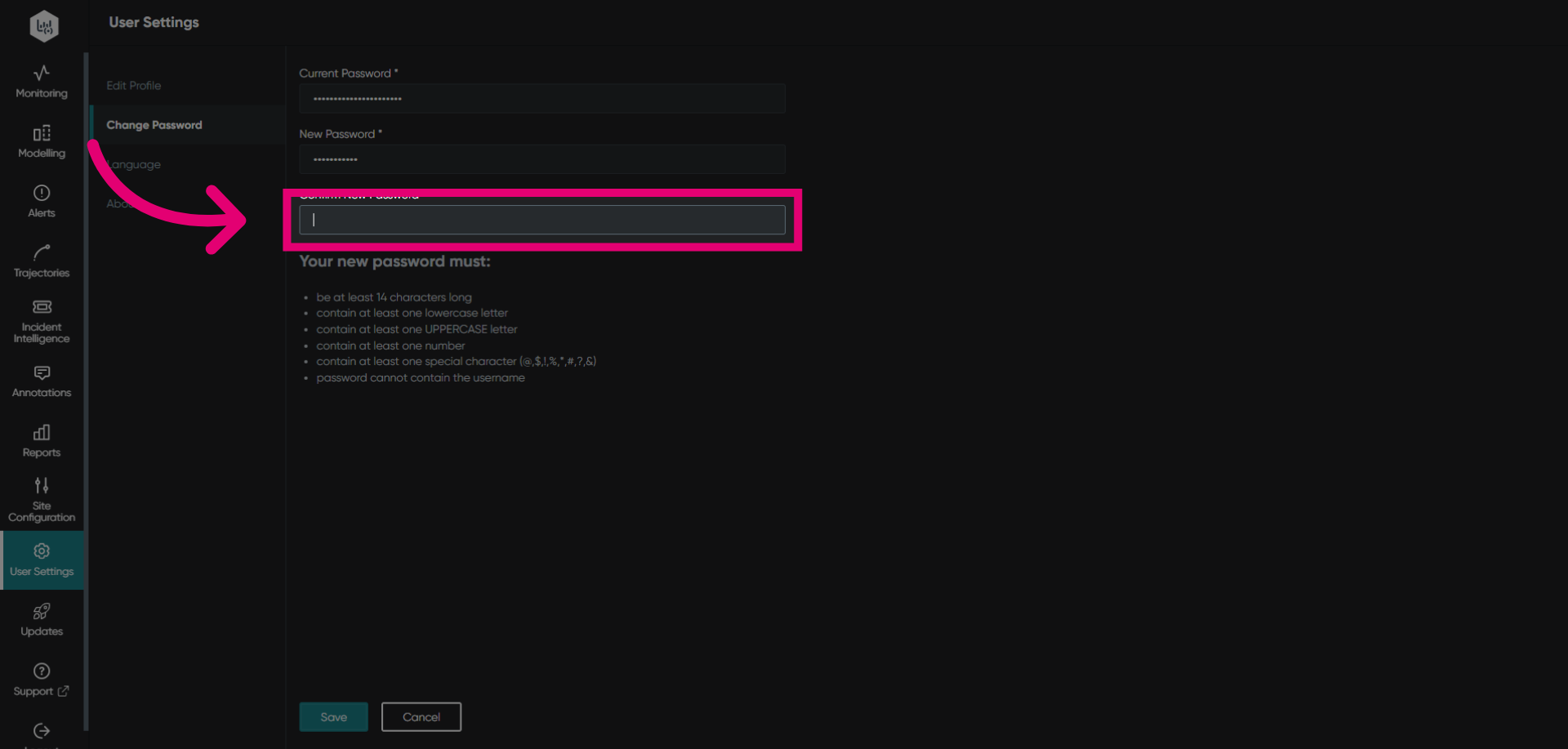
Click Confirm New Password to reenter your new password to verify your new password entry.
Click Save to apply your new password and update your account security settings.