New article
Recently updated
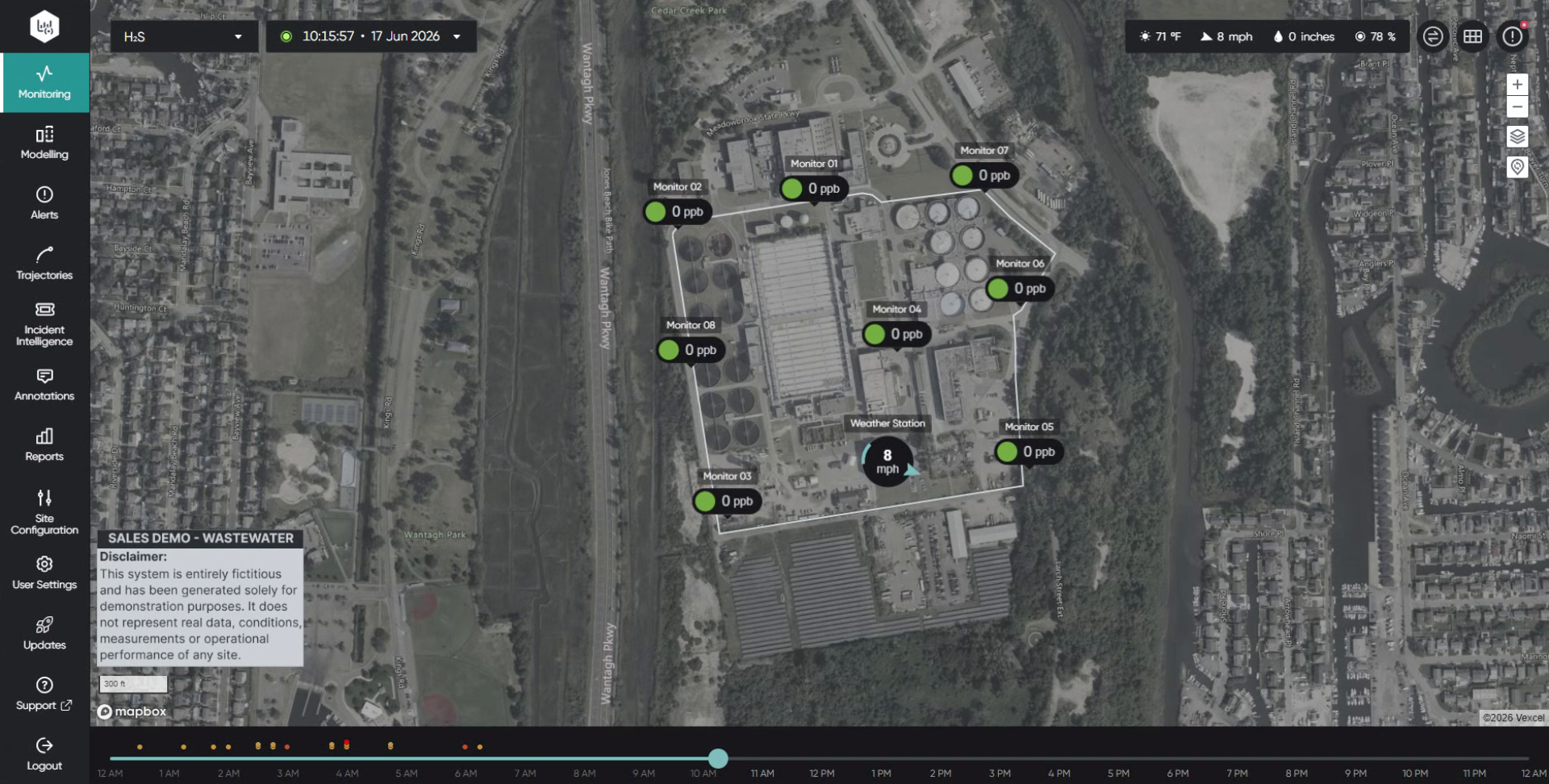
Viewing monitors in GridView

Who is this article for?
Users who want to use a Grid View.
Administrators or all users can access this feature.
This tutorial guides you through configuring sensor data within the Ideagen Envirosuite platform.
You will learn how to navigate the interface and use each Gridview feature.
Viewing monitors in GridView
Log into the system.
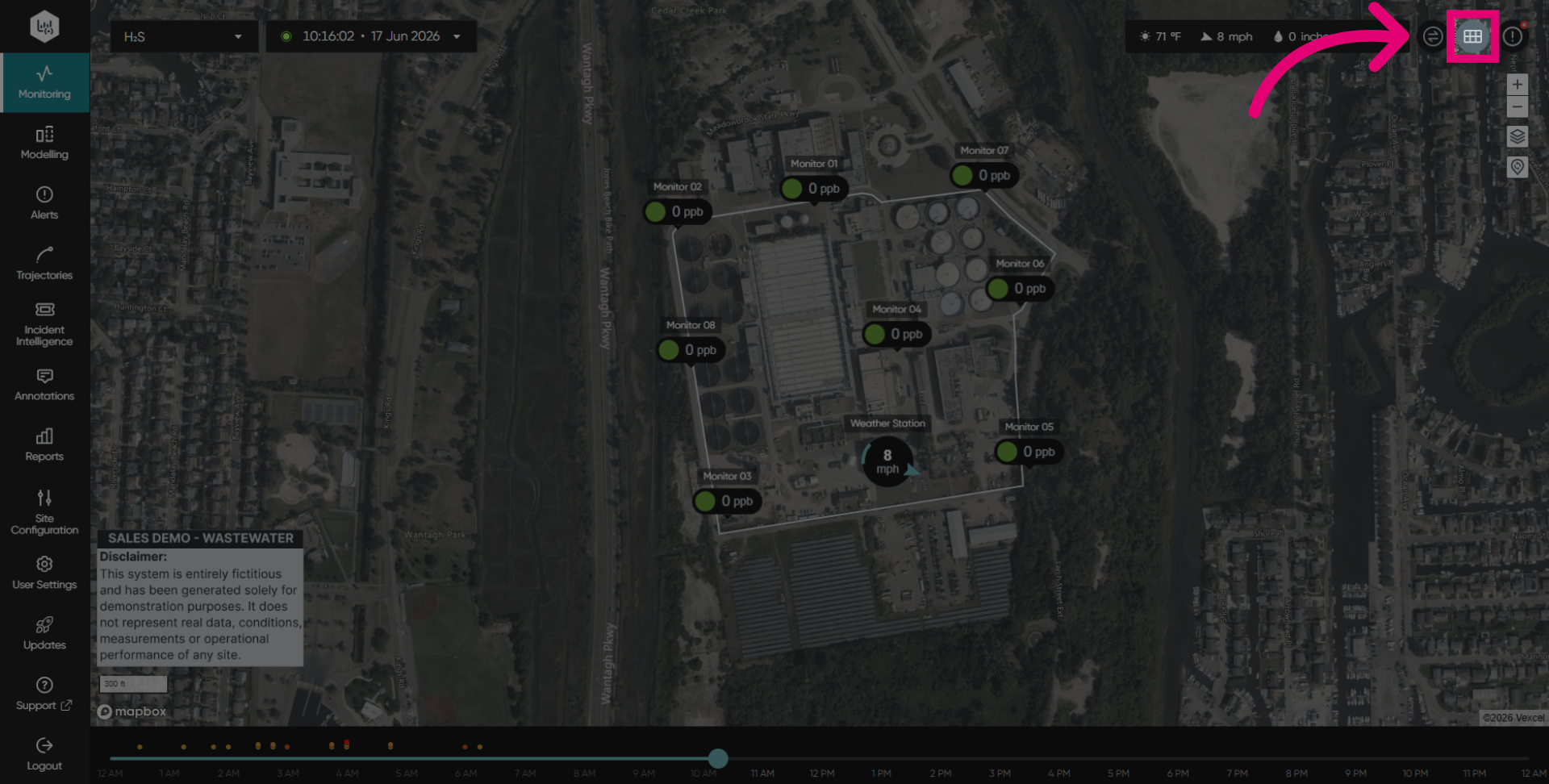
Click the GridView option to access the Gridview.
Click the lock icon to lock the scales.
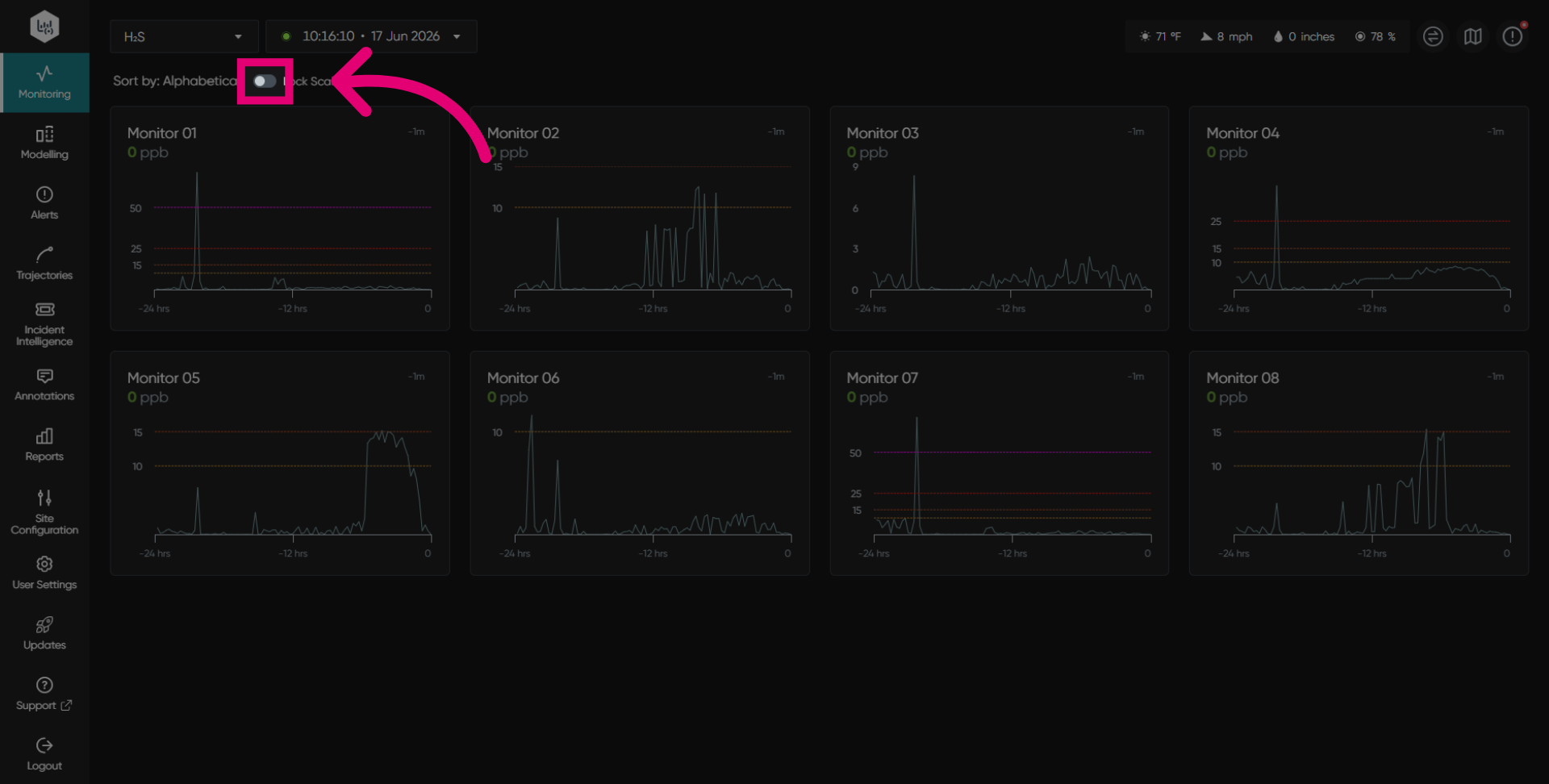
Enable the toggle to lock the scale for easier comparison.
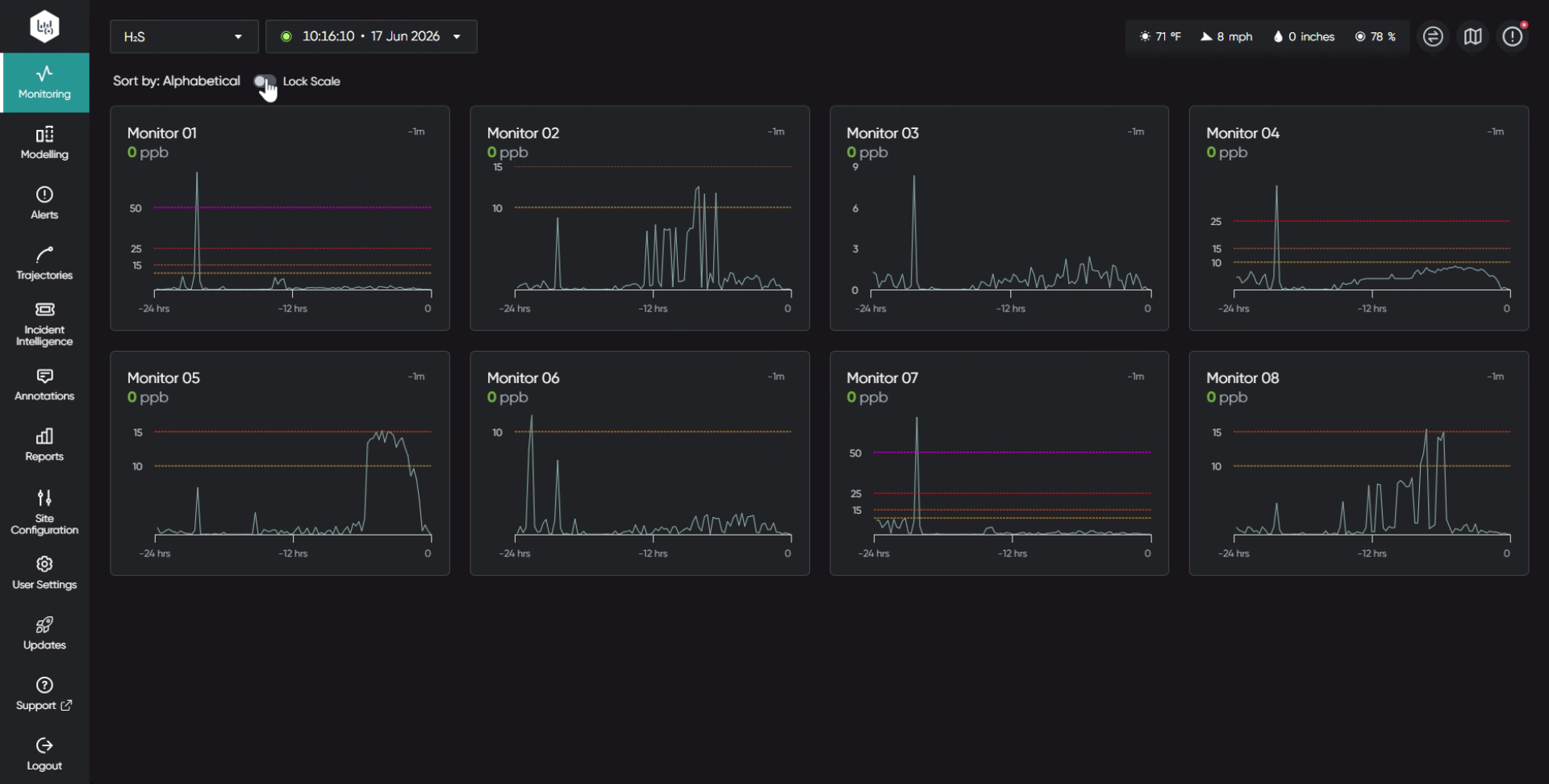
Click Parameters to access the dropdown list.
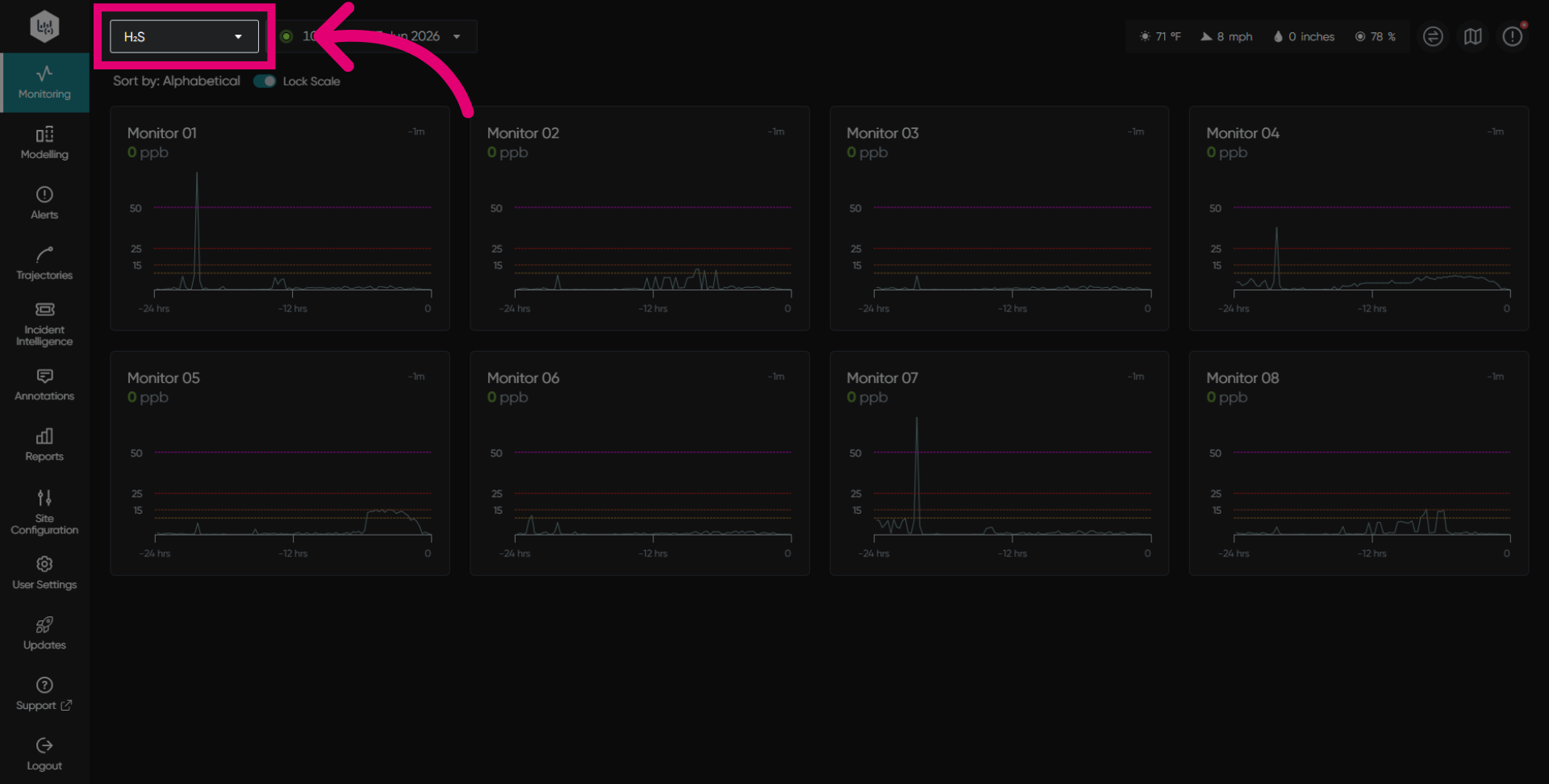
Click on your desired pollutant to view it in Gridview.
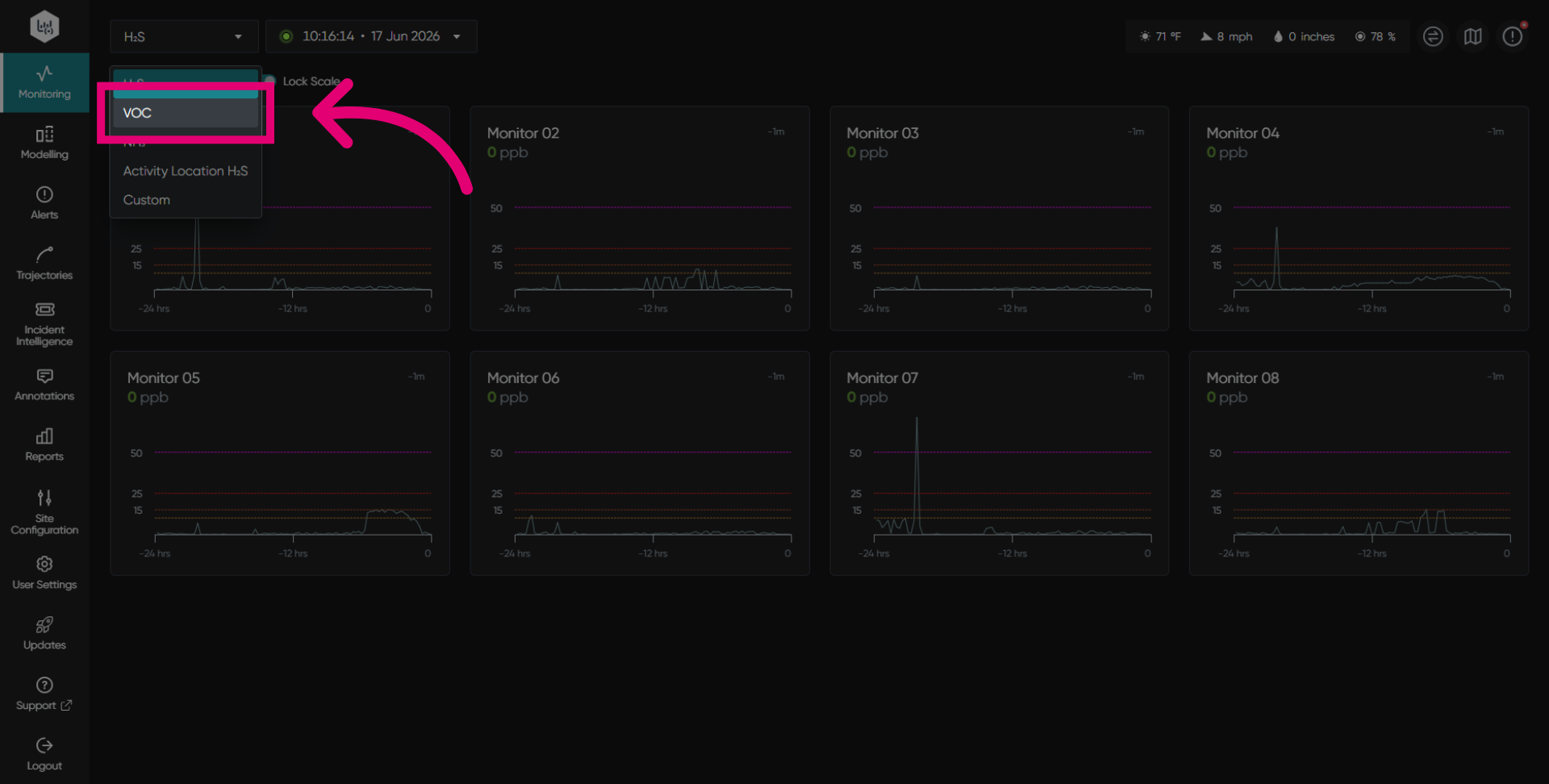
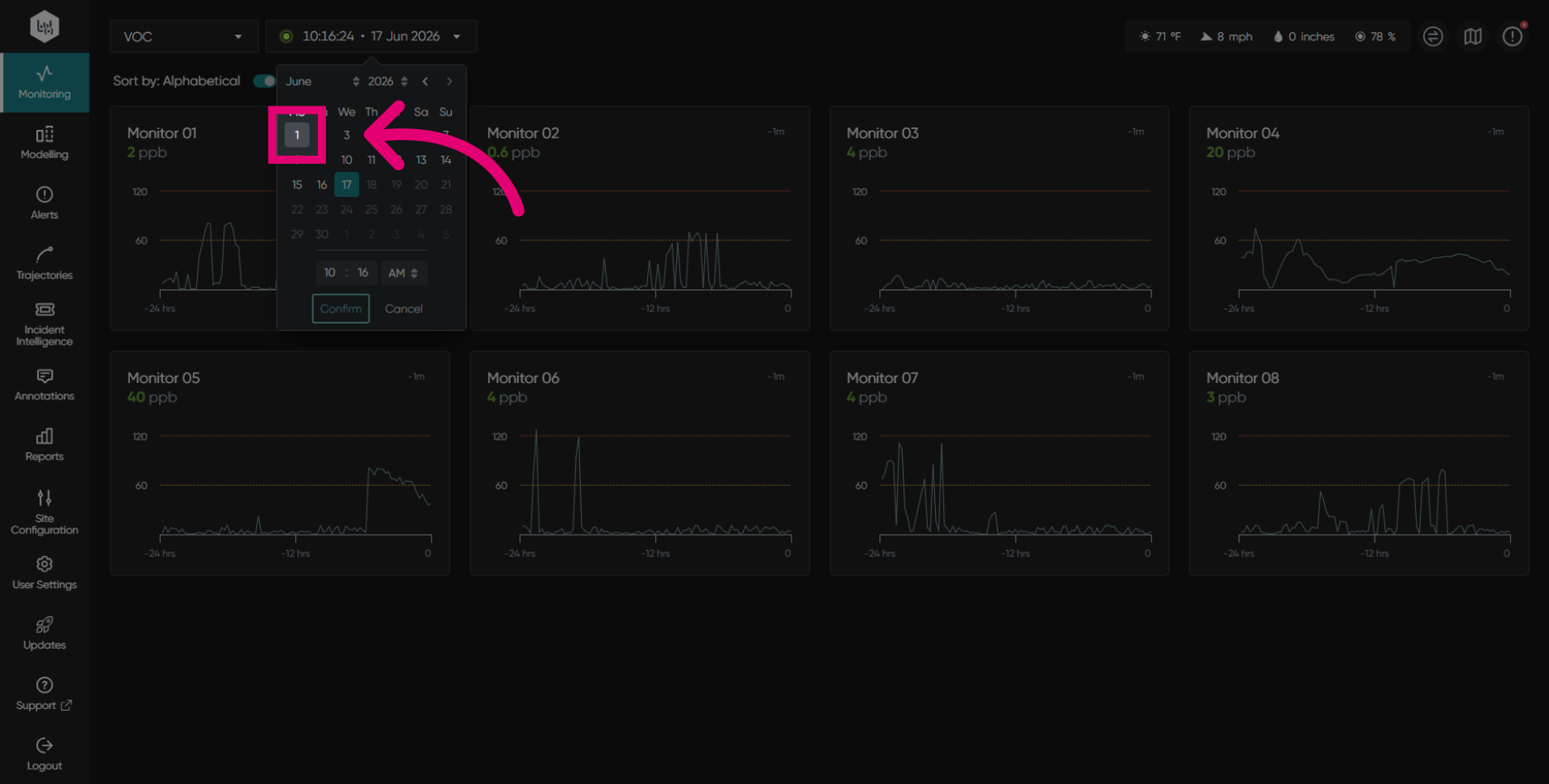
Select your date and time from the picker.
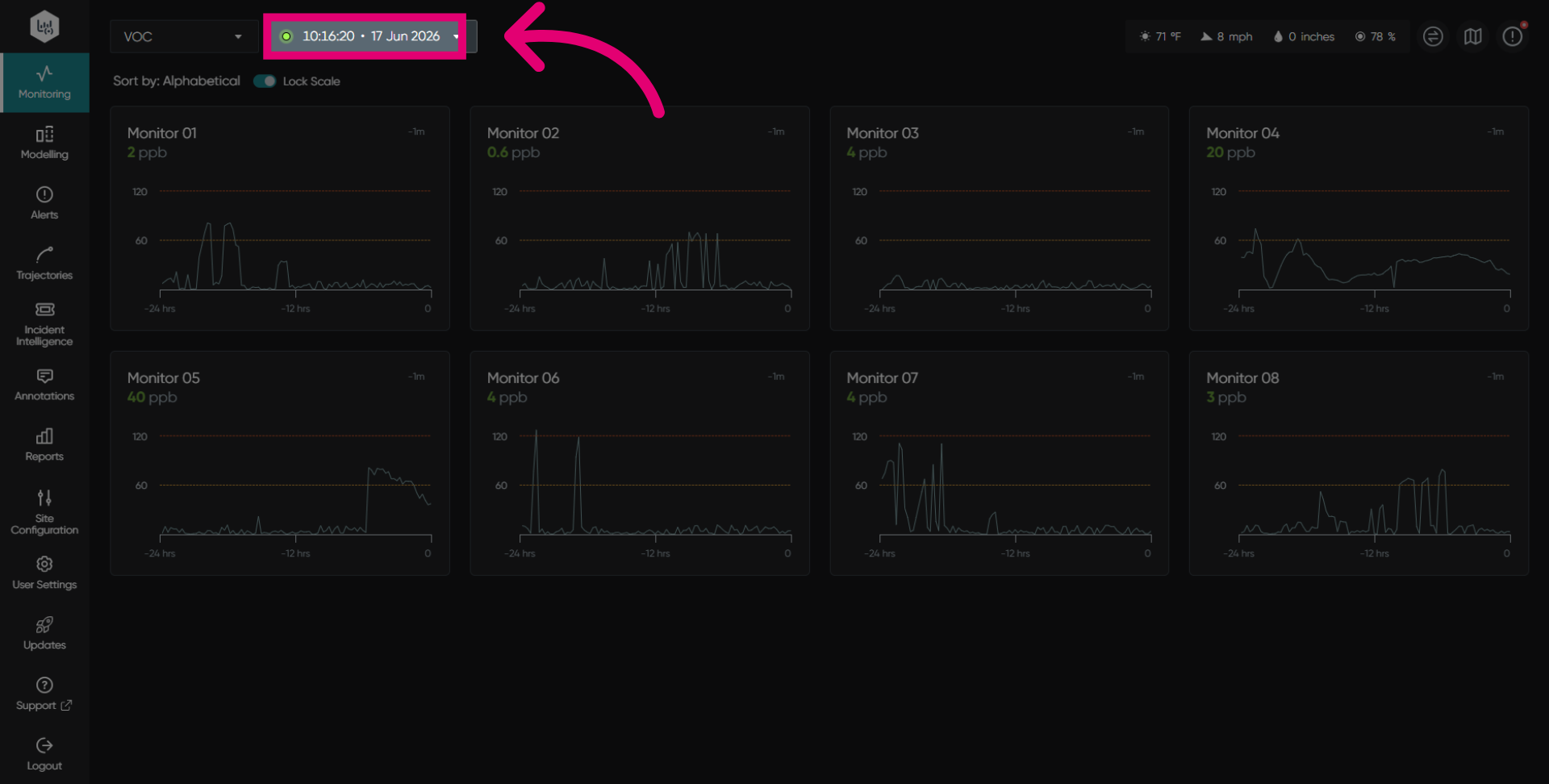
Select your day from the calendar.
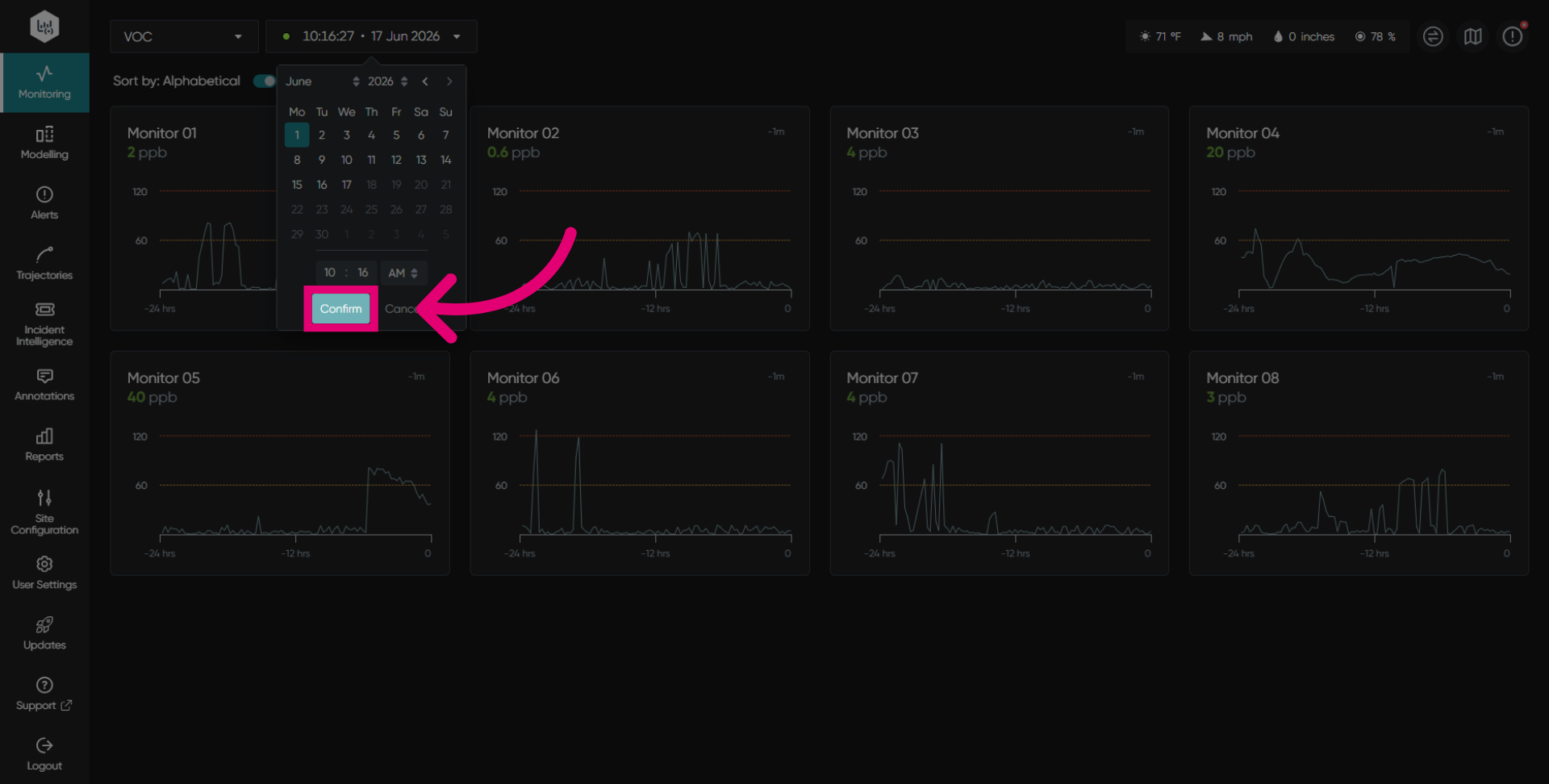
Click Confirm to save your selected date and time.
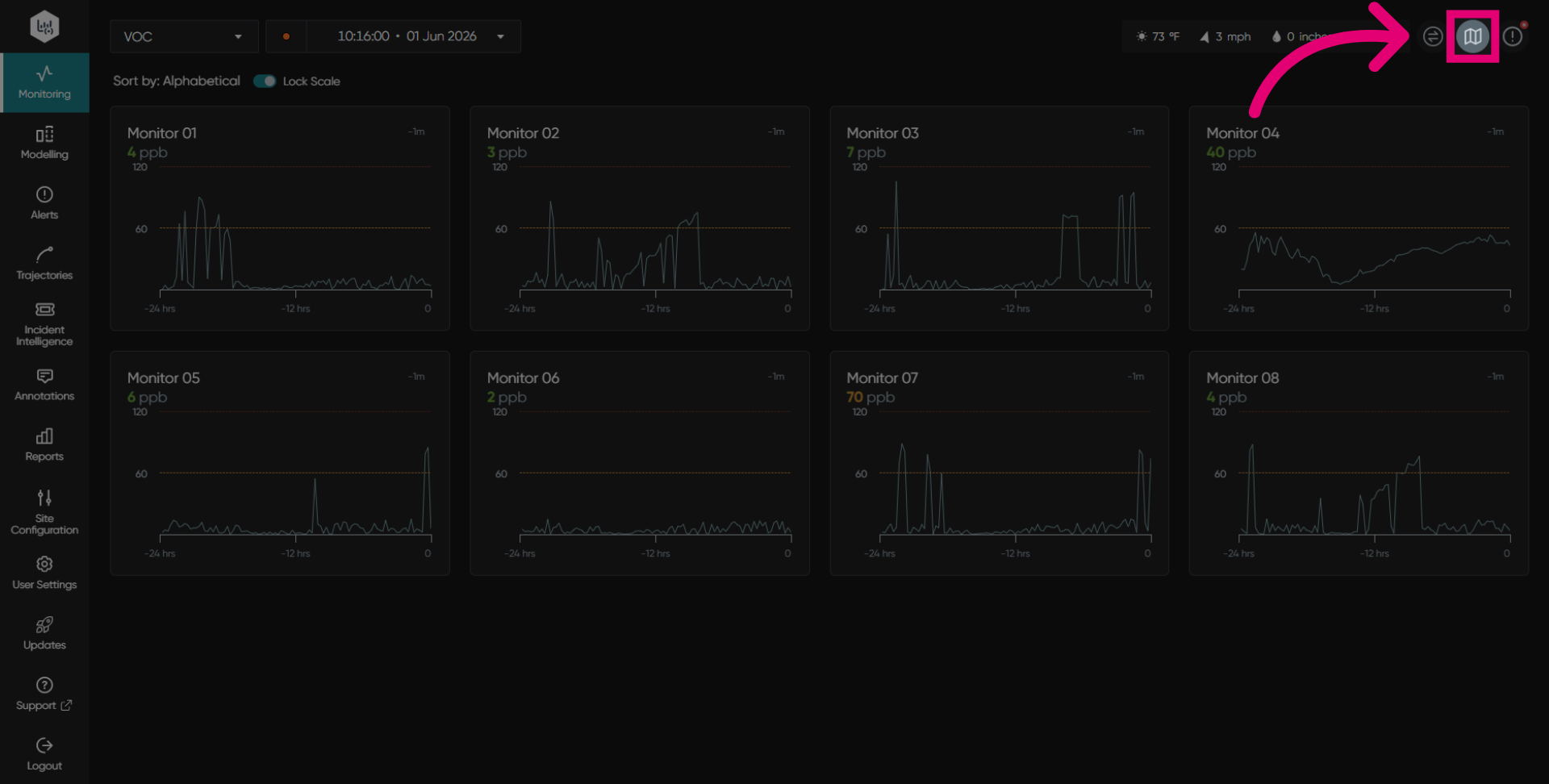
Click the map view icon to return to the map view.