New article
Recently updated
Resetting your password

Who is this article for?
Users that forgot their login password and needs to reset it.
All users have access to this functionality.
This tutorial explains how to reset your password in Ideagen Envirosuite.
You will learn the steps to initiate and complete the password reset process securely.
Resetting Your Password
-
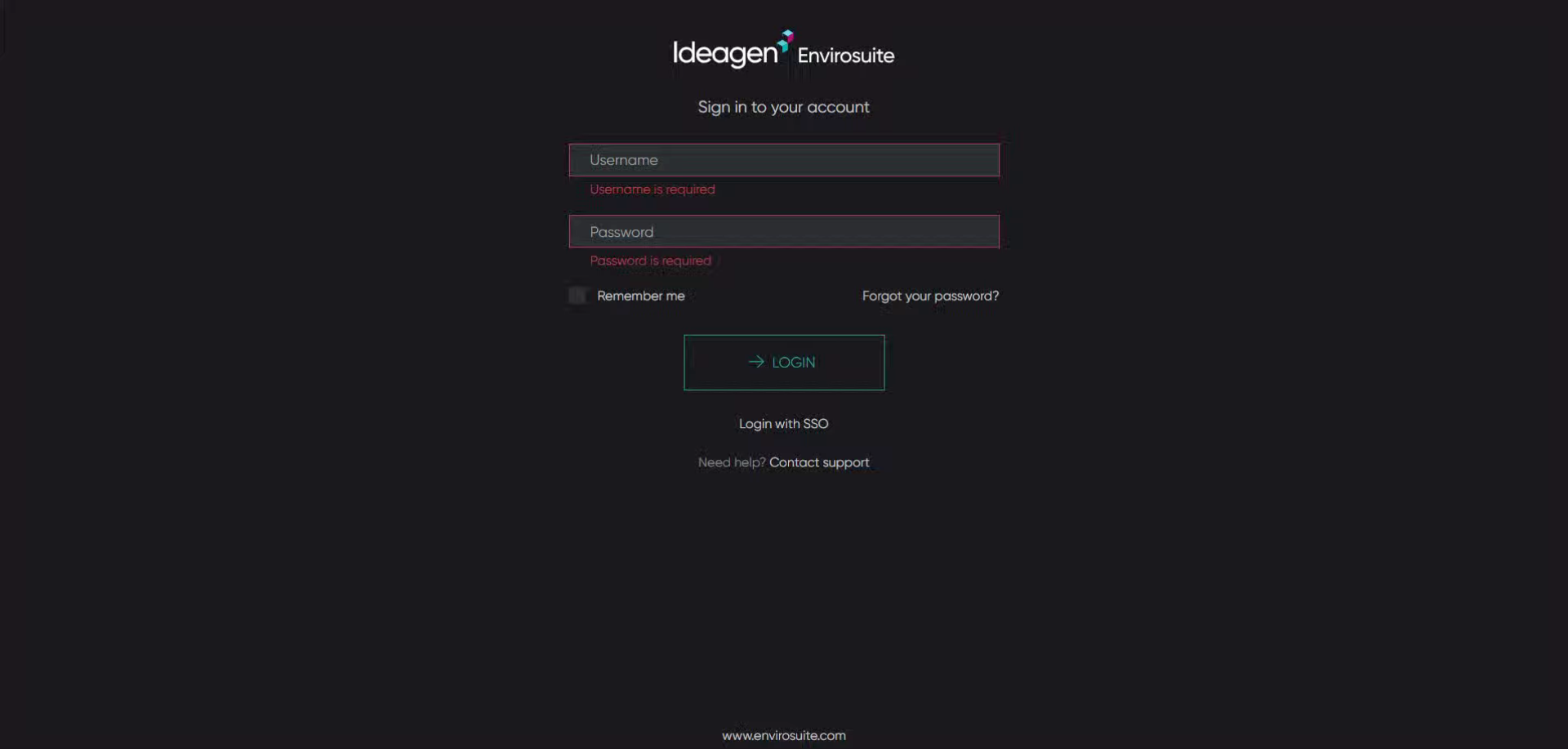
Navigate to omnis-auth.envirosuite.com.
-
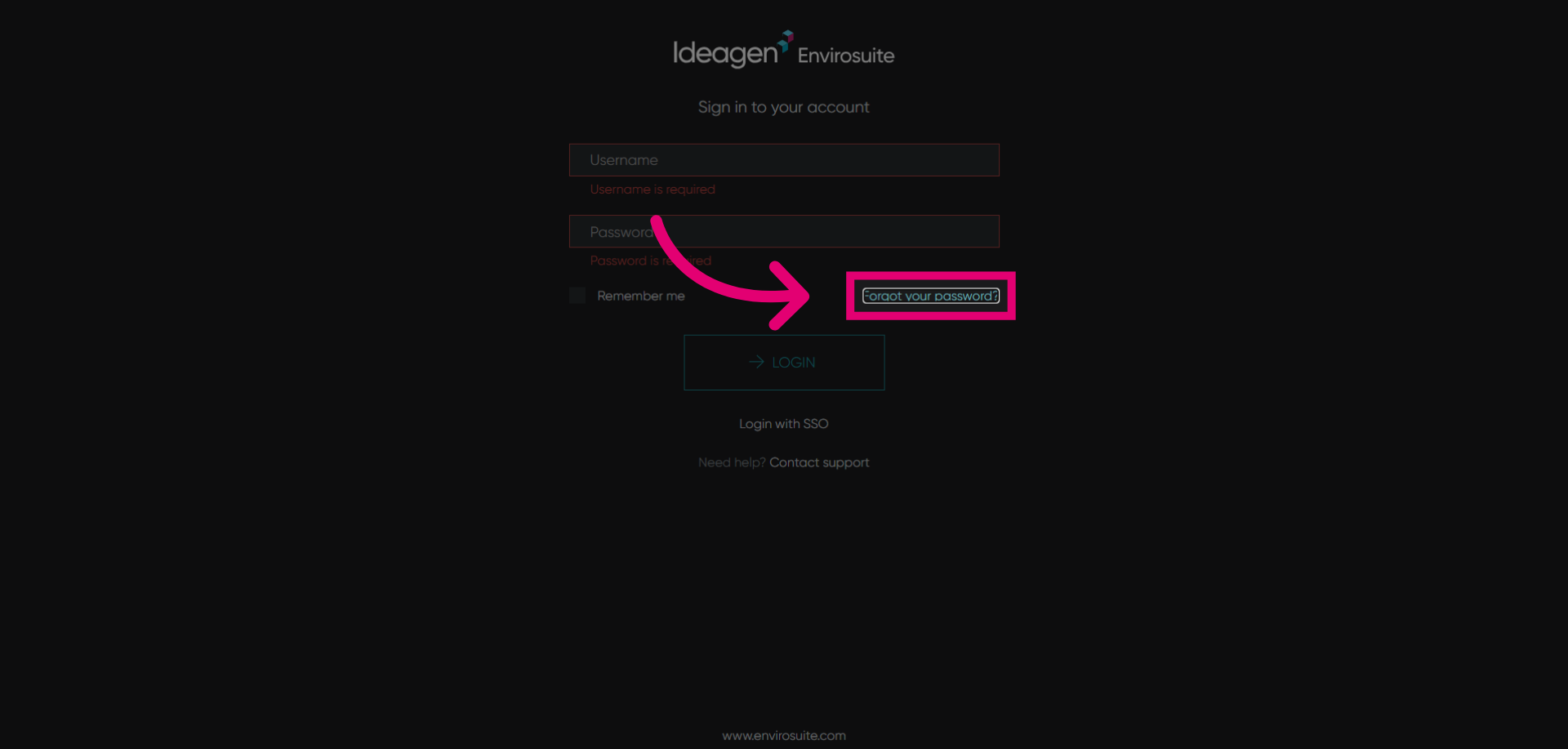
Click Forgot your password? to begin the password reset process.
-
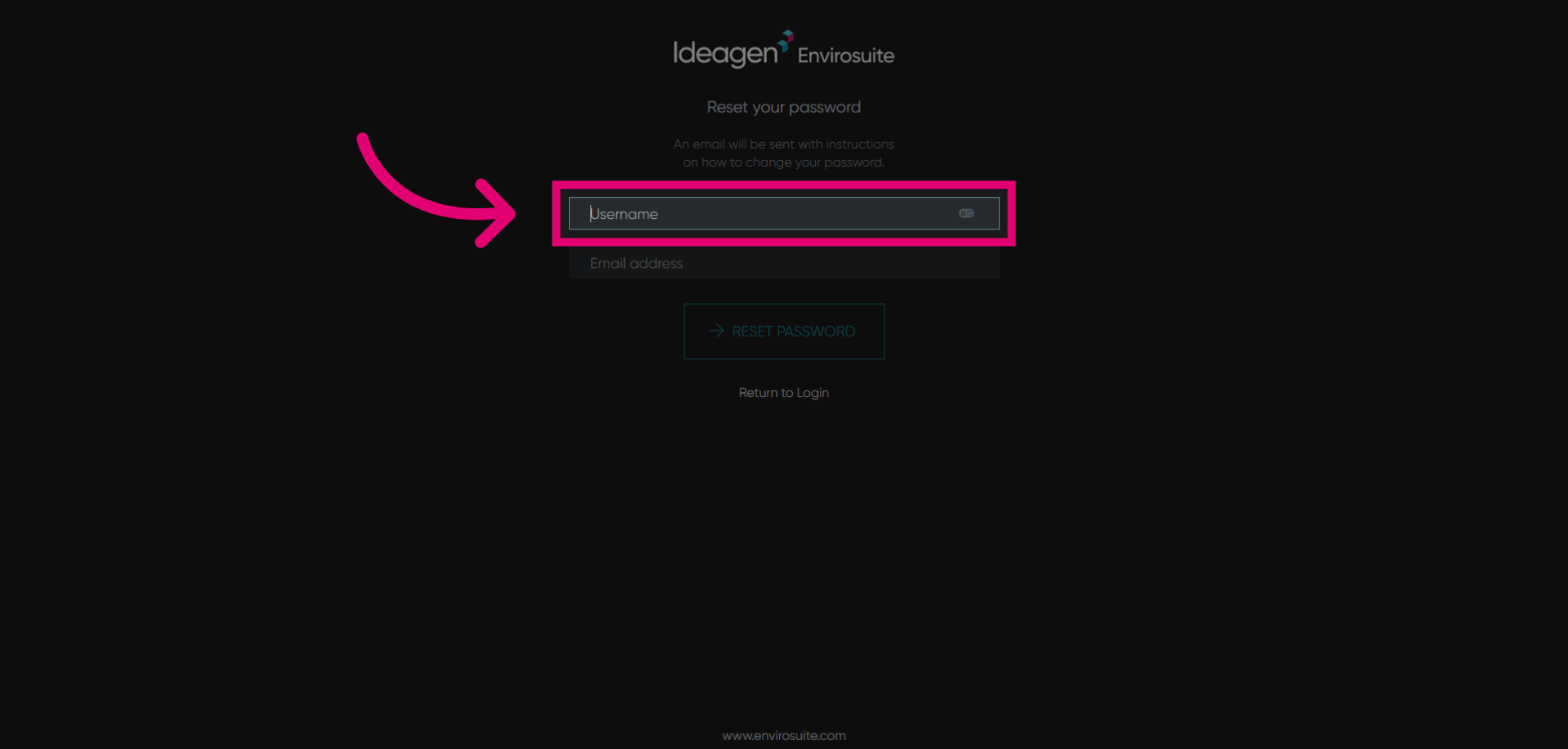
Click the Username field to enter your username information for the account password needed to be reset.
-
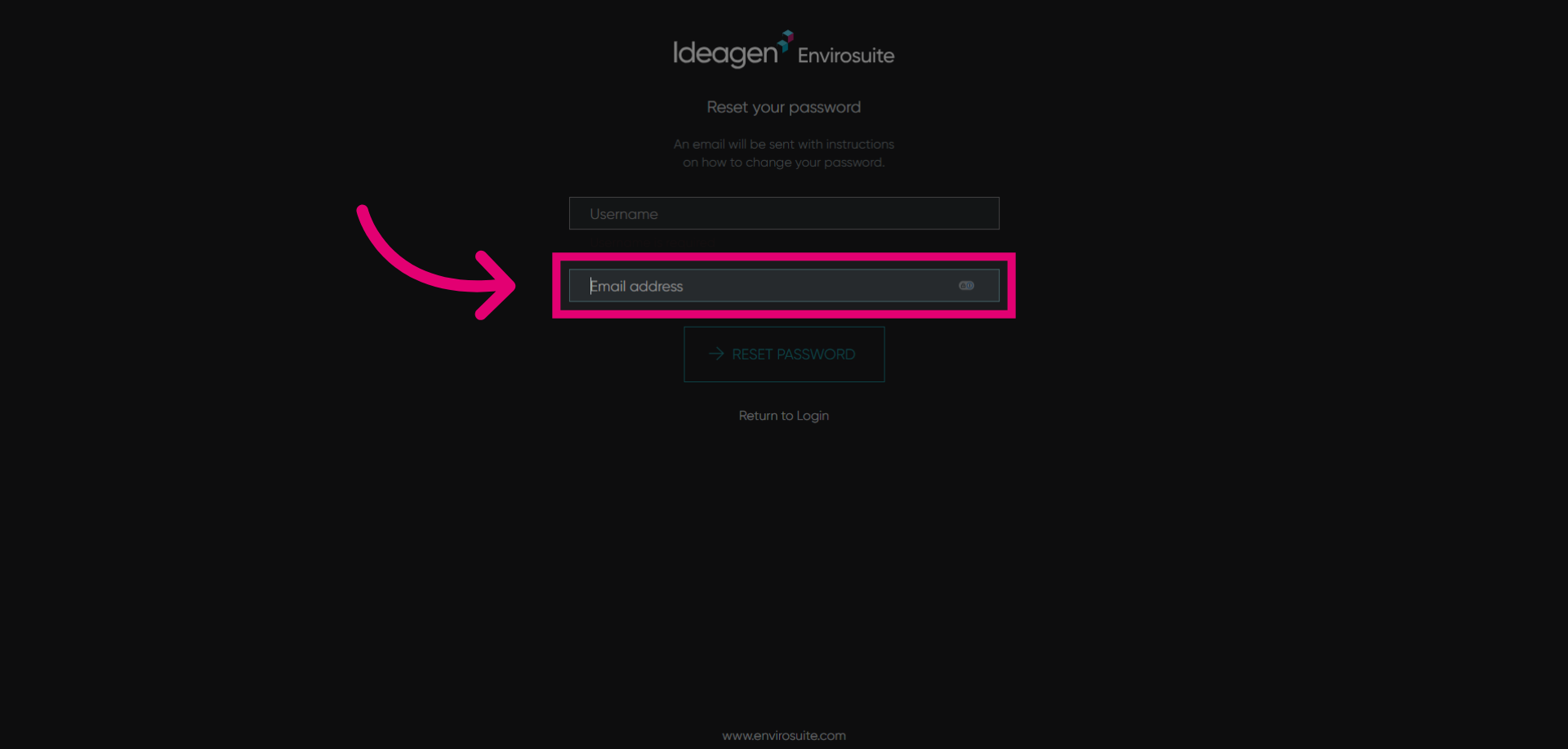
Click Email address to enter your email information for the account password needed to be reset.
-
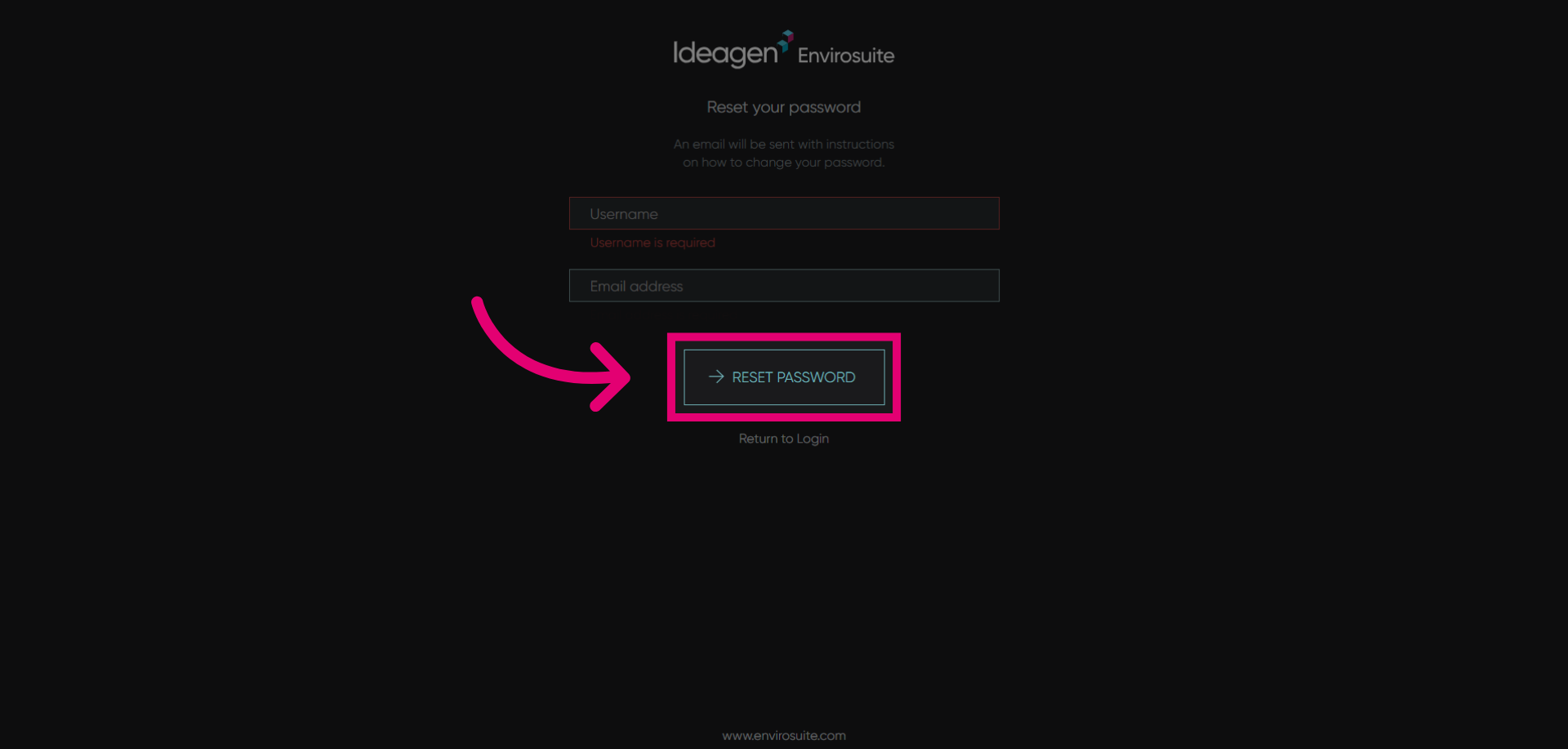
Click the reset password button to submit your password reset request. Finally follow the instructions delivered to your email to complete the password reset.