New article
Recently updated
Creating and managing odour complaint tickets

Who is this article for?
Users wanting to create an odor nuisance observation in the complaint management tool.
All users with incident intelligence module.
This tutorial guides you through creating and managing odor complaint tickets using Ideagen Envirosuite and Incident Intelligence.
You will learn how to navigate the systems, enter nuisance observation details, and auto generate trajectories for effective complaint management.
Creating and managing odor complaint tickets
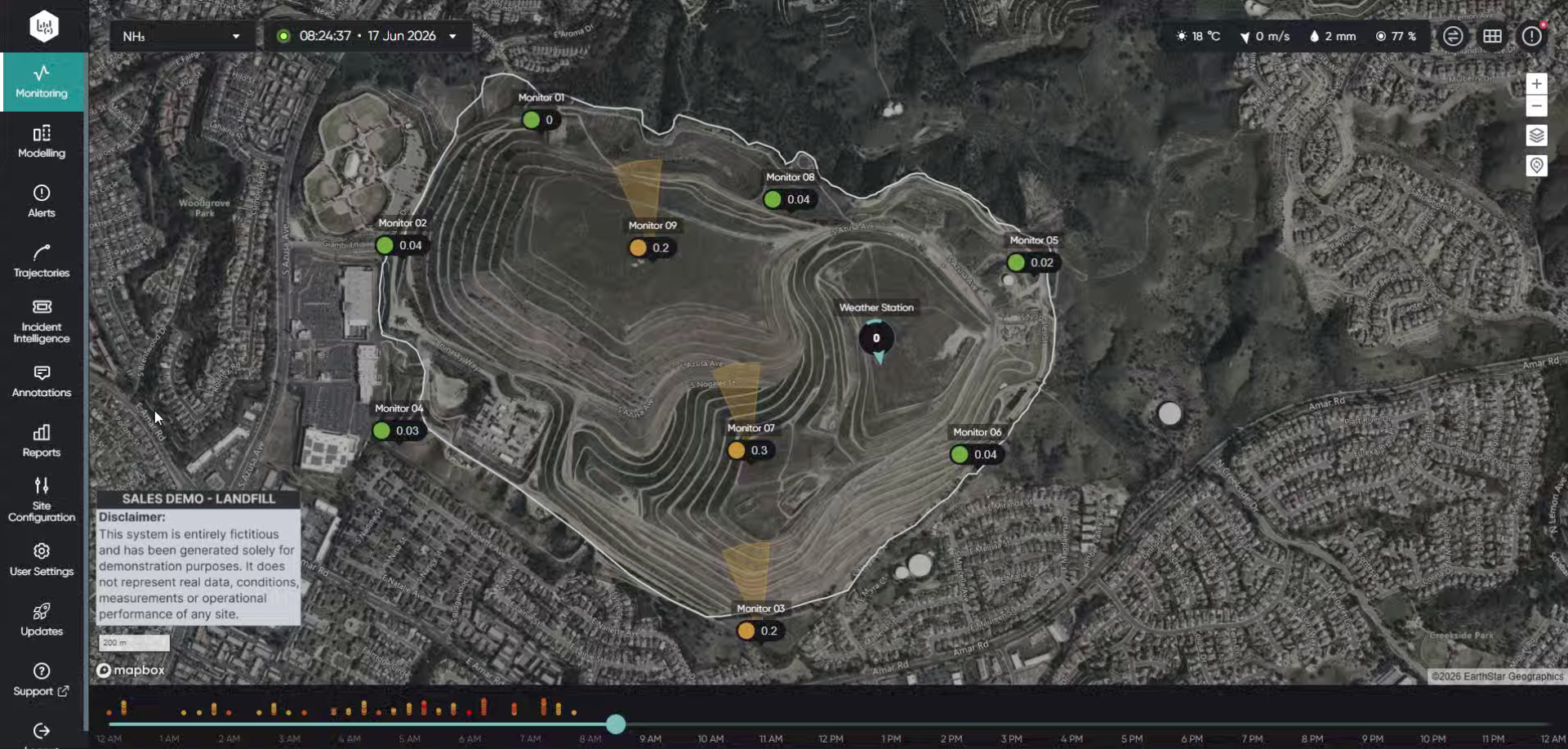
Log into the system.
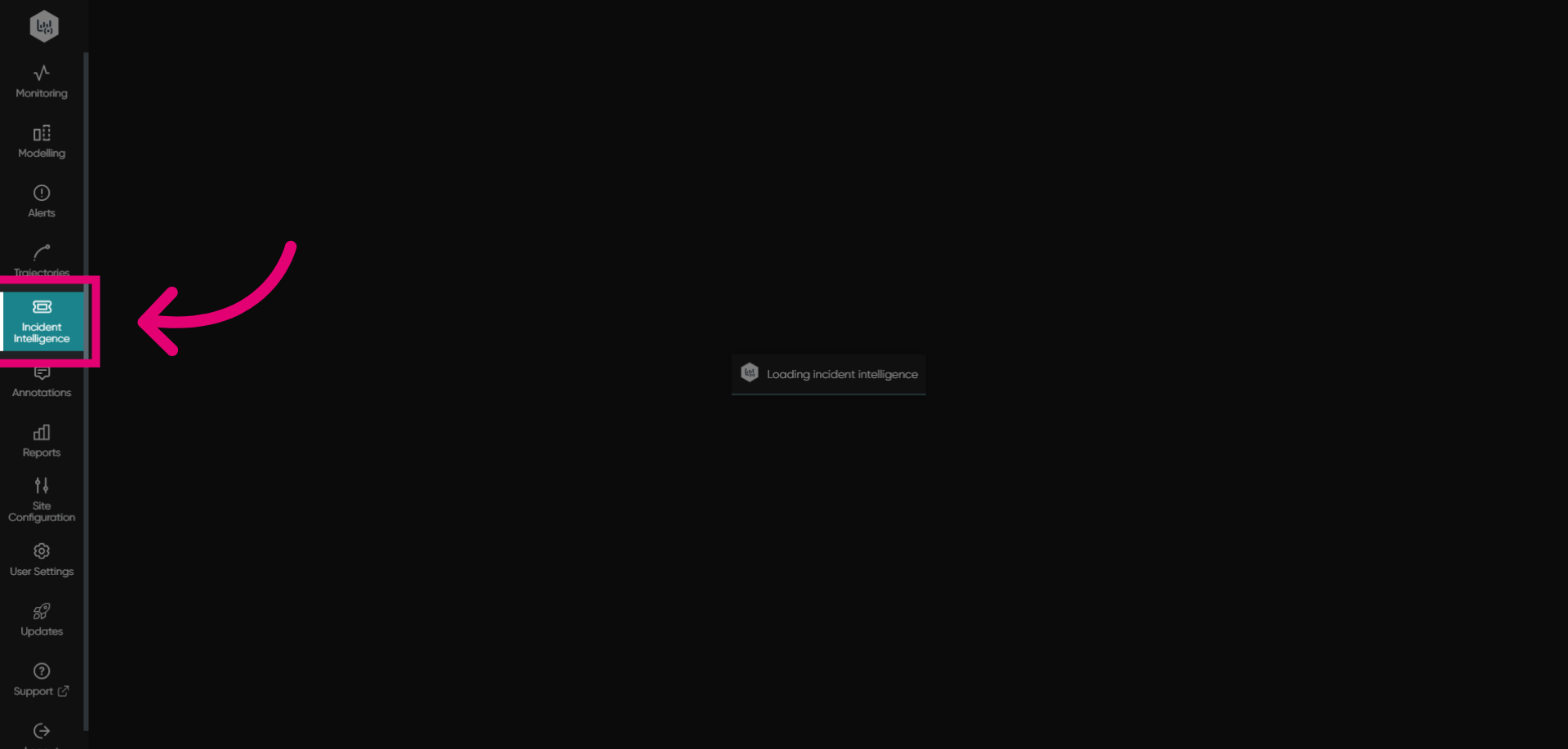
Click Incident Intelligence to open the incident management section.
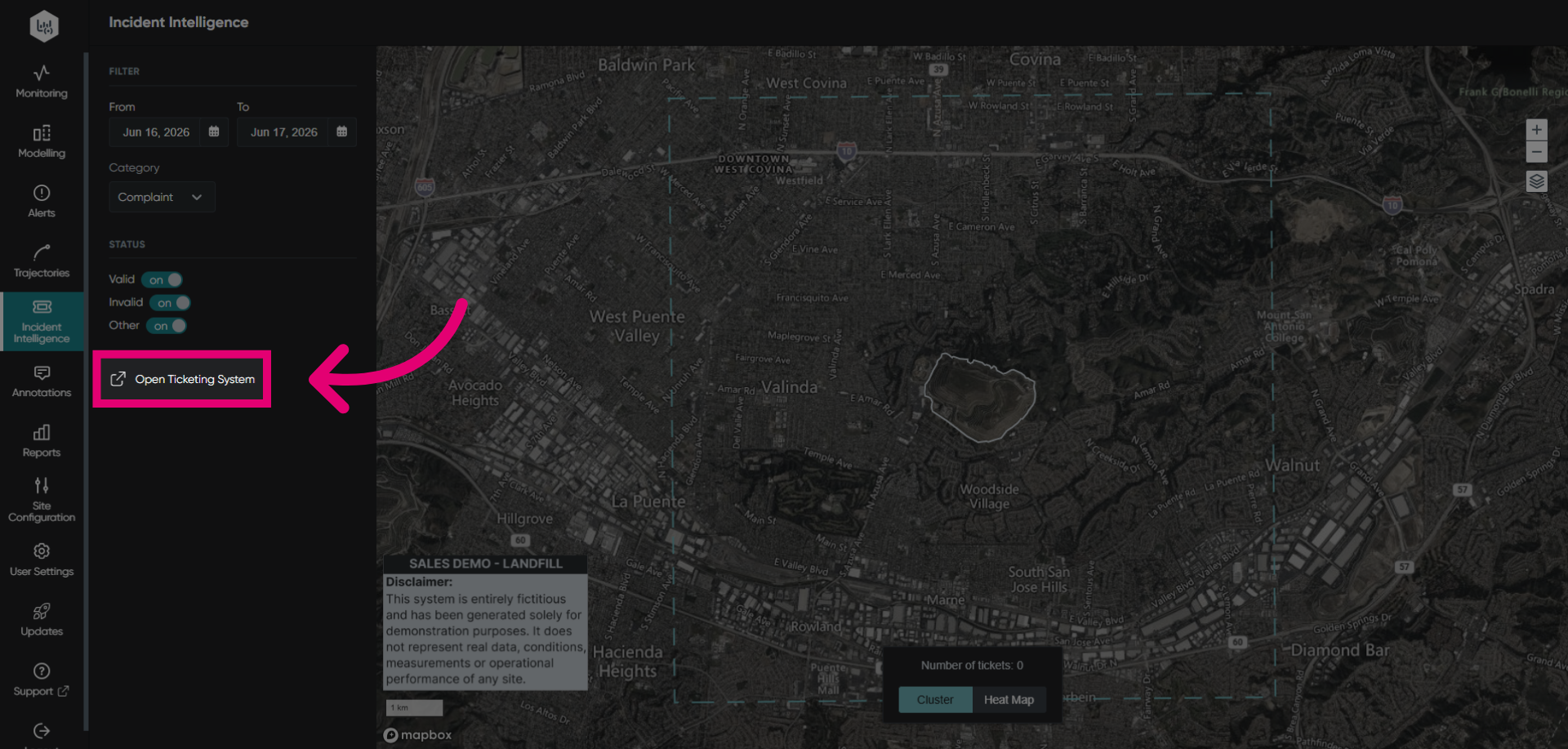
Click Open Ticketing System to access the ticket management interface.
Click Create to start a new issue ticket for the odor complaint.
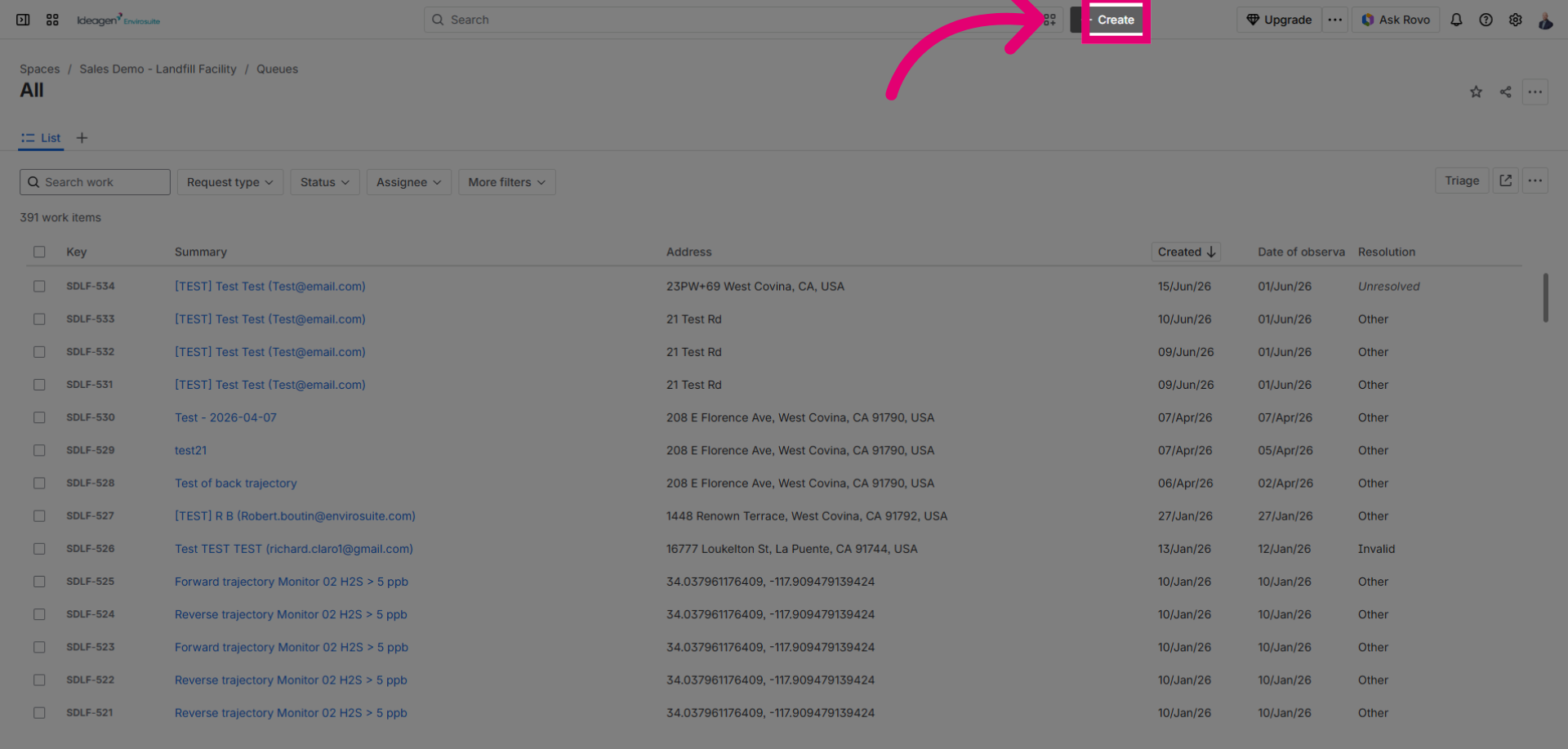
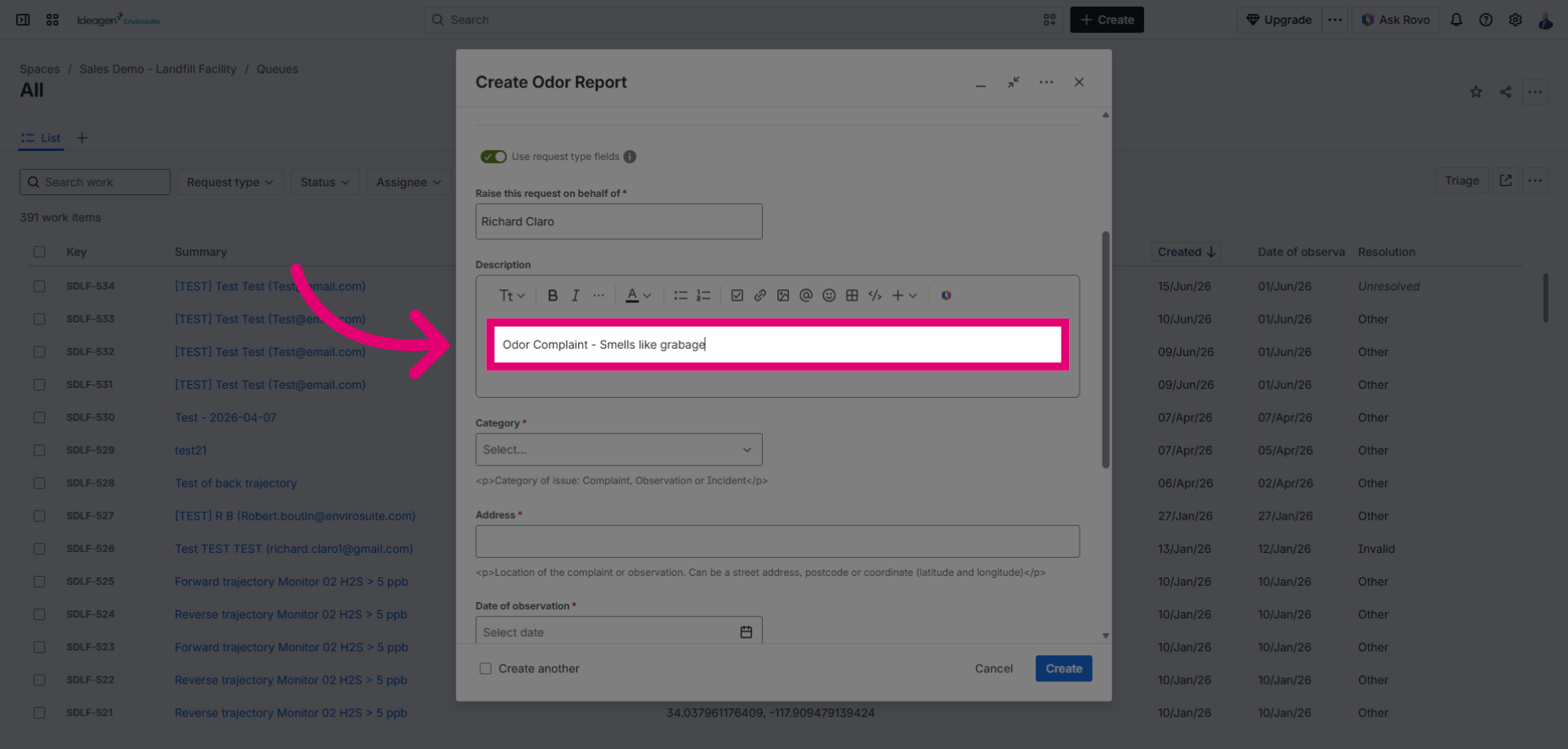
Fill in the nuisance observation information as the issue summary describing the event.
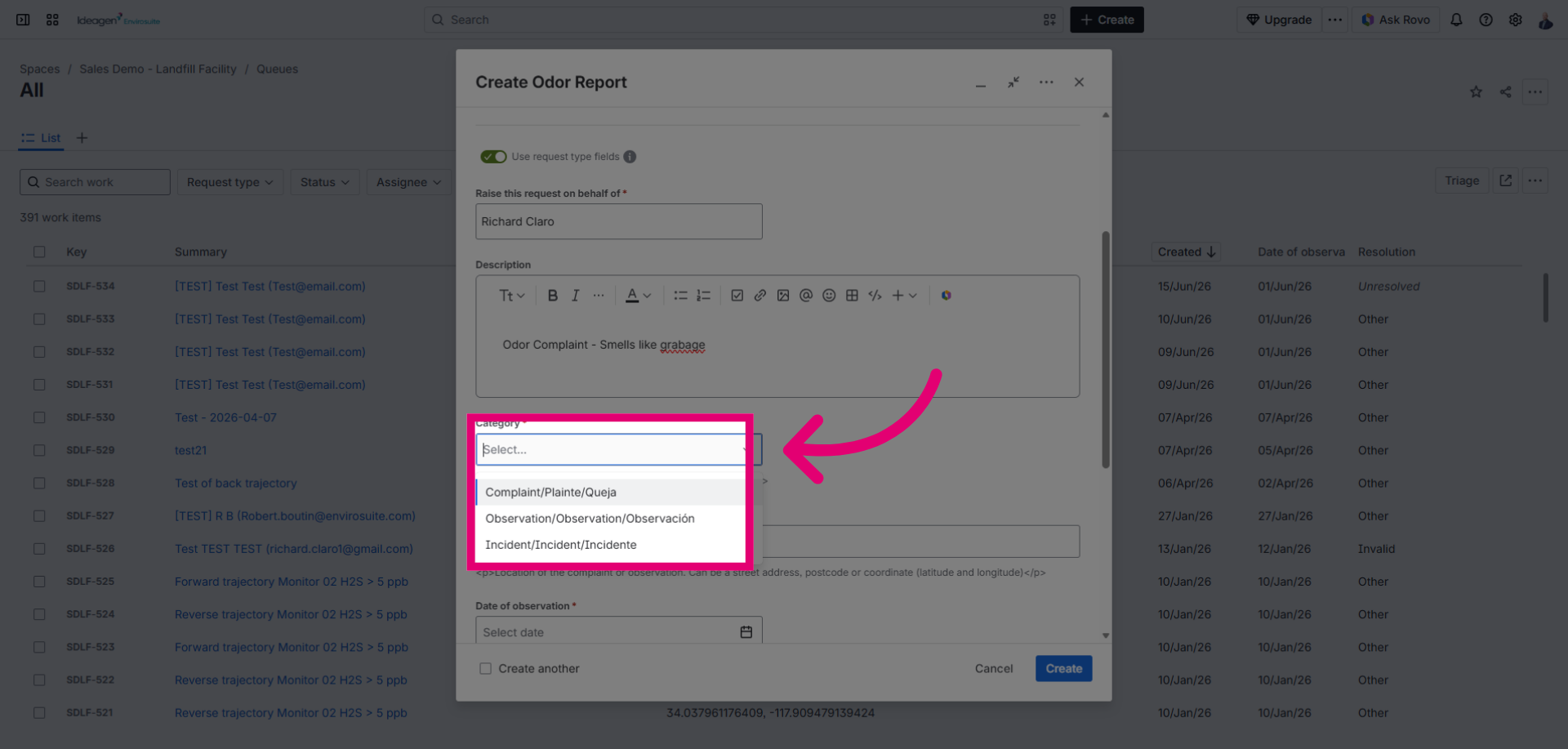
Click the complaint type dropdown menu to categorize the issue and select complaint to generate the auto trajectory.
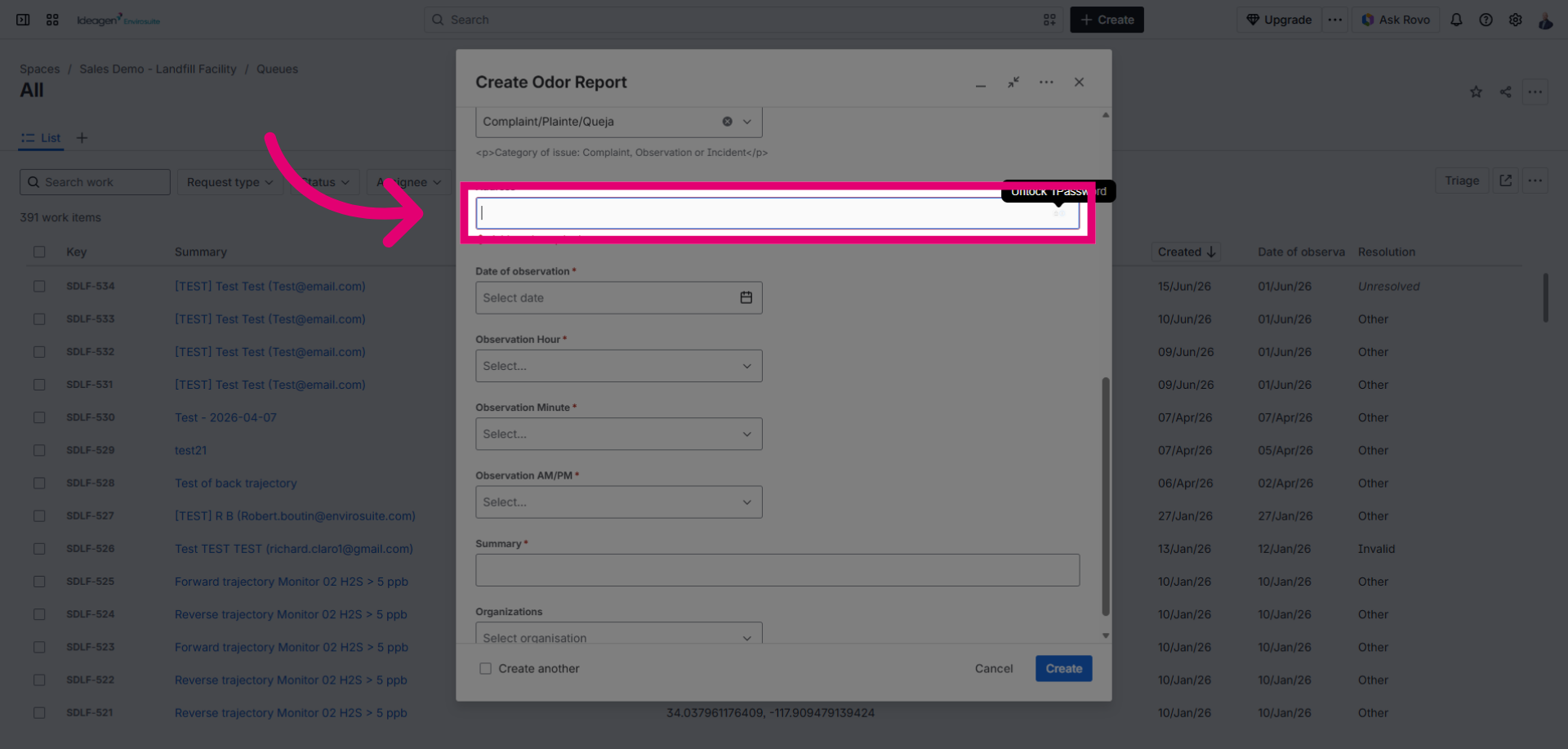
Click the Address field to enter the location related to the odor complaint.
Click the date picker to select the complaint date.
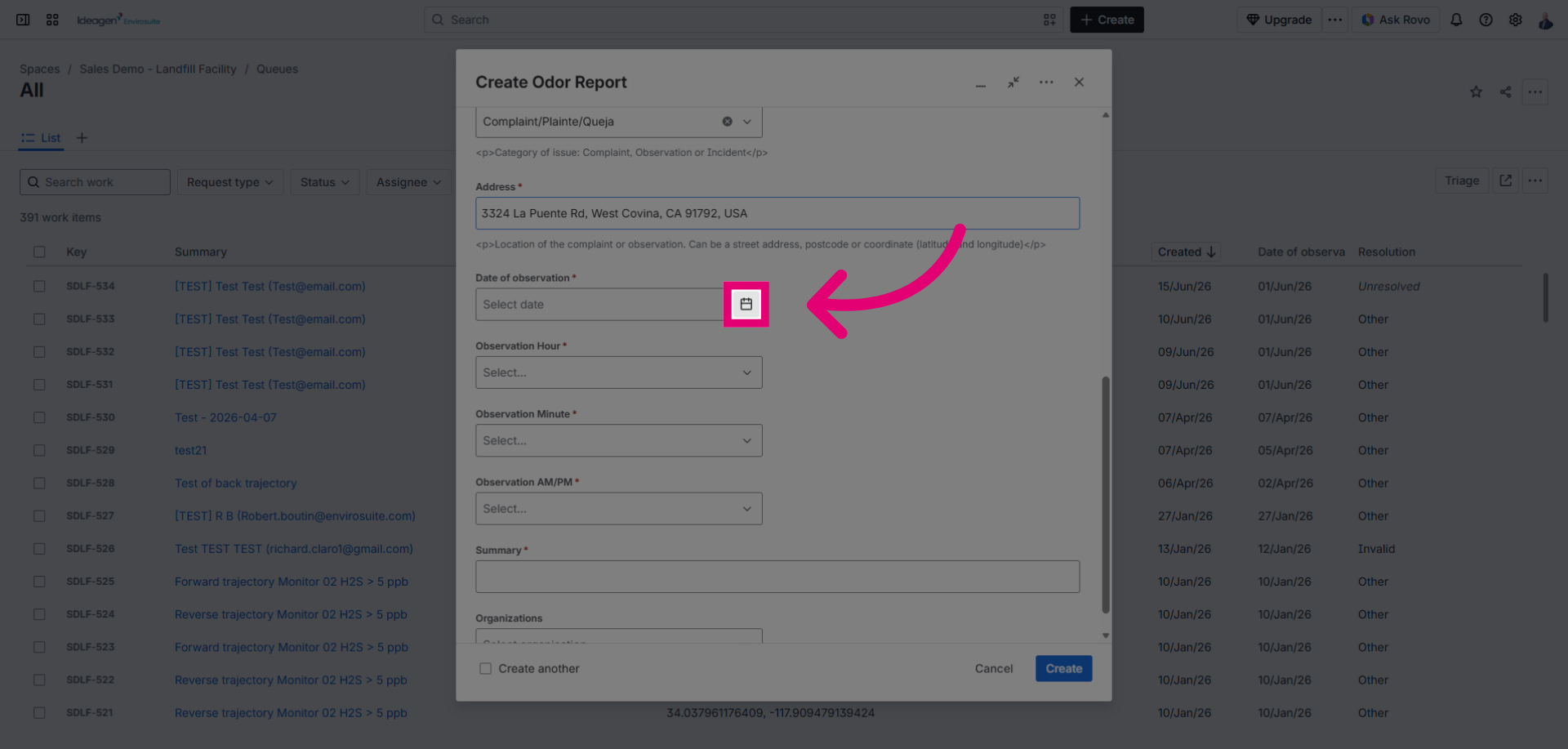
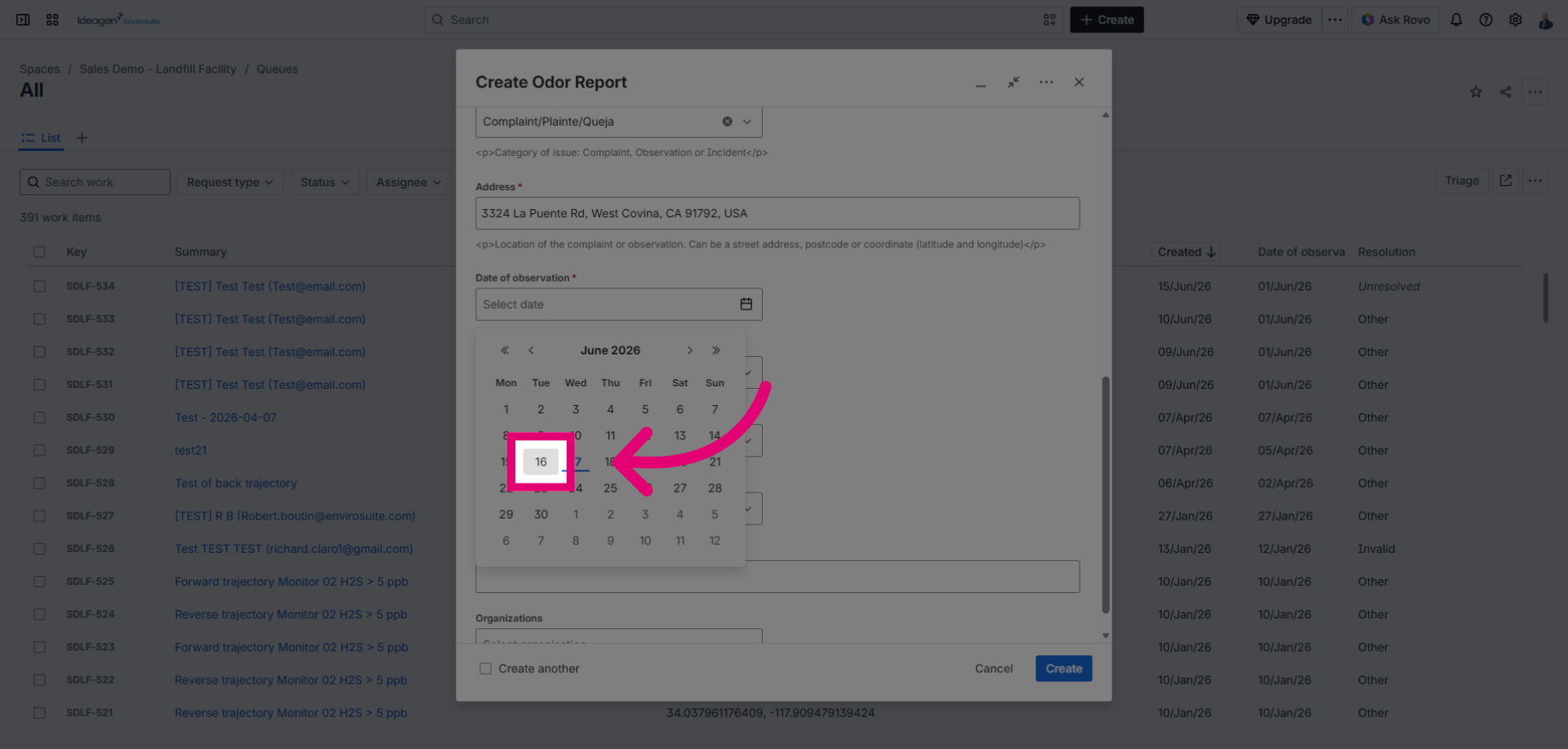
Select a date to specify when the odor complaint occurred.
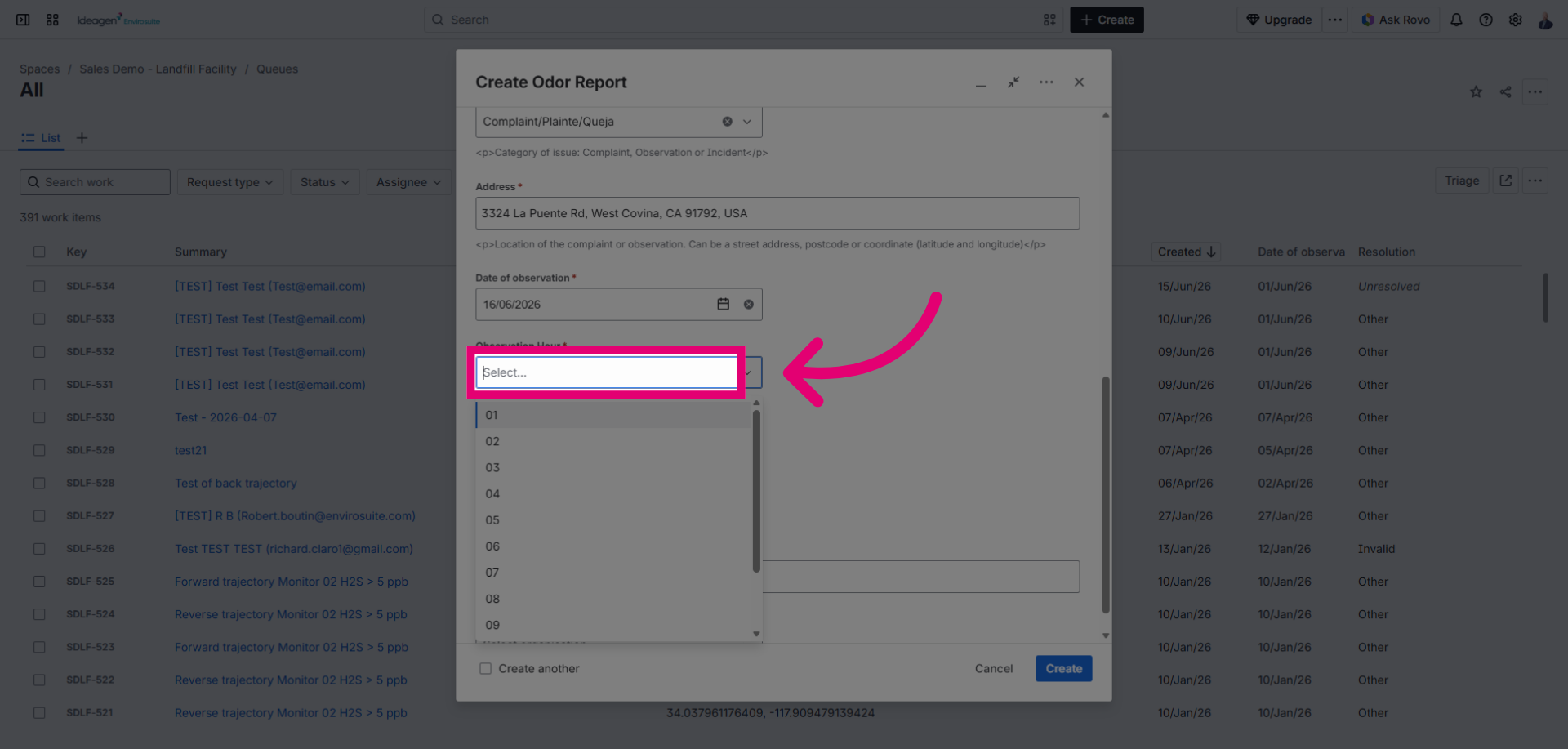
Click the time picker to open the time selection menu for the complaint timestamp.
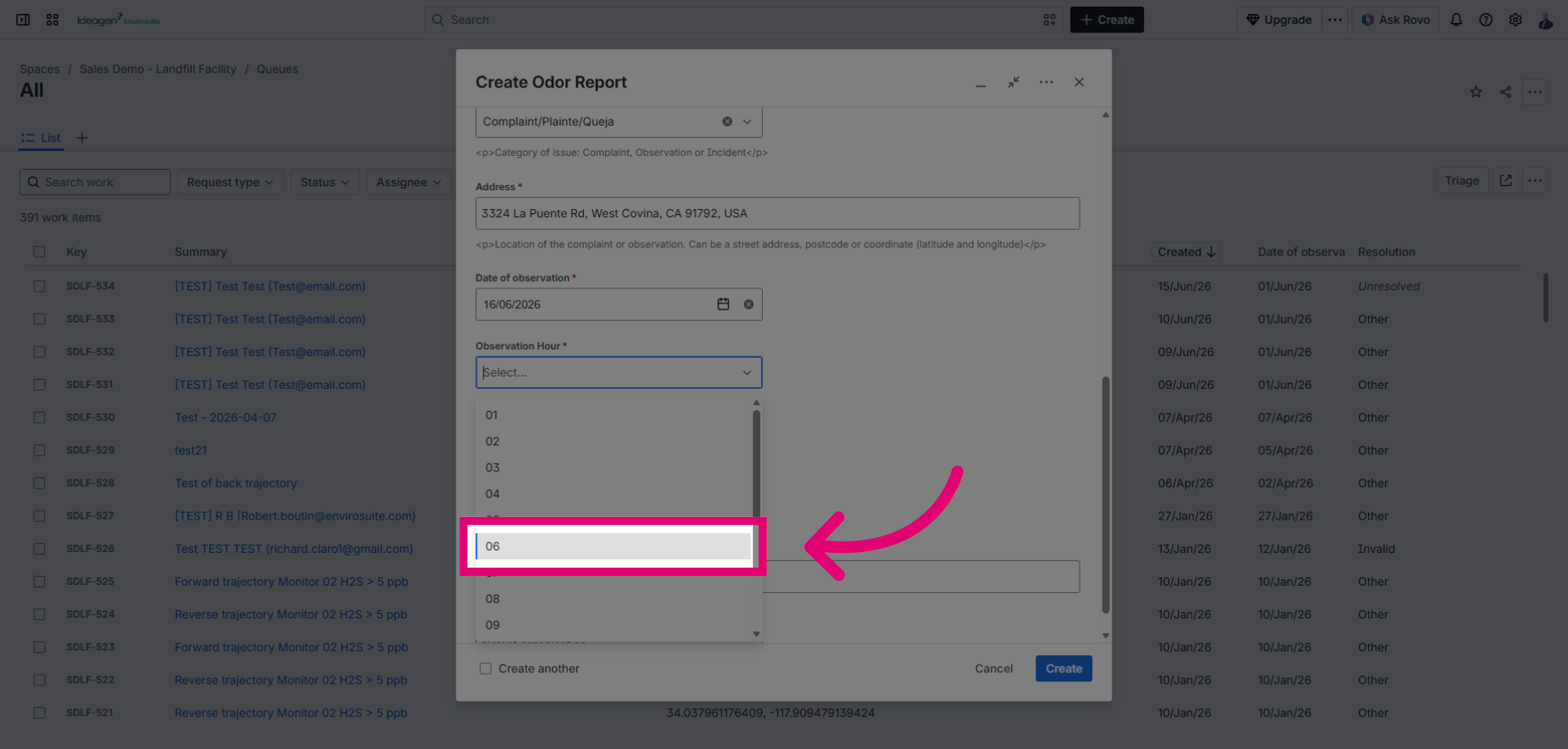
Click a number to set the hour of the complaint occurrence.
Click the minute selector to open the minute selection for the complaint time.
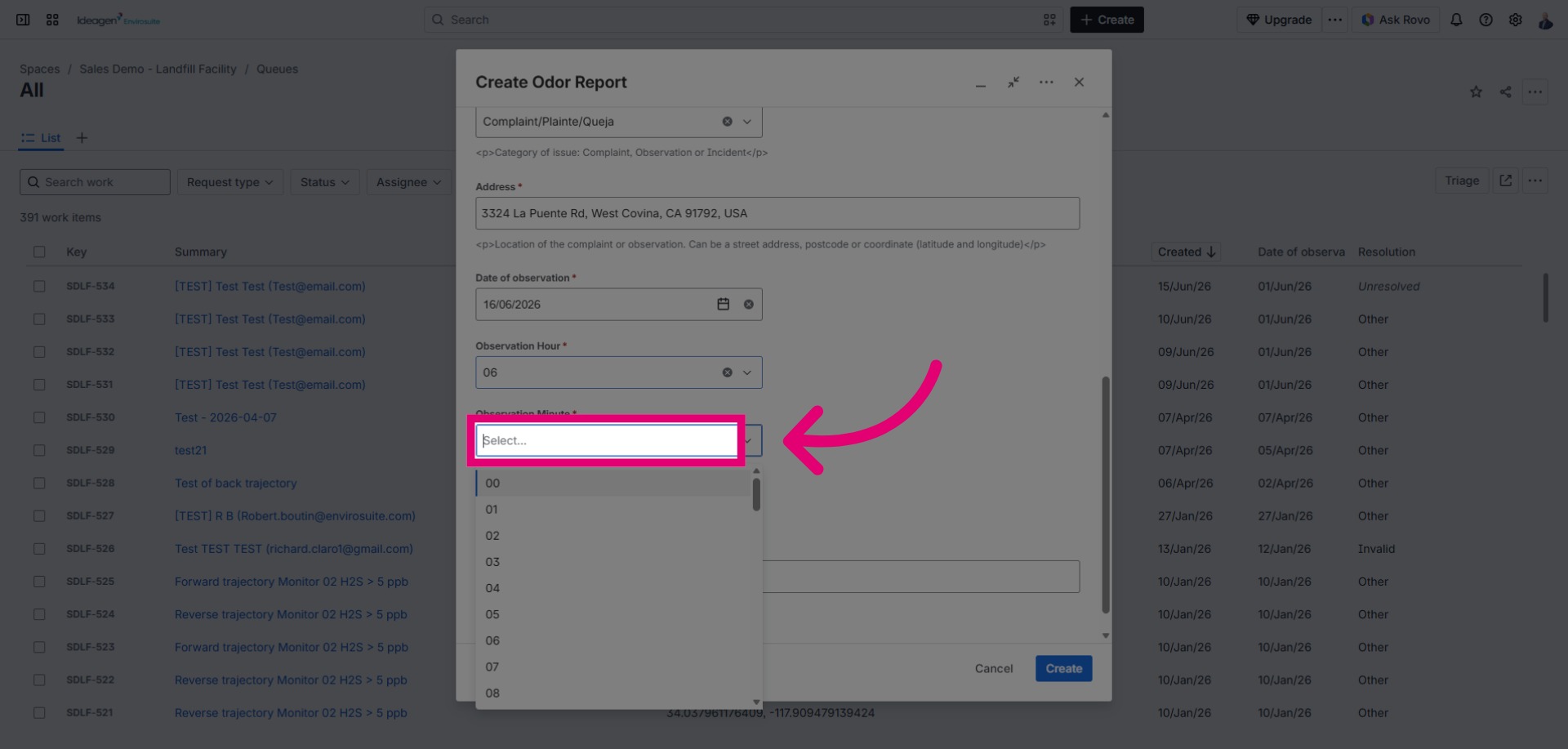
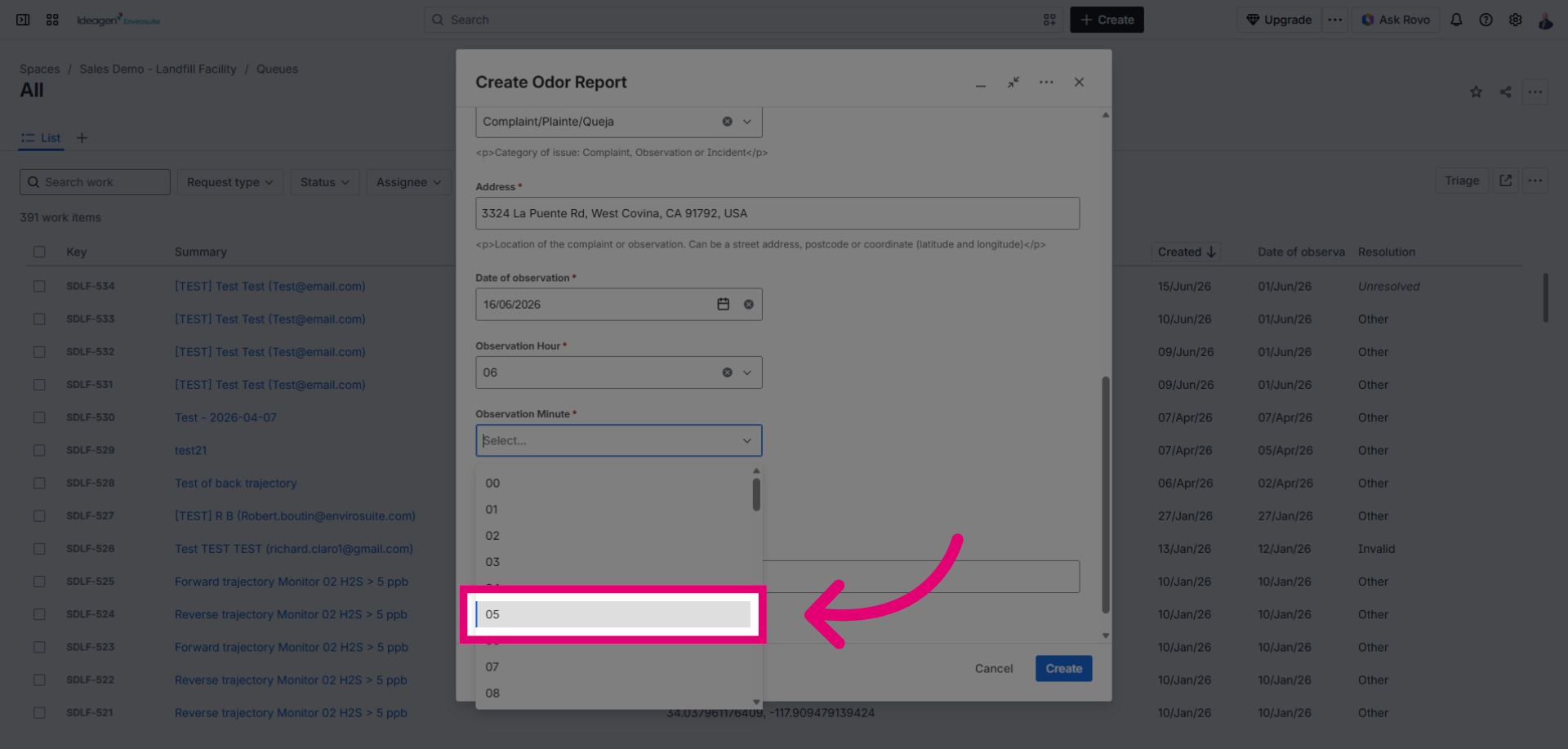
Click a number to specify the minutes for the complaint time.
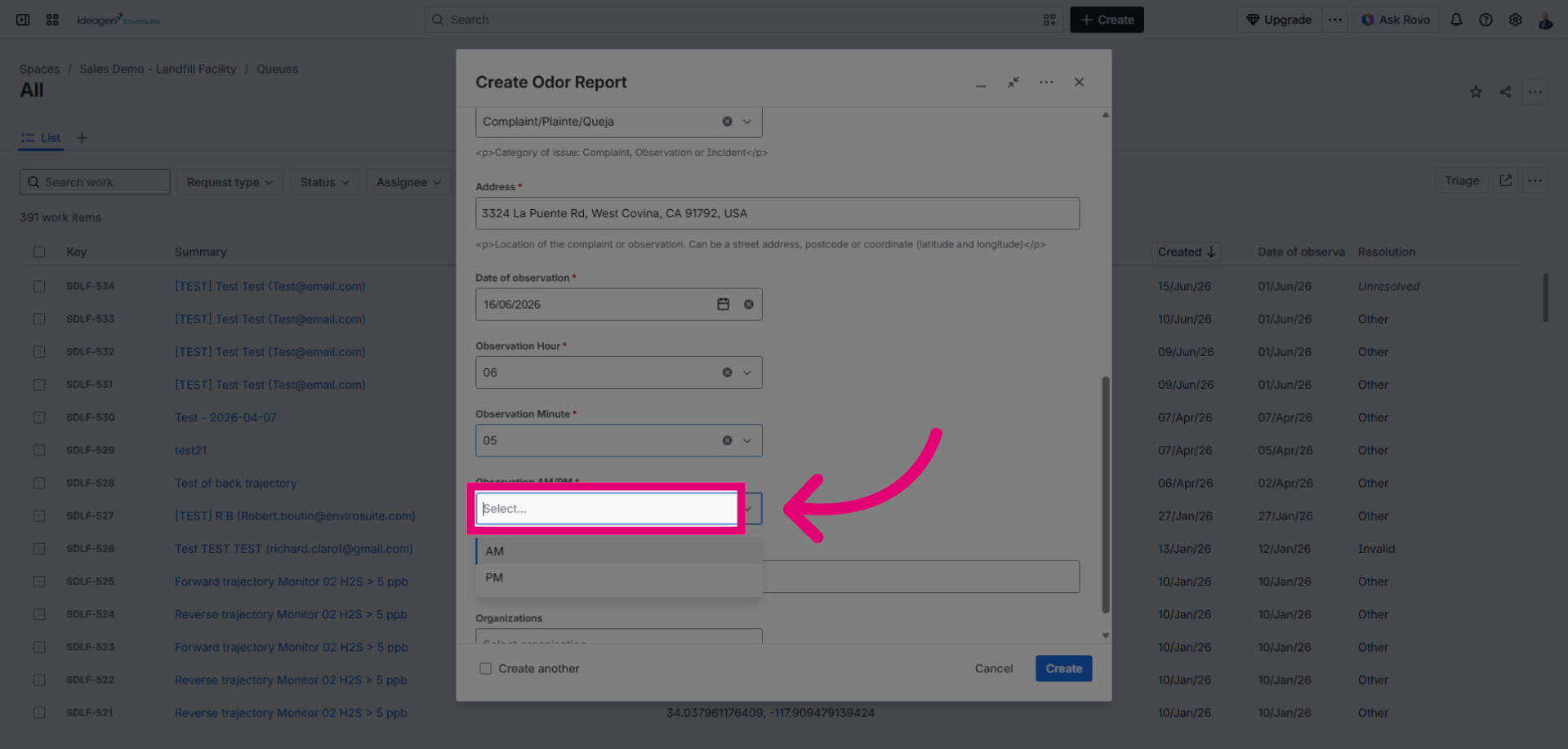
Click the AM/PM selector to choose between AM and PM for the complaint time.
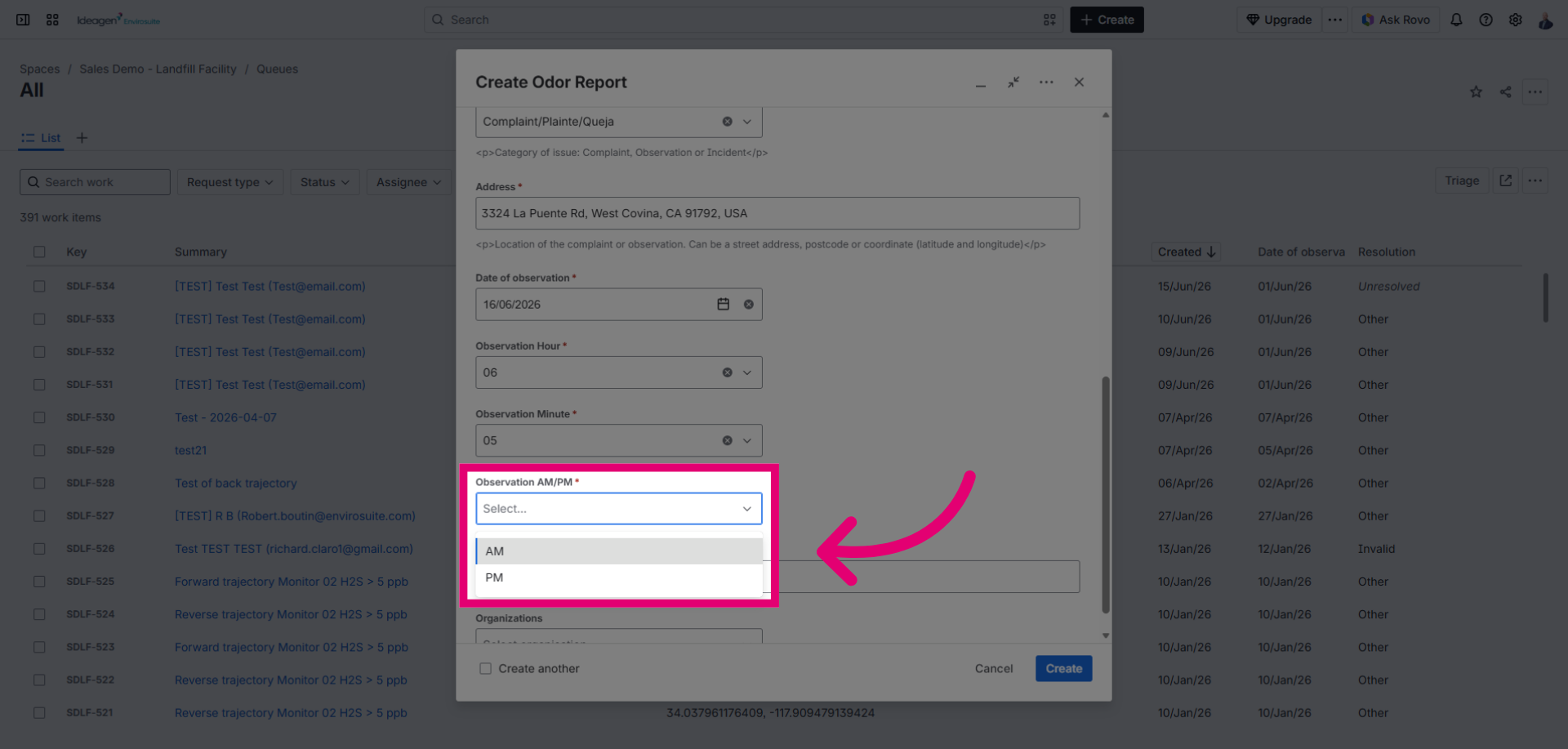
Click to set the complaint time in the morning or afternoon period.
Click Summary to enter a brief title for the complaint ticket.
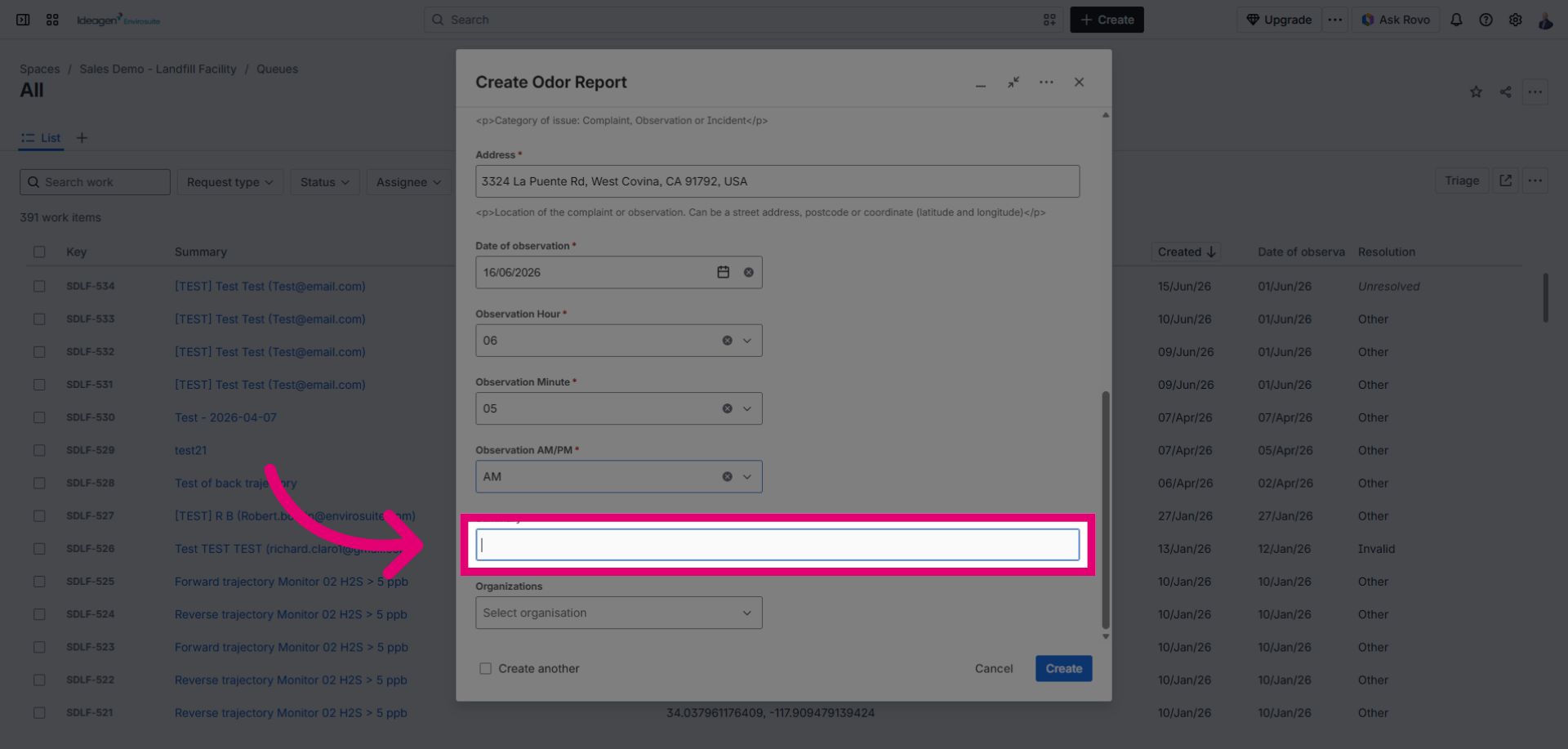
Click Create to submit the new odor nuisance complaint ticket.
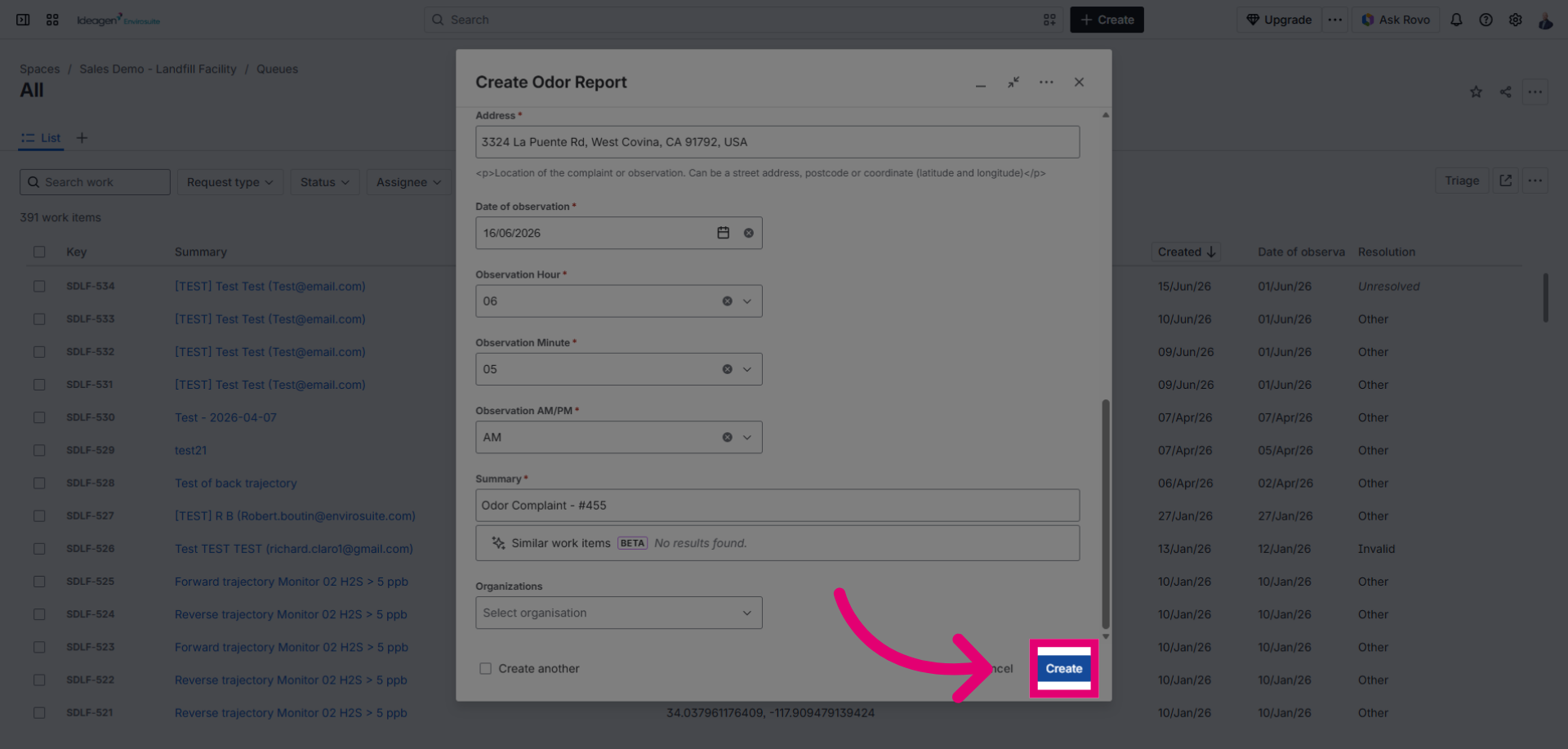
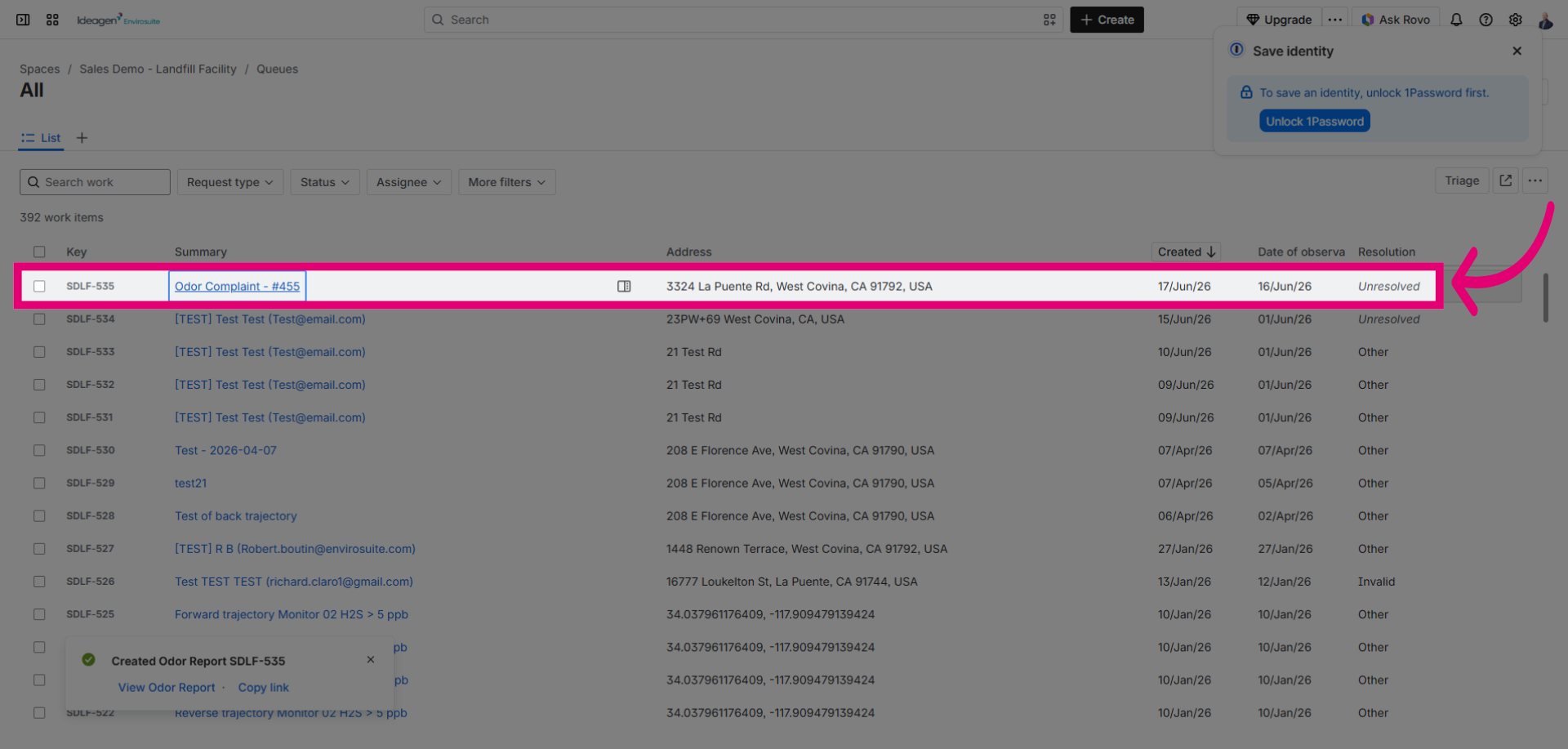
The odor nuisance complaint ticket is now created and available in your complaint management queue to be resolved.