New article
Recently updated
Resolving a nuisance observation

Who is this article for?
Users who need to resolve nuisance observations.
User with incident intelligence feature access is required.
This tutorial guides you through managing a nuisance observation using Ideagen Envirosuite and Incident Intelligence.
You will learn how to access the ticketing system, update the observation ticket status, and resolve the issue effectively.
Resolving a nuisance observation
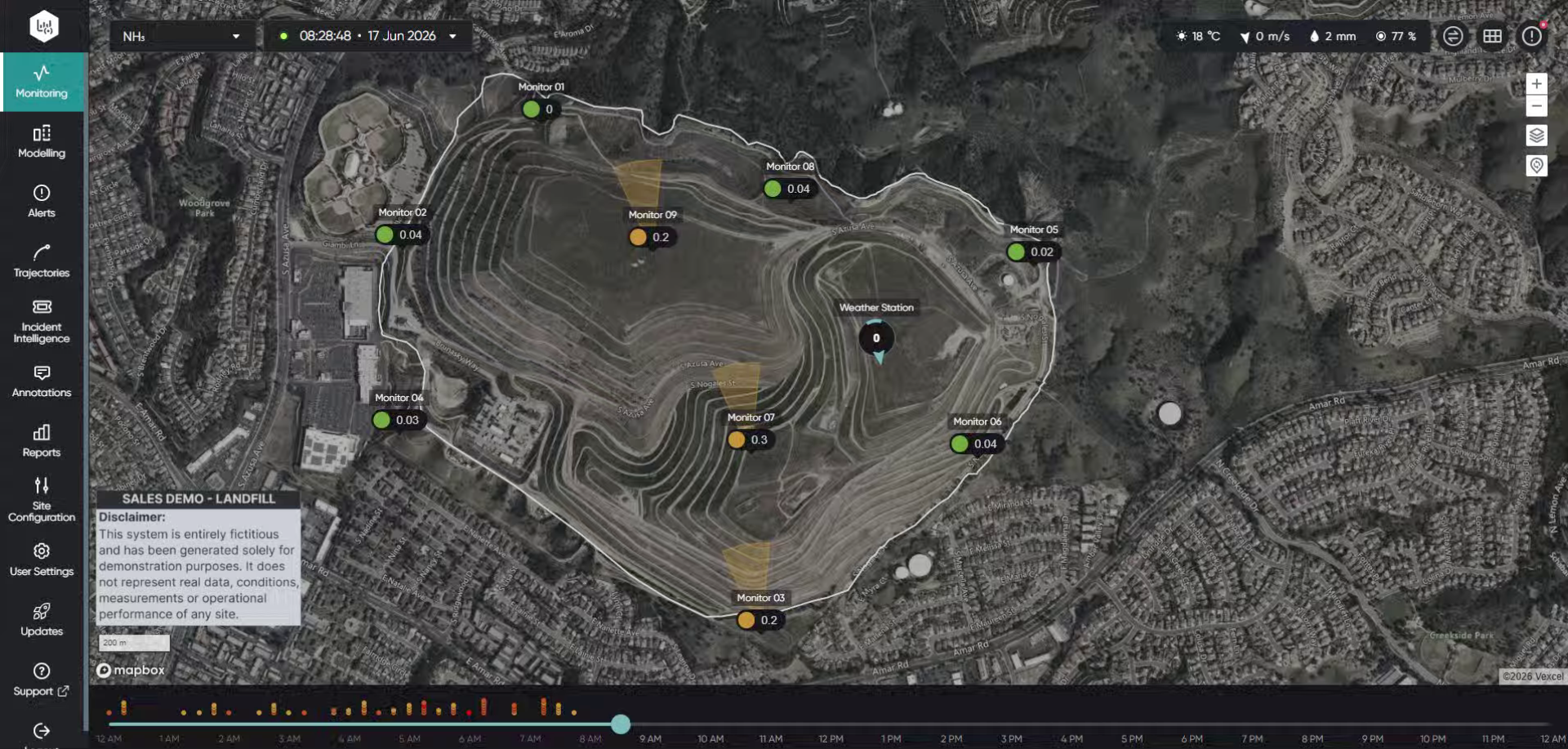
Log into the system.
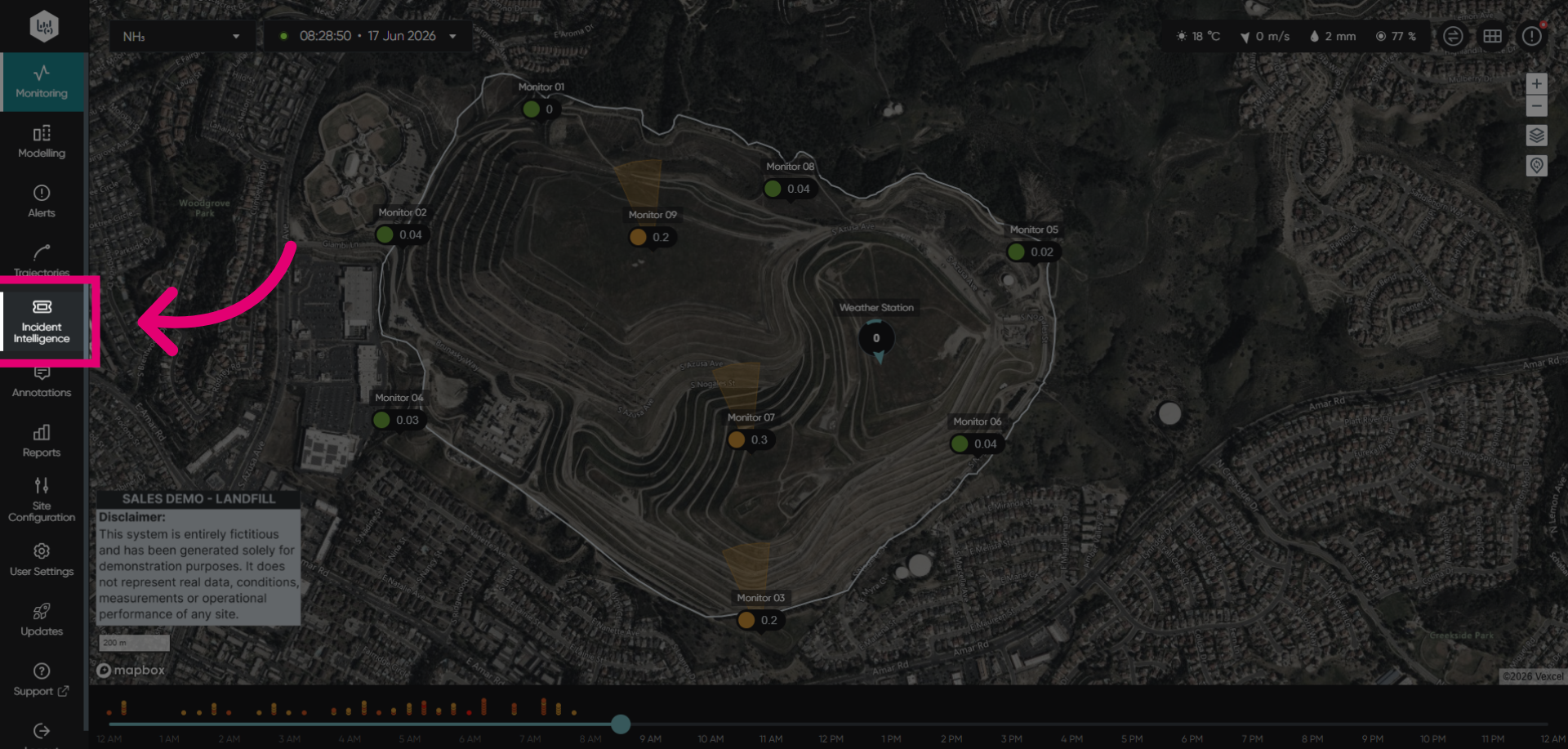
Click Incident Intelligence to open the module.
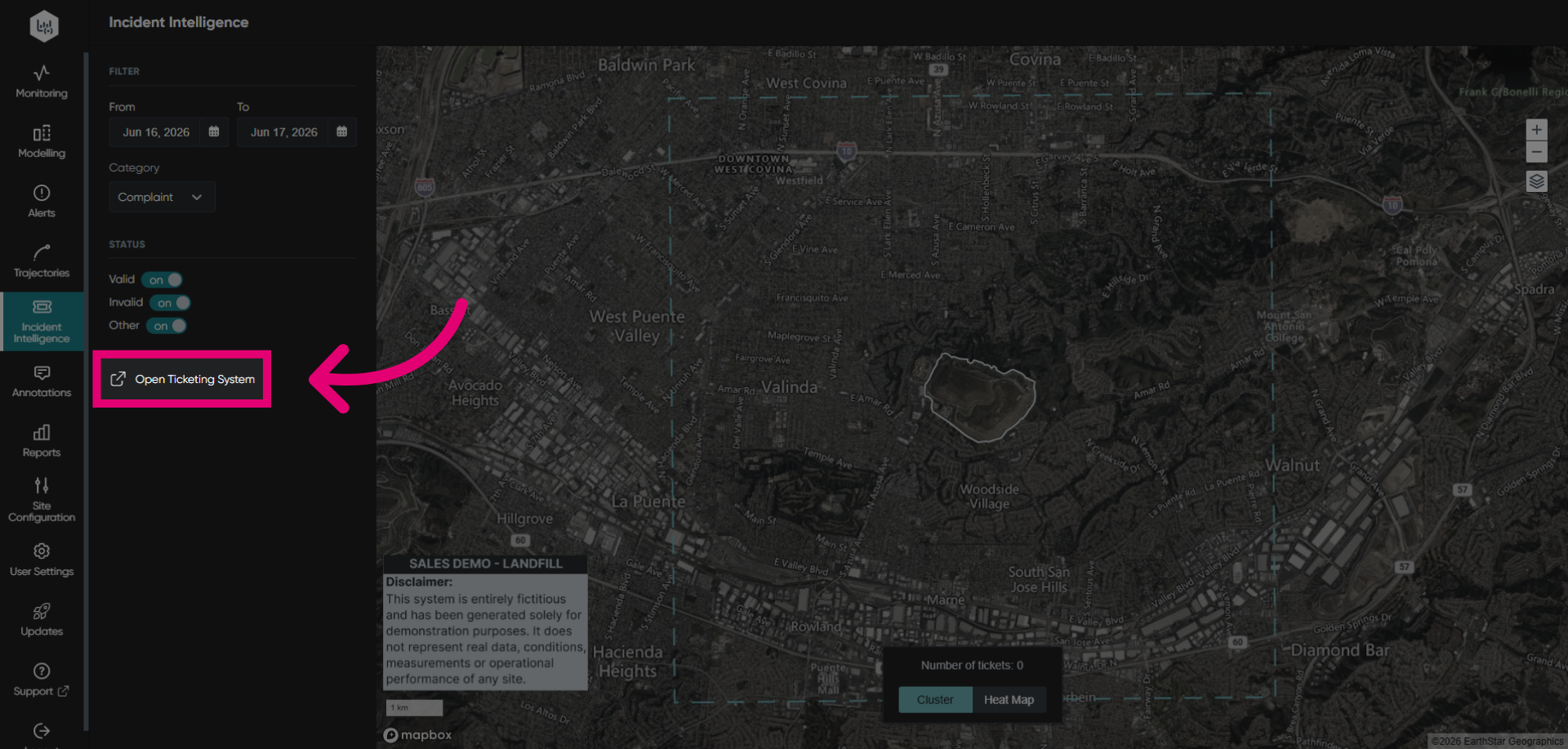
Click Open Ticketing System to navigate to the ticket management system where all incident tickets are created and managed.
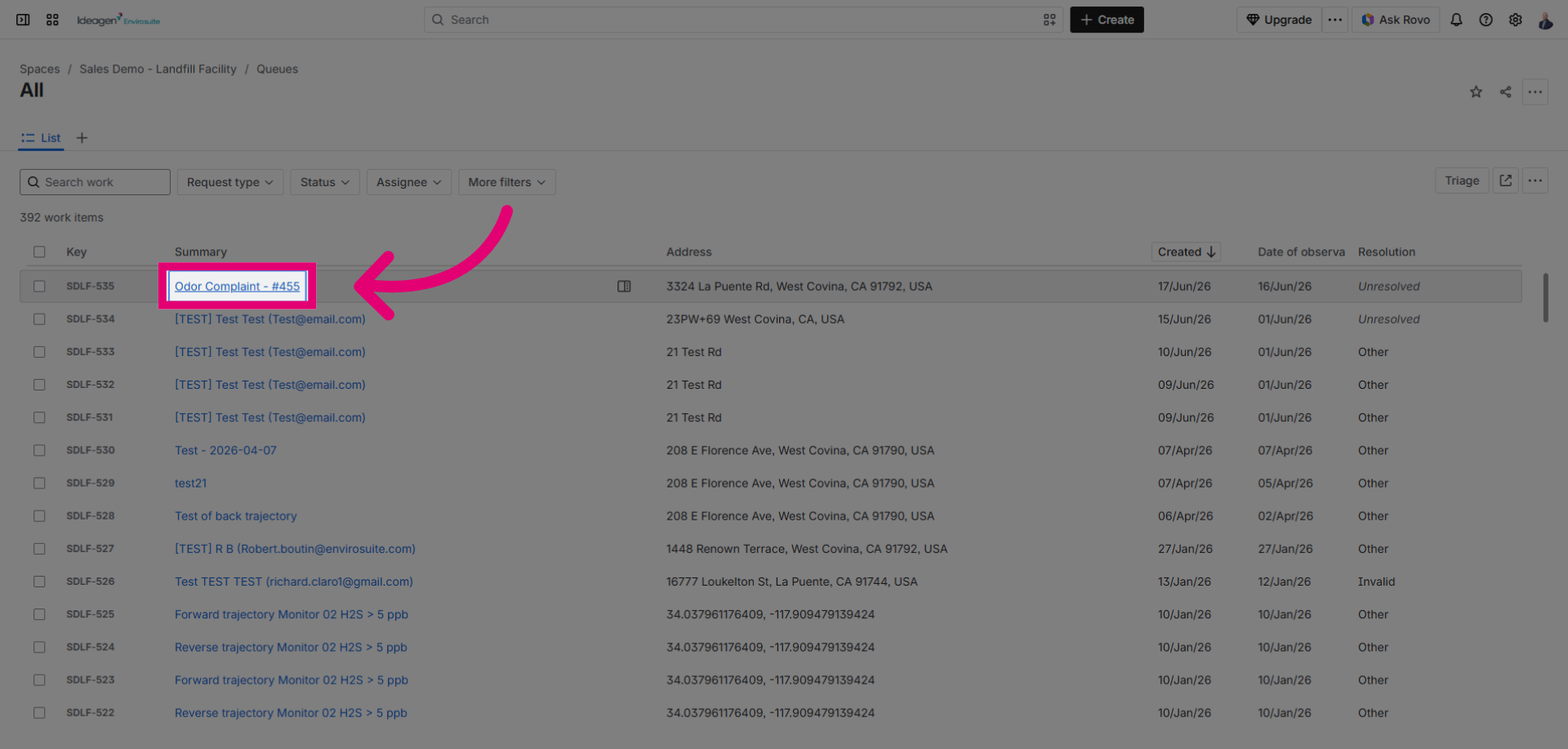
Click the ticket link to open the specific ticket that needs to be resolved.
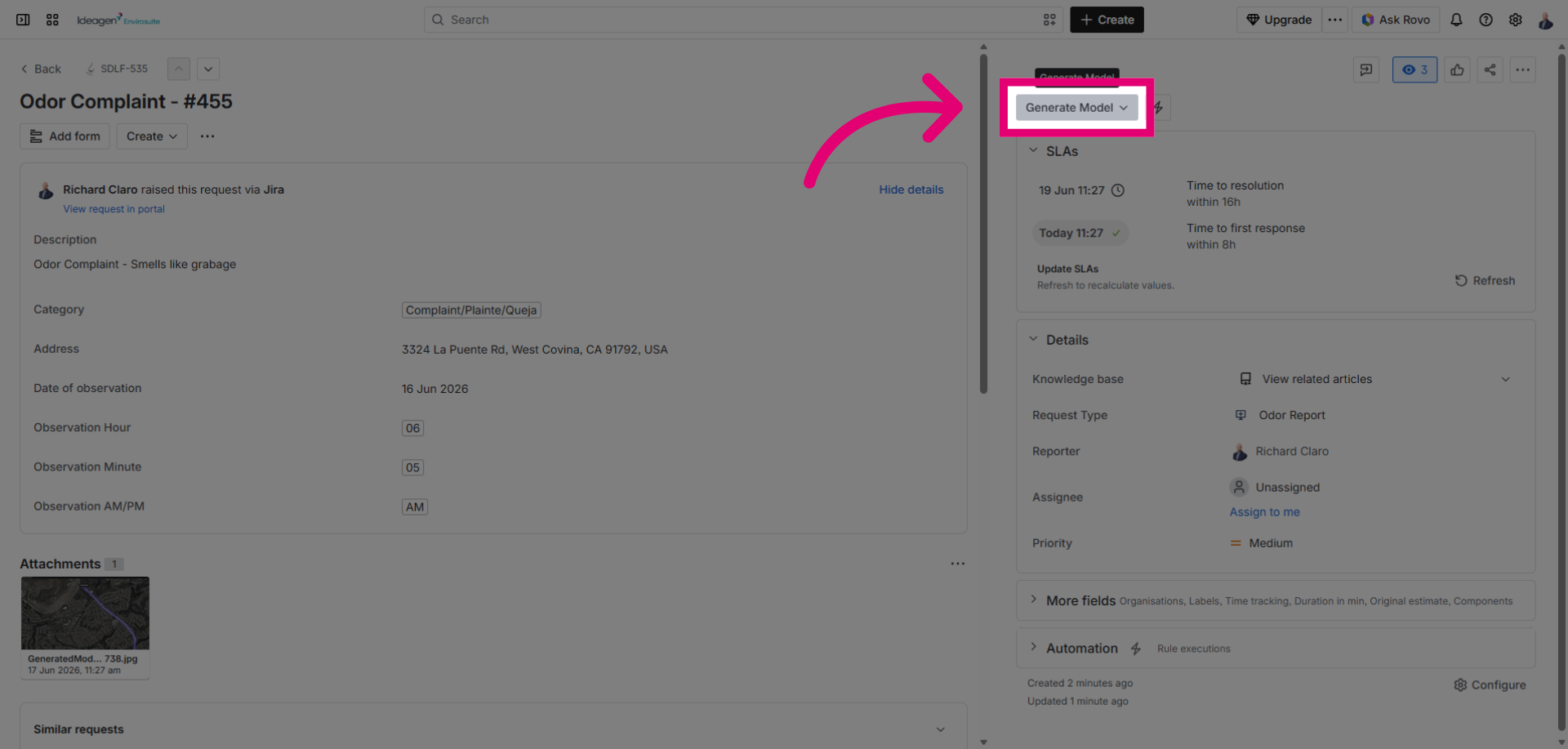
Click Generate Model - Change status to begin updating the status of the nuisance complaint ticket.
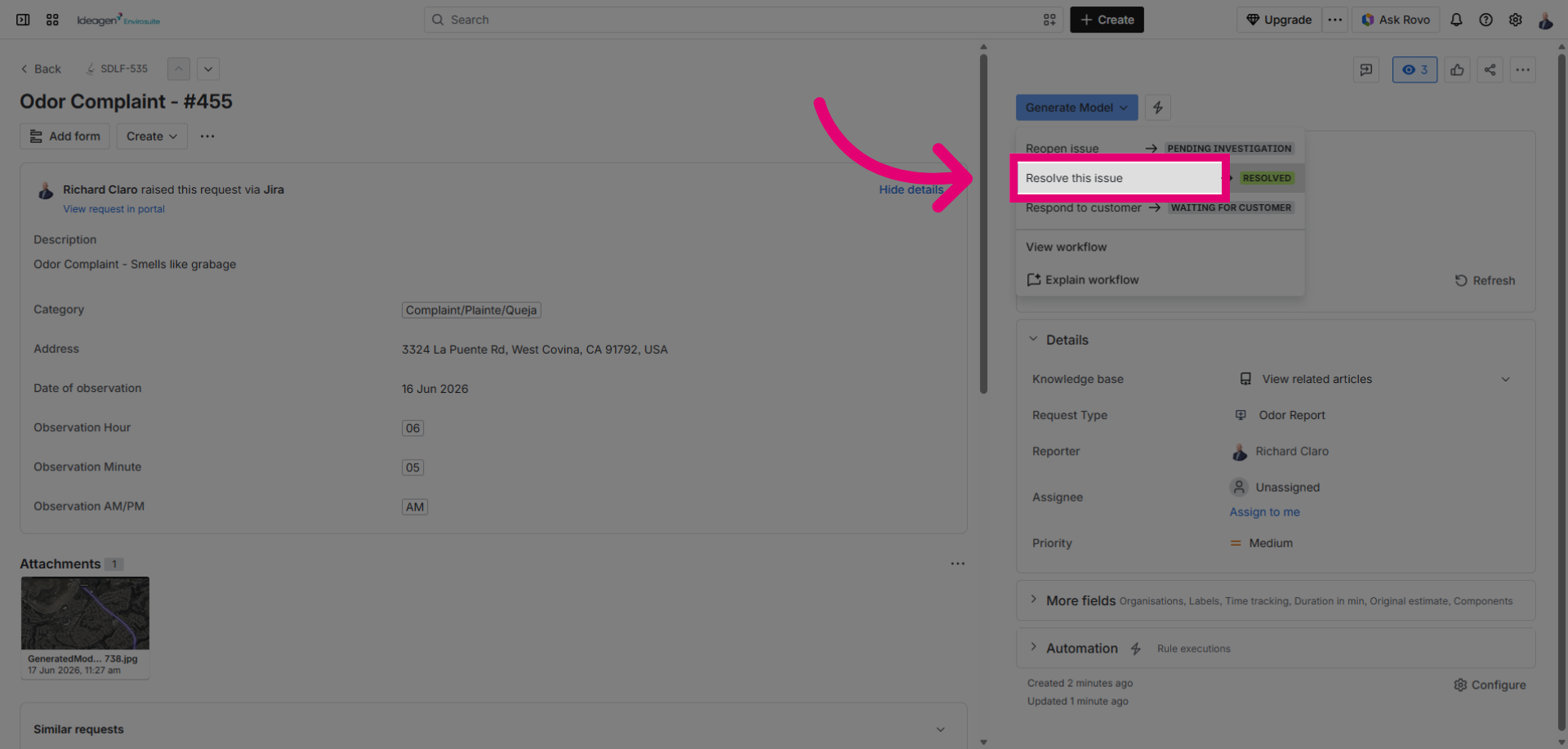
Click Resolve this issue to mark the nuisance observation as resolved in the ticketing system.
Click to confirm the resolution action for the nuisance complaint ticket.
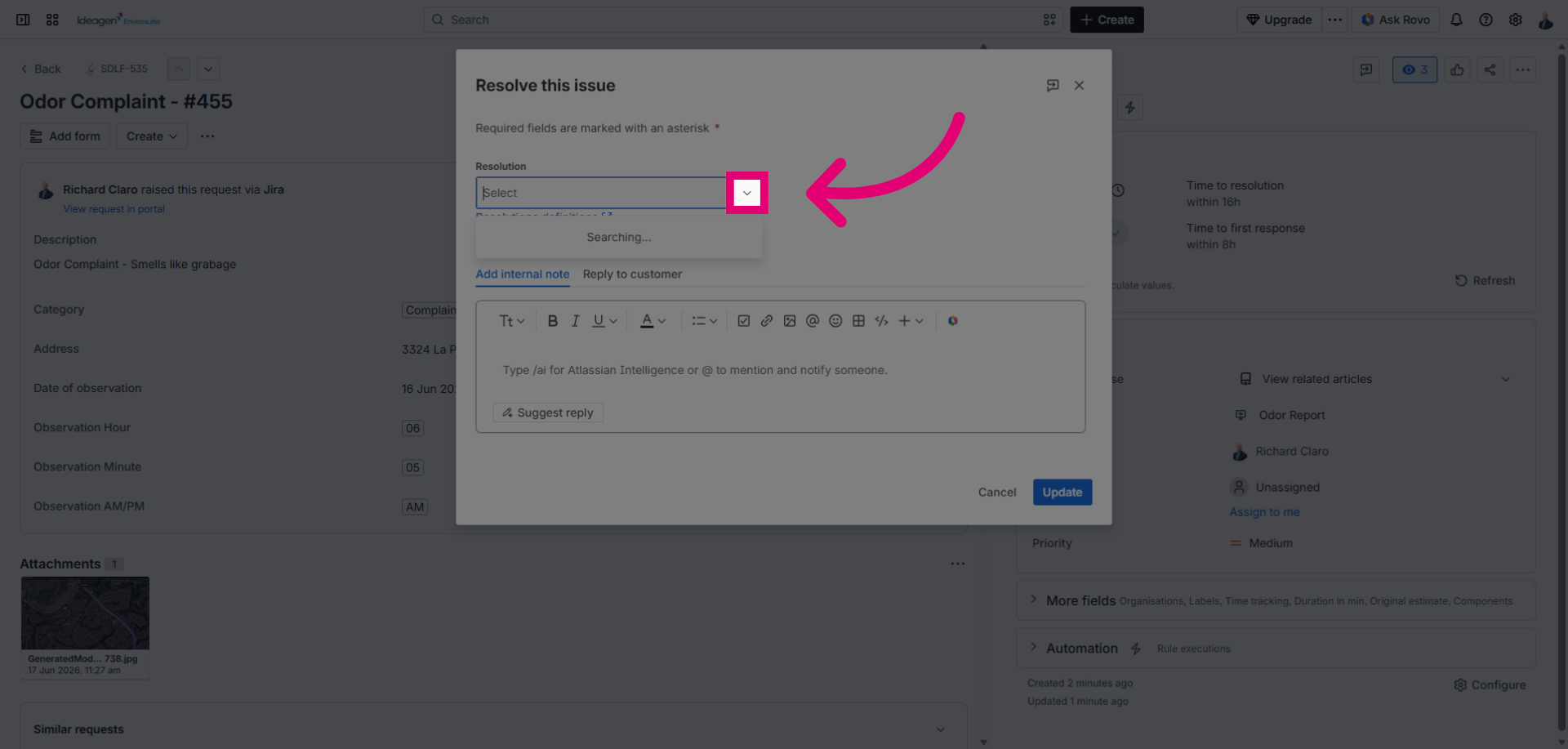
Select Valid, Invalid or other to indicate that the nuisance observation is resolved.
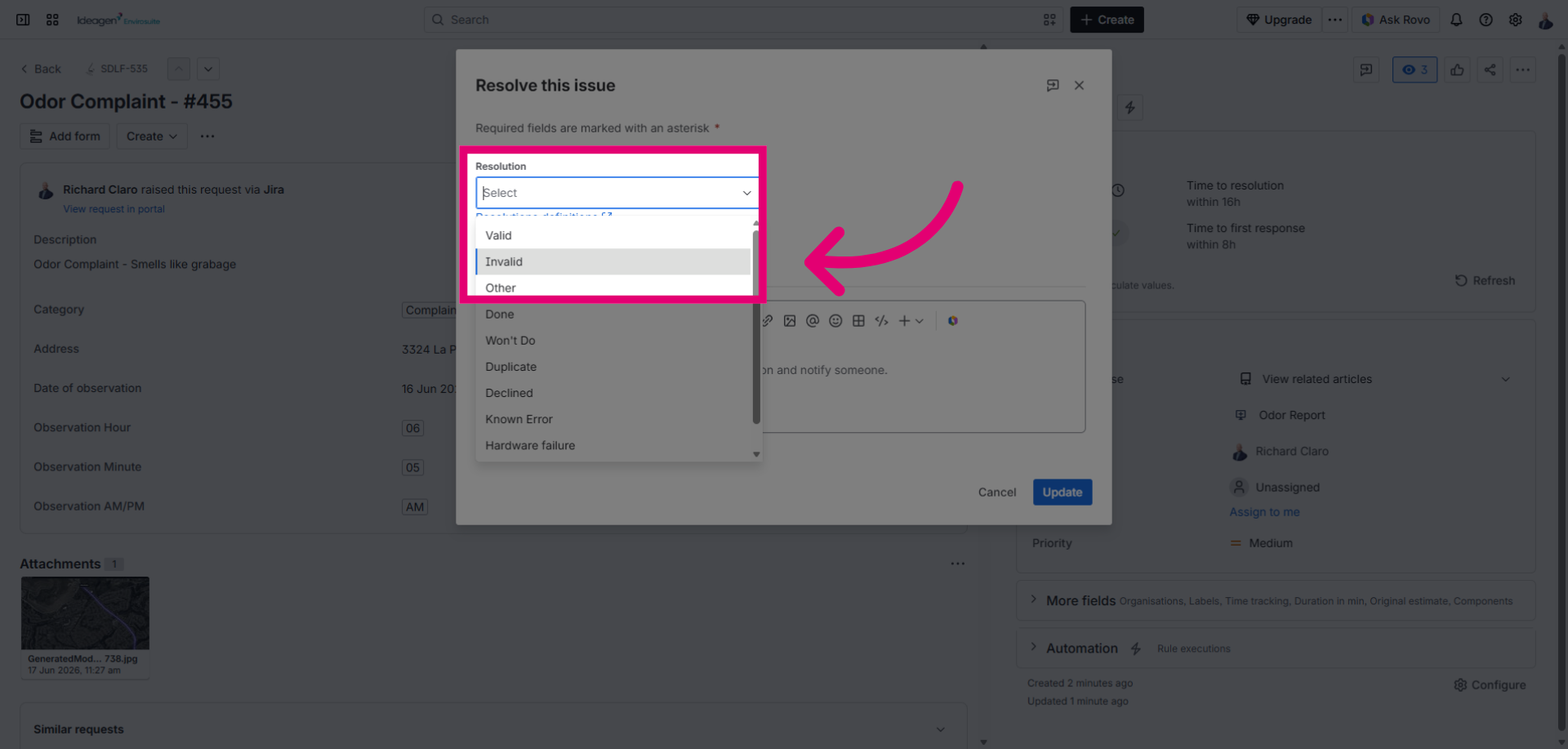
Click Update to save all changes made to the complaint ticket status and details.
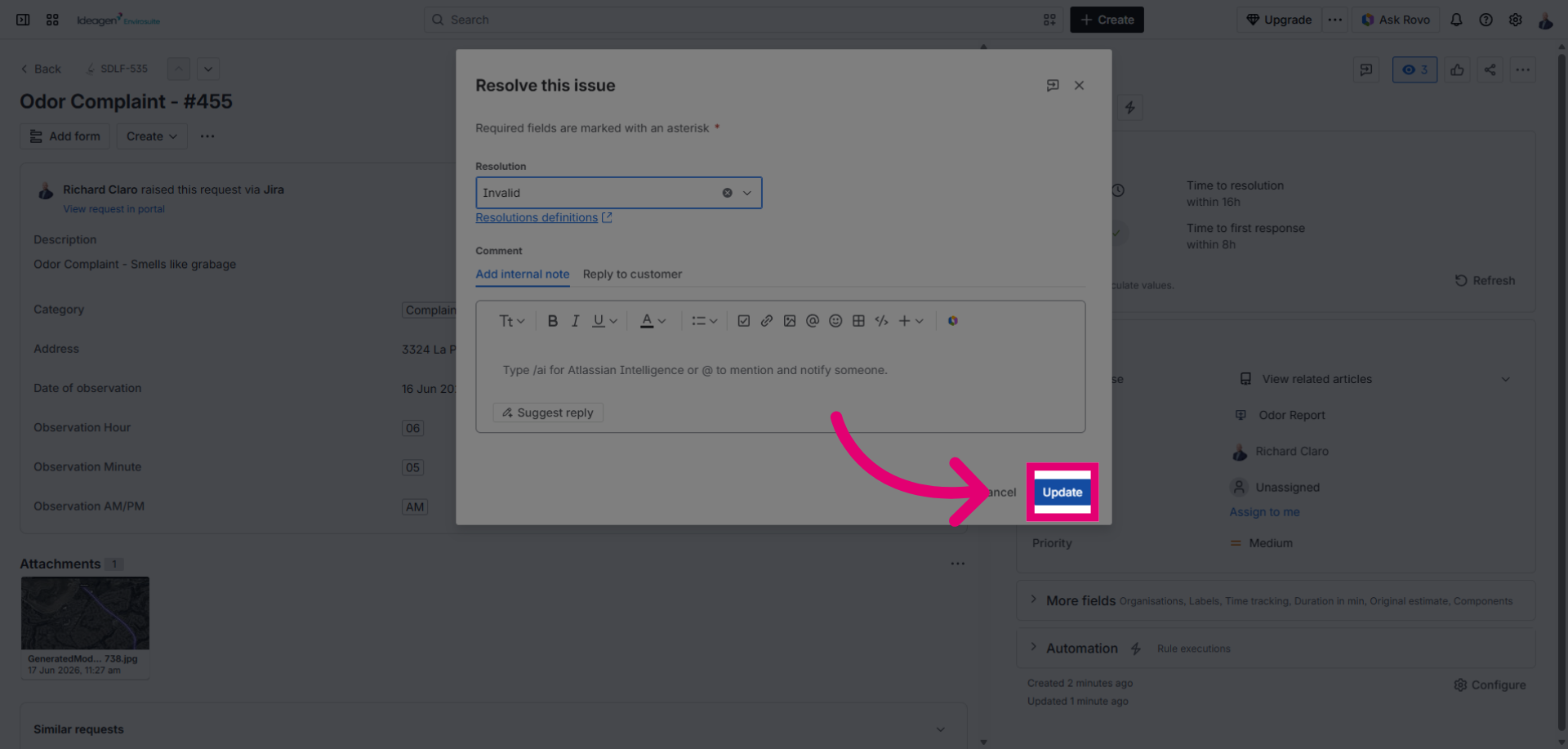
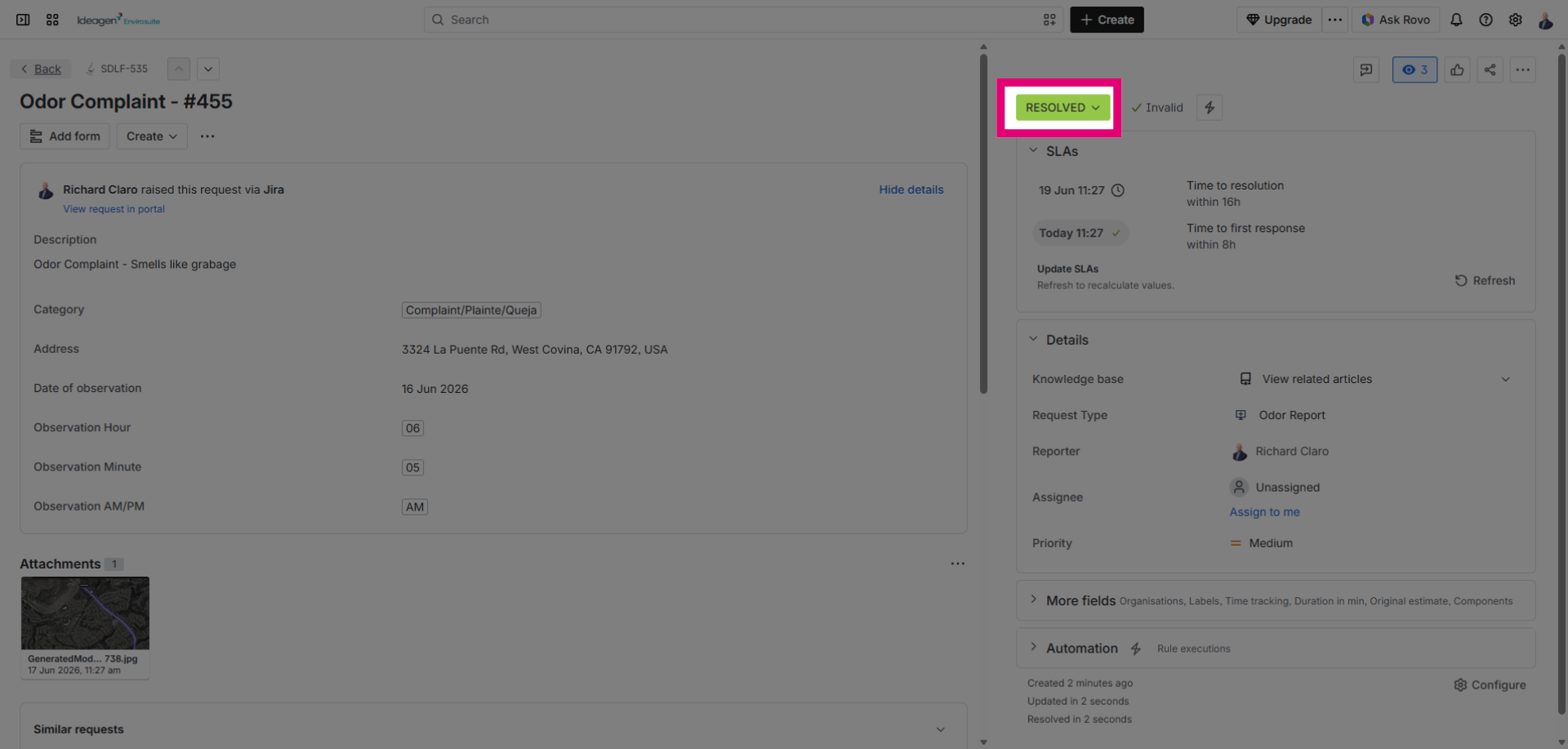
When the update of the ticket is completed, the resolution status of the ticket is updated to Resolved. This ticket will now be visible on the map in the incident intelligence module.