New article
Recently updated
Submitting a Complaint Form

Who is this article for?
Users who want to submit a complaint form.
This tutorial guides you through submitting an odour complaint form.
You will learn how to successfully submit your complaint to the platform for further modelling analysis.
Submitting Your Odour Complaint
Log into the system.
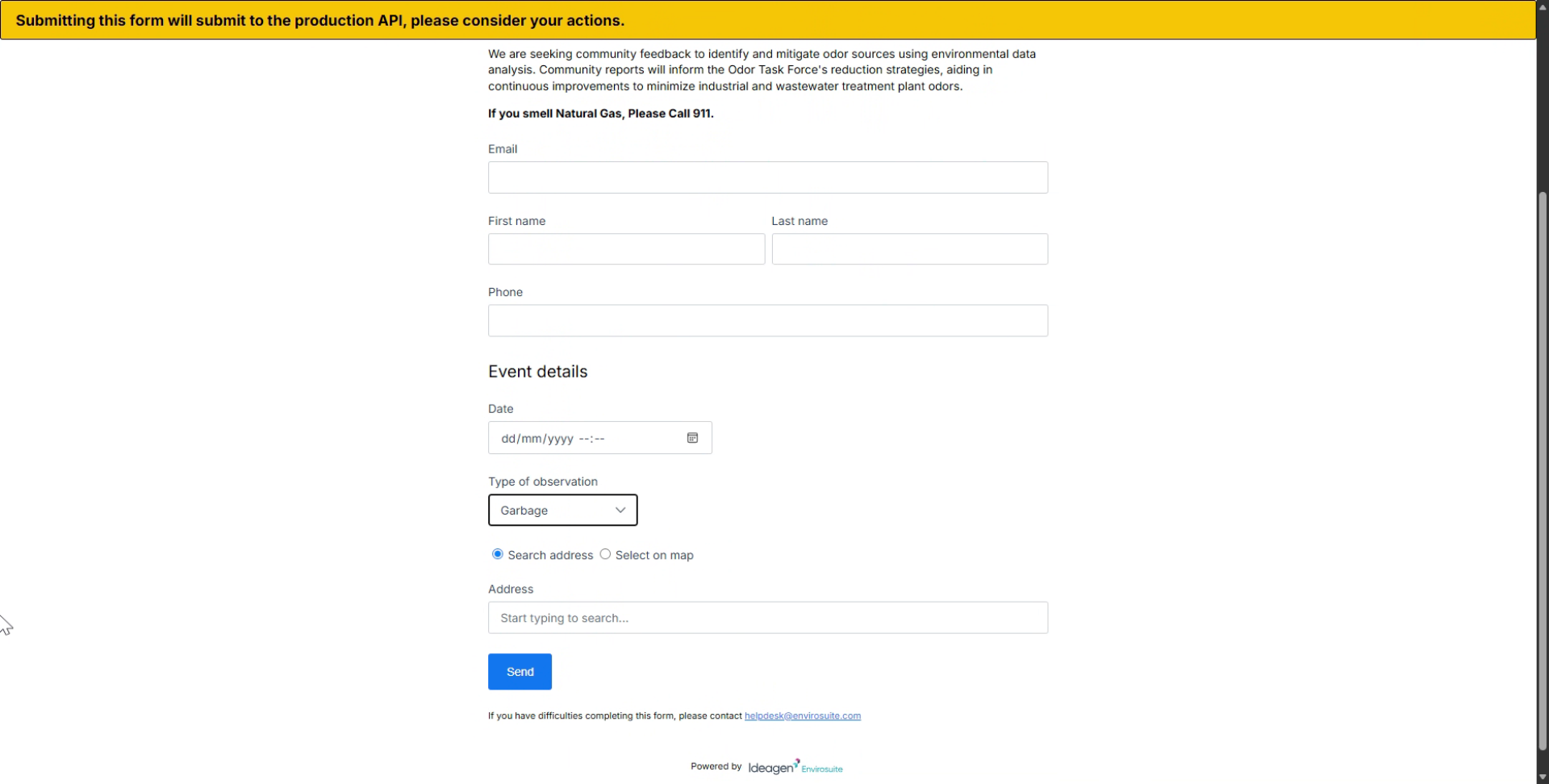
Click on the Email field to start entering your contact information.
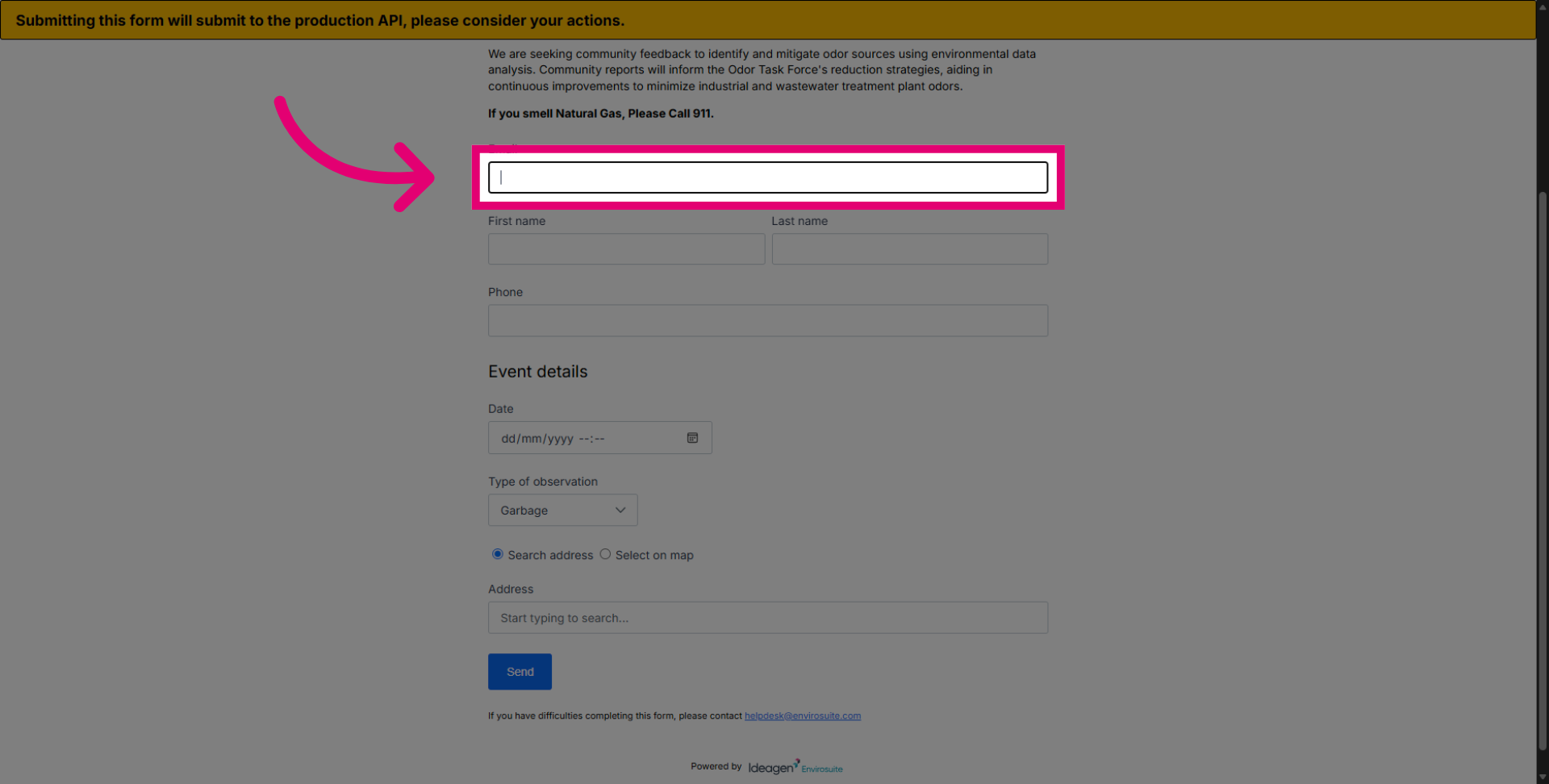
Enter your email address (which is mandatory) to receive emails containing screenshots of the backward trajectory.
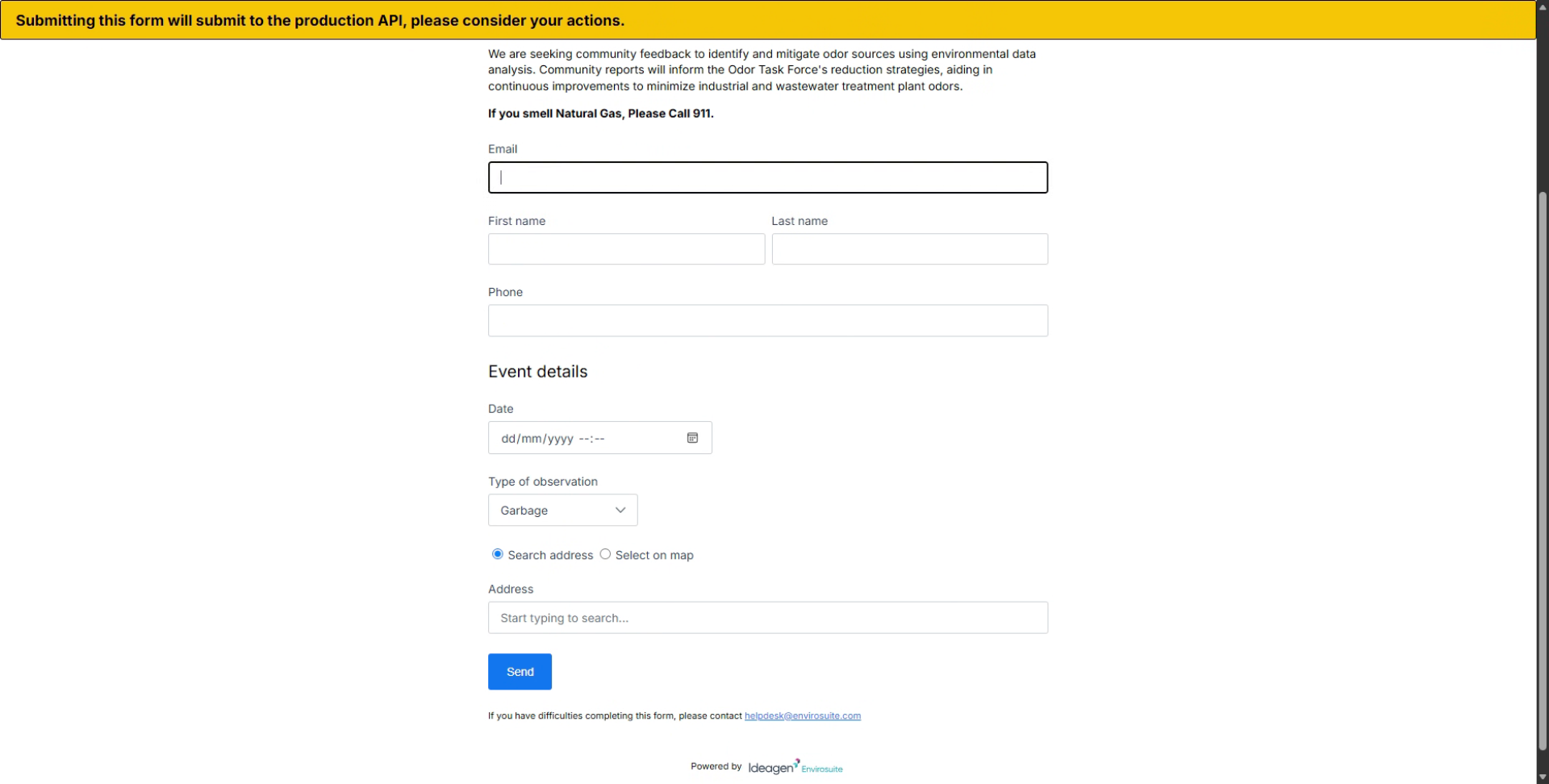
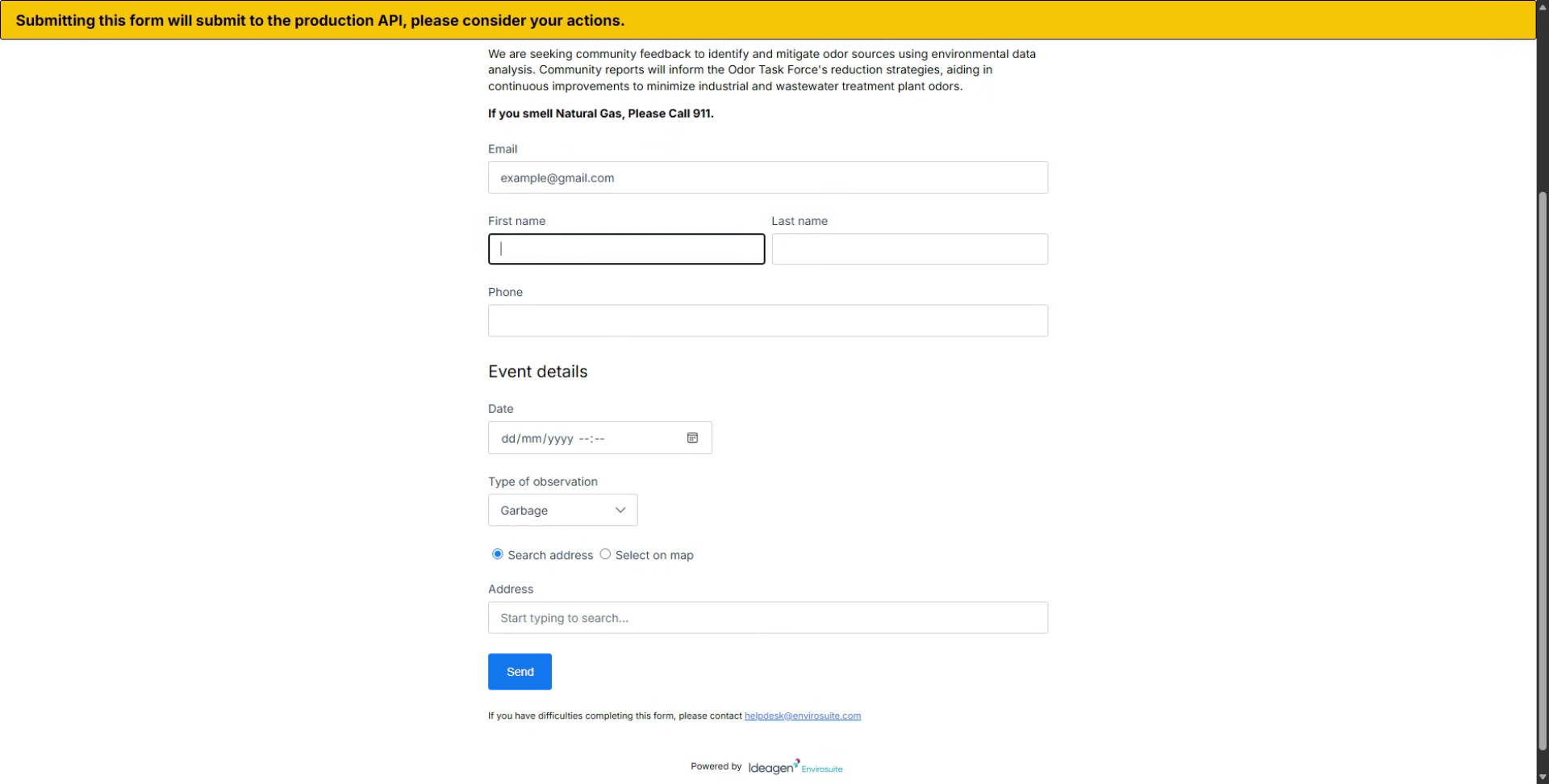
Click on the First Name field to enter your given name.
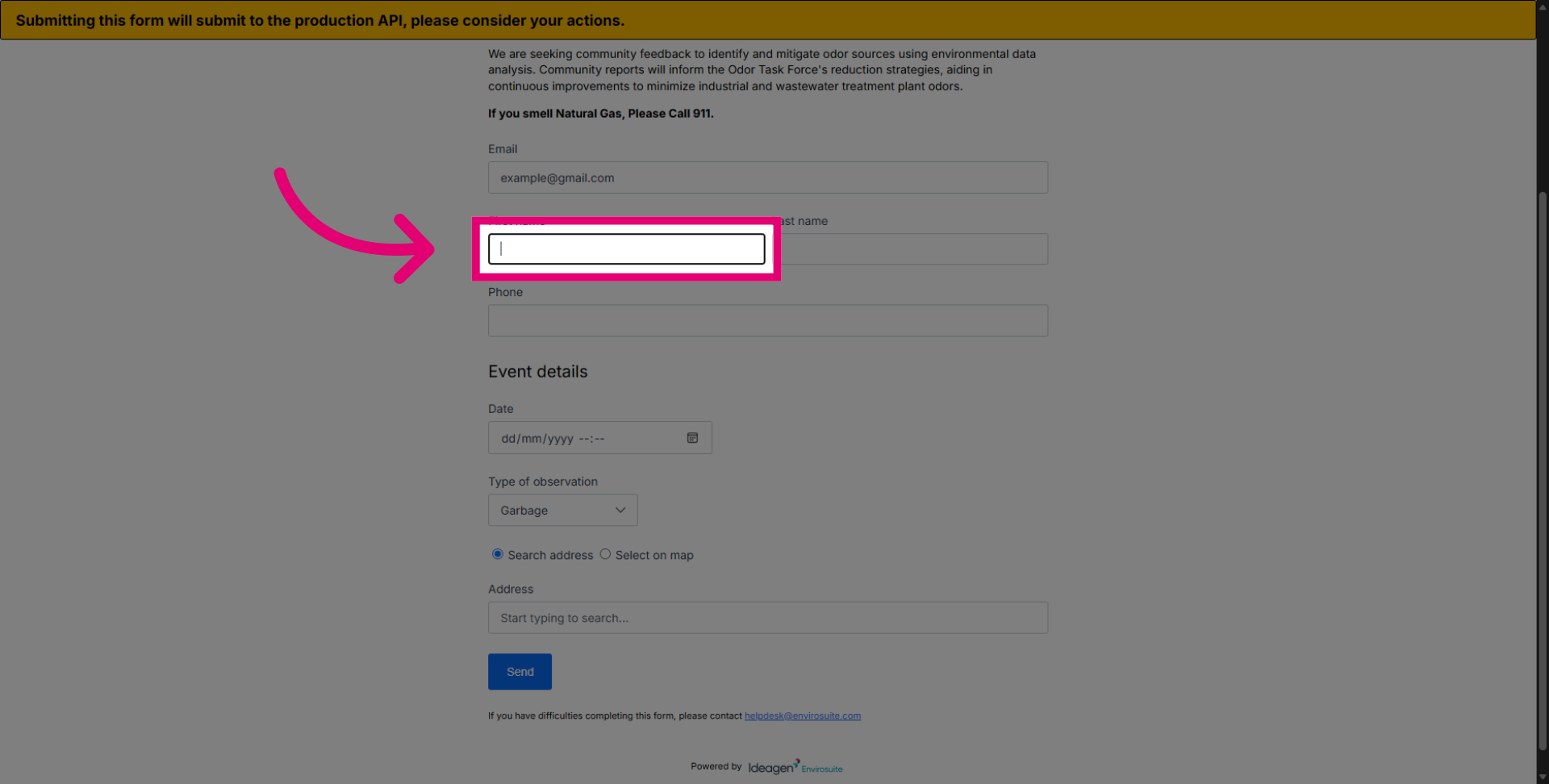
Enter your first name. While it is recommended to provide your full name, you may choose to anonymise this field.
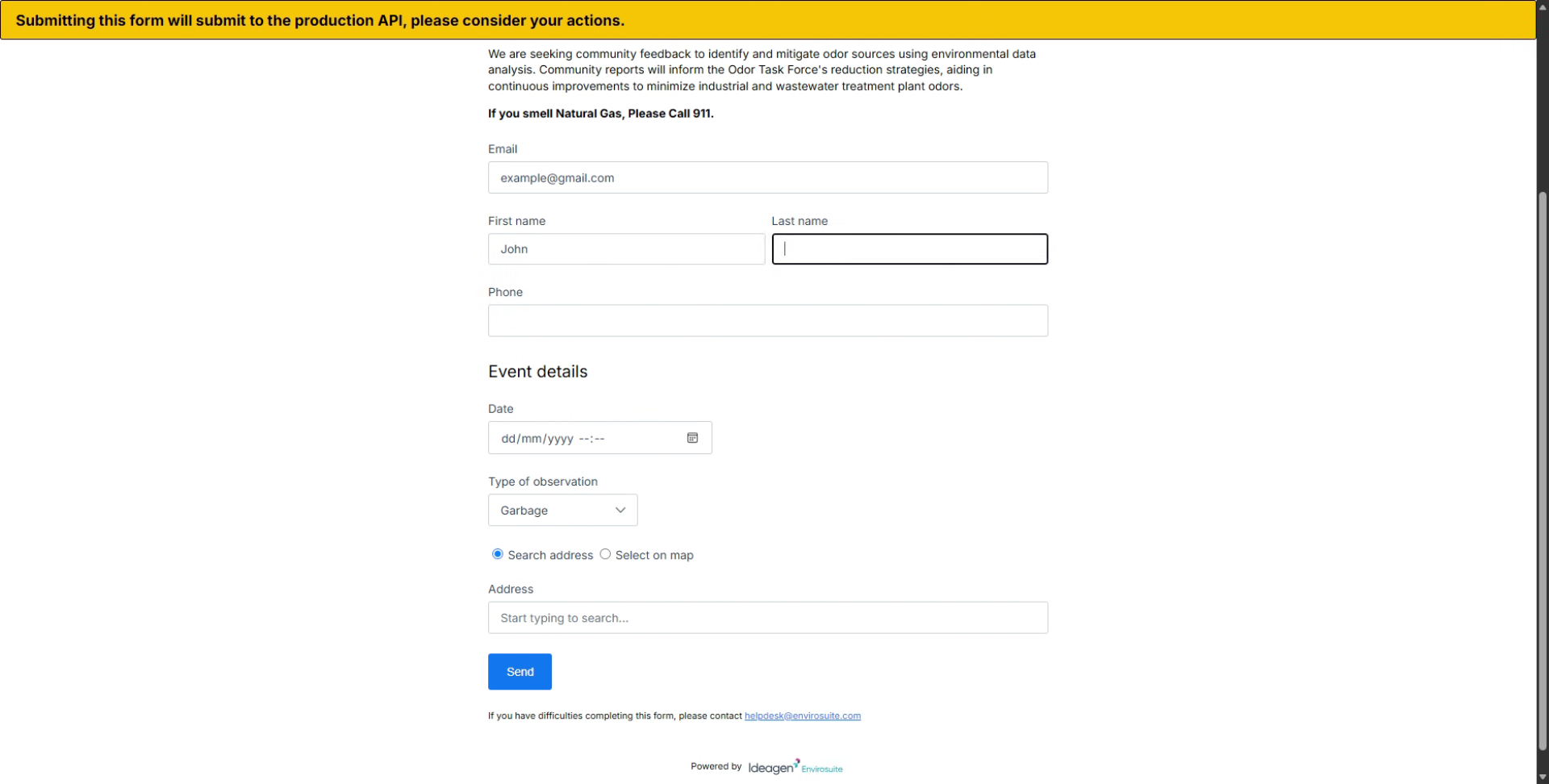
Click on the Last Name field to enter your given surname.
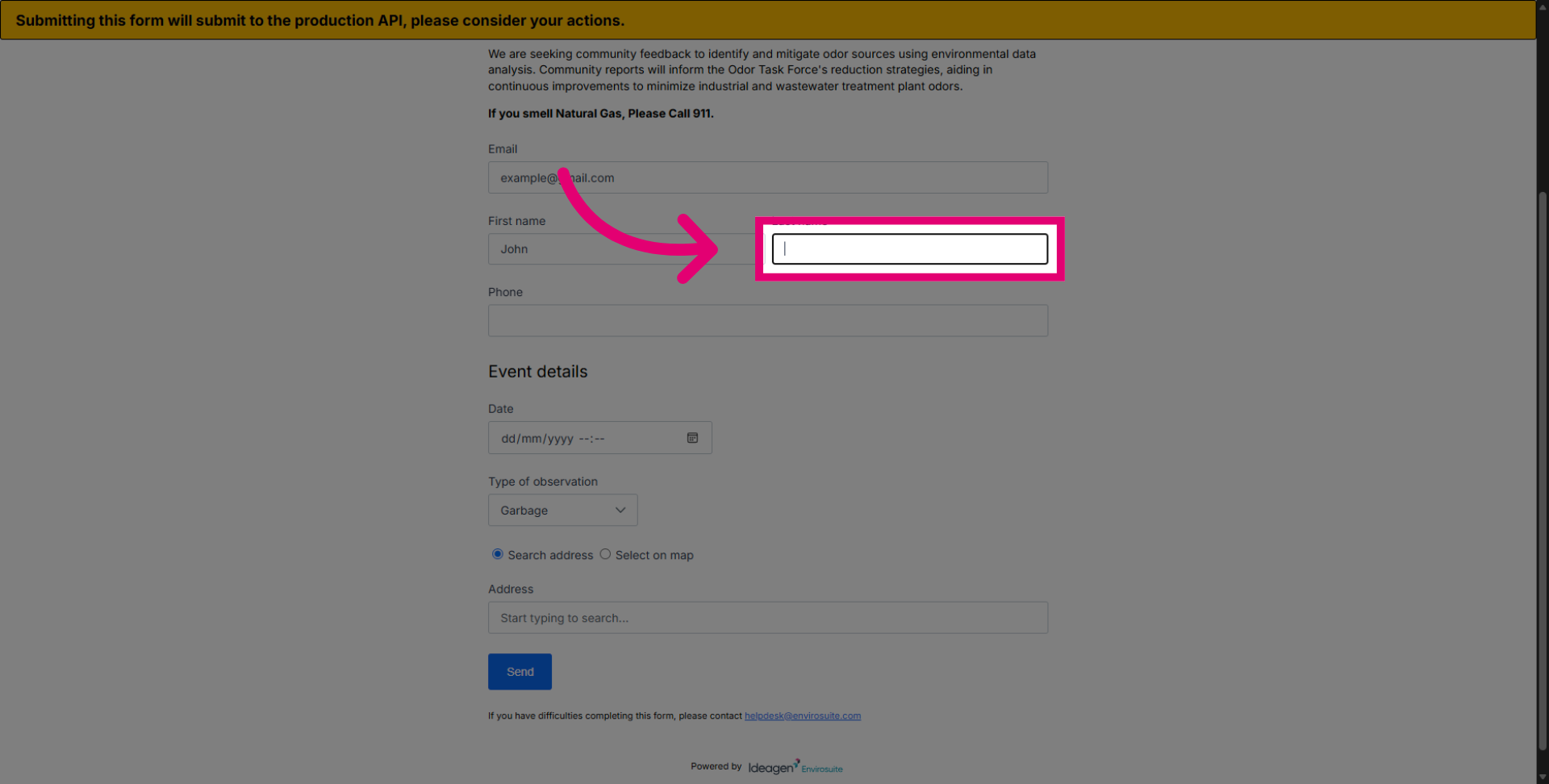
Enter your last name. Also suggested for completion but can be anonymised.
Click the Phone field to provide your contact number.
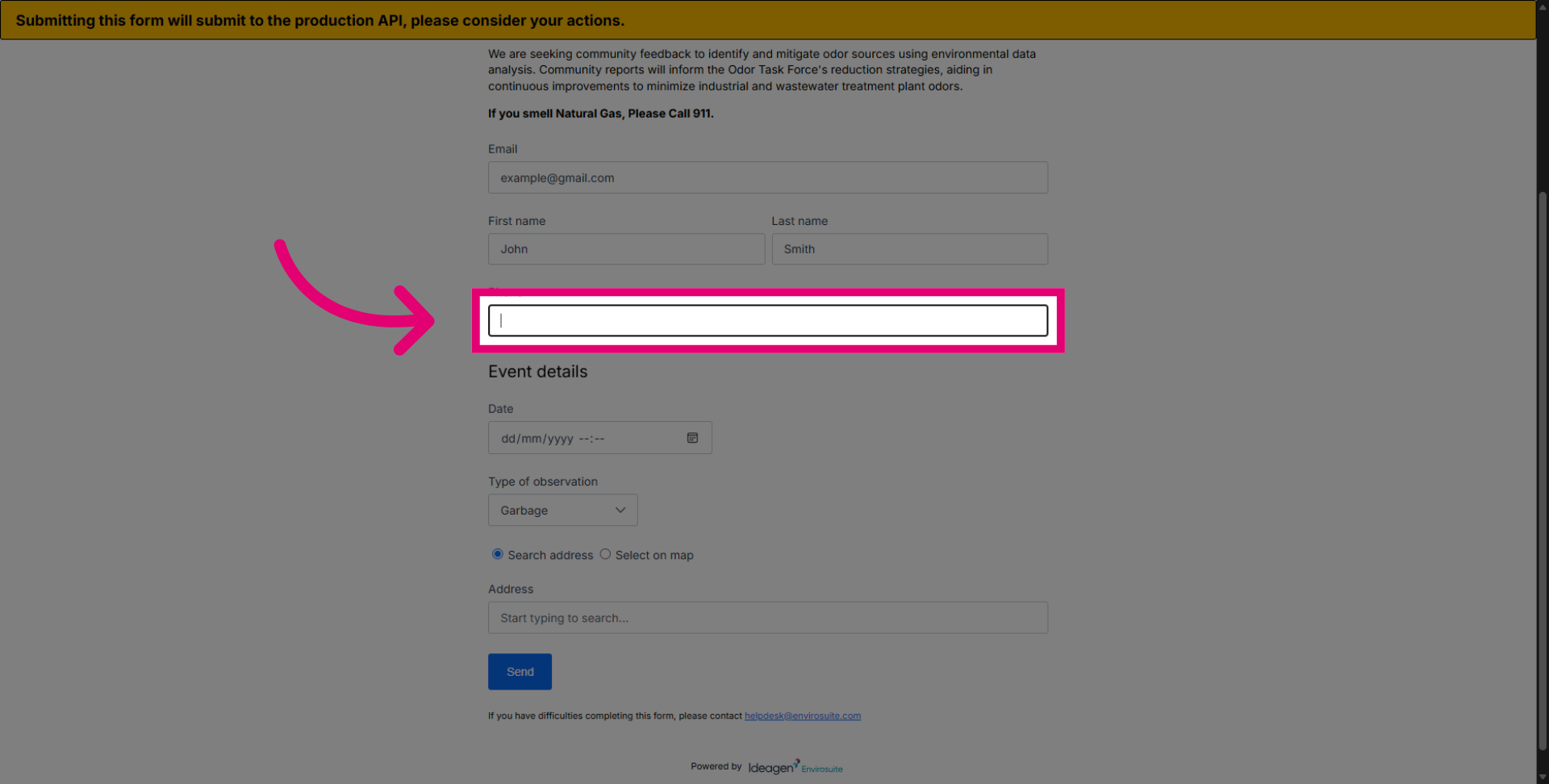
Enter your phone number in this box.
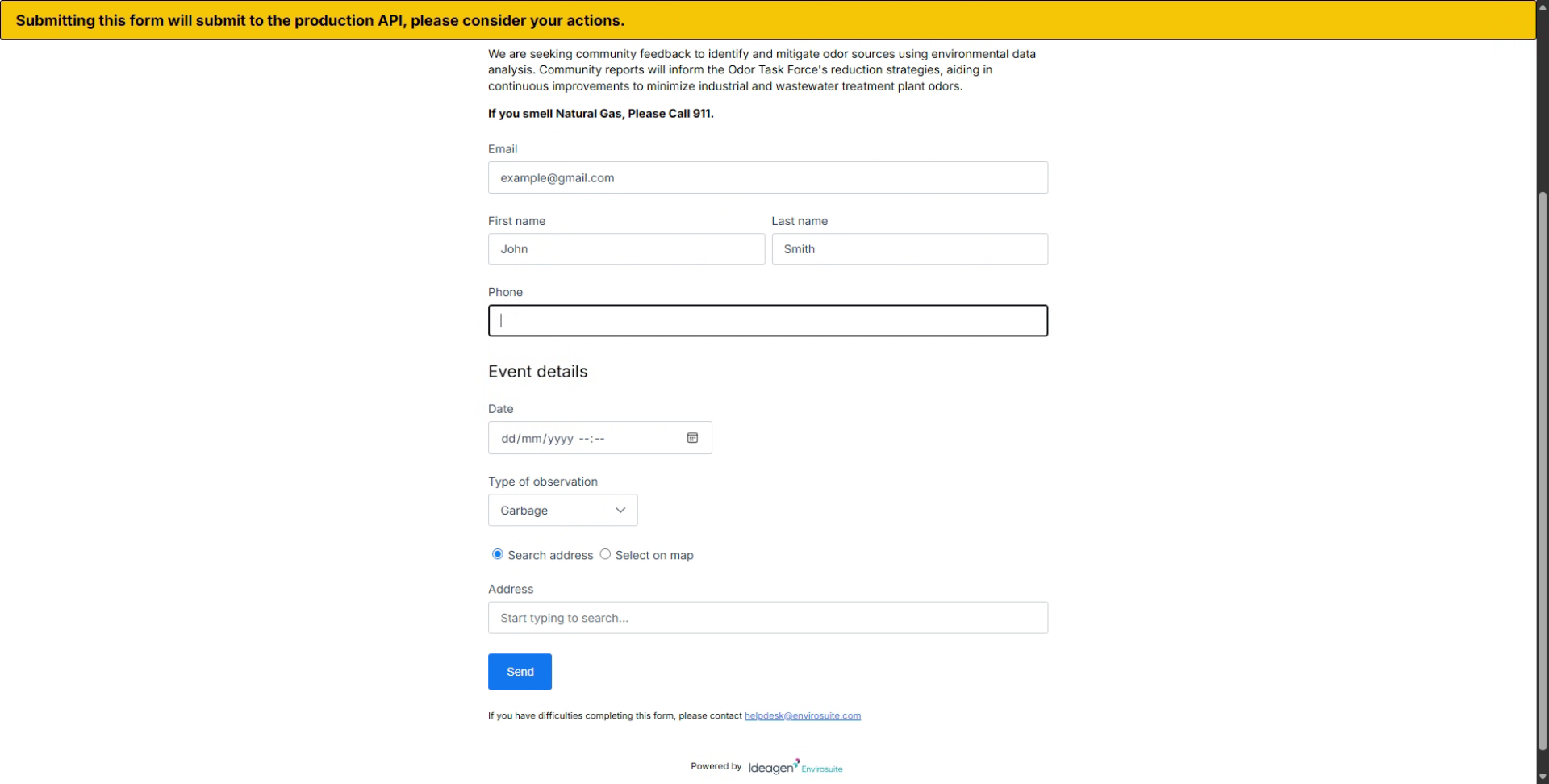
Select the date and time of the observation. This is mandatory, and the more accurately we can report a nuisance in a date and time, the better and more informative the automated backward trajectory will be.
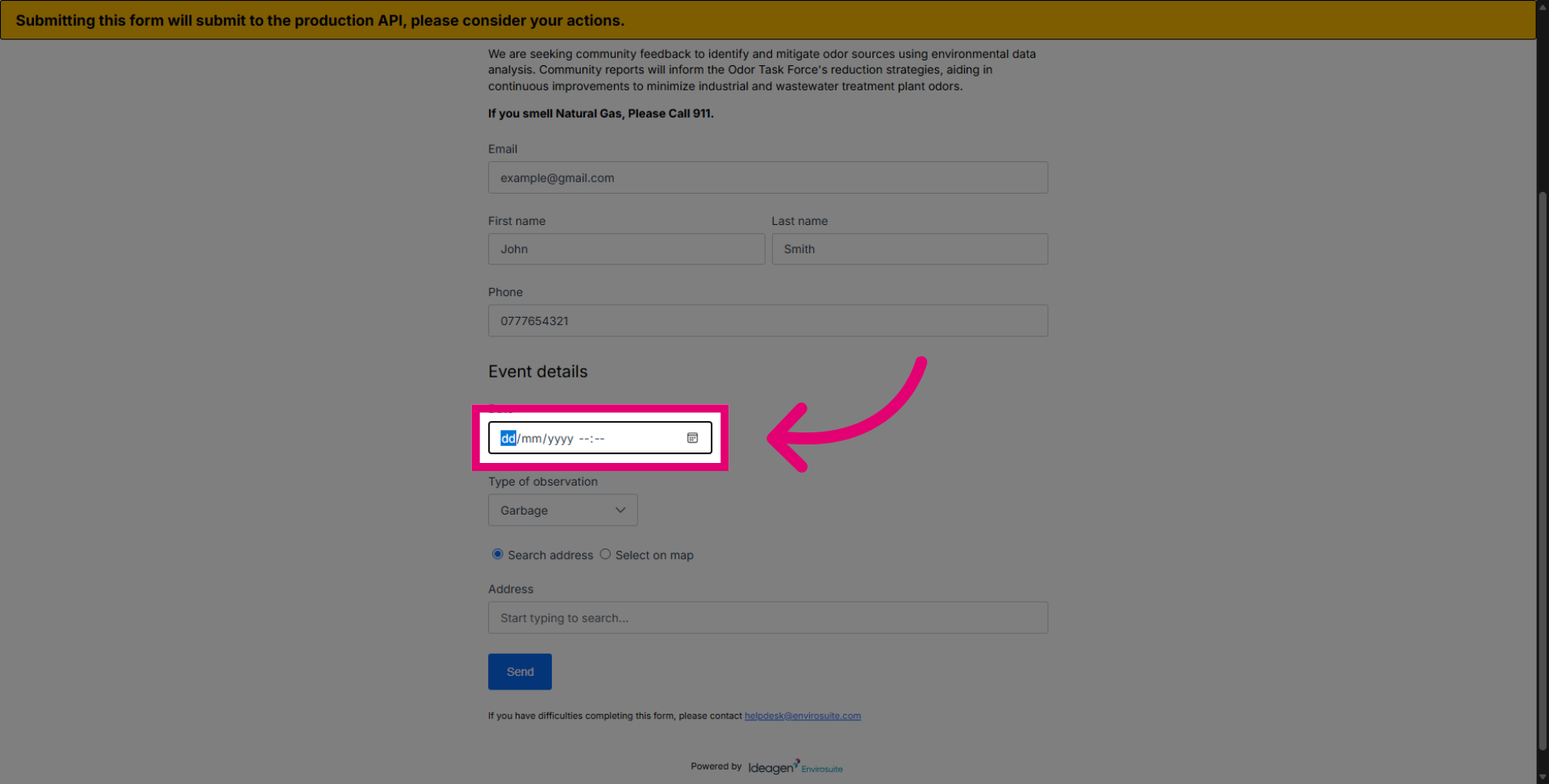
Click the Date field to confirm the date selection.
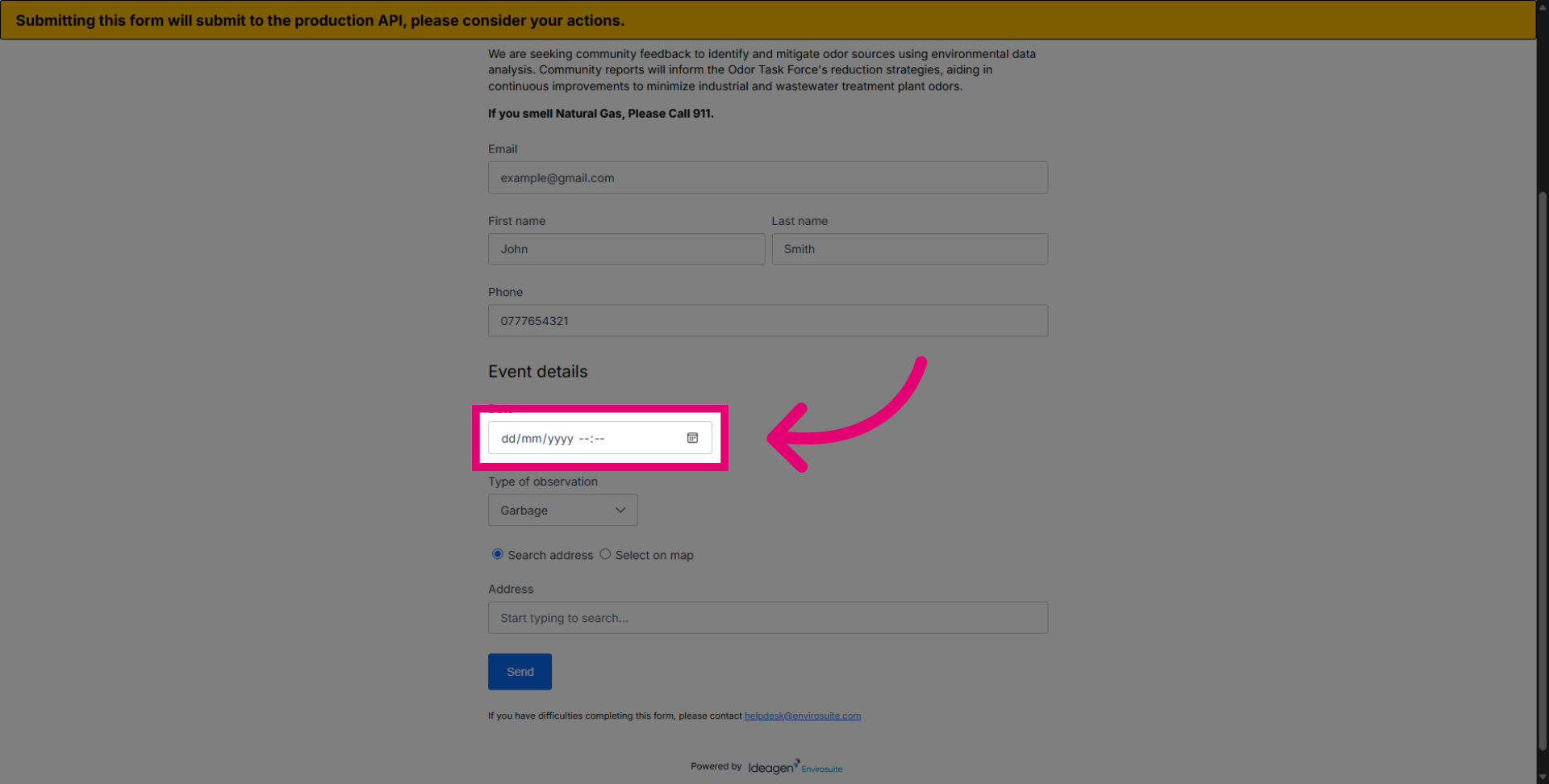
Enter the observation time in the box.
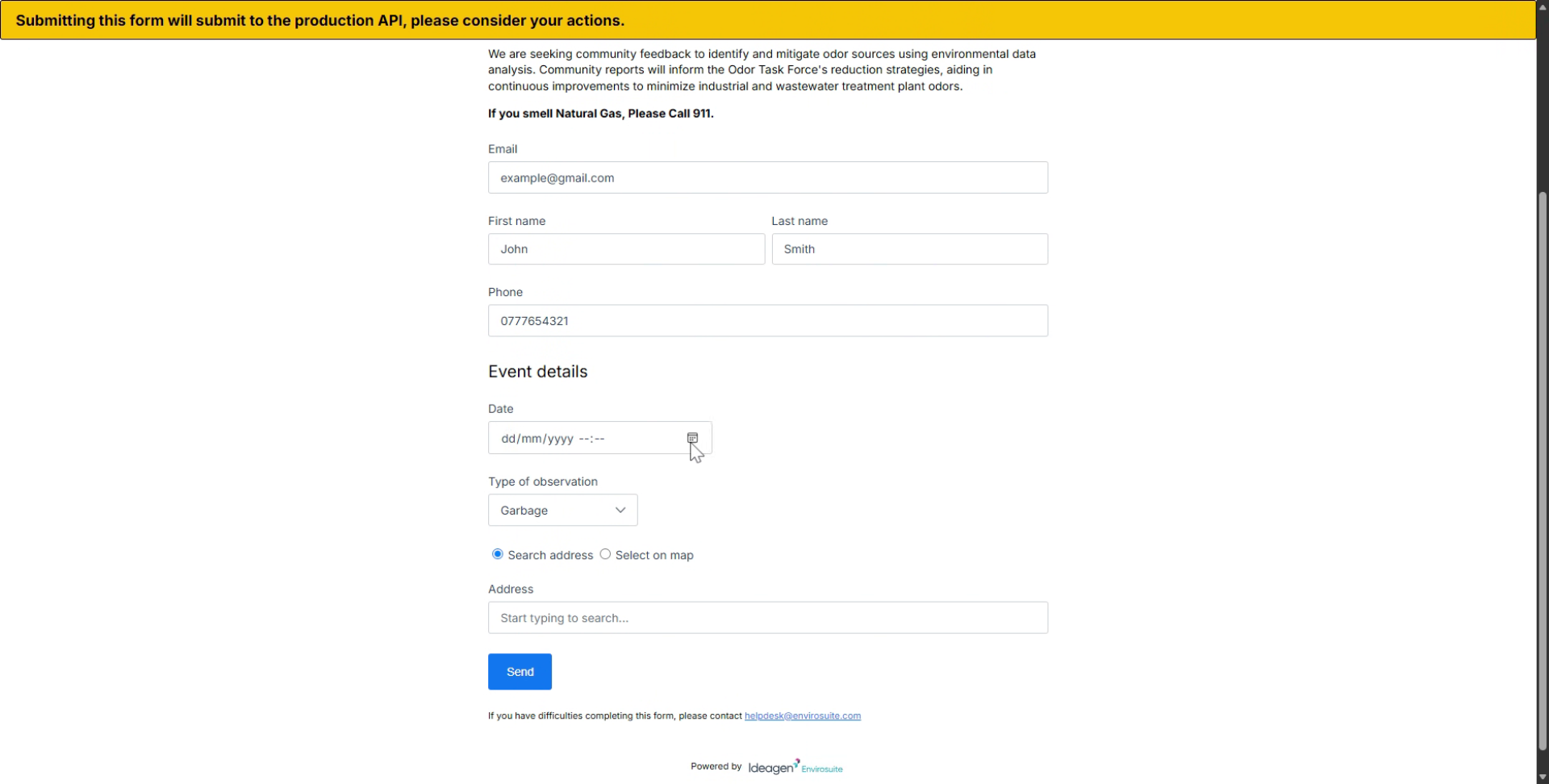
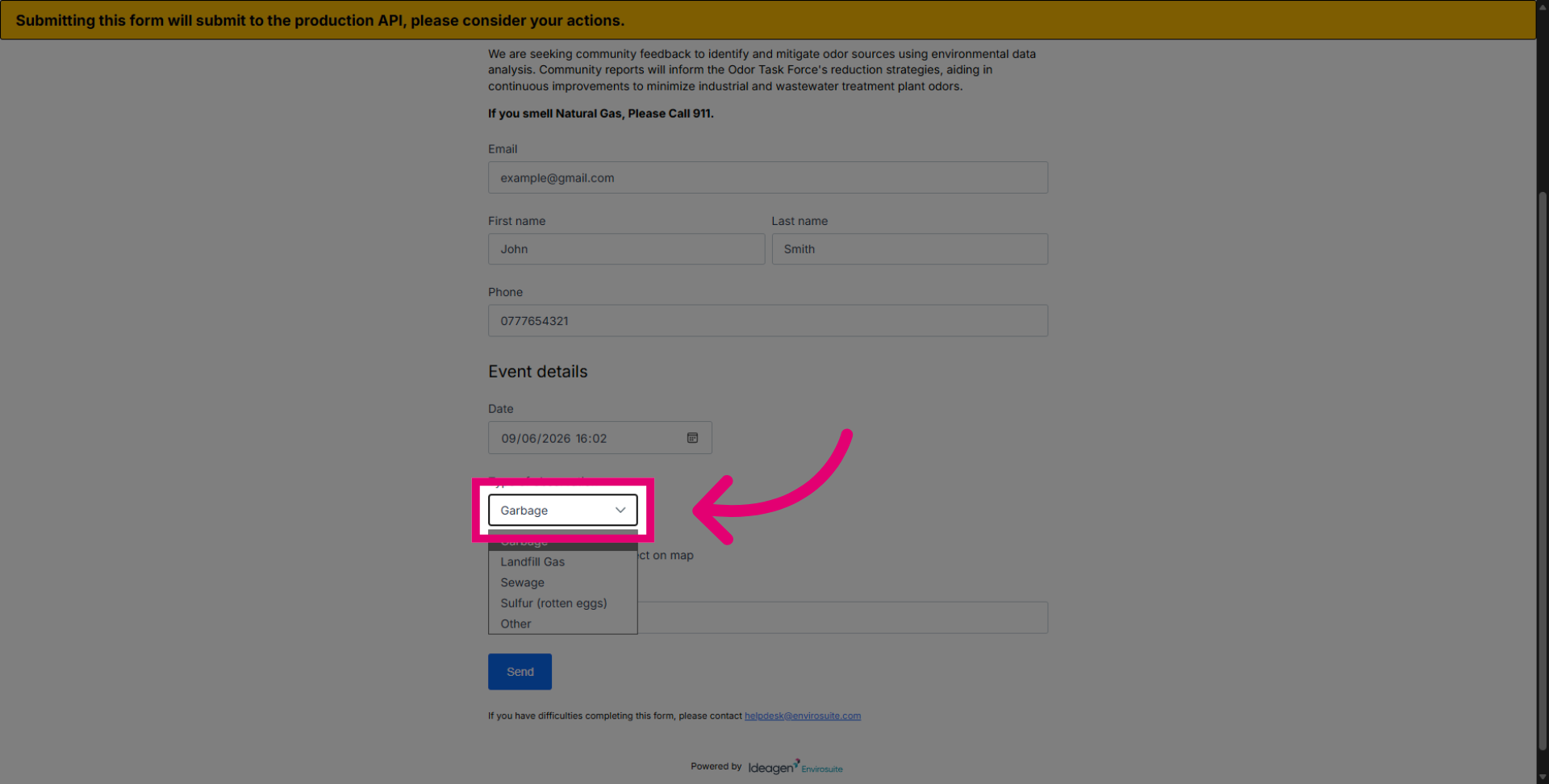
Click the dropdown list to view the types of odours for reporting.
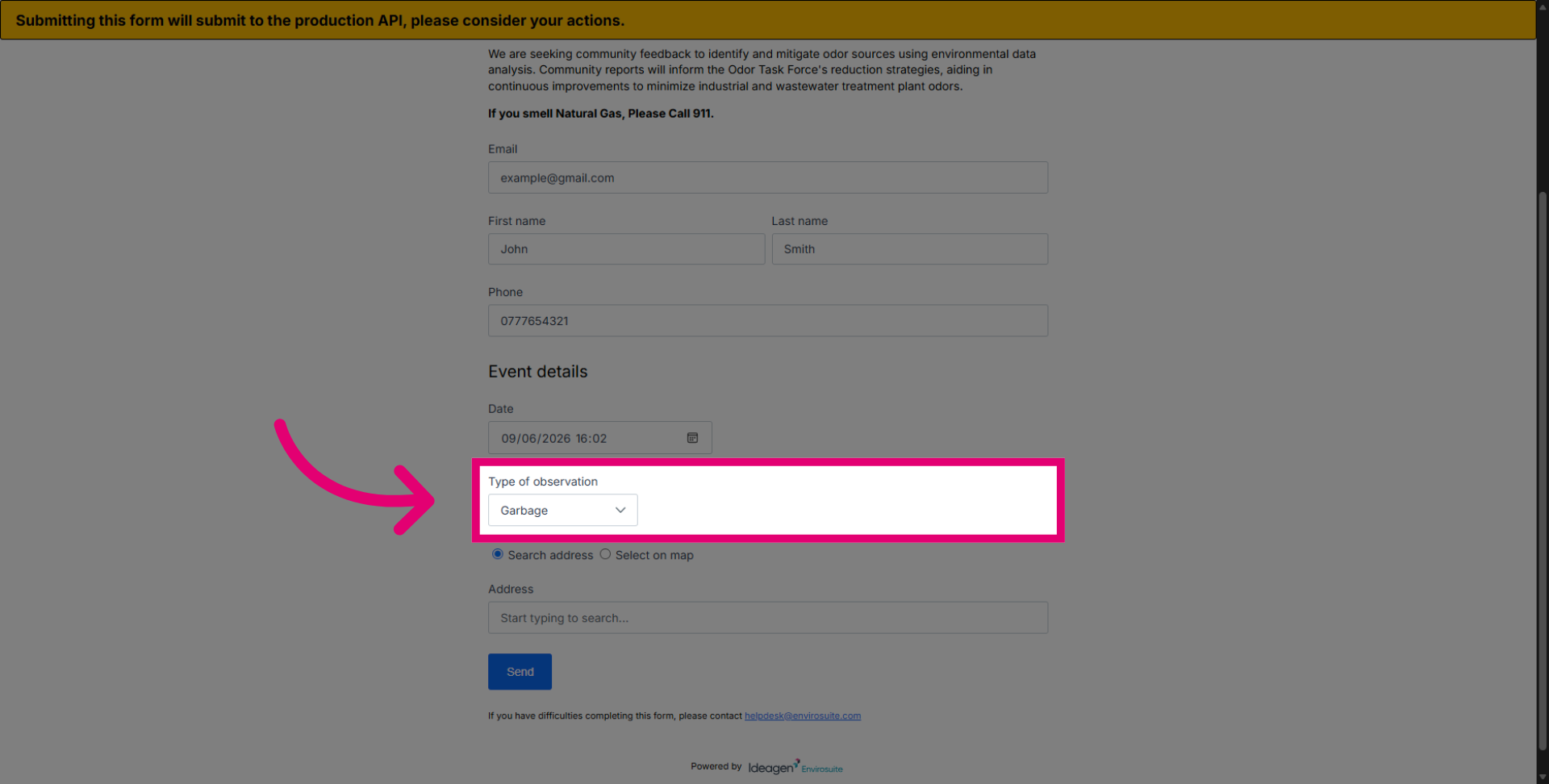
Select the appropriate observation category. Choosing the right odour will assist operators in identifying the source or sources and effectively mitigating it.
Confirm your observation type. All odour reports that could point to the facility will be evaluated and investigated accordingly.
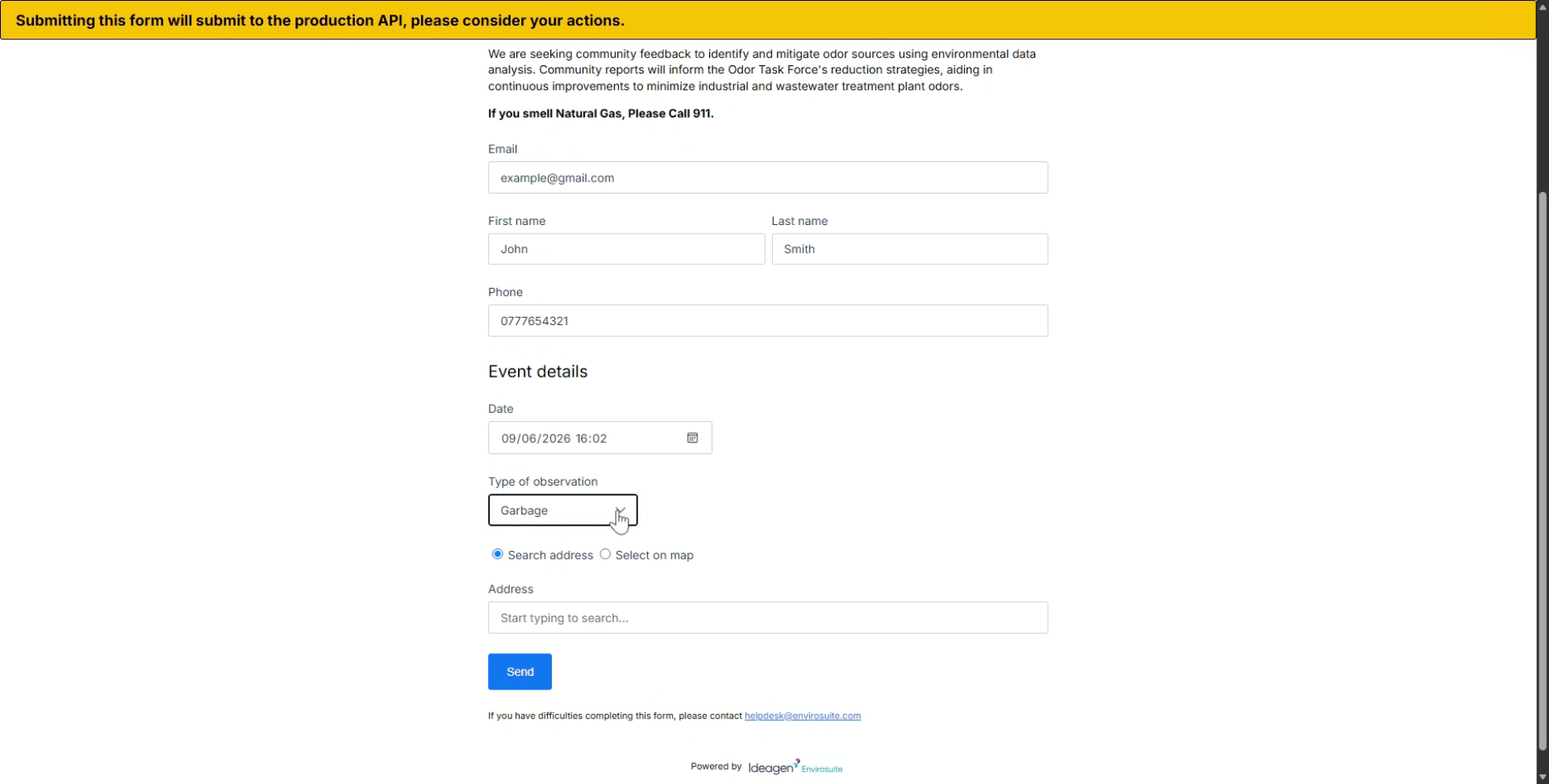
Enter your full address or select it on the map. This field is mandatory and essential for the investigation.
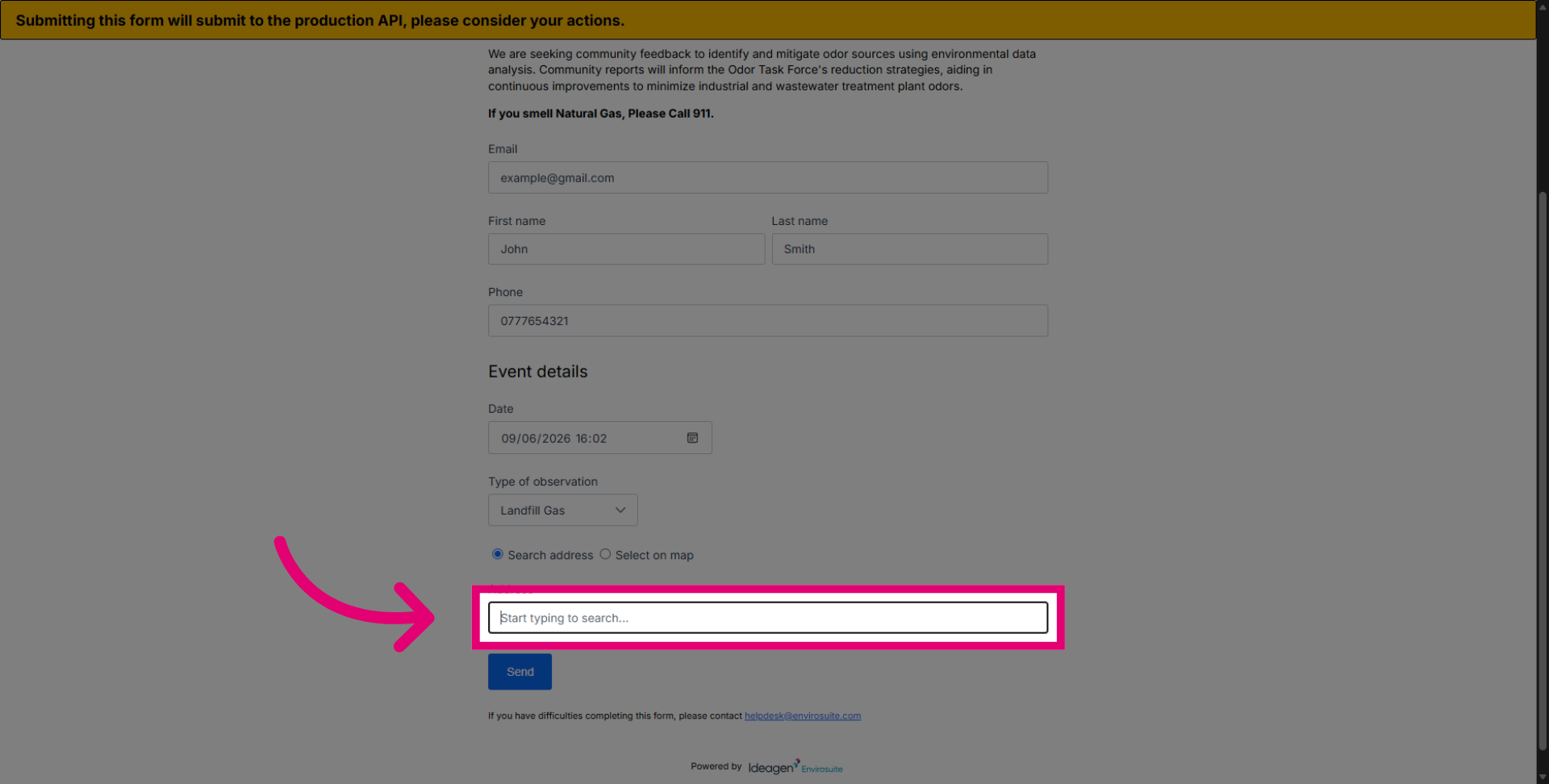
Enter the full address to substantially help pinpoint whether the odors coming from the facility are affecting your area.
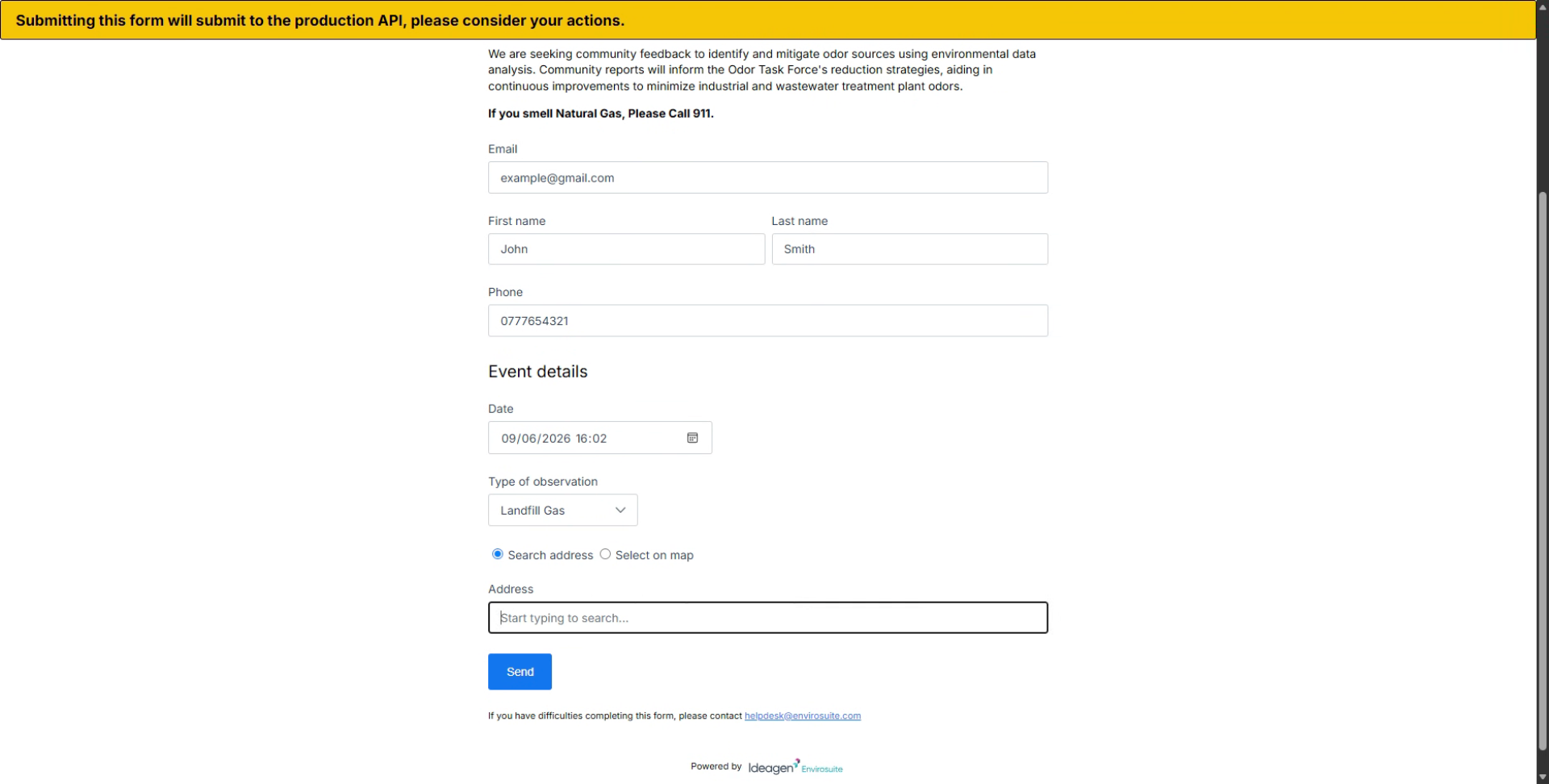
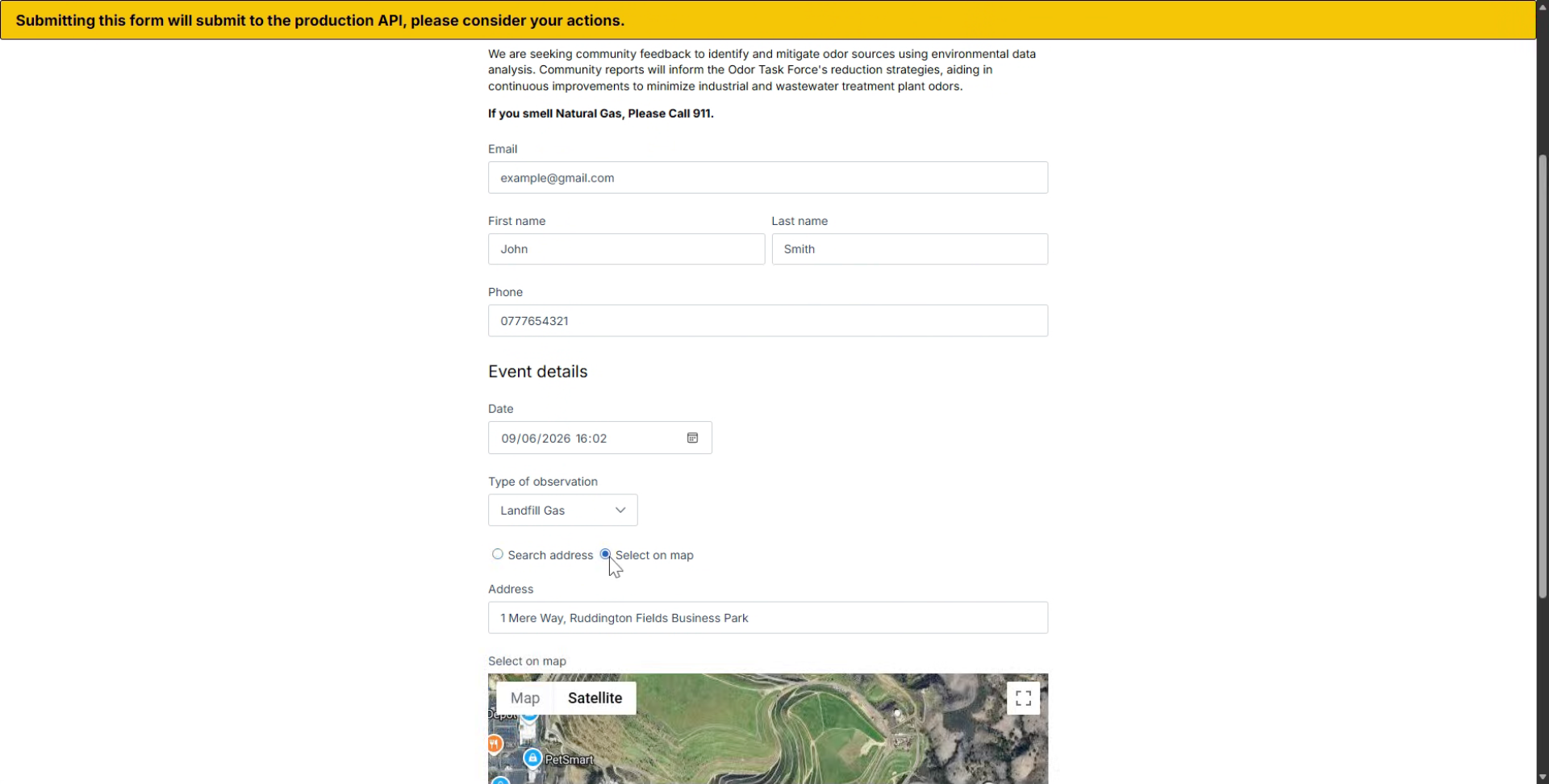
Click the Search address or Select on map option to specify the location.
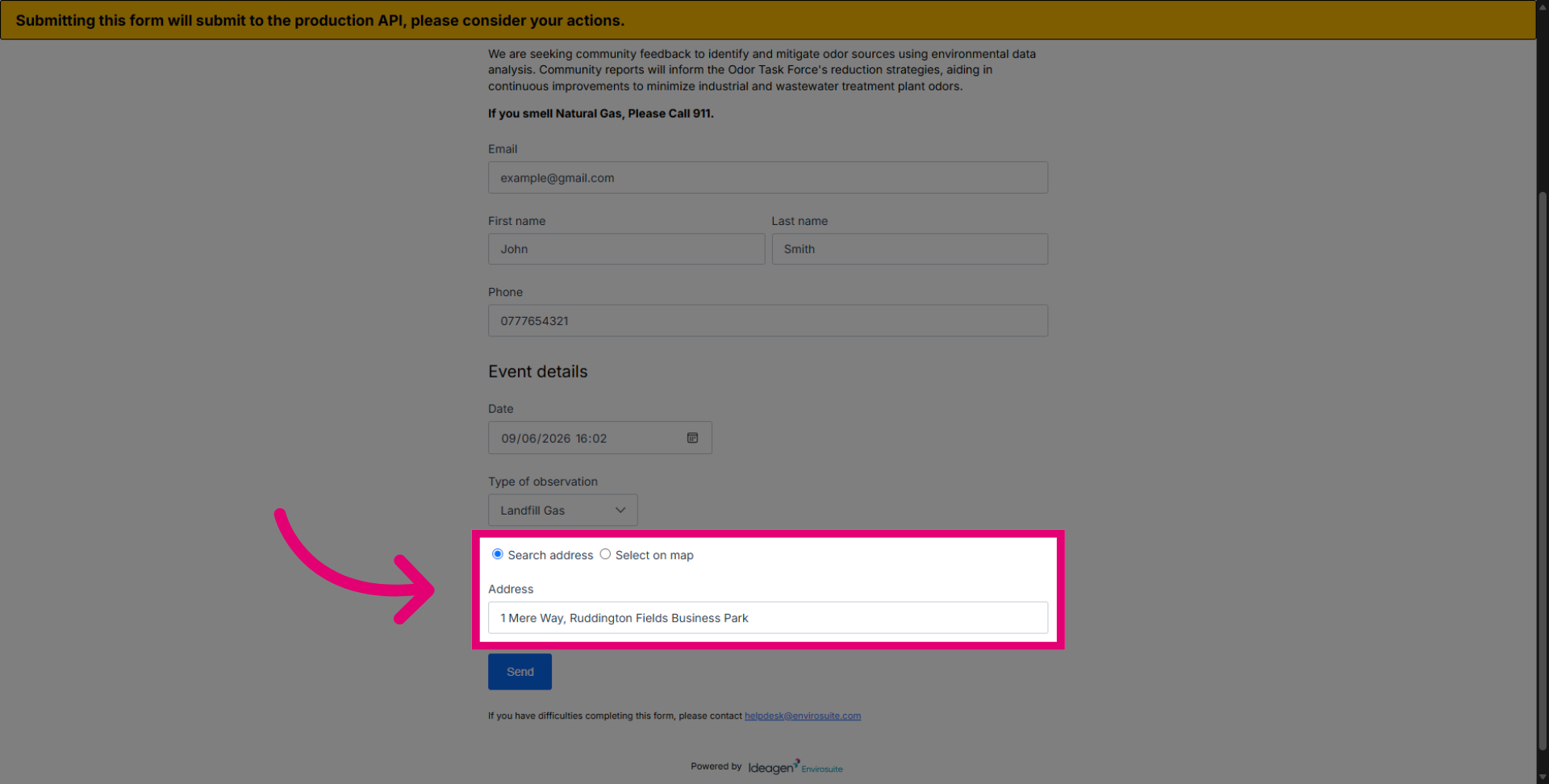
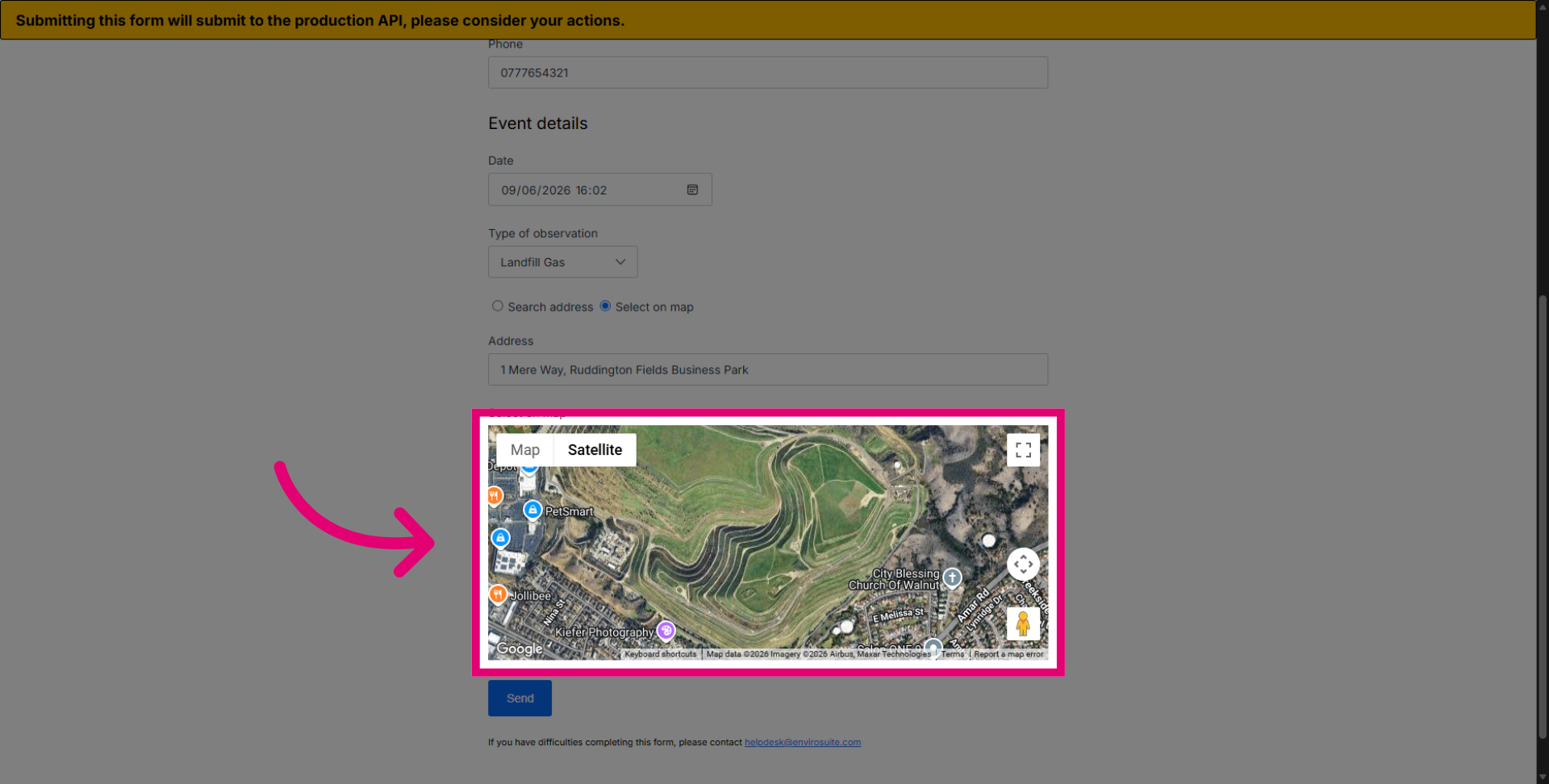
Click Select on the map to visually choose the exact location. You can maximise and zoom in on the map for greater accuracy.
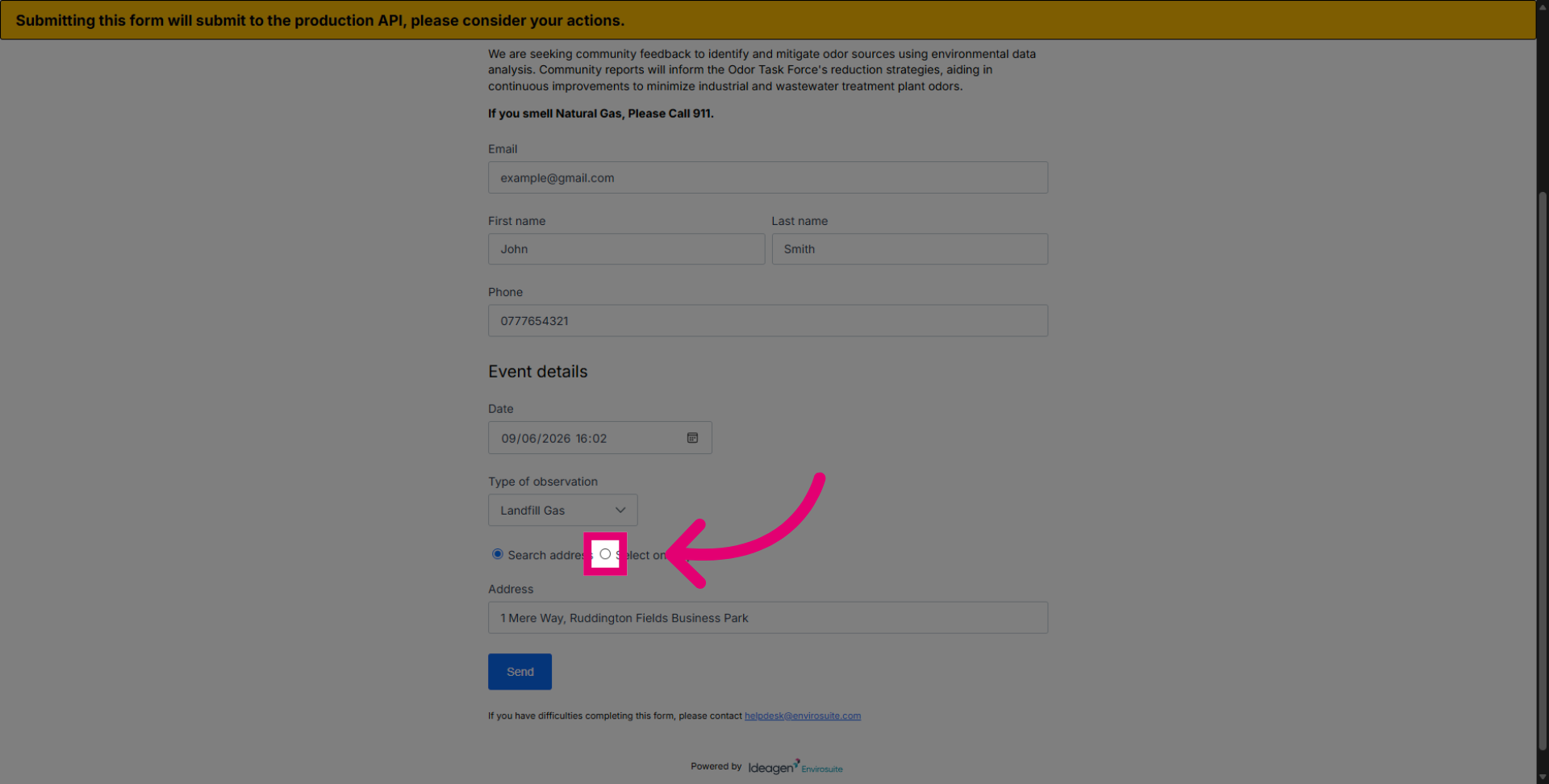
Use the map interface to pinpoint the observation location.
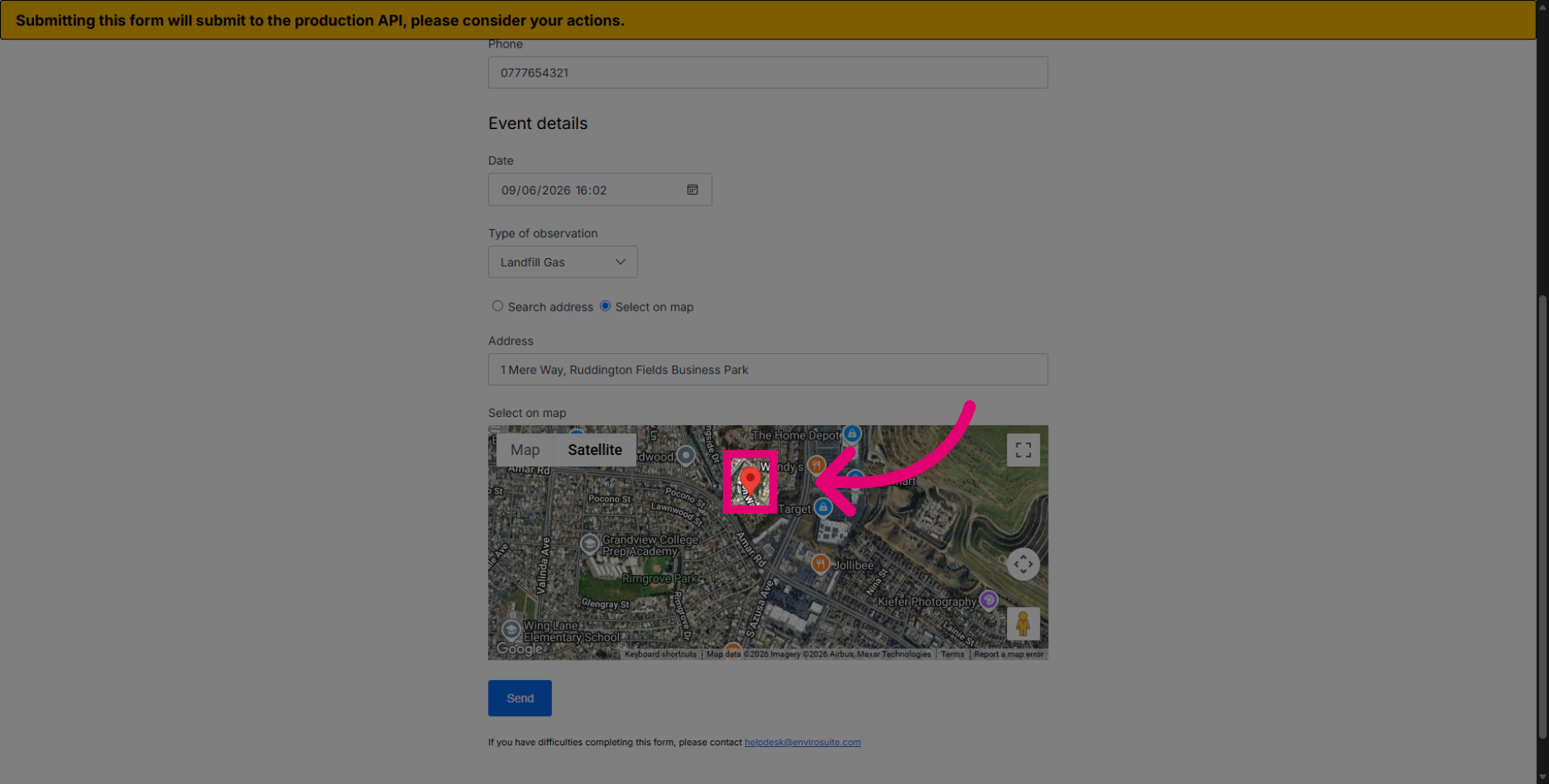
Move the red marker to the precise location of your address.
Release the marker to confirm your location.
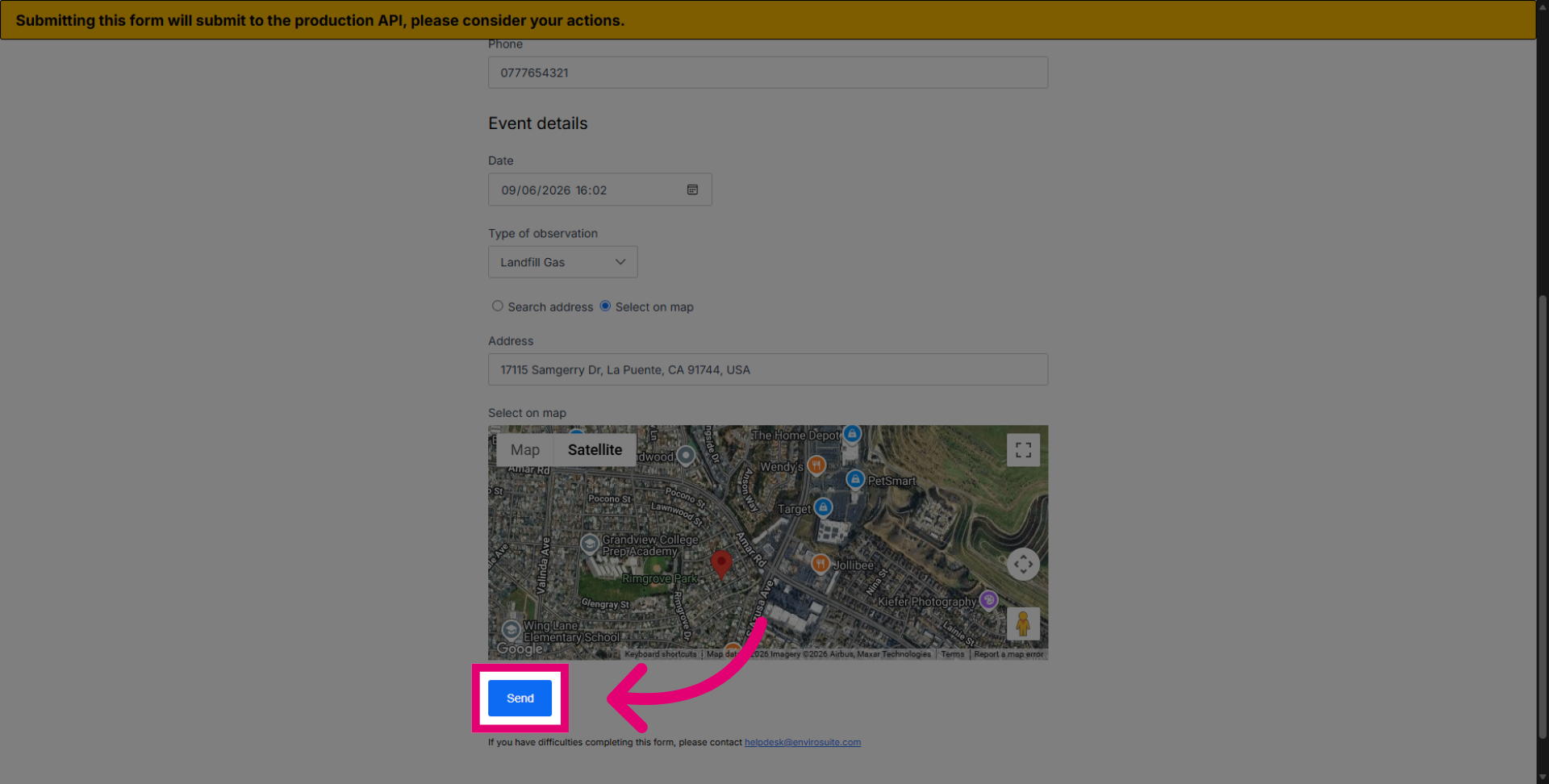
Click the Send button to submit the completed complaint form.