New article
Recently updated
Viewing alerts from the timeline

Who is this article for?
Administrators or all users viewing alerts from the timeline.
This tutorial guides you through the viewing of your alerts from the timeline in your monitoring module.
You will learn how to view alerts, add an alert response, and a comment with your actions.
View and respond to alerts
Log into the system.
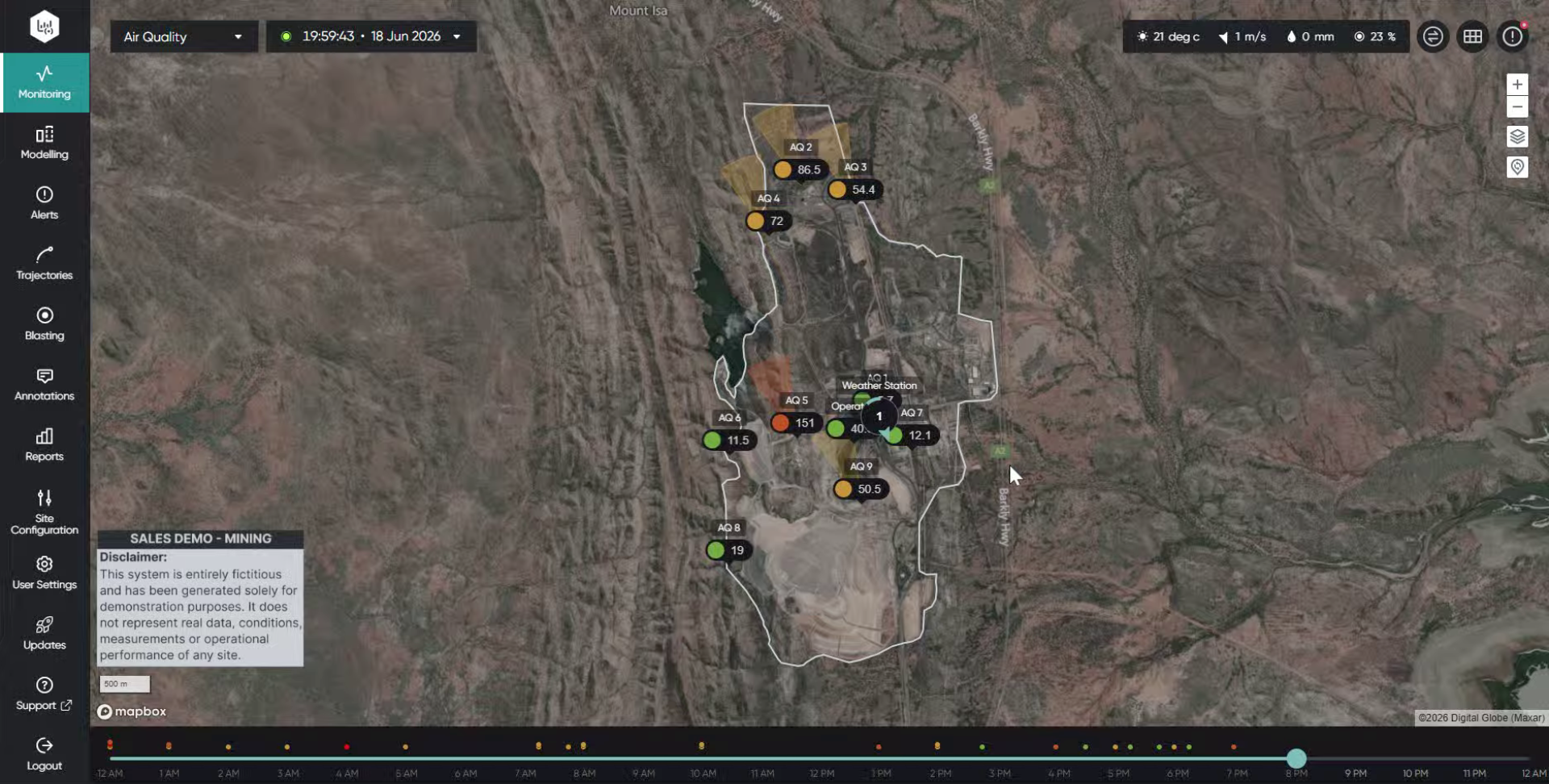
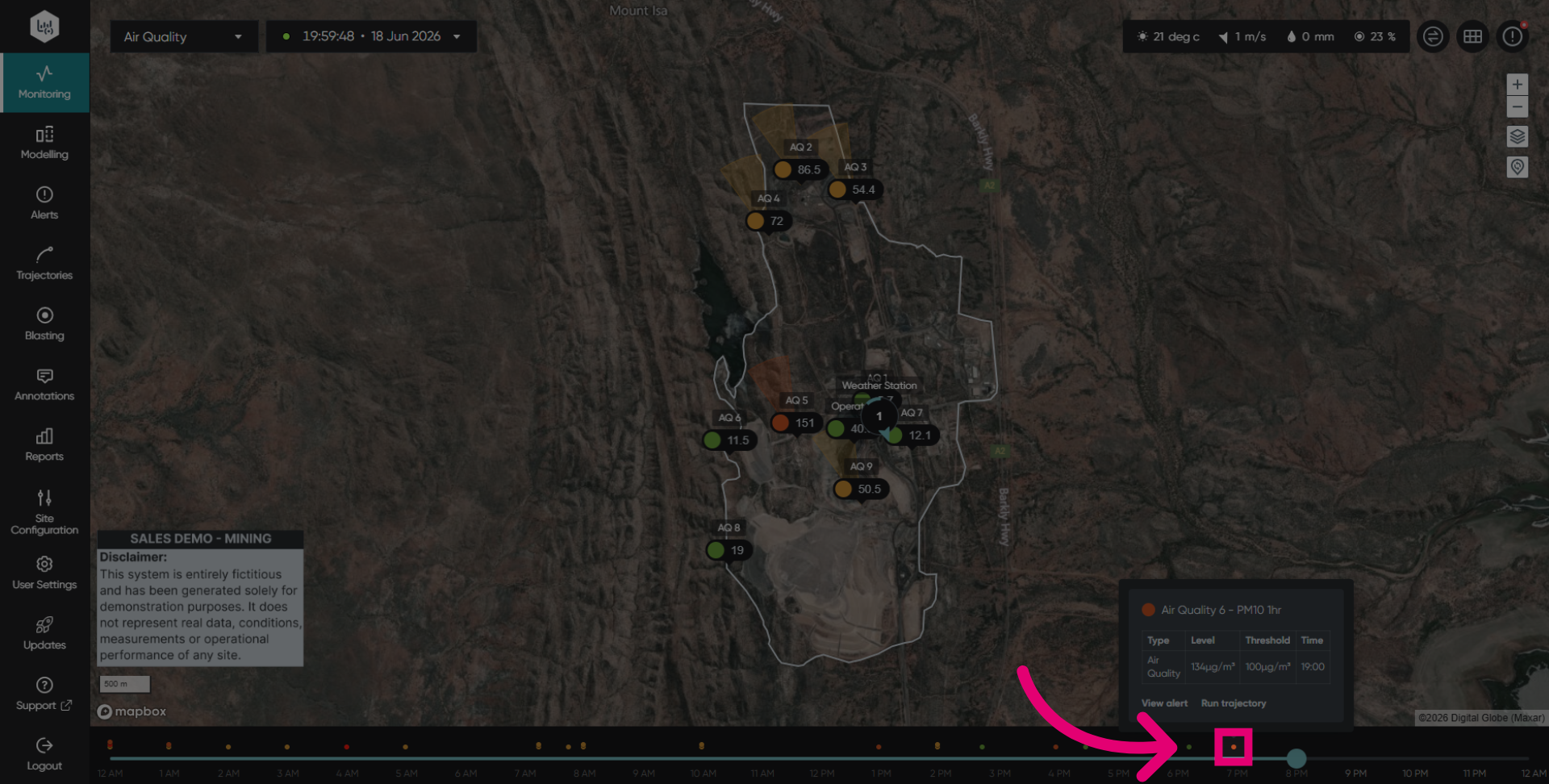
Click on an event to access it where you can either view the alert or run a backward trajectory.
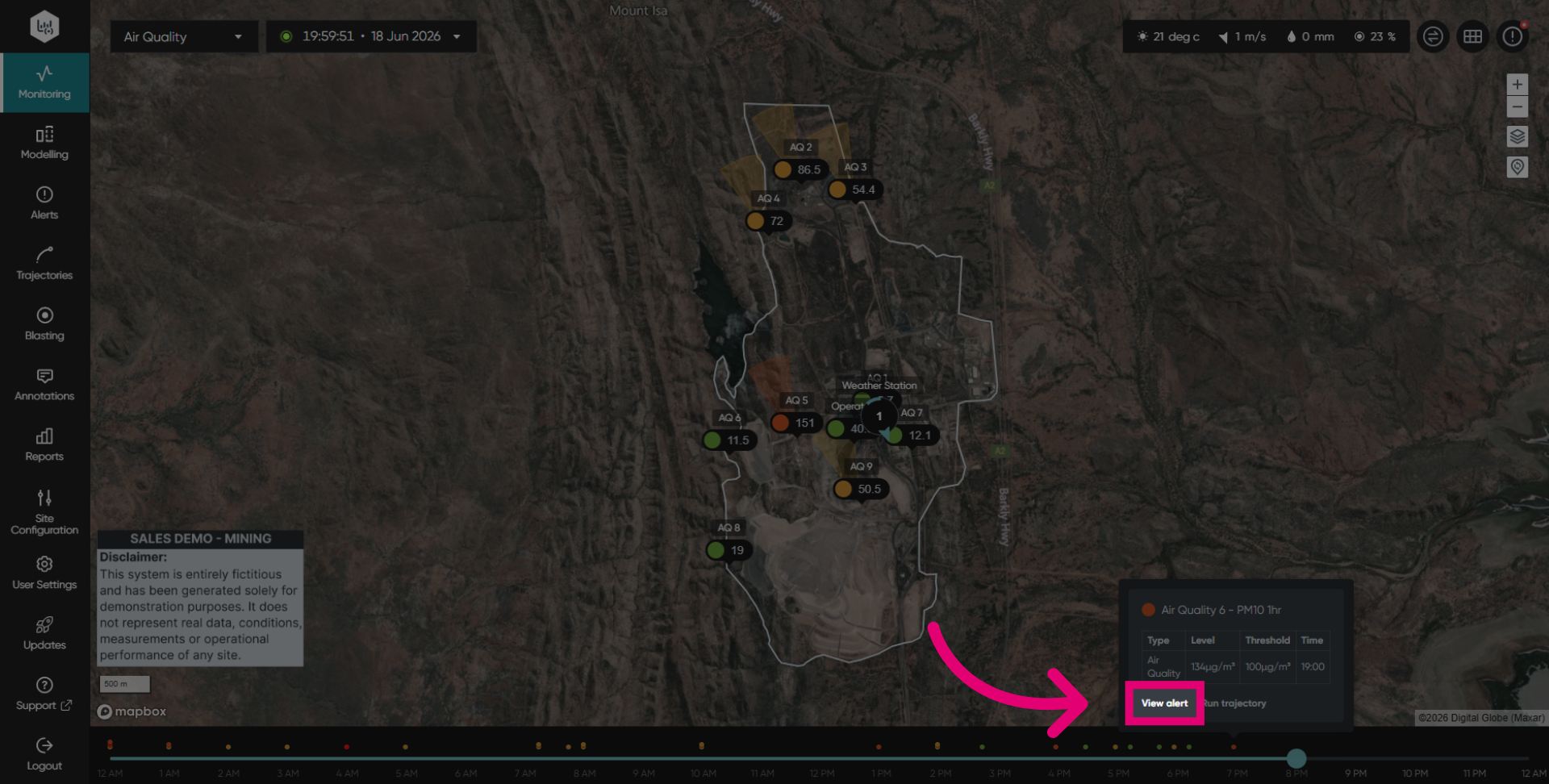
Click View alert to open the detailed alert information.
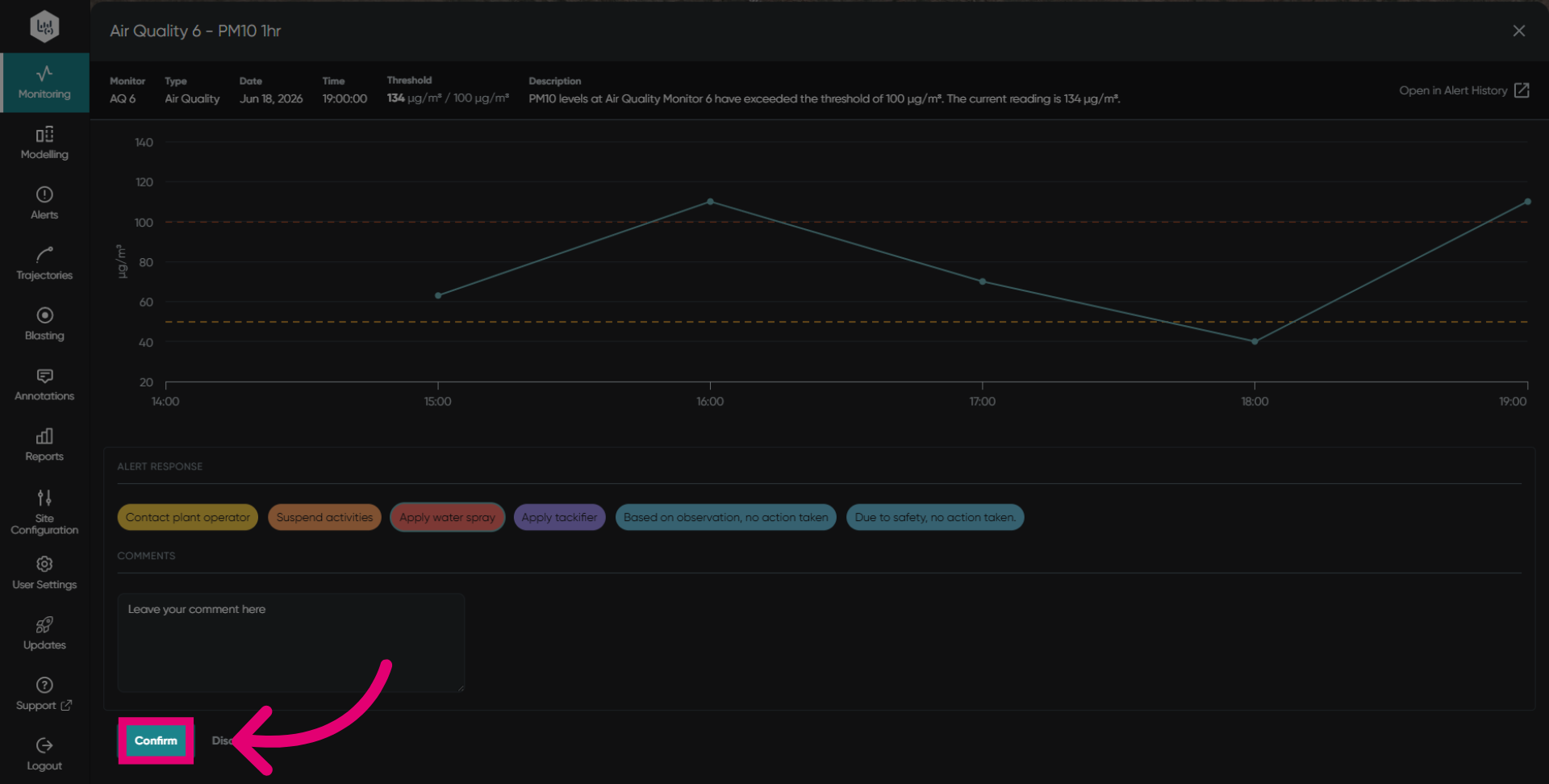
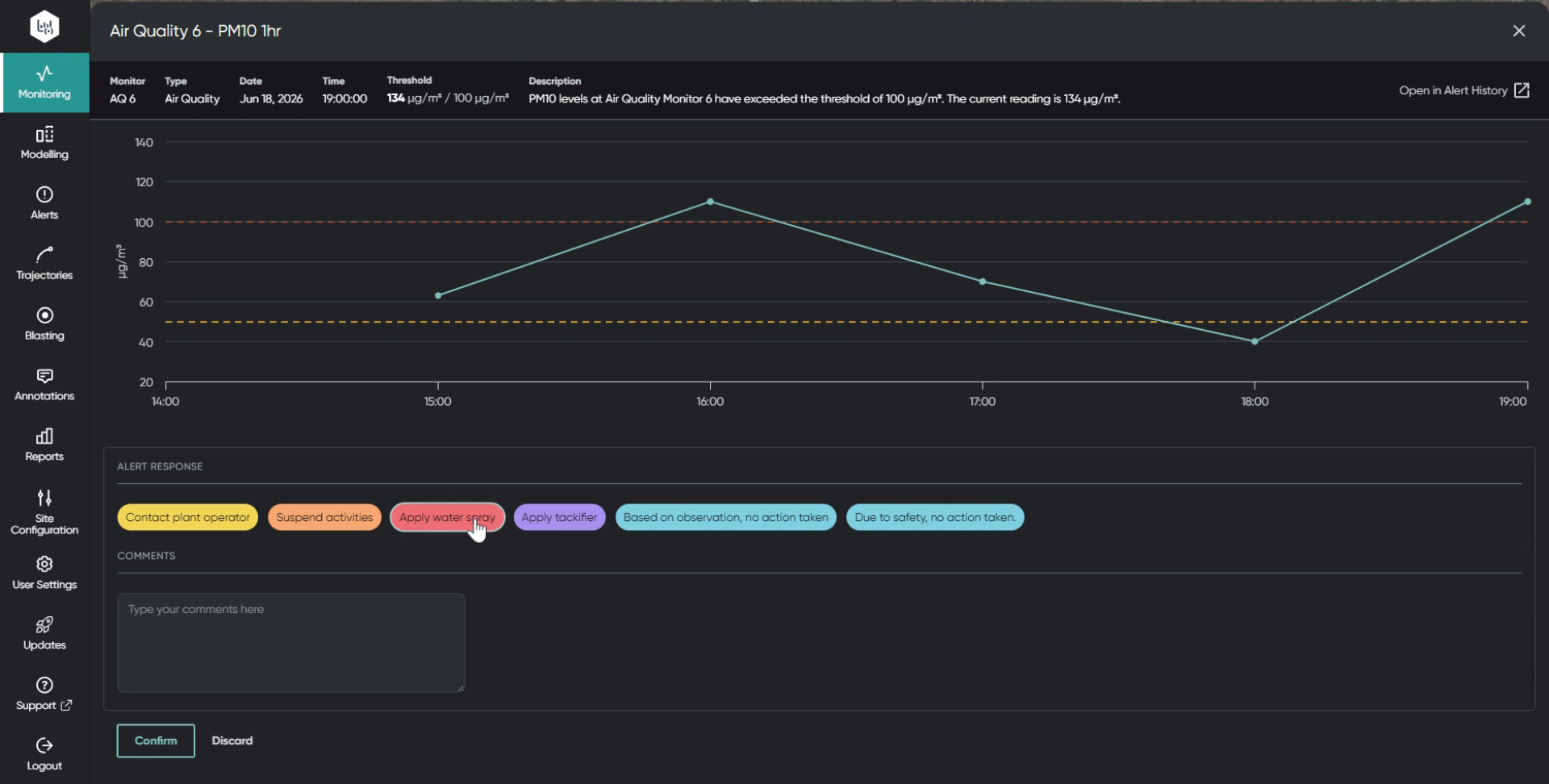
Click your desired alert response to register it in your database.
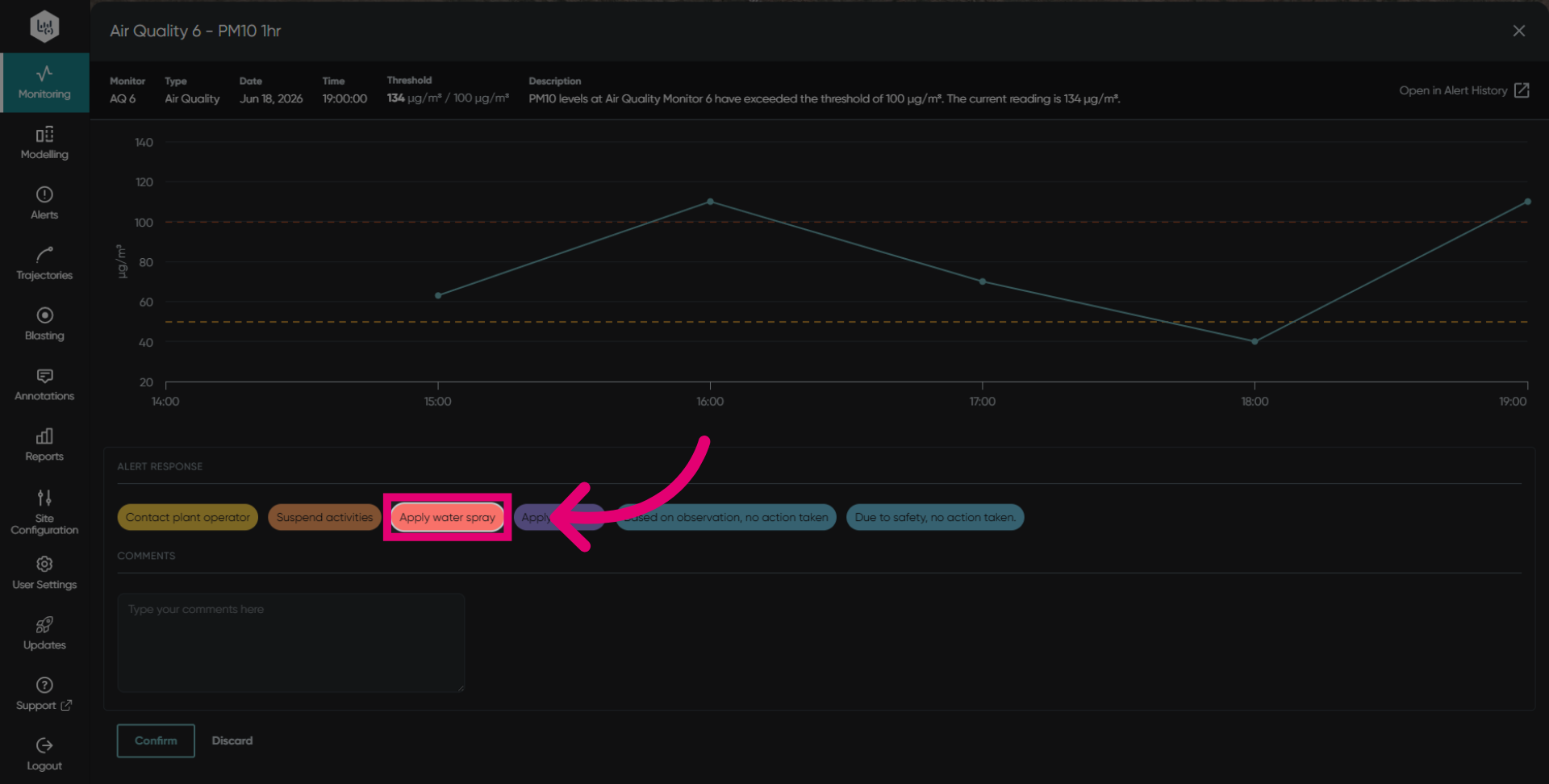
These alert responses are configurable and customisable to the customer's needs.
Insert your comment in the box to detail the actions taken from the alert received.
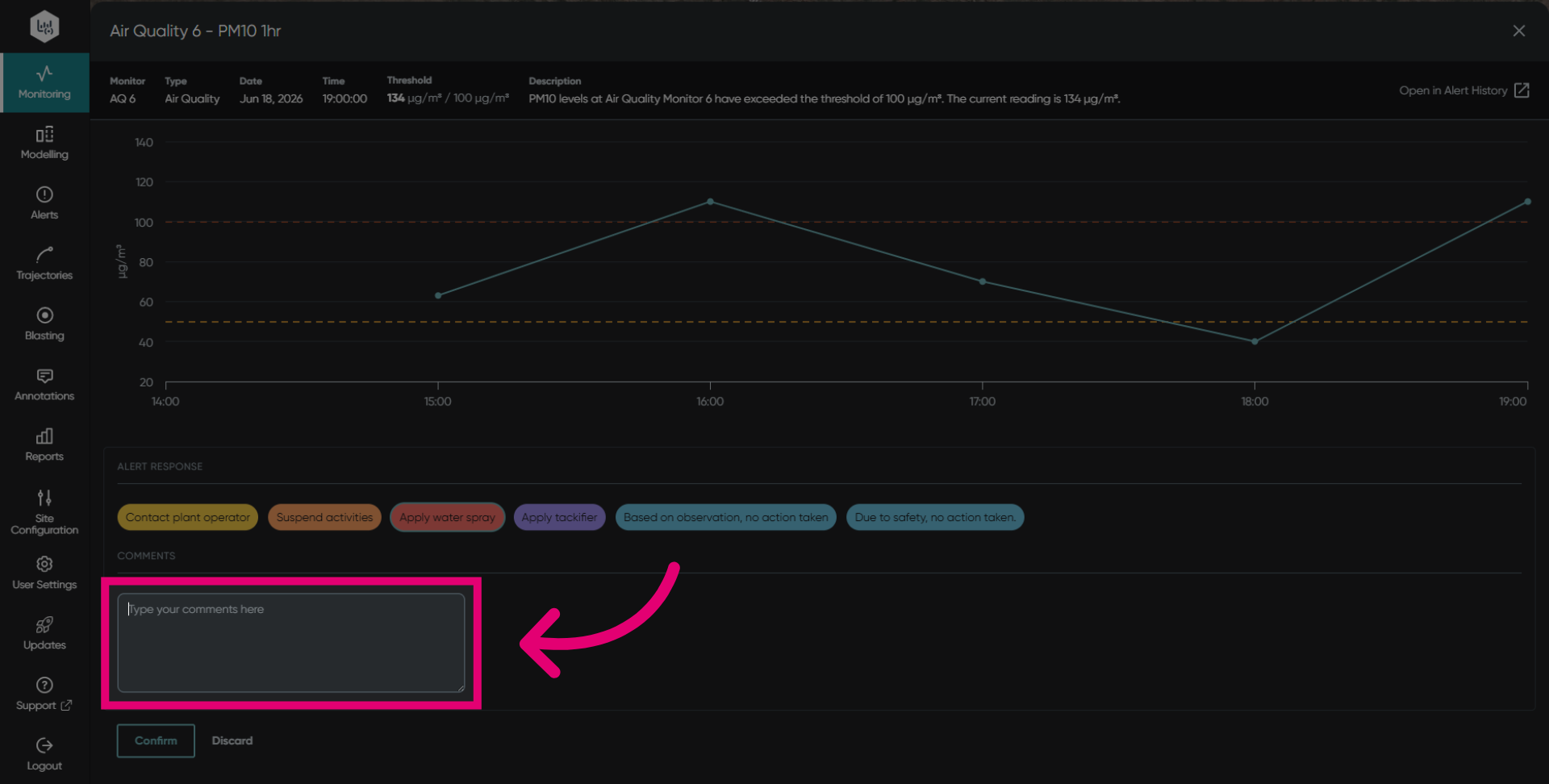
More information improves internal and external communication with the surrounding community.
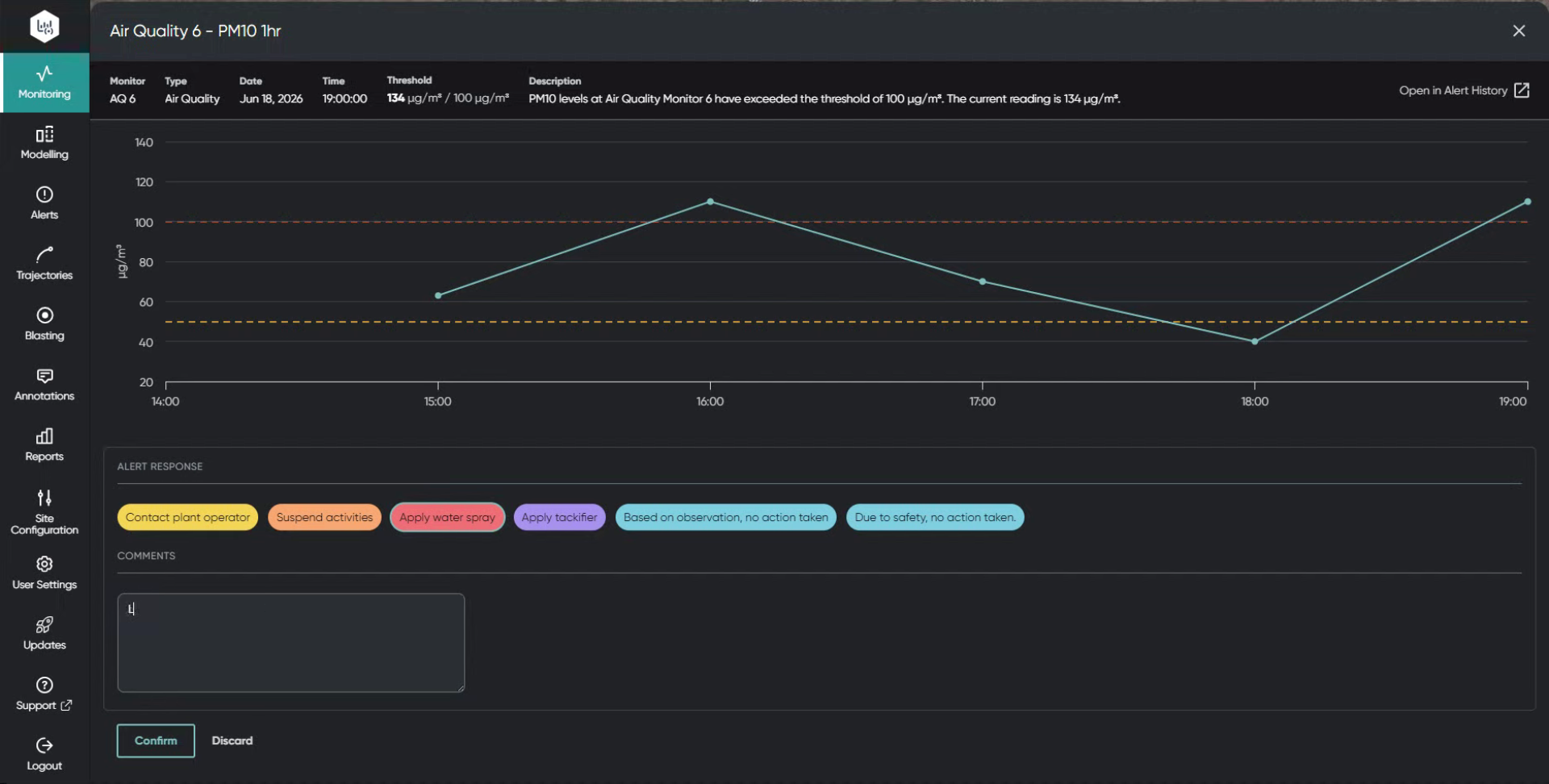
These comments help your organisation to keep track of the events and the actions taken to mitigate them.