New article
Recently updated
Viewing monitor readings in the Timeline

Who is this article for?
Users who want to see monitor readings in the timeline.
Administrators or all users can access this feature.
This tutorial guides you through data visualization within the monitoring module, utilizing the timeline located at the bottom of the screen.
You will learn how to efficiently use the timeline and check your monitoring readings at the time.
Using the Timeline to View Monitor Readings
Log into the system.
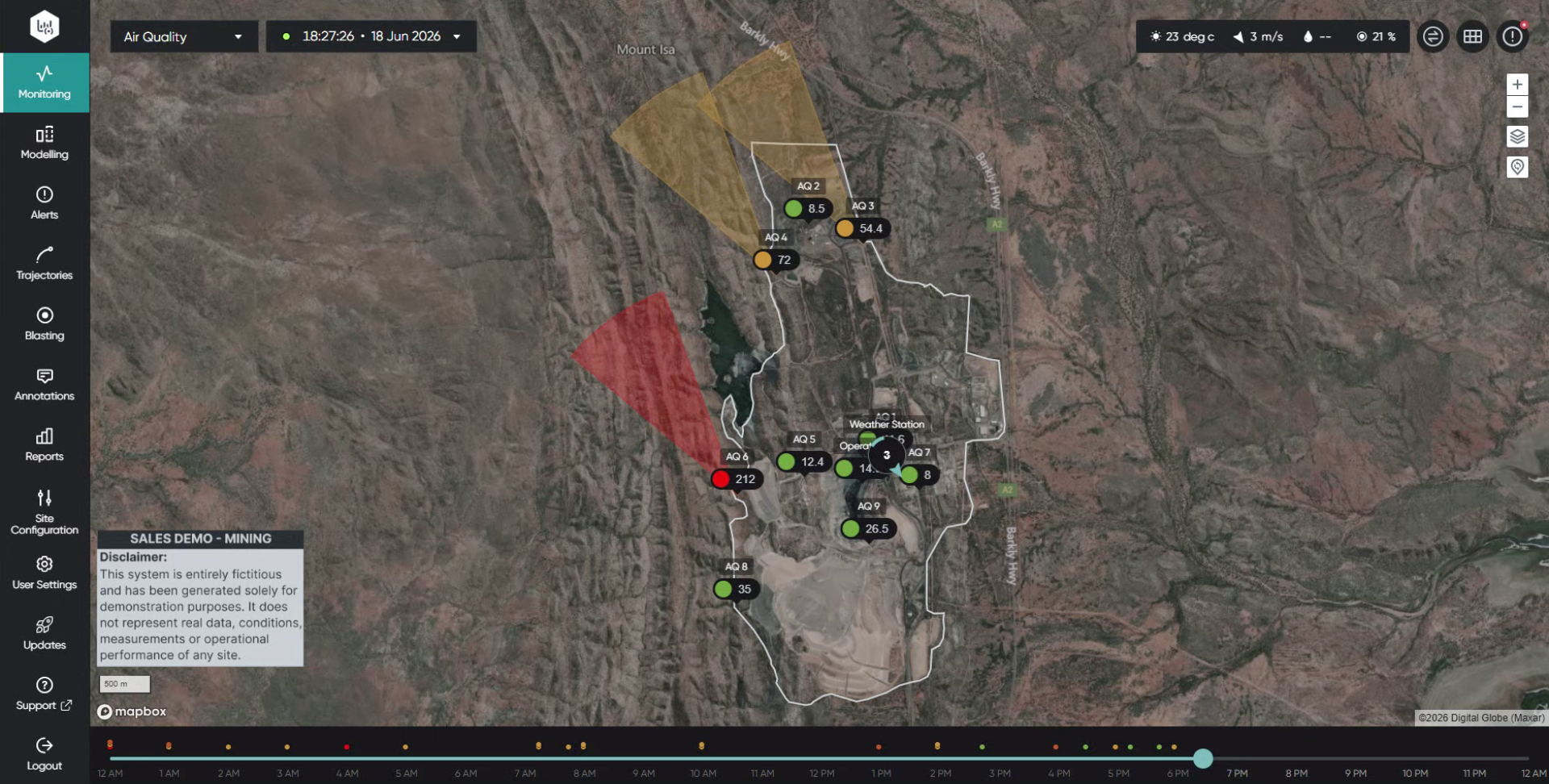
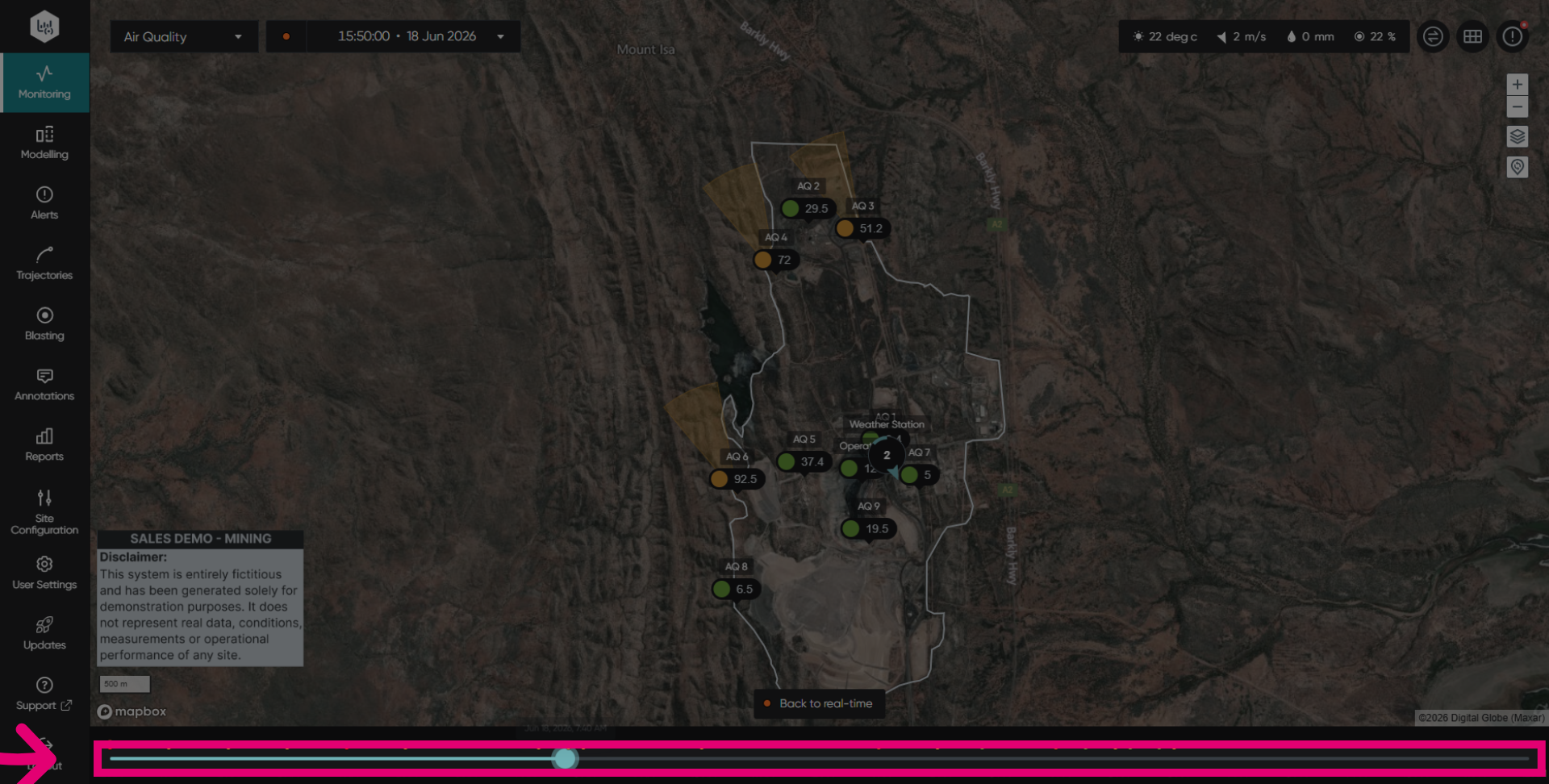
View your emissions by dragging the blue spot along the timeline.
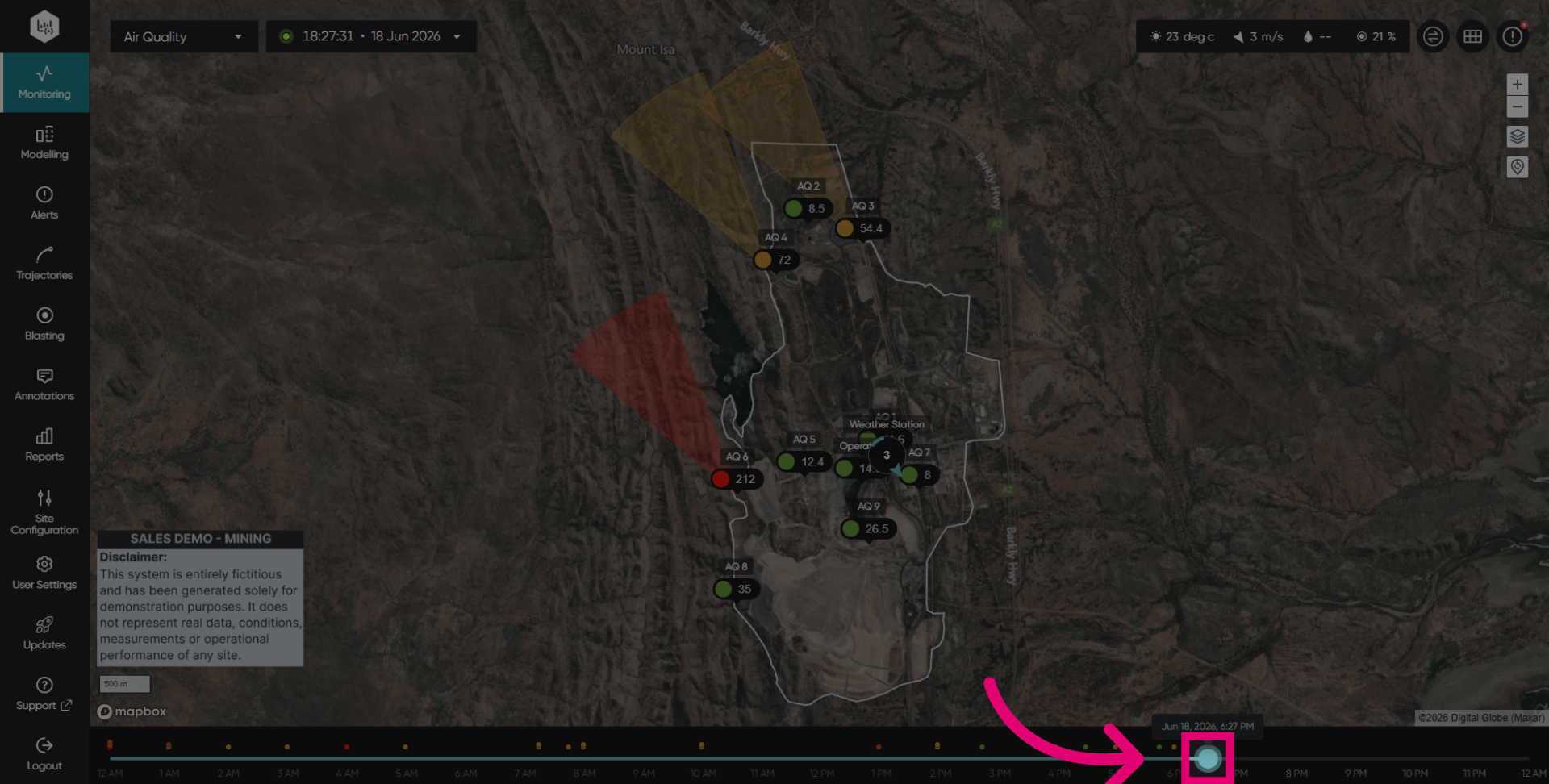
Click on the desired time on the timeline to view emissions at that specific moment.
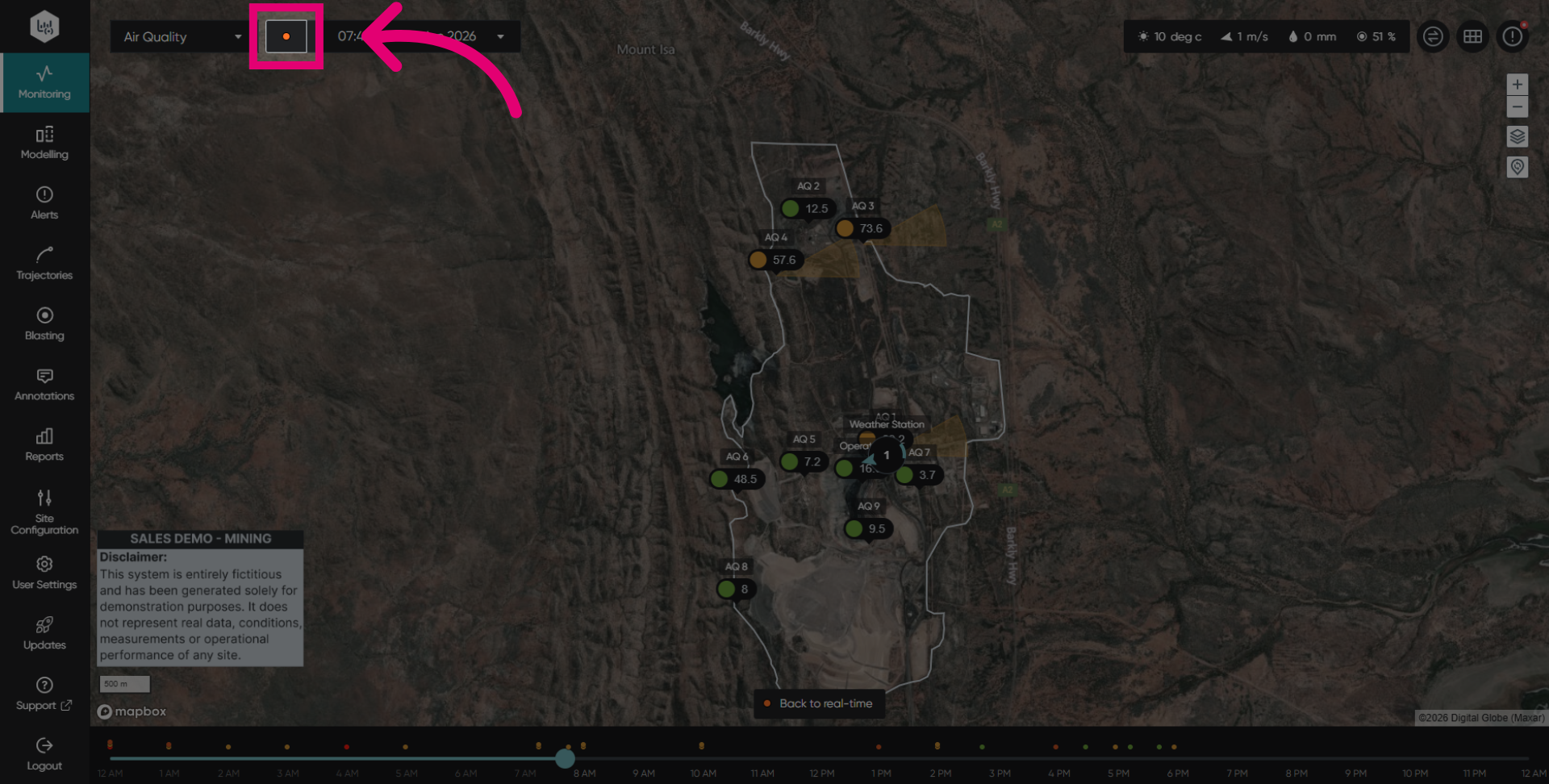
Click the orange button to return to real time. The button will turn flashing green when showing real time.