New article
Recently updated
Creating a new monitoring project

Who is this article for?
Administrators configuring a new monitoring project.
Administrator permissions are required.
This article explains how to create a new monitoring project in Ideagen Envirosuite and configure its settings, monitors, and user access.
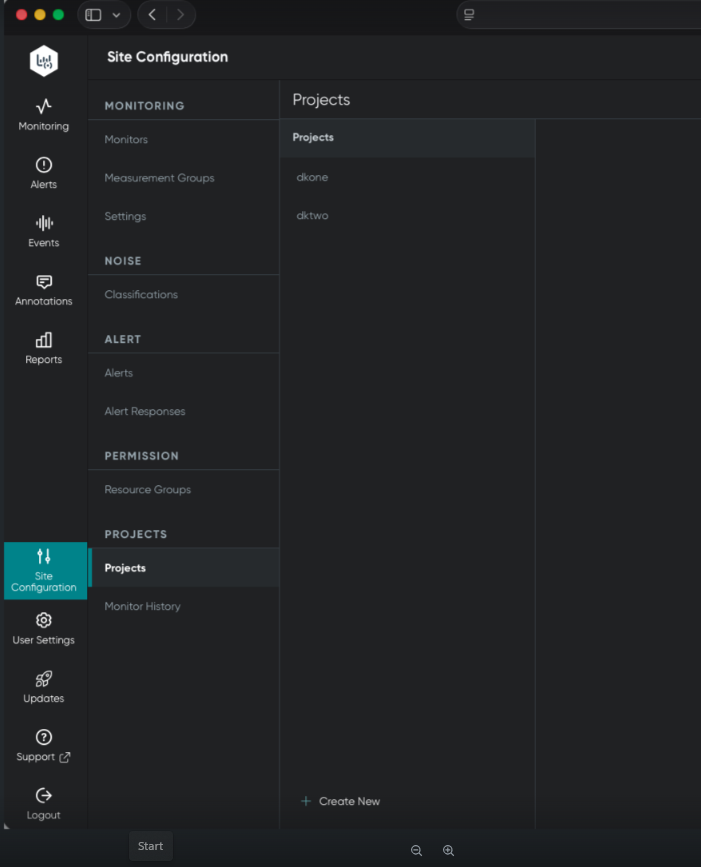
Accessing the projects area
To access the projects configuration area:
- Navigate to Ideagen Envirosuite.
- Select Site Configuration.
- Choose Projects.
Creating a new project
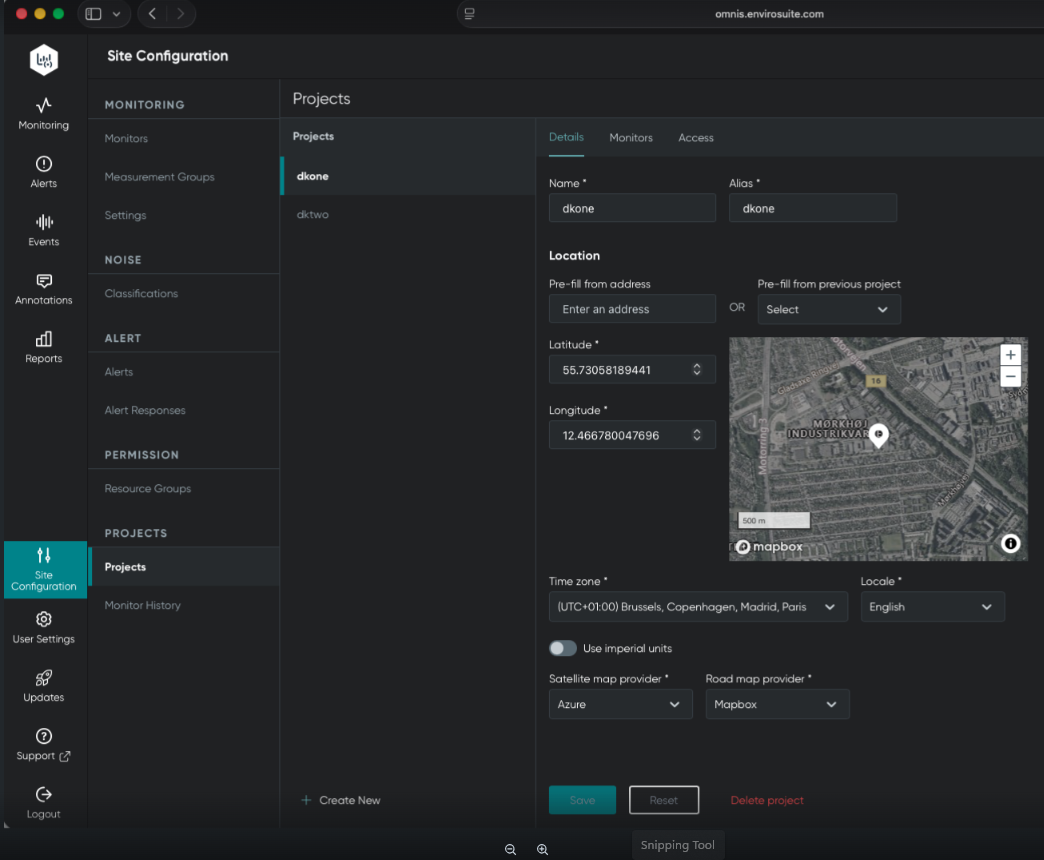
To create a new project:
- Click Create New.
- Enter the main project details including name, alias, location, time zone, and map provider.
These details function similarly to facility settings.
Adding monitors to the project
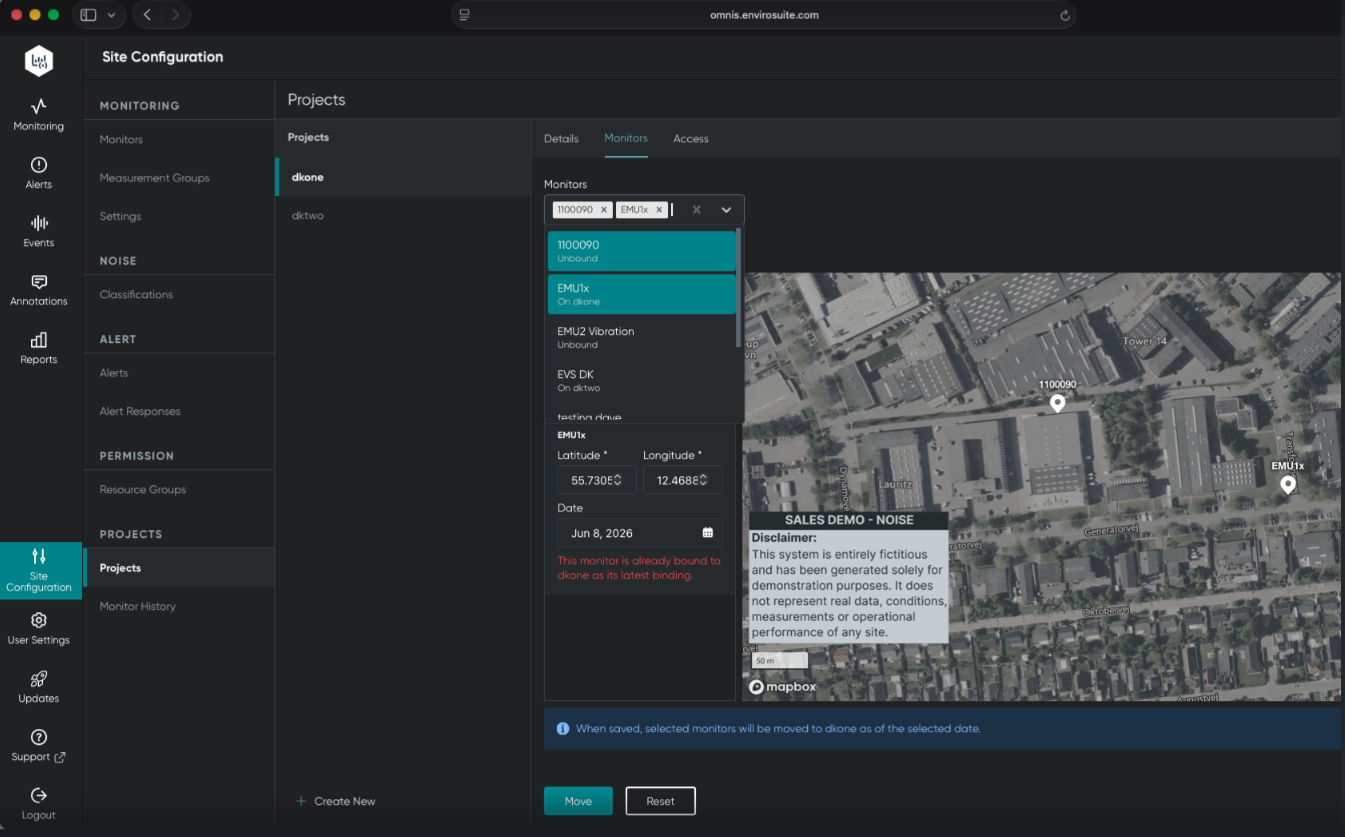
To add monitors to your project:
- Click Create New.
- Select the second tab to move monitors onto the project.
- Choose from the list of all available monitors for your consultant or city.
- Set an effective start date for the monitor move.
This process is similar to the binding concept in the legacy Sentinel Noise programme.
Configuring project access
To configure user access:
- Click Create New.
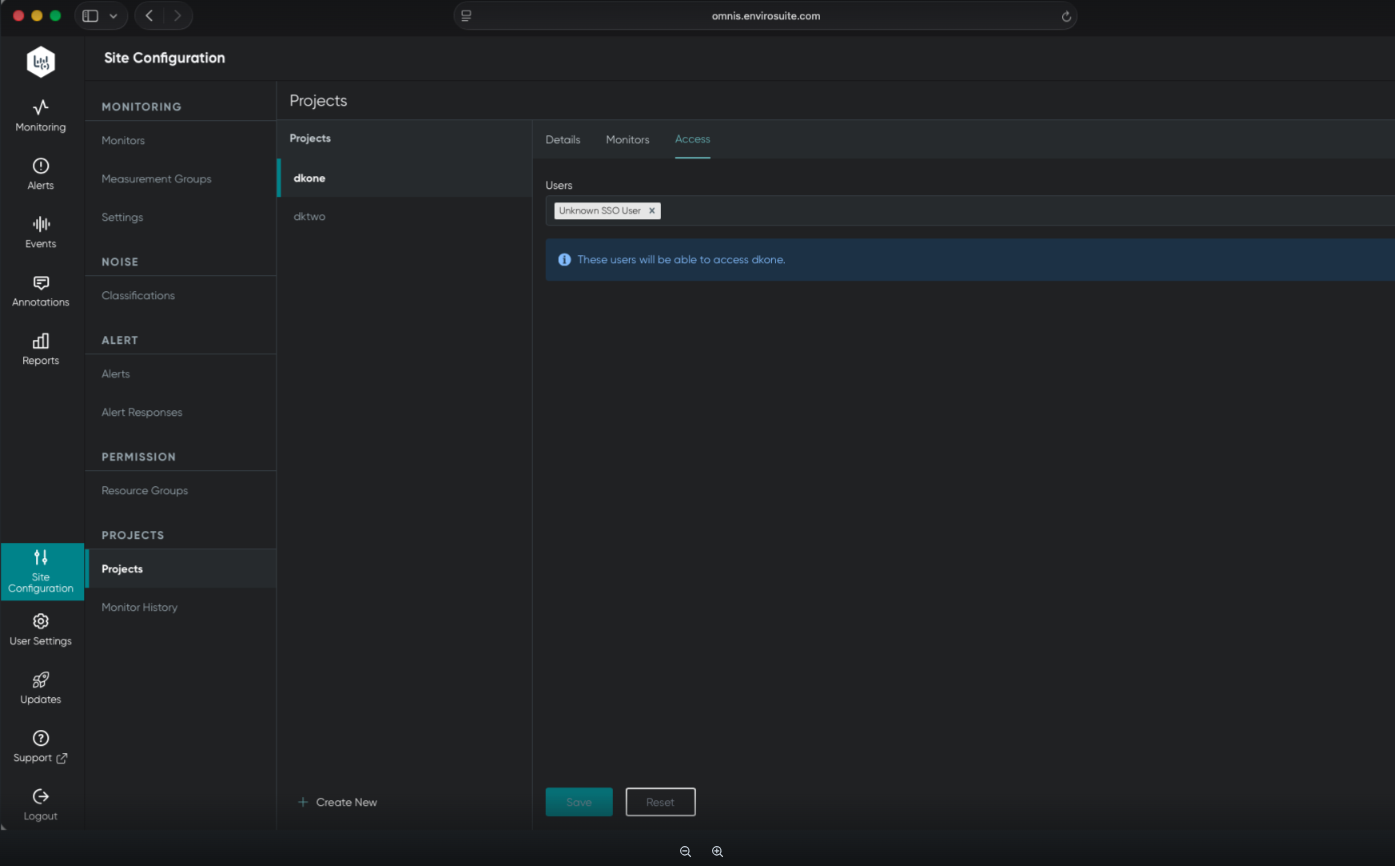
- Select the Access tab.
- Add project managers, users, and third-party stakeholders directly to the project.
Note
Users added at the project level will only have access to their assigned projects, not the entire site or facility.
Reviewing monitor history
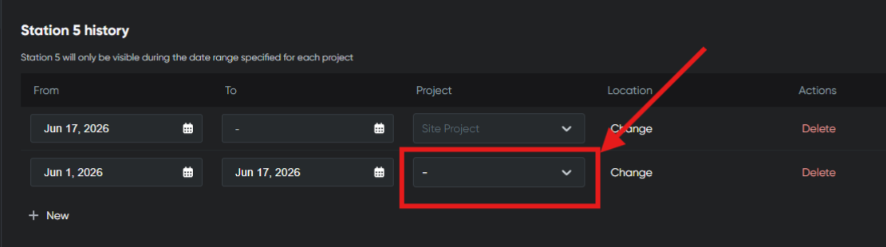
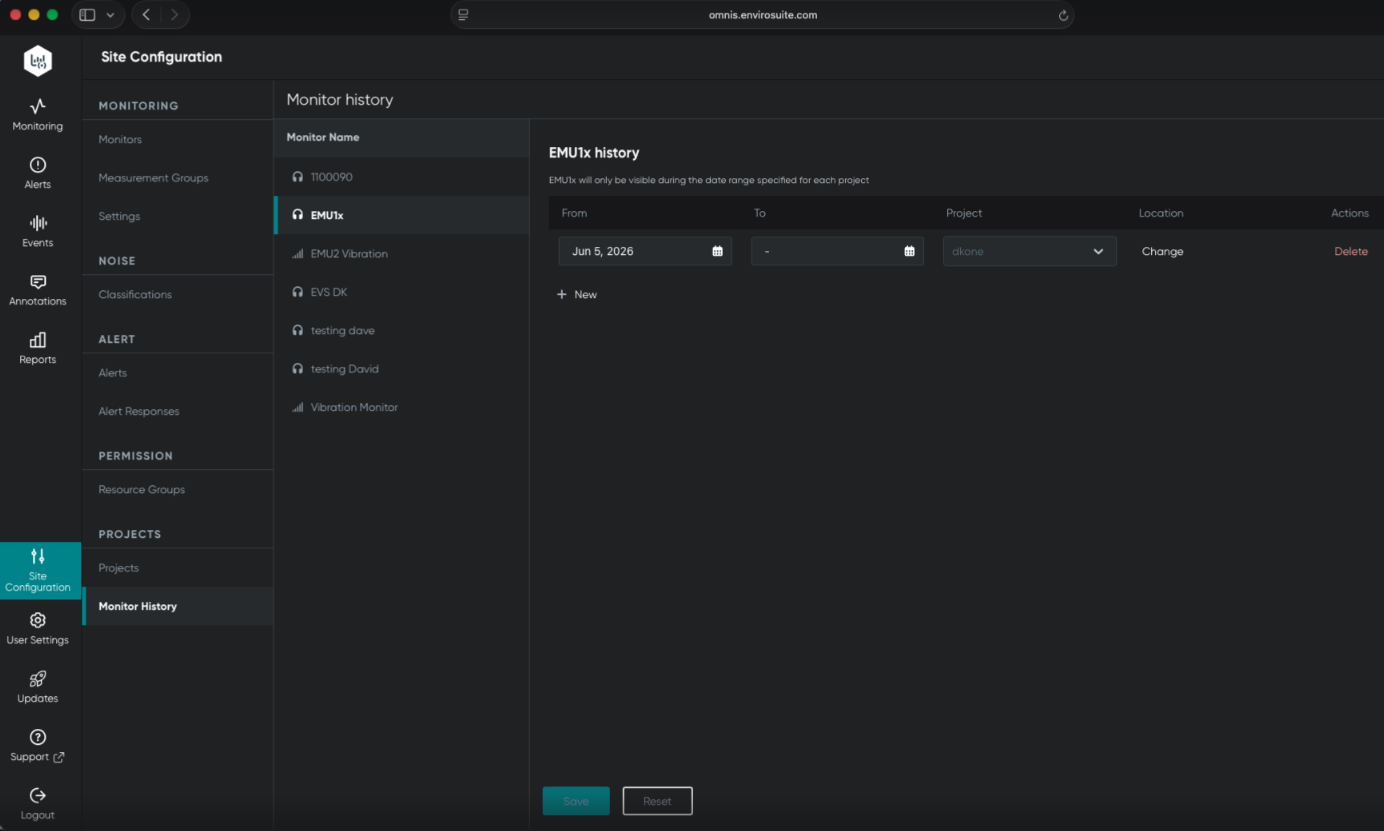
The Monitor History section allows you to review and manage all monitor history over time, including their use on projects and location changes.
Important
If projects do not appear in the monitor history, this indicates you do not have access to those projects.