


New article
Recently updated
Navigating between sites and projects using the Site Picker

Who is this article for?
Users of multiple sites or projects.
No special access or permissions are required.
The Omnis Site Picker allows you to navigate between all sites (facilities) and projects, and view combined project data at the site or facility level.
This article explains how to navigate between sites and projects, and view combined project data using the Site Picker.
Overview
The Site Picker now displays a comprehensive list of all sites (facilities) and projects. For users with access to multiple sites, both the site (facility) and all associated projects appear in the list.
You can use the Site Picker to switch between individual projects or view all project data combined at the site or facility level.
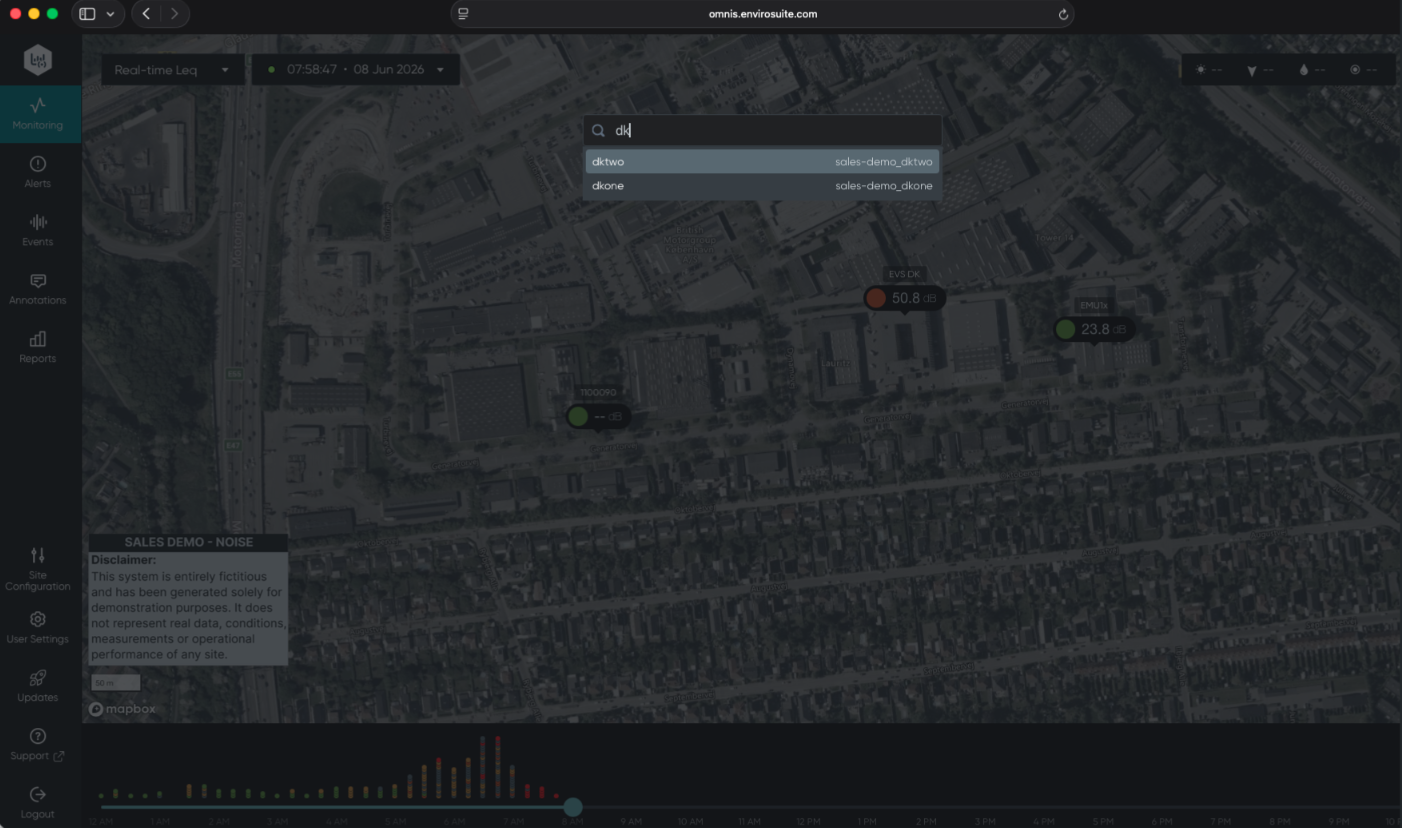
Navigating between projects
To switch between projects:
- Open the Site Picker.
- Select the desired project from the list.
The system will display the selected project's data.
Viewing combined project data
To view combined data for all projects:
- Open the Site Picker.
- Select the site or facility level option.
The system will display all project data in a combined view at the site or facility level.